Version: 2.0.22
Dark Mode
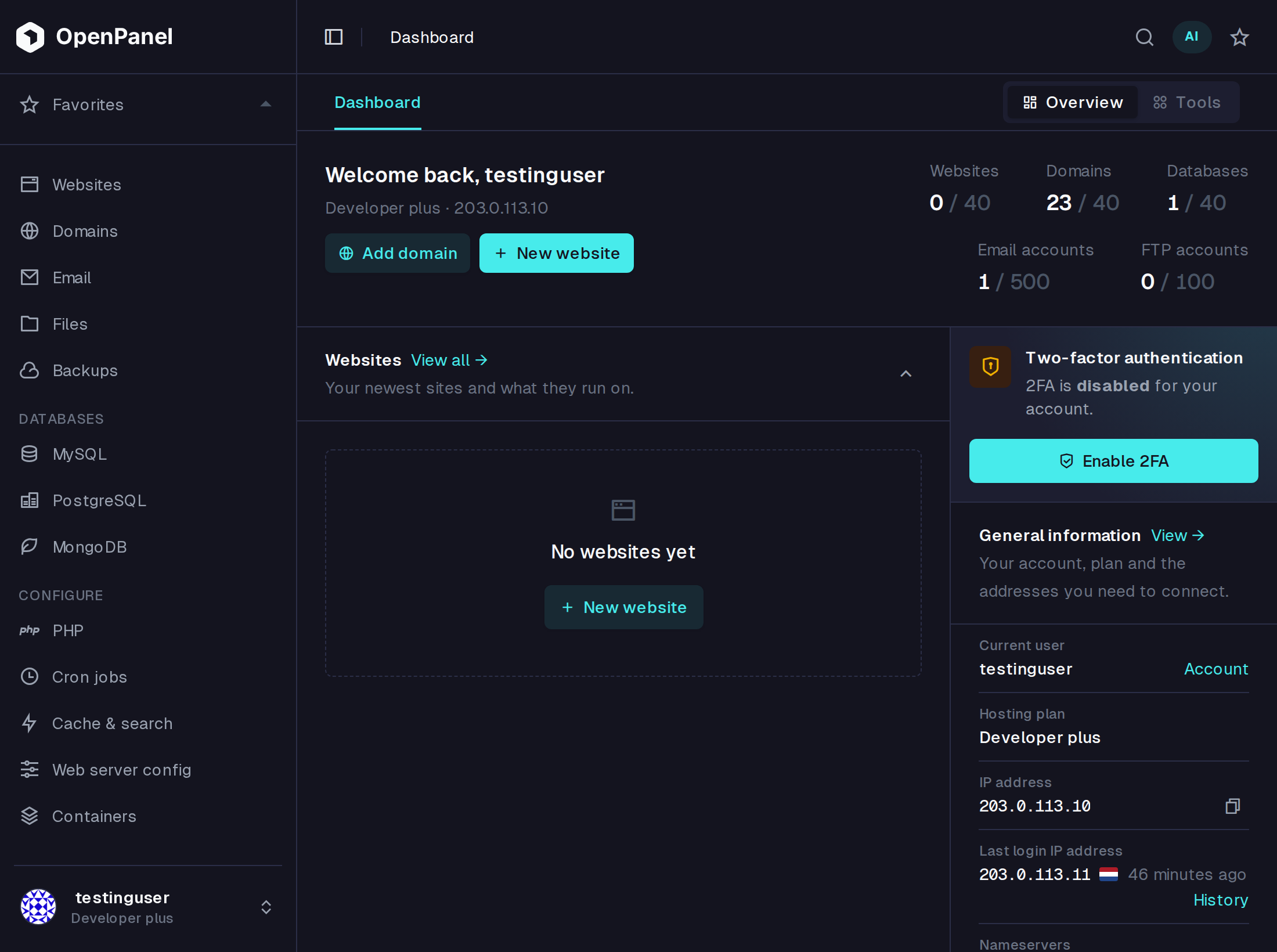
OpenPanel has a built-in Dark Mode. To turn it on or off, click your profile at the bottom of the sidebar and click the moon or sun icon next to Theme:
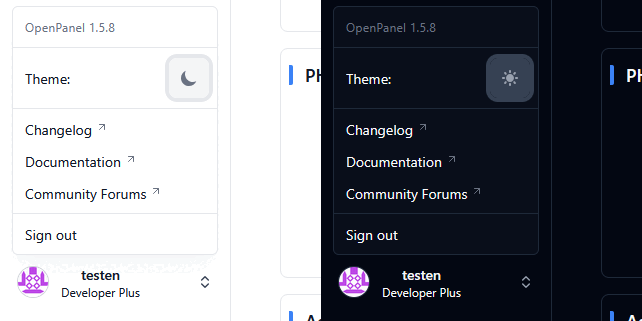
When Dark Mode is activated, it will apply to all OpenPanel pages, including the login page.
Your Dark Mode preference is saved in your browser.
Was this helpful?