Version: 2.0.14
Unsuspend a domain
To restore access to a suspended website, you can unsuspend the domain from the Domains page.
Unsuspending a domain will remove the Suspended Website page and restore the original website content, making it publicly accessible again. All other services - such as email and FTP - will continue to function as they did during suspension.
To unsuspend a domain:
- Open the Actions menu for the suspended domain on the Domains page and click Unsuspend.
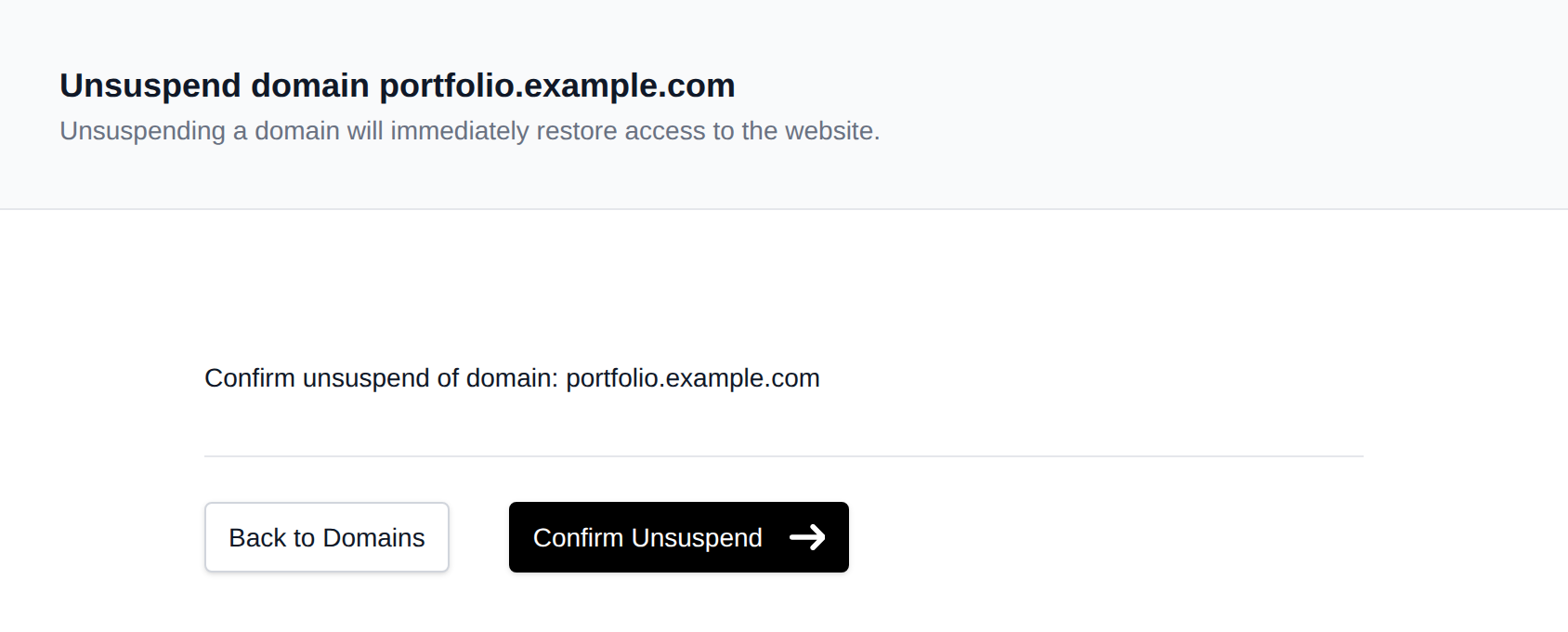
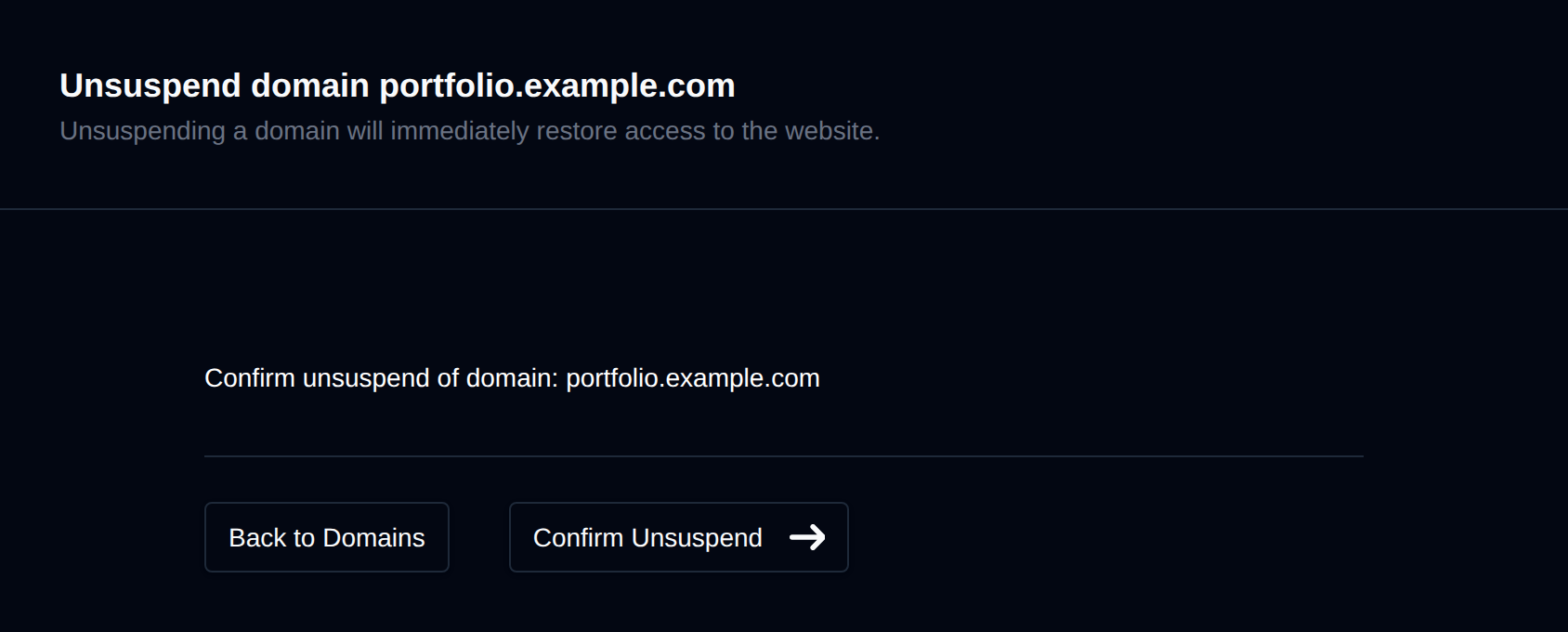
- Click Confirm Unsuspend.
Was this helpful?