Options
The PHP Options page allows you to modify PHP settings stored in the php.ini file.
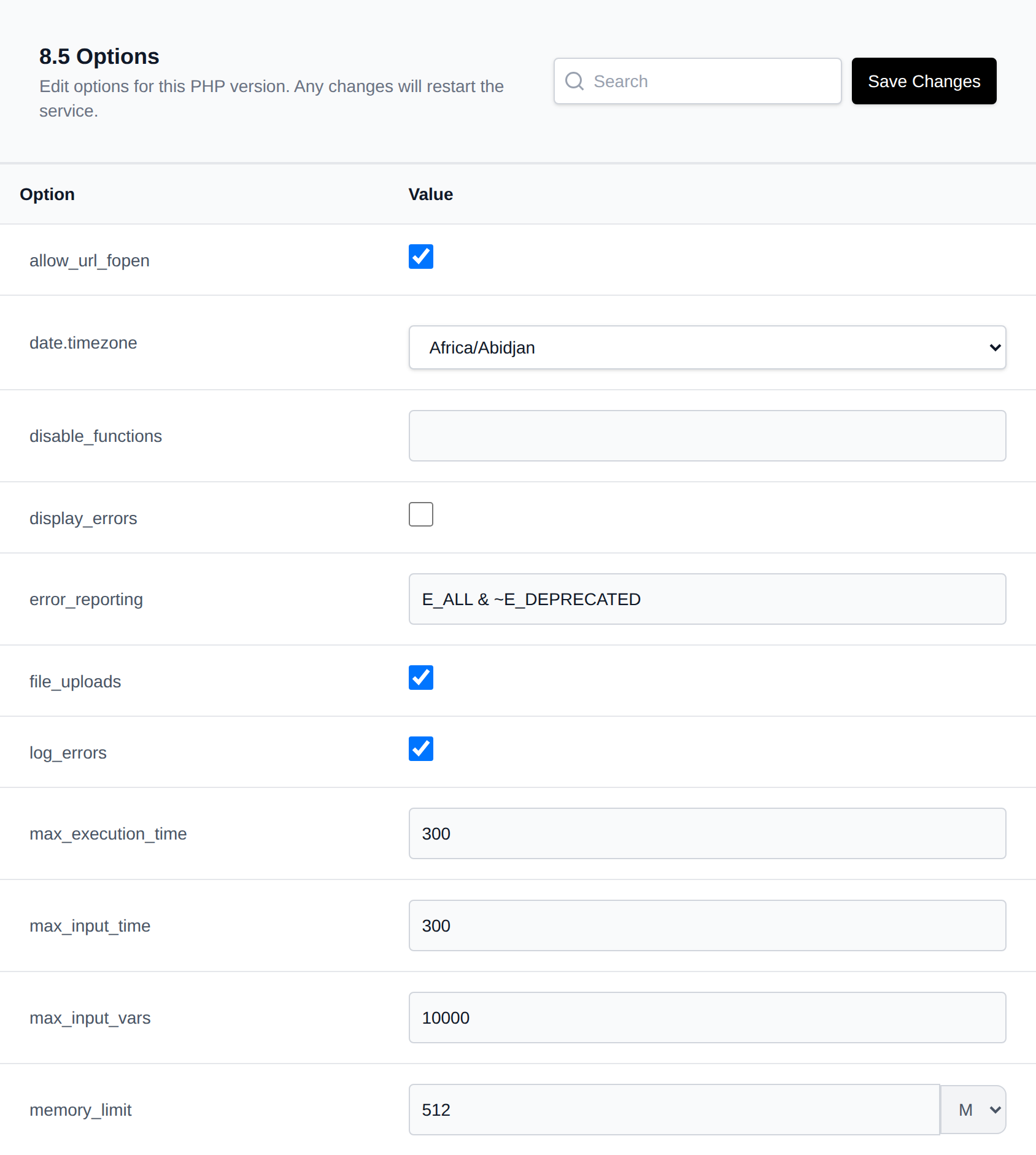
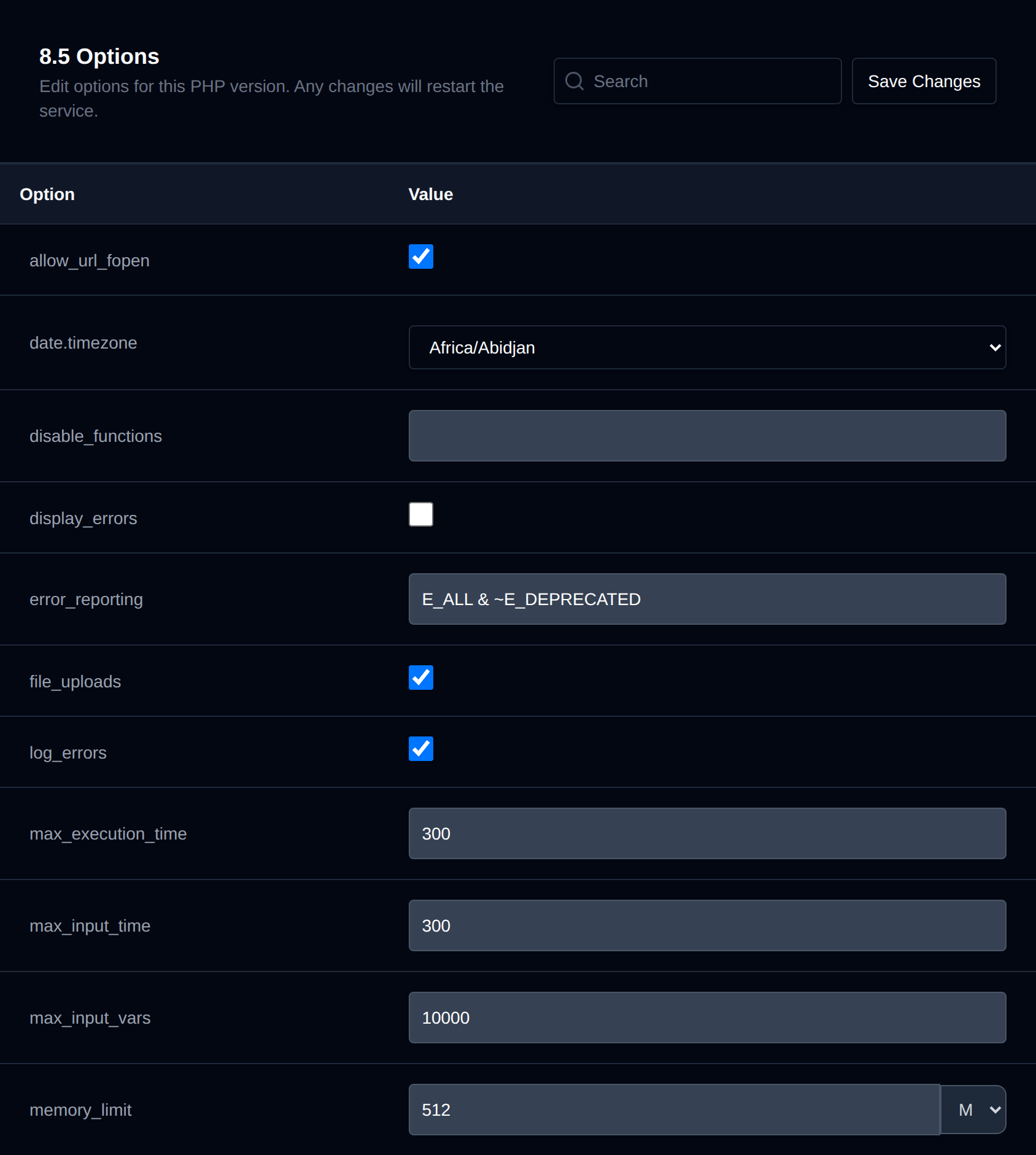
For more advanced users, the PHP.INI Editor can be used - if available.
How to Change PHP Options
- Open OpenPanel and navigate to PHP > Options.
- Select the desired PHP version from the dropdown.
- Modify the options you want to change.
- Click Save Changes to apply changes. Unticking an On/Off option saves it as
Off(or0).
Settings will be saved to the php.ini file for the selected PHP version, and the PHP container will restart to apply changes immediately. These settings apply to all domains using that PHP version.
Optimize PHP
When you open the options of a PHP version, OpenPanel checks that version in the background and suggests values that fit your sites. While it checks you'll see Checking this PHP version for possible optimizations....
If it finds something to improve, an Optimize PHP banner shows at the top of the page and an optimize icon (⚡) shows next to each option that has a suggestion.
- Click the optimize icon next to an option, or Review all in the banner.
- The Confirm Changes dialog shows the previous value, the new value and why it's suggested for each option.
- Click Save Changes to apply them and restart the PHP service, or Cancel to close the dialog without changing anything.
The banner also shows what the suggestions are based on: the PHP version, the memory limit and current memory use of the PHP service, how many of your domains use this version, how many of them run WordPress and how many PHP workers the service can run at once.
Suggestions are based on:
- The PHP service: its memory limit and whether it was stopped for running out of memory. For example
memory_limitis lowered when a single script may use more memory than the whole service has, or when it's unlimited (-1). - Your domains: how many use this PHP version and how many of them are WordPress sites. WordPress sites get suggestions such as
memory_limit = 256M,upload_max_filesize = 64Mandmax_input_vars = 3000. - Your settings: for example
post_max_sizesmaller thanupload_max_filesize,max_execution_time = 0,display_errorson,log_errorsoff or an emptydate.timezone. - The PHP-FPM log: Allowed memory size exhausted, Maximum execution time exceeded, POST Content-Length exceeds the limit and Input variables exceeded errors raise the matching option. Running out of PHP workers is shown as a note.
If no domain uses the selected PHP version yet, the banner says so and only suggestions based on settings and memory are shown.
Optimizations are general suggestions and may not result in better performance for all sites.
Available Options
The list of configurable PHP options is determined by the system administrator. By default, the following options are available:
allow_url_fopendate.timezonedisable_functionsdisplay_errorserror_reportingfile_uploadslog_errorsmax_execution_timemax_input_timemax_input_varsmemory_limitopen_basediroutput_bufferingpost_max_sizeshort_open_tagupload_max_filesizezlib.output_compression
Customizing Available Options
Administrators can customize the available options:
- For all new users: Edit
/etc/openpanel/php/options.txt - For a specific user: Edit
/home/USERNAME/php.ini/options.txt