Database Wizard
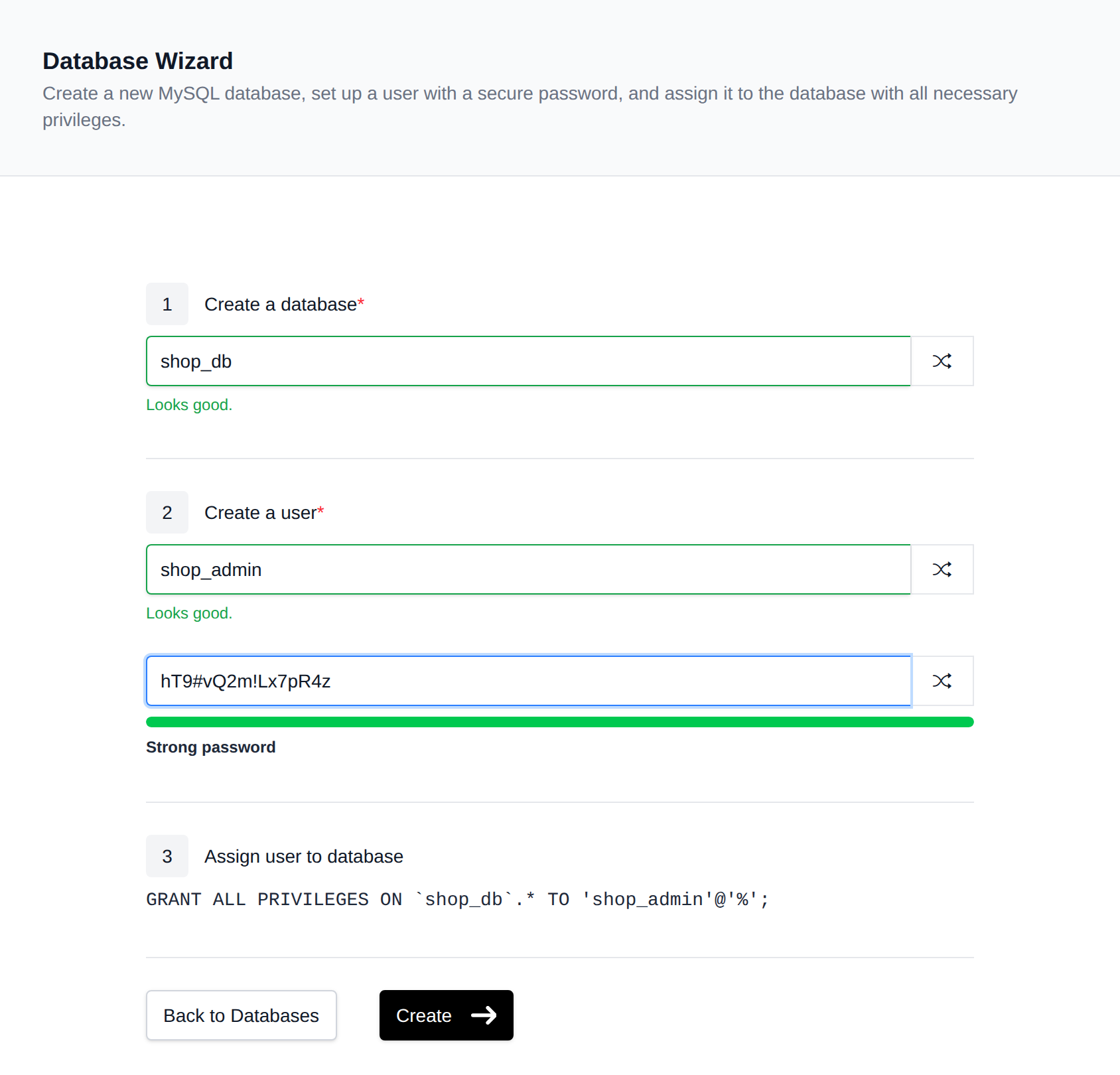
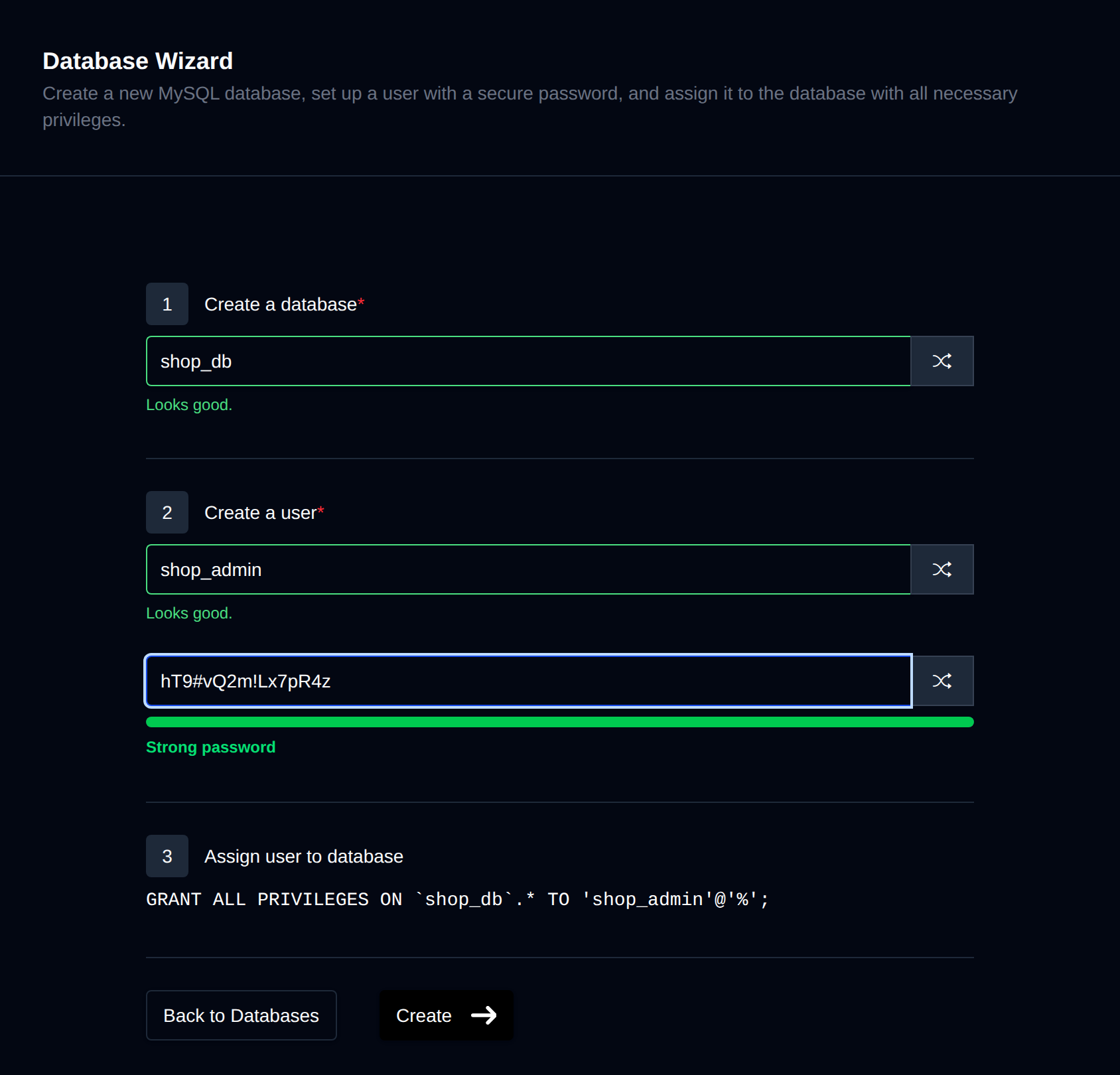
The Database Wizard can be accessed on the MySQL page by clicking the "Database Wizard" button. This tool is designed to streamline the creation of a new database, a new user, and their assignment to the database with all privileges.
Fill in a database name and a username (or click the shuffle button next to each field to generate a random value), and set a password (or generate a strong random one). A live preview shows the GRANT statement that will be executed.
Once you click Create, a "Setup complete" screen replaces the form and shows your new credentials (Database, Username, Password, Server, Port), each with a copy button. Please ensure to save this data as the password will not be displayed again — however, you have the option to reset it at any time from the Users page.
The same screen also provides ready-to-use configuration snippets — for WordPress, Laravel, Django, Node.js, and PHP PDO — that you can copy or download directly.