Version: 2.0.17
Fix Permissions
The Fix Permissions tool is designed to automatically correct file and folder permissions for your websites, ensuring that they are secure and function properly.
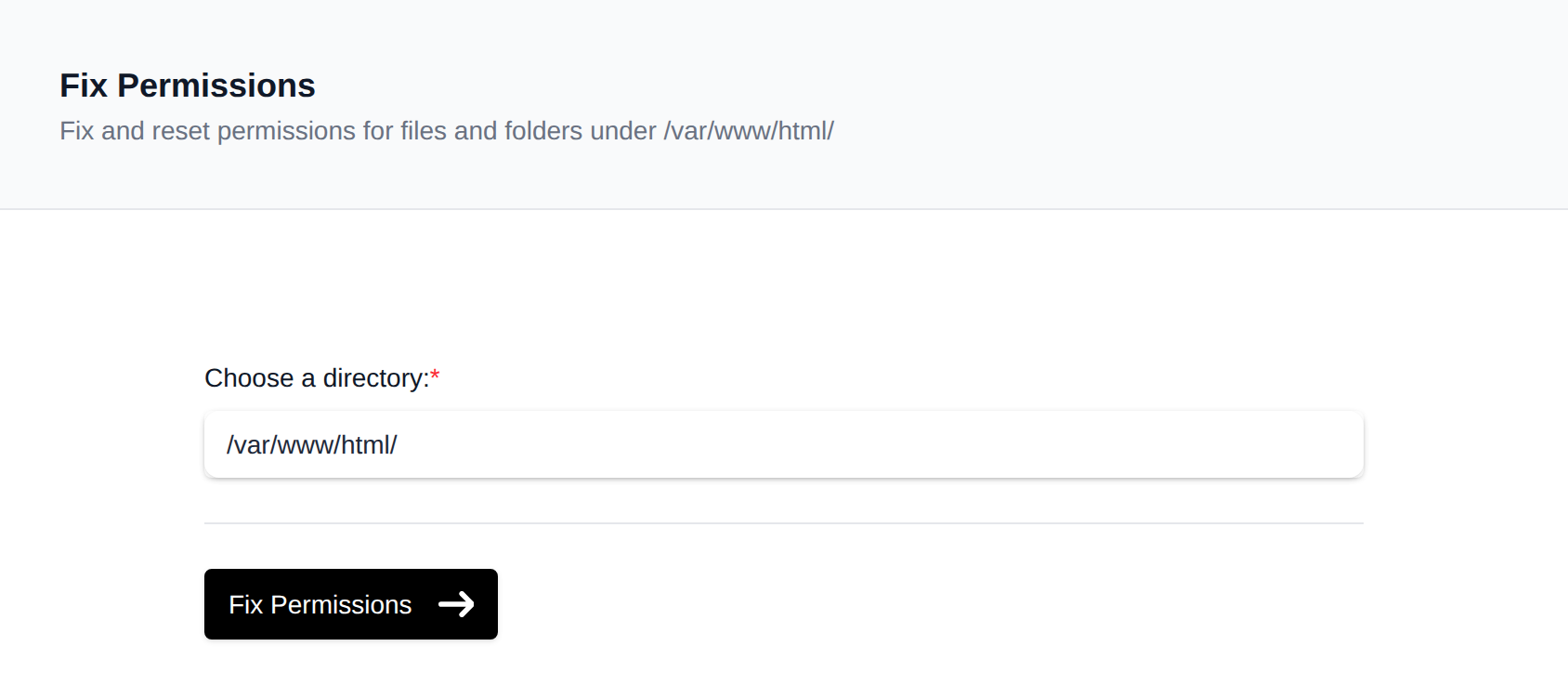
Open Fix Permissions page and set the path or leave empty (/var/www/html/) to go over all files.
How It Works
Clicking the Fix Permissions button will:
- Set you as the owner of all your website files and folders inside
/var/www/html/. - Set files to
664so you can edit them and the web server can read them. - Set folders to
775so you can manage them and the web server can open them. - Check and fix ownership of FTP account folders so FTP users can upload and edit their files.
It will not change emails, databases, or any file contents.
Caution
- Custom permissions or advanced configurations may be overridden.
- If you're running custom scripts that require different permissions (e.g., executable
.shfiles), you'll need to reapply those settings manually after using this tool.
Recommended Usage
You should use the Fix Permissions option only when:
- Your website is showing permission-related errors.
- You've uploaded or modified files manually (e.g., via FTP or File Manager).
- Your CMS (WordPress, Joomla, etc.) cannot write to certain folders.
- You suspect ownership or permission issues after a migration or manual edit.
Use this tool only when you’re experiencing issues. Frequent, unnecessary use is not required and may revert intentional permission changes.
Was this helpful?