Version: 2.0.18
Favorites
Users can add a page to favorites by left-clicking the star in the top-right corner of any page and remove it either from this page or by right-clicking the same star.
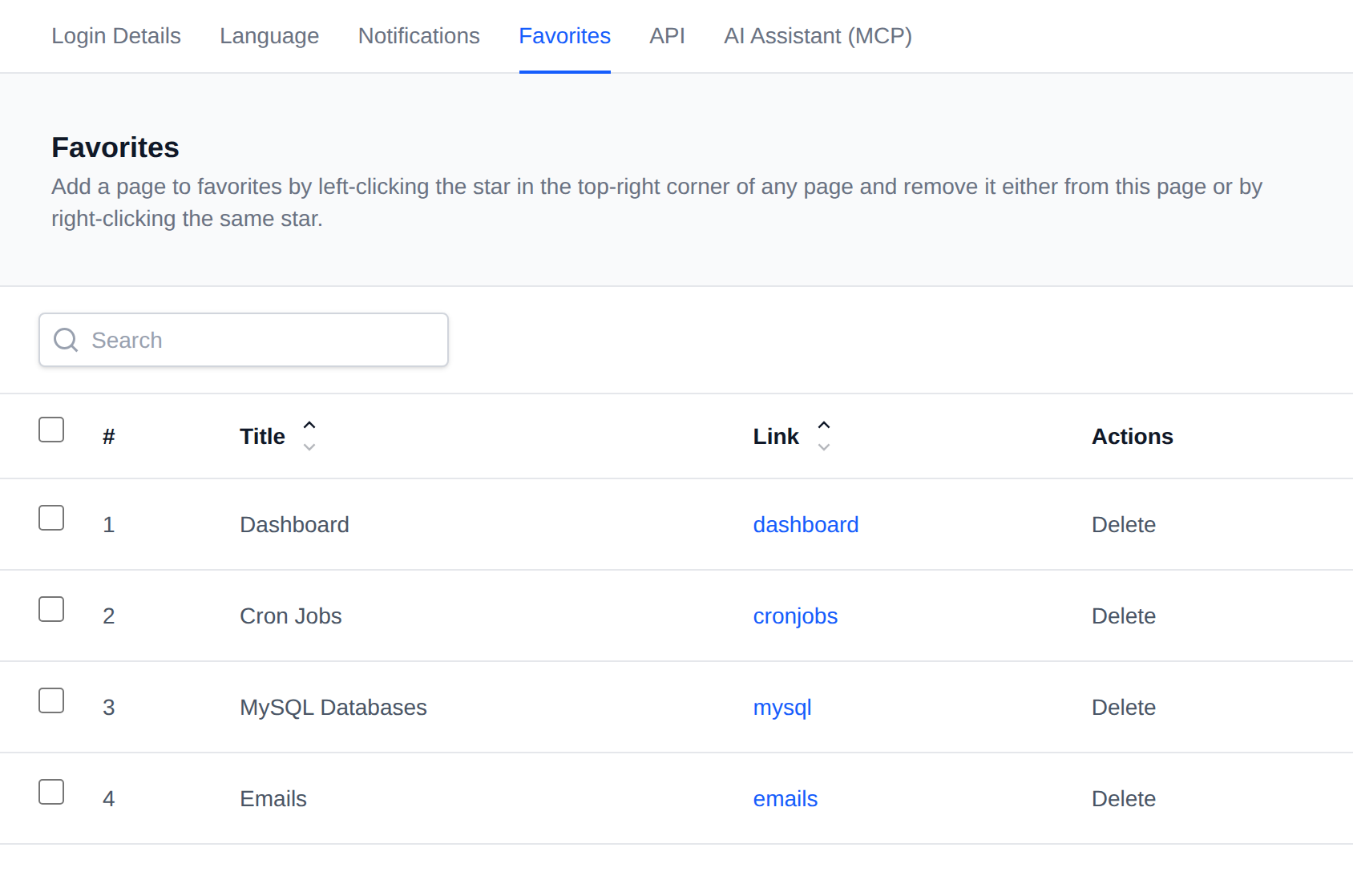
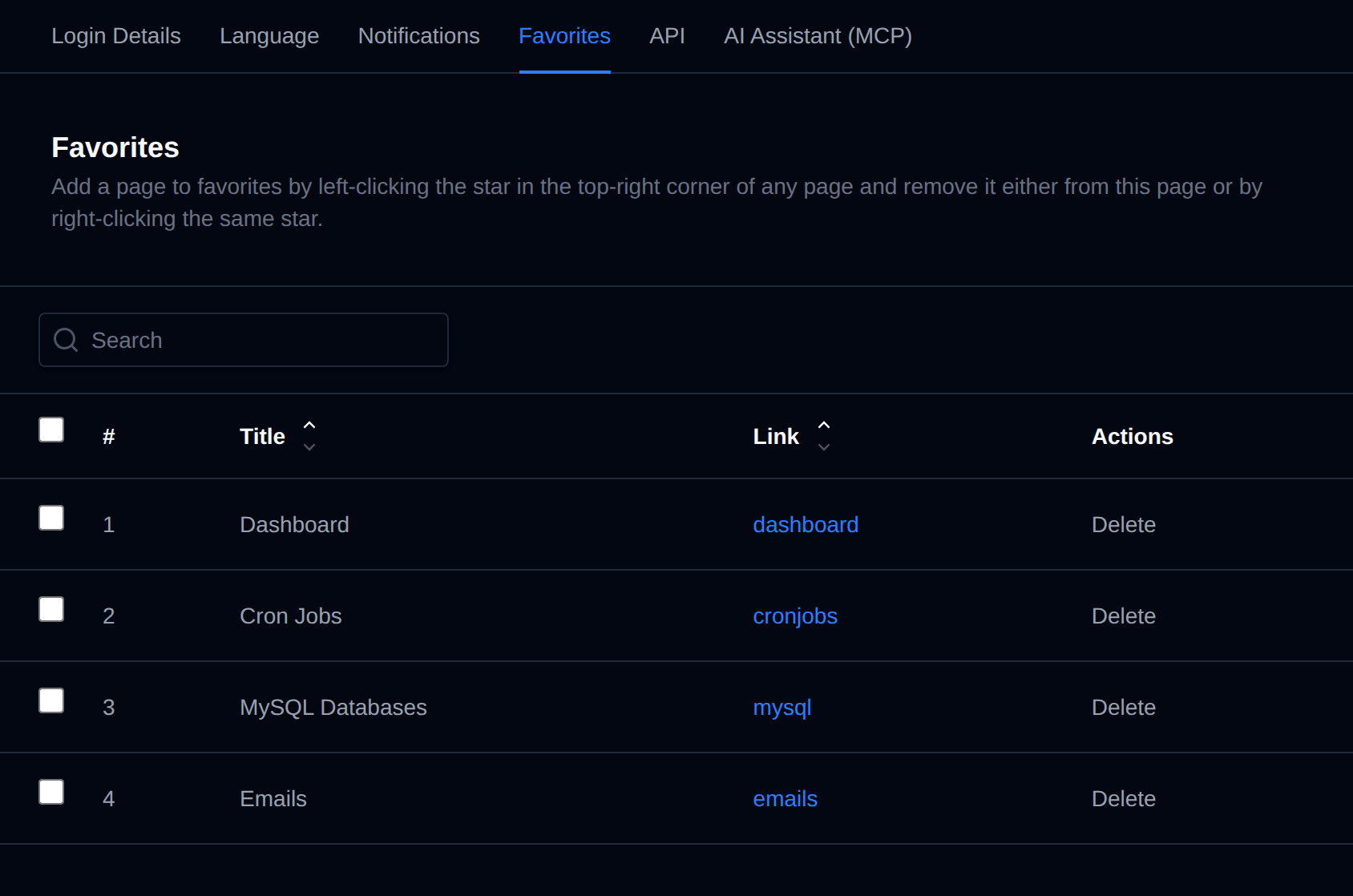
Bulk Actions
Tick the checkbox of one or more favorites, or the checkbox in the table header to select every favorite shown by the current search. A bar appears at the bottom of the page with the number selected, a Clear link and these actions:
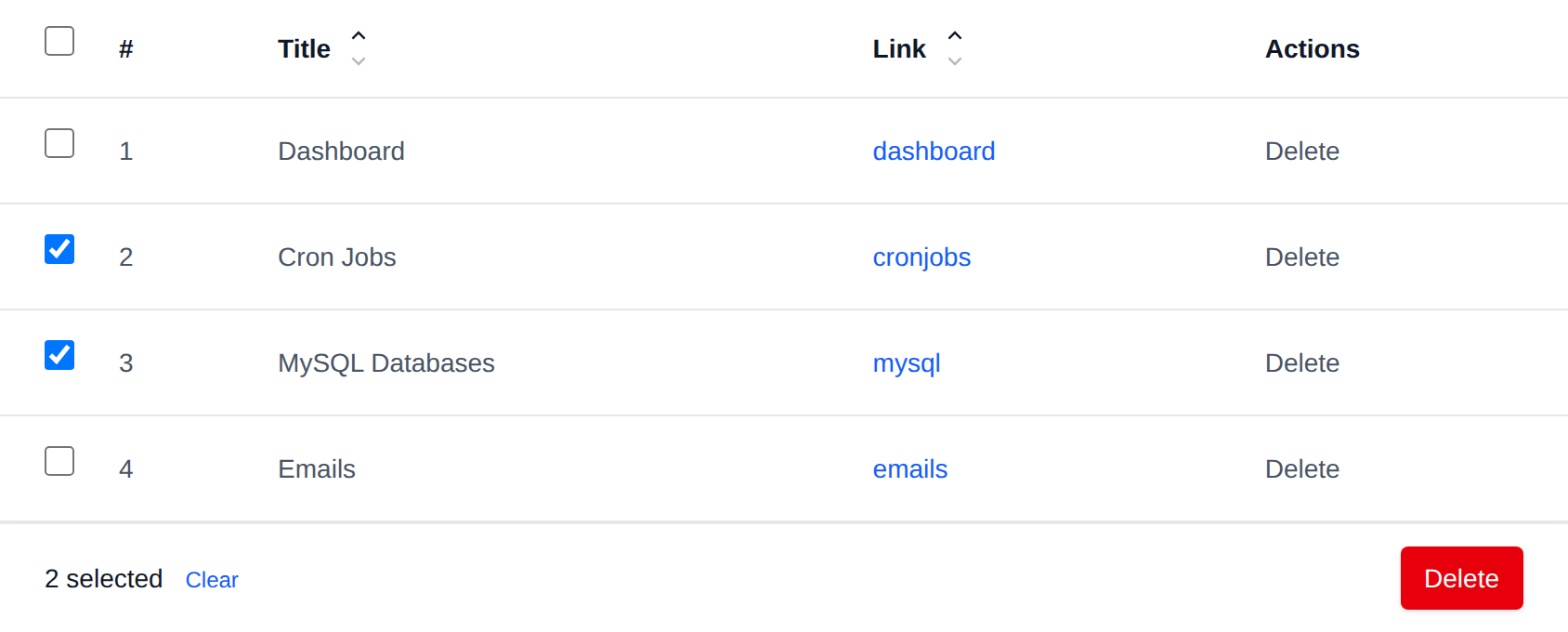
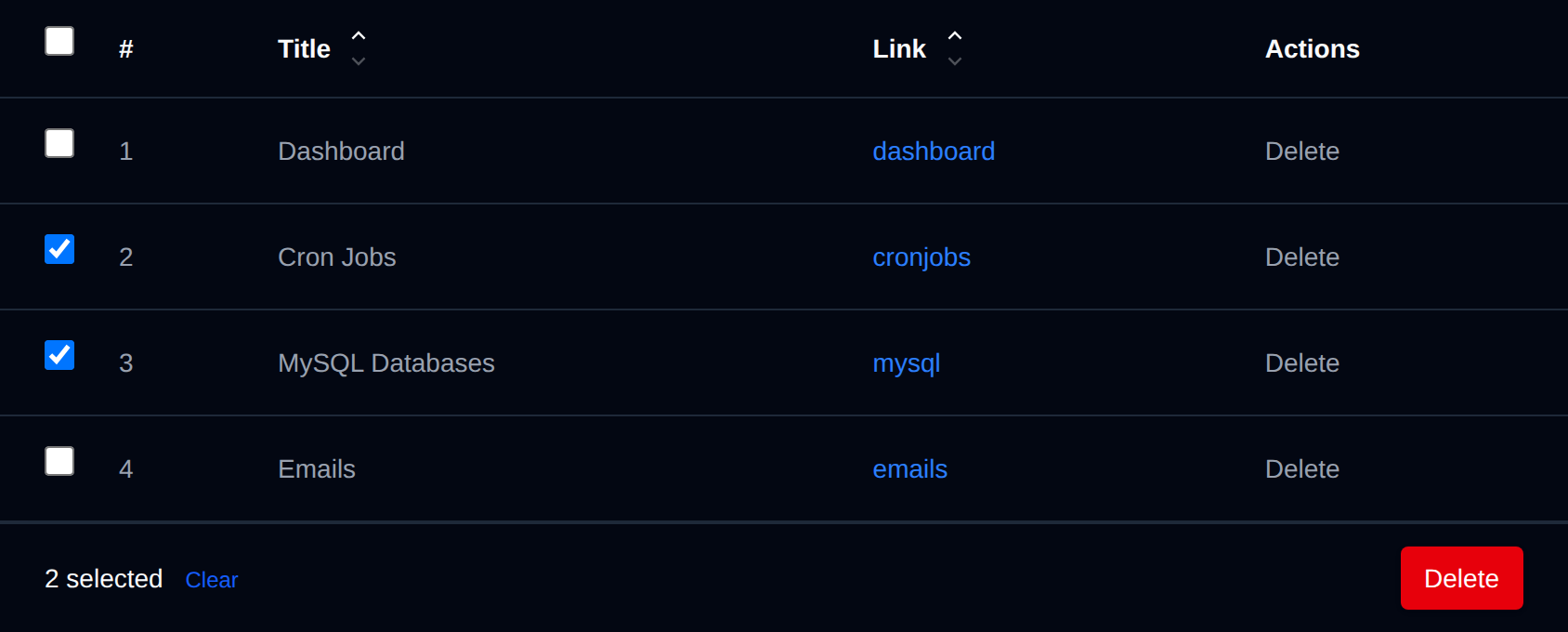
| Action | What it does |
|---|---|
| Delete | Removes the selected pages from your favorites. |
Click an action, confirm it, and it runs on the selected favorites one after another. When it's done the page reloads with a notice listing the favorites it worked for, or which ones failed and why.
Was this helpful?