Version: 2.0.13
Terminal
The Terminal page provides a web-based terminal (podman exec) for interacting with your running containers directly through the OpenPanel interface.
Requirements
To access the Terminal:
- The Docker module must be enabled server-wide by an Administrator.
- Your account must have the Docker feature enabled.
/etc/openpanel/disable_openpanel_terminal_uifile should not exist.
Accessing the Terminal
- In the OpenPanel menu, go to Containers > Terminal.
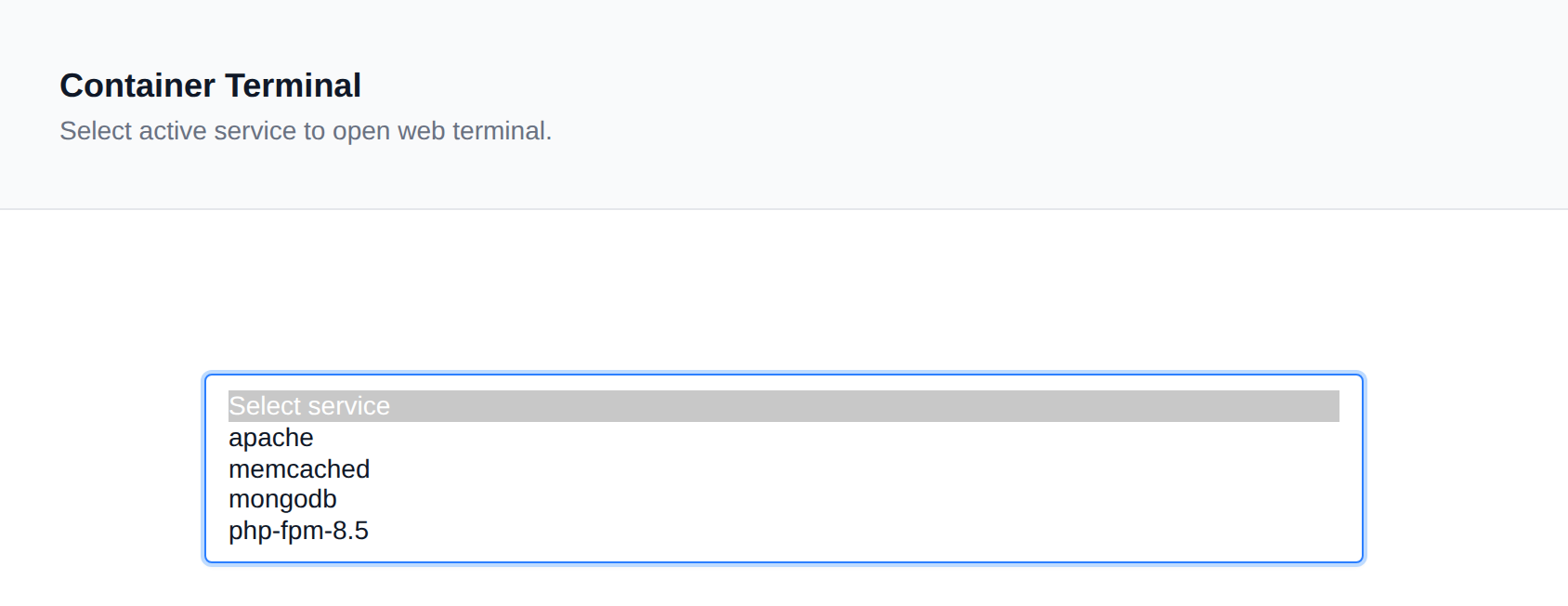
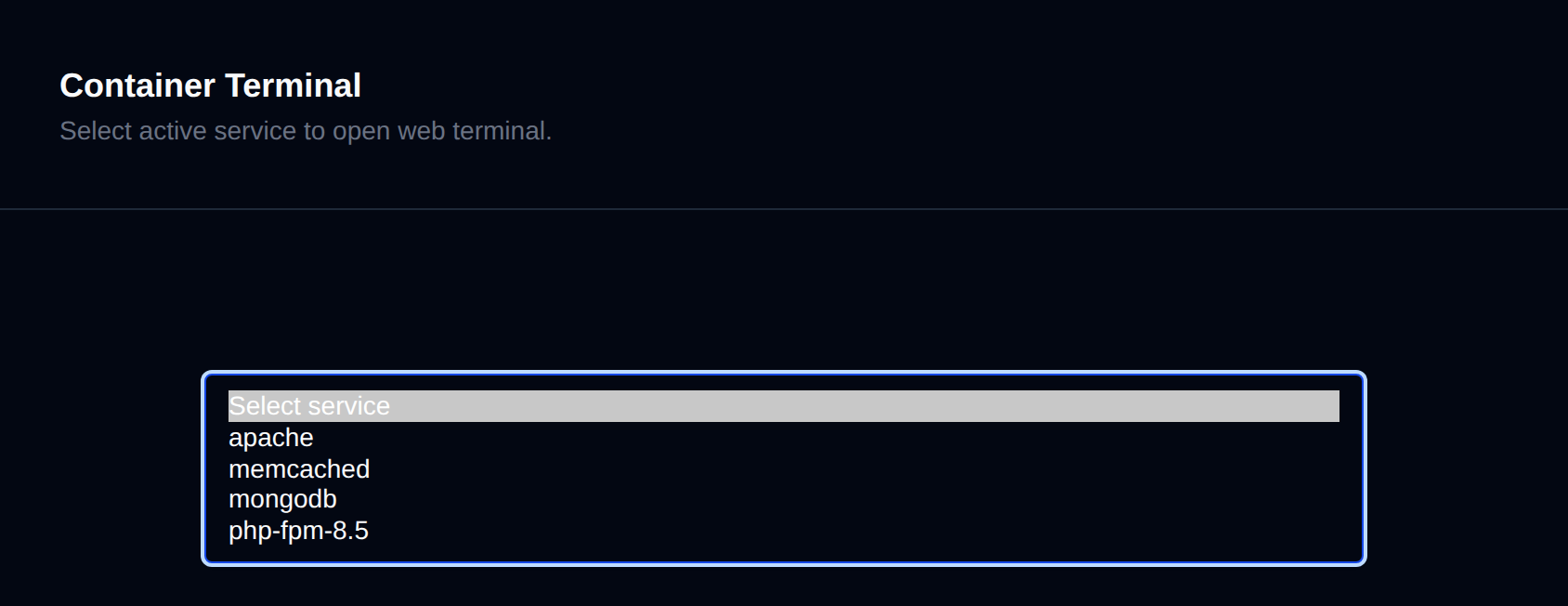
- Click on Select Service to display a list of currently running services.
- Click on the service you want to access.
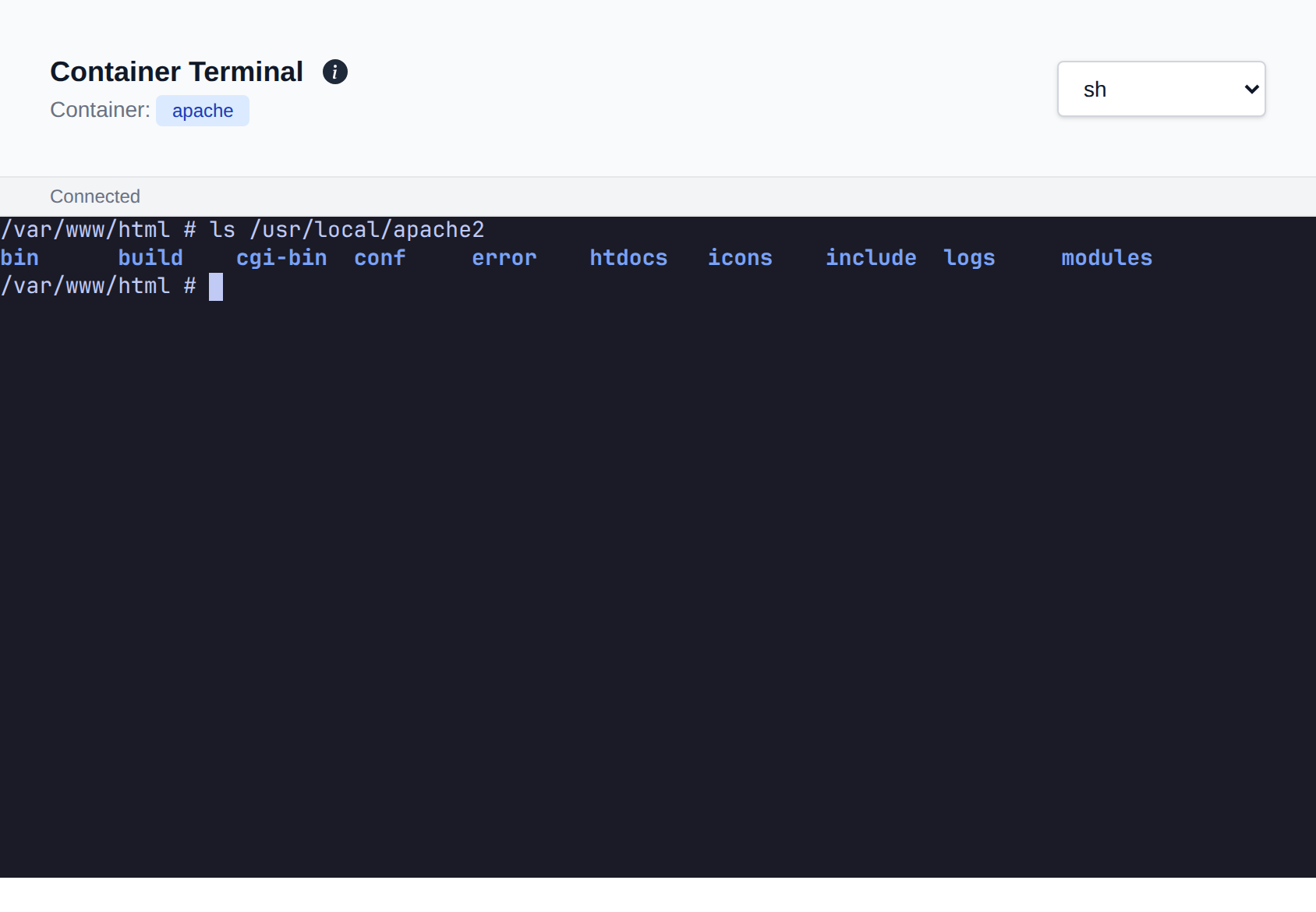
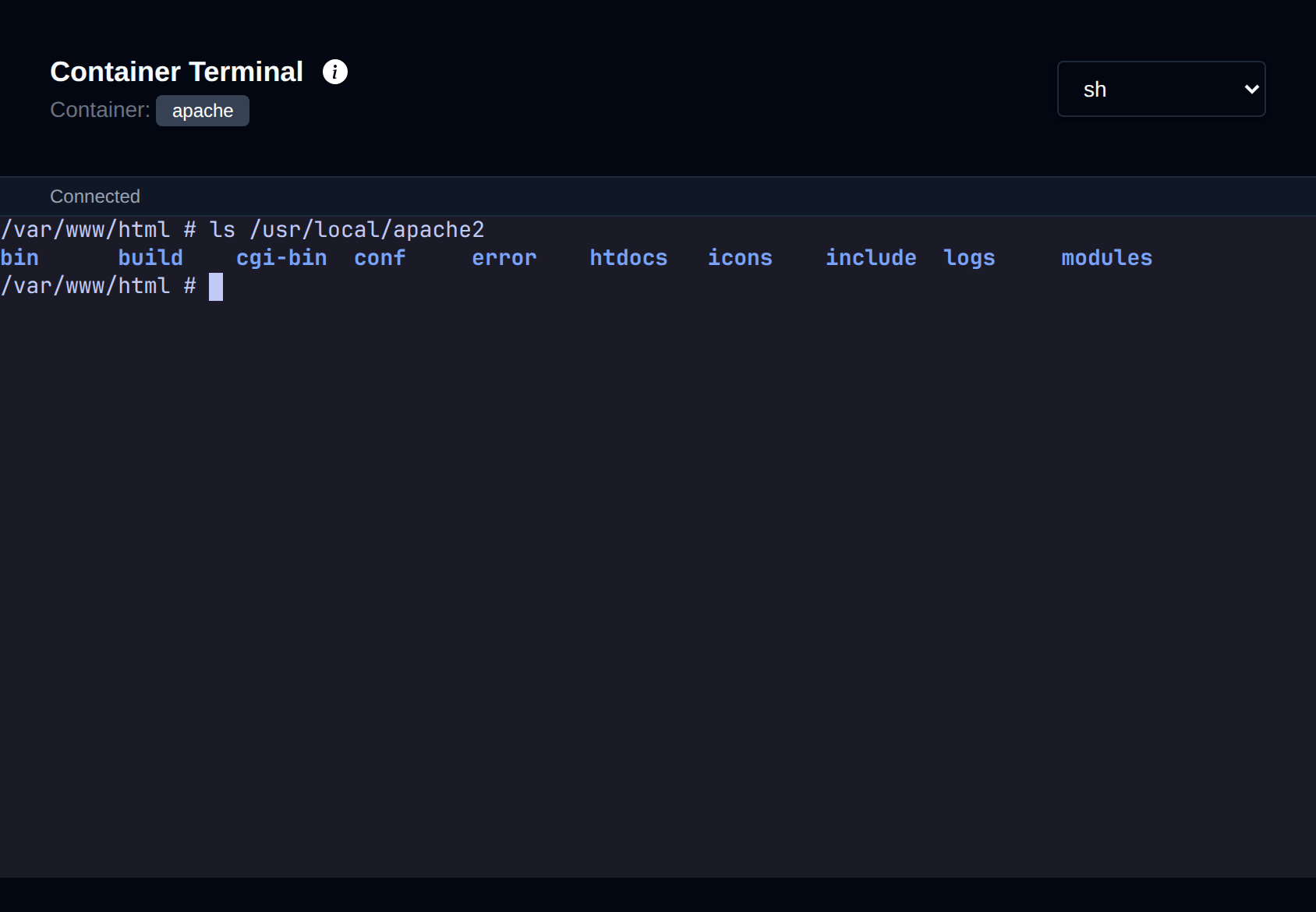
- The terminal window will open, allowing you to run commands inside the container.
TIP
Pages that manage a single service, like MySQL, Redis or Web Server Config, also have Terminal and Logs tabs that open that service's terminal directly, without leaving the page's section.
You can switch the shell type between sh and bash using the selector in the top-right corner of the terminal.
💡 This feature uses
podman execunder the hood, giving you direct access to the container's shell environment in real-time.
Was this helpful?