Version: 2.0.13
Set Default PHP Version
Choose the PHP version that new domains use by default.
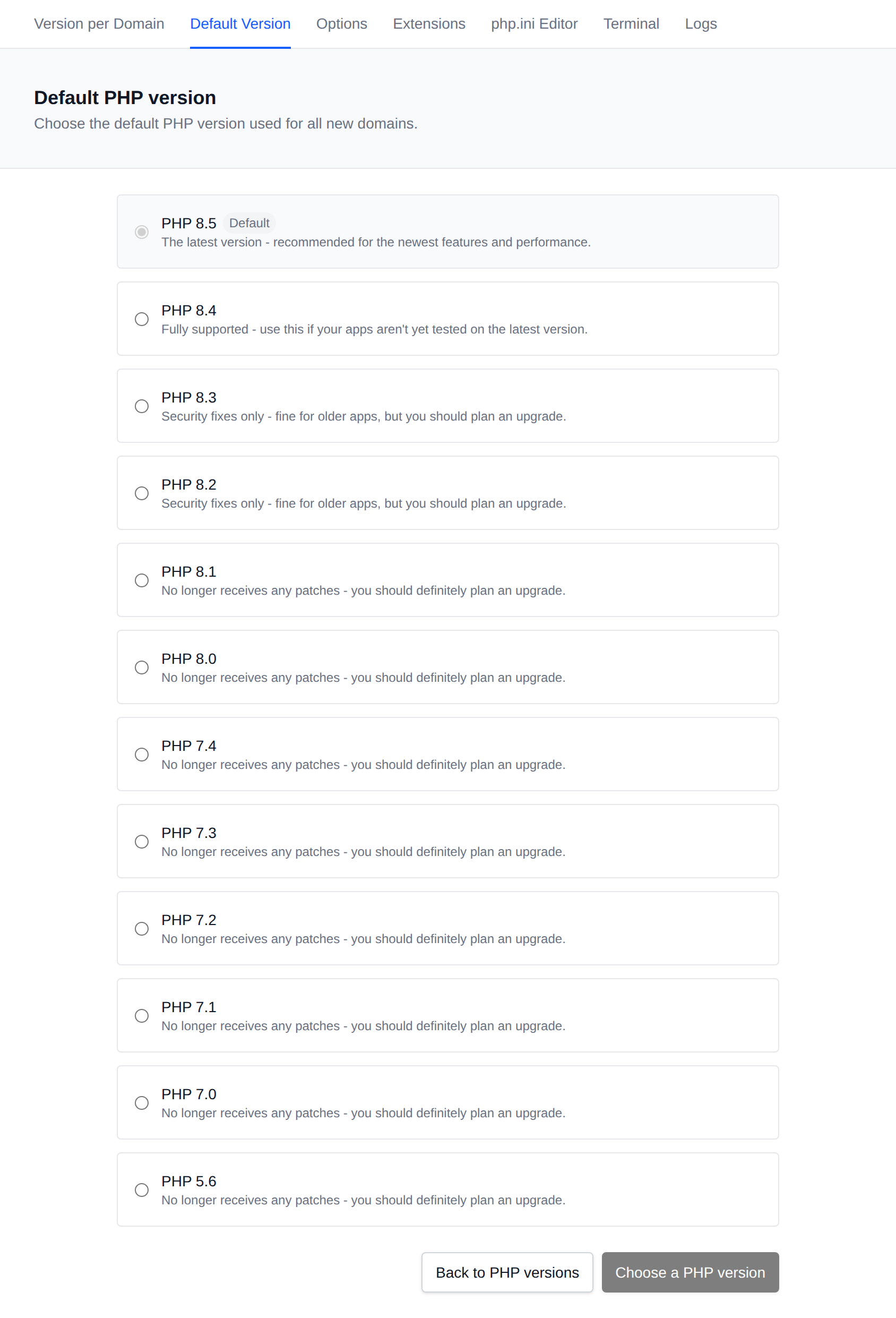
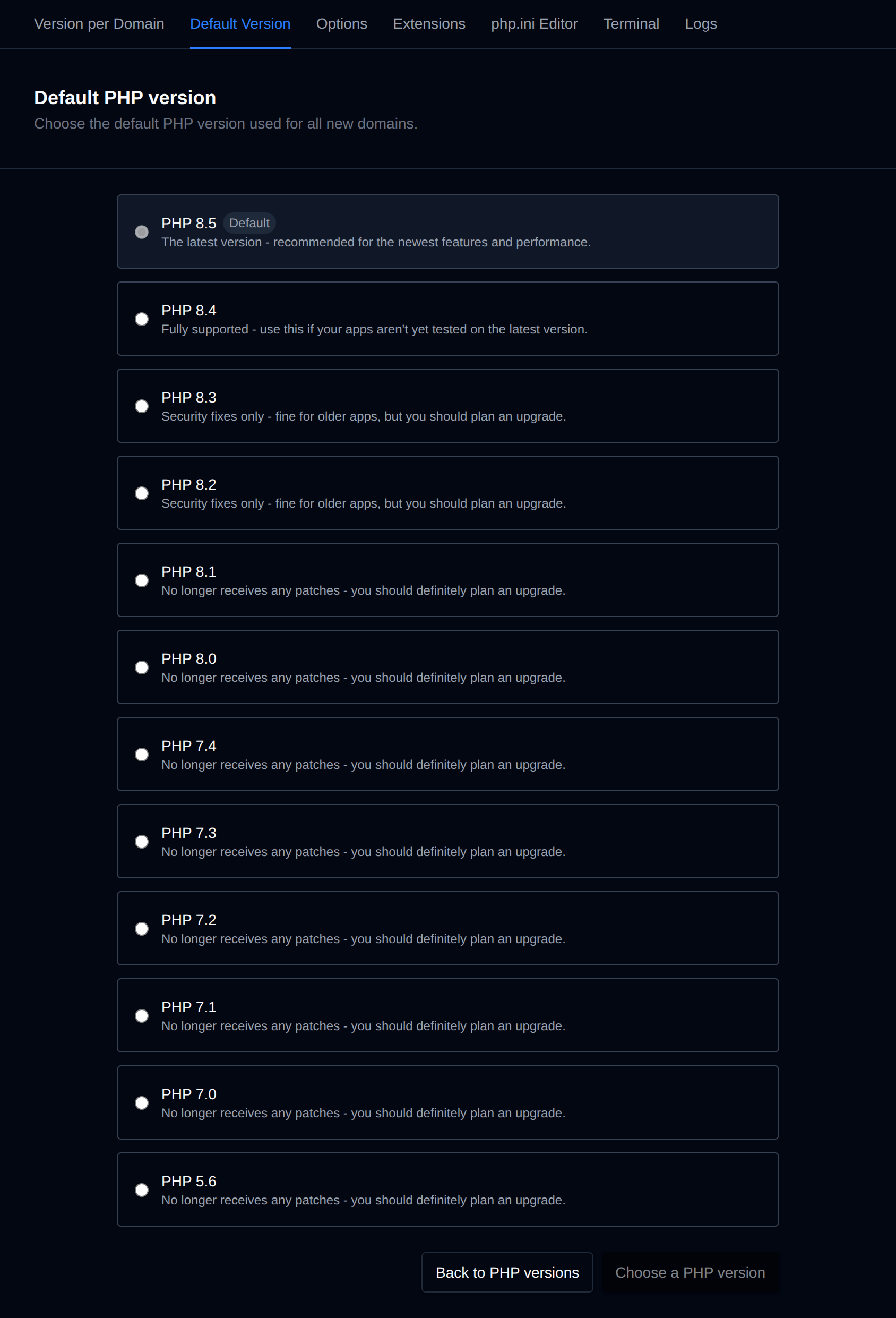
Each installed PHP version is shown as a card, newest first, with its support status:
| Status | Meaning |
|---|---|
| The latest version | The newest release, recommended for the newest features and performance. |
| Fully supported | Still gets bug and security fixes, use it if your apps aren't tested on the latest version yet. |
| Security fixes only | Fine for older apps, but you should plan an upgrade. |
| No longer receives any patches | End of life, you should definitely plan an upgrade. |
The current default version is marked Default.
Change the Default Version
- Navigate to PHP > Default Version.
- Click the card of the PHP version you want.
- Click Set PHP <version> as default.
The new default is used for domains you add from now on. Existing domains keep their version, you can change it per domain on the Version per Domain page.
INFORMATION
If you are using OpenLiteSpeed or LiteSpeed as web server, only PHP 8.5, 8.4, 8.3 and 8.2 are listed, and changing the version restarts the web server for all domains.
Was this helpful?