Download from URL
The Download from URL feature allows you to fetch files directly from the internet into your selected directory.
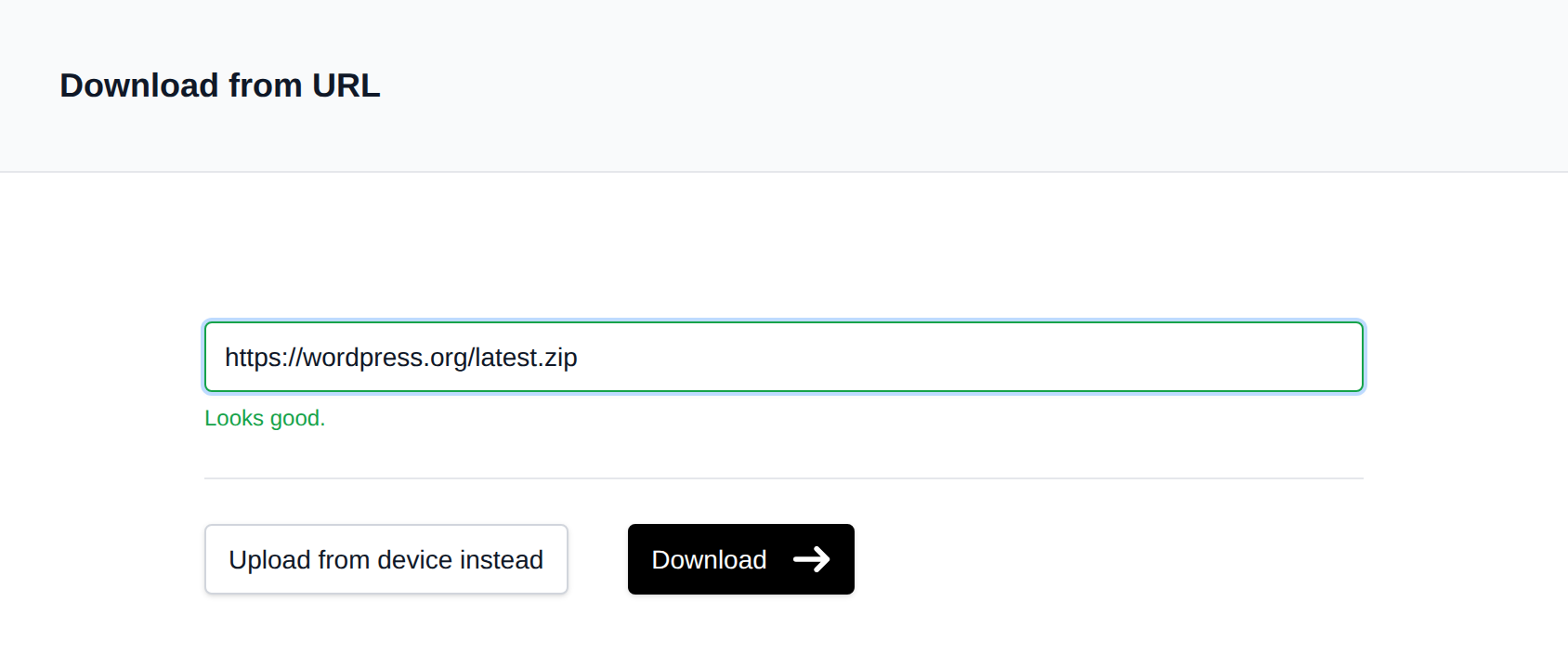
To use:
- Navigate to the desired directory.
- Click the Upload button.
- Select Download from URL instead.
- Enter the direct download link (URL) to the file.
- Click Download to begin.
The file will be downloaded using wget and saved with the same name as on the remote server. If the URL does not end with a recognizable filename, the filename is taken from a filename query parameter if present, otherwise a random name is generated.
If a file with the same name already exists in the directory, the download is rejected with an error—the existing file is never overwritten. Rename or remove the existing file first, or download to a different directory.
Only http and https URLs are allowed, and URLs that resolve to private, loopback, or other internal IP addresses are blocked.
✅ This is especially useful for large files or when direct device uploads are slow or limited.