Version: 2.0.15
Create New Account
To create a new email account, go to OpenPanel > Email > Accounts > New Email.
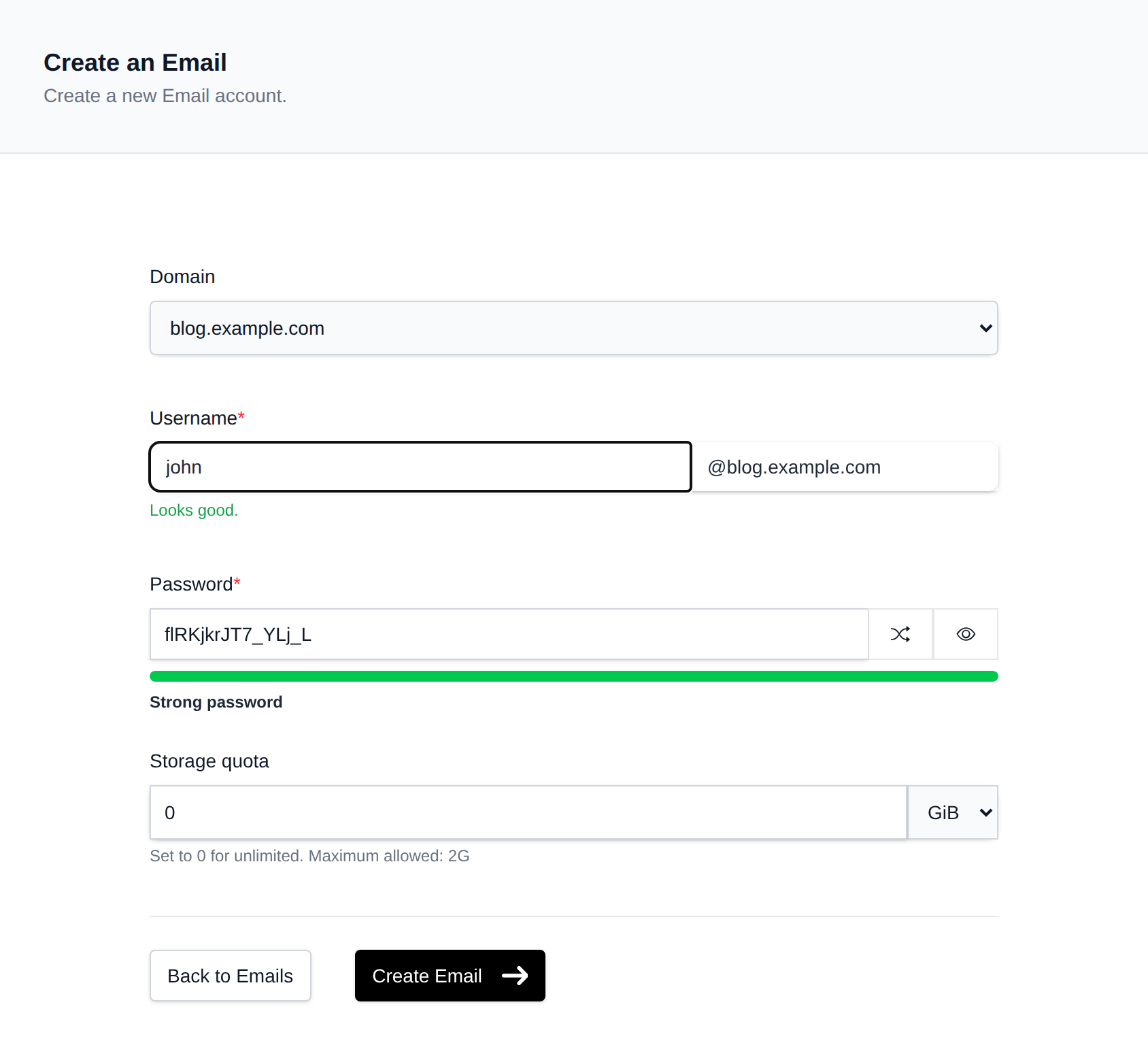
Fill in the form:
| Field | Description |
|---|---|
| Domain | Select the domain for the account |
| Username | The local part of the address (e.g. info → [email protected]) |
| Password | A password is auto-generated on page load. Use the shuffle icon to generate a new one, or type your own. The strength indicator shows if the password is weak, medium, or strong |
| Storage quota | Maximum mailbox size. Set to 0 for unlimited. Unit can be KiB, MiB, GiB, or TiB |
Click Create Email when done.
Notes:
- Username cannot contain spaces.
- Password must be at least 8 characters.
- If a maximum quota is set by your hosting plan, you cannot exceed it.
Was this helpful?