Website Builder
GrapeJS is a drag & drop website builder integrated into OpenPanel that you can use to create static HTML websites with tailwindcss.
Create a Website
To create a new website using GrapeJS open Websites > Install App and under Website Builder click on the "Create website" button.
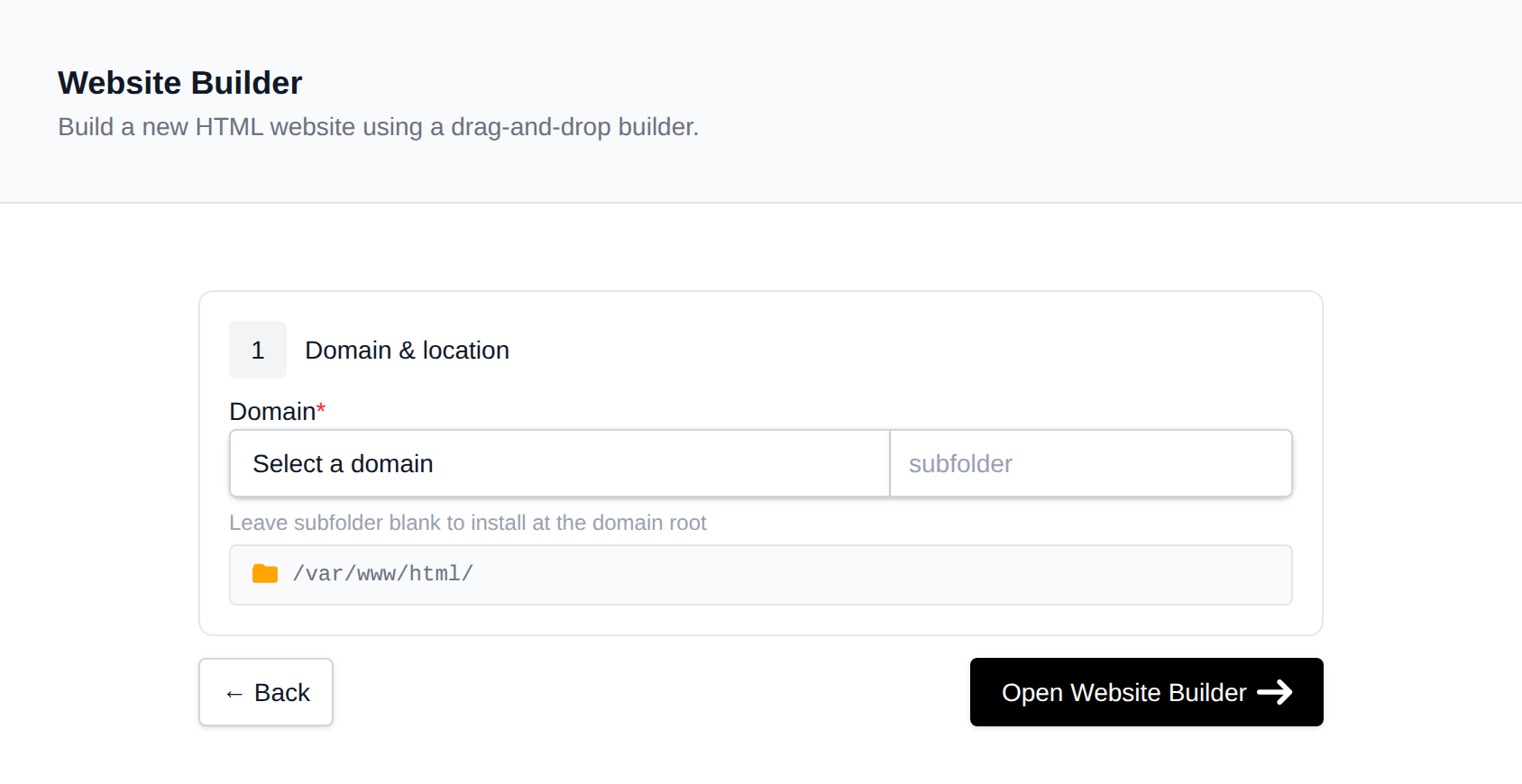
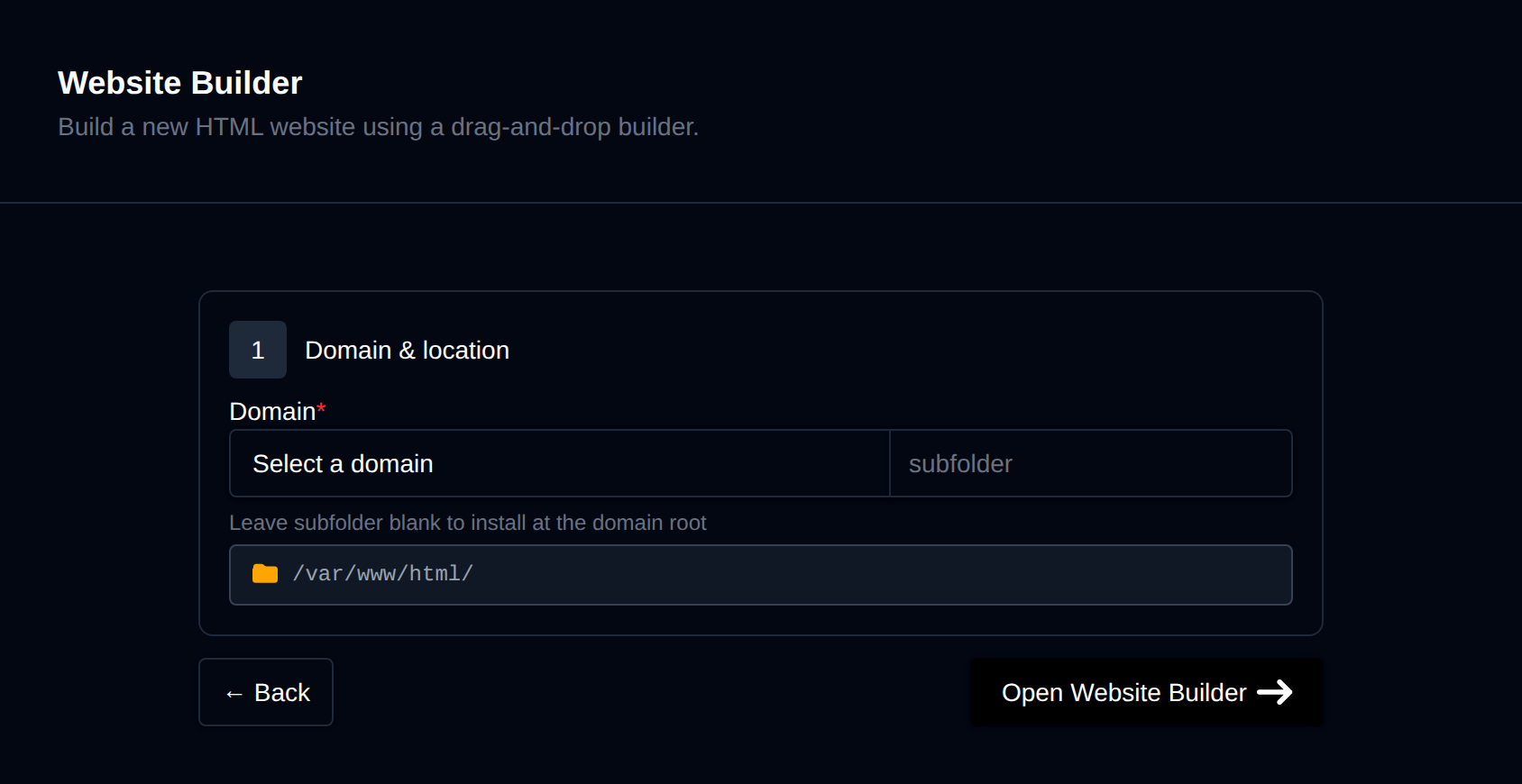
The first step is choosing a domain and optionally a subdirectory where your new website will be installed.
When you're done click on the "Open Website Builder" button to finish setup and start creating with the website builder.
Edit Website
You can access the website builder to edit your websites at any time through Site Manager page on your OpenPanel account.
Click Open Editor to launch the GrapeJS editor interface.
Clicking on any element will display its options on the right side of the screen. You can use the icon in the top-right corner to browse and insert available blocks.
For additional information on how the GrapeJS website builder works we recommend consulting the official documentation.
Backup & Restore
Open the website from Site Manager and go to the Backups tab.
To create a backup, click Generate Backup. This archives the website files (index.html, style.css and any other files in the directory).
To restore a previous backup, click Display Backups, pick a backup date, then click Start Restore and confirm.
Delete Website
To delete a website, first open it from Site Manager page and then click on Remove tab.
To stop managing the website without deleting any files, click Detach website and then Confirm Detach.
To permanently delete the website and its files, click Delete website and then Confirm Delete.