Change Image Tag
The Containers > Software Versions page allows you to update the Docker image tag (version) used by your services.
Requirements
- Your hosting plan must include the Change Image Tag (
change_image) feature.
Usage
- In the OpenPanel menu, go to Containers > Software Versions.
- Under Select Service, choose the service for which you want to change the image tag.
- Click the tag field. It opens a list of the image's tags from Docker Hub, most recently updated first, with the tag you use now marked (current).
- Start typing to search the list, for example
alpineor8.8, and click the tag you want. To use a tag that isn't listed, type it in full and pick Use <tag>, or press Enter. - Click Change tag to apply the change.
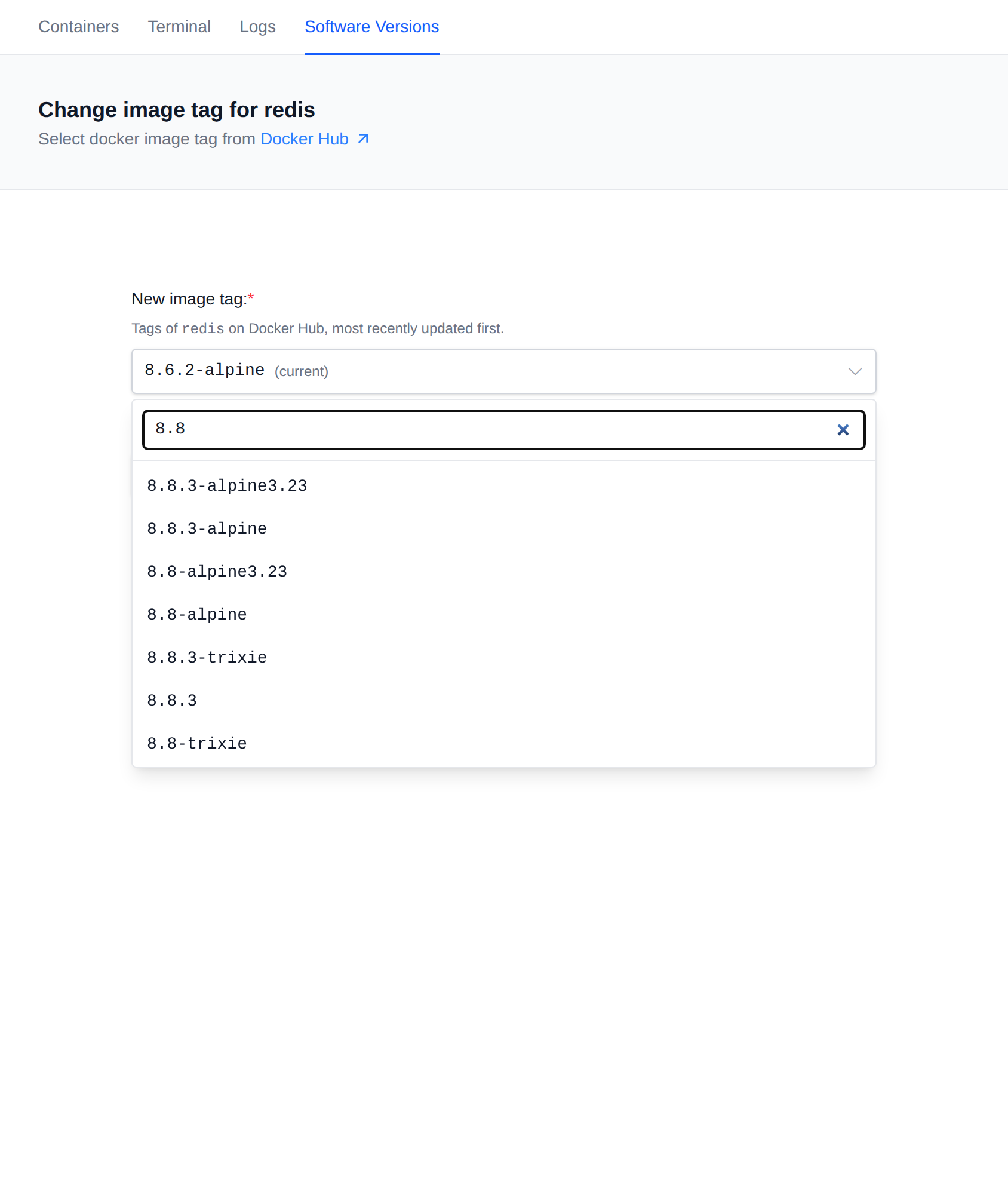
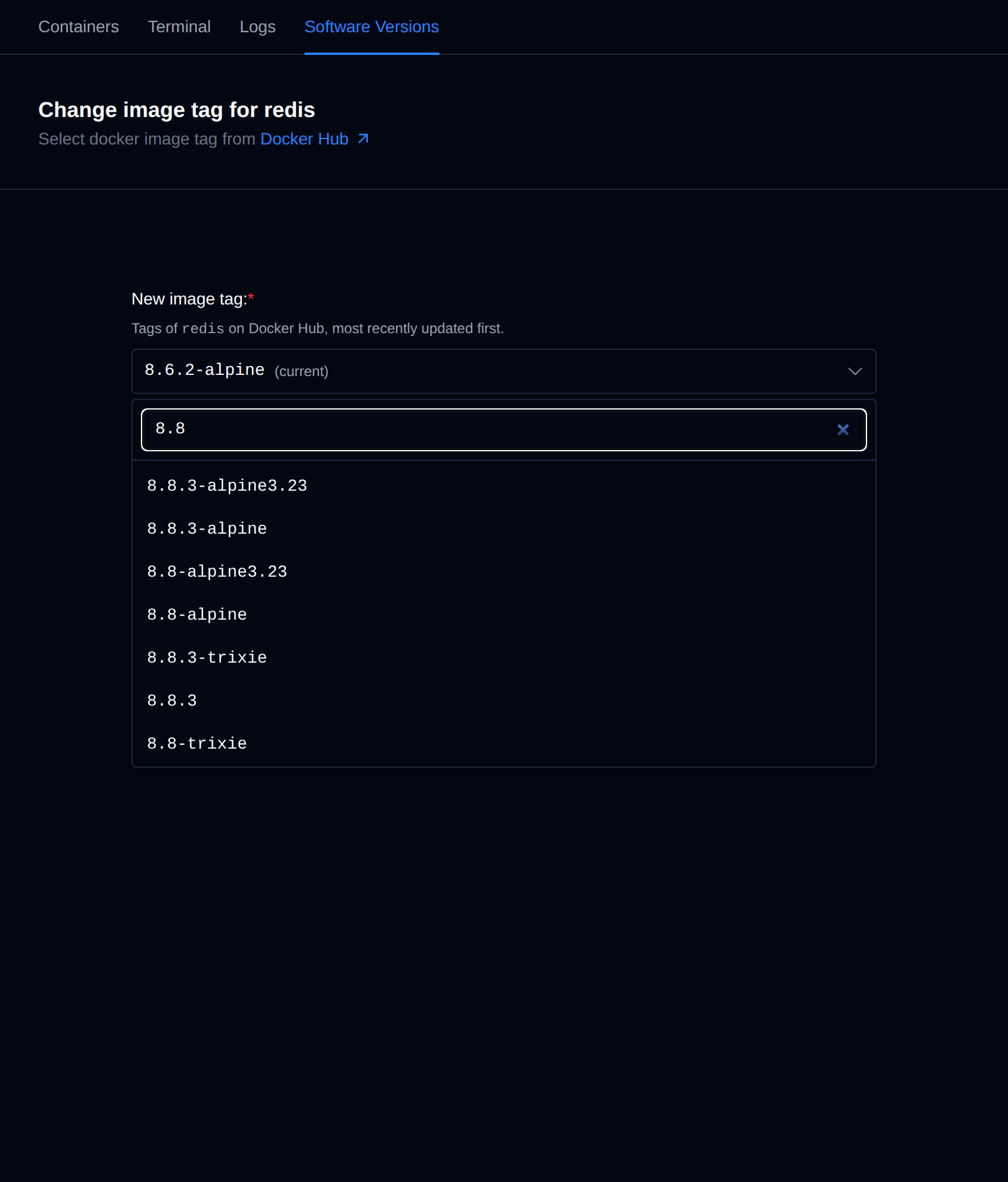
The Docker Hub link at the top of the page opens the tags page of that image on Docker Hub, so you can read the release notes before switching.
The tag list is loaded from Docker Hub once and then reused for 12 hours. Services whose image isn't on Docker Hub, or doesn't have a changeable tag, don't show a list, you can still type a tag.
The internal cron, backup and docker-proxy services and the PHP services are not listed, their images are managed by OpenPanel.
After confirmation:
- The service will be automatically stopped.
- The new image tag will be pulled.
- The service will be restarted with the updated image.
⚠️ Make sure the new tag is compatible with your current configuration and data to avoid service disruption. For example a newer major version of a database may not start on data created by an older one.