Version: 2.0.15
Email Filters
OpenPanel uses Sieve (via Dovecot) to filter incoming email messages for your accounts.
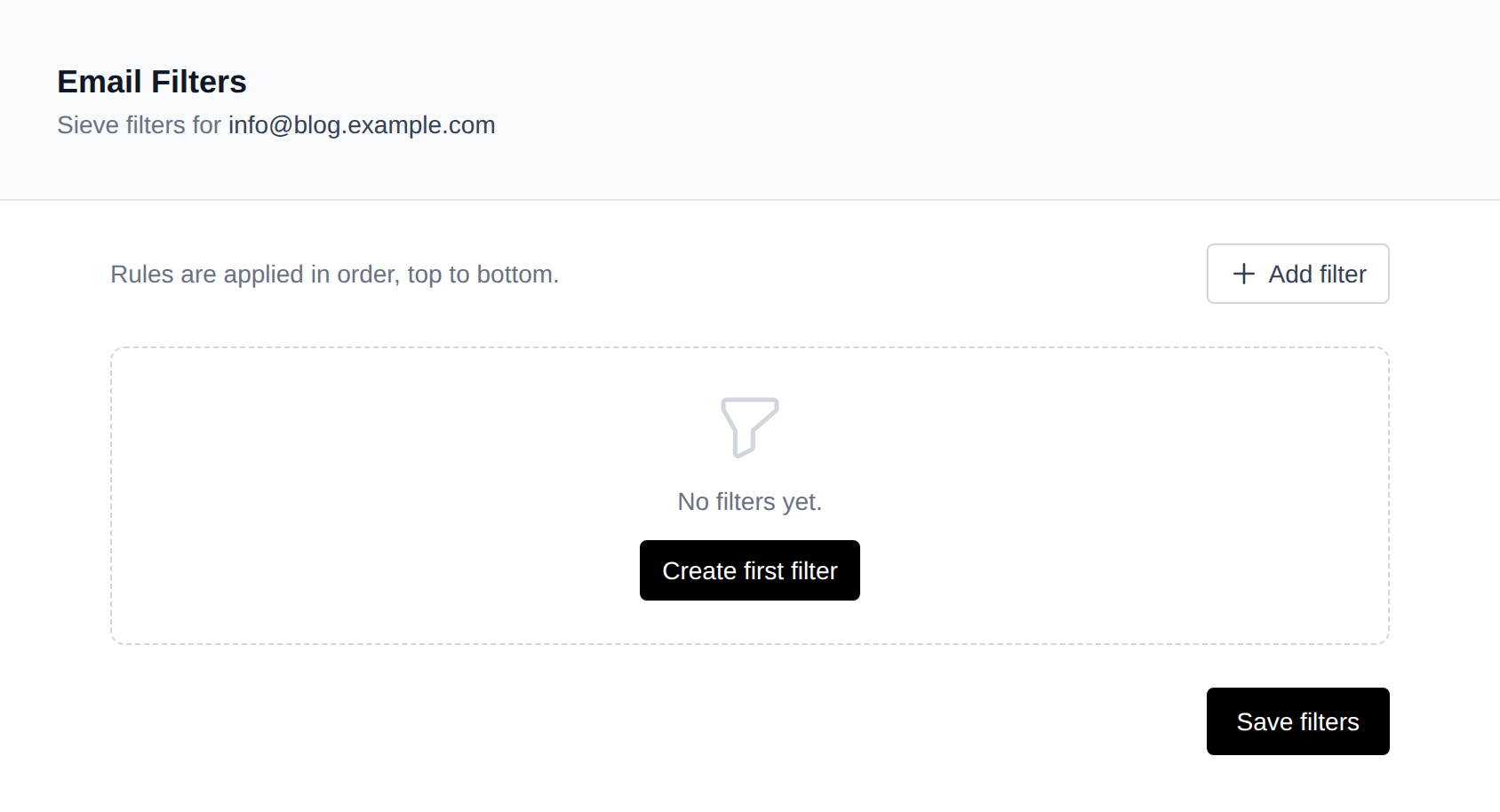
Each email address can have its own set of filters. Filters are applied in order, top to bottom, and can match on headers, body content, spam status, and more.
Creating a Filter
- Go to OpenPanel > Email > Filters.
- Select the email address you want to manage filters for.
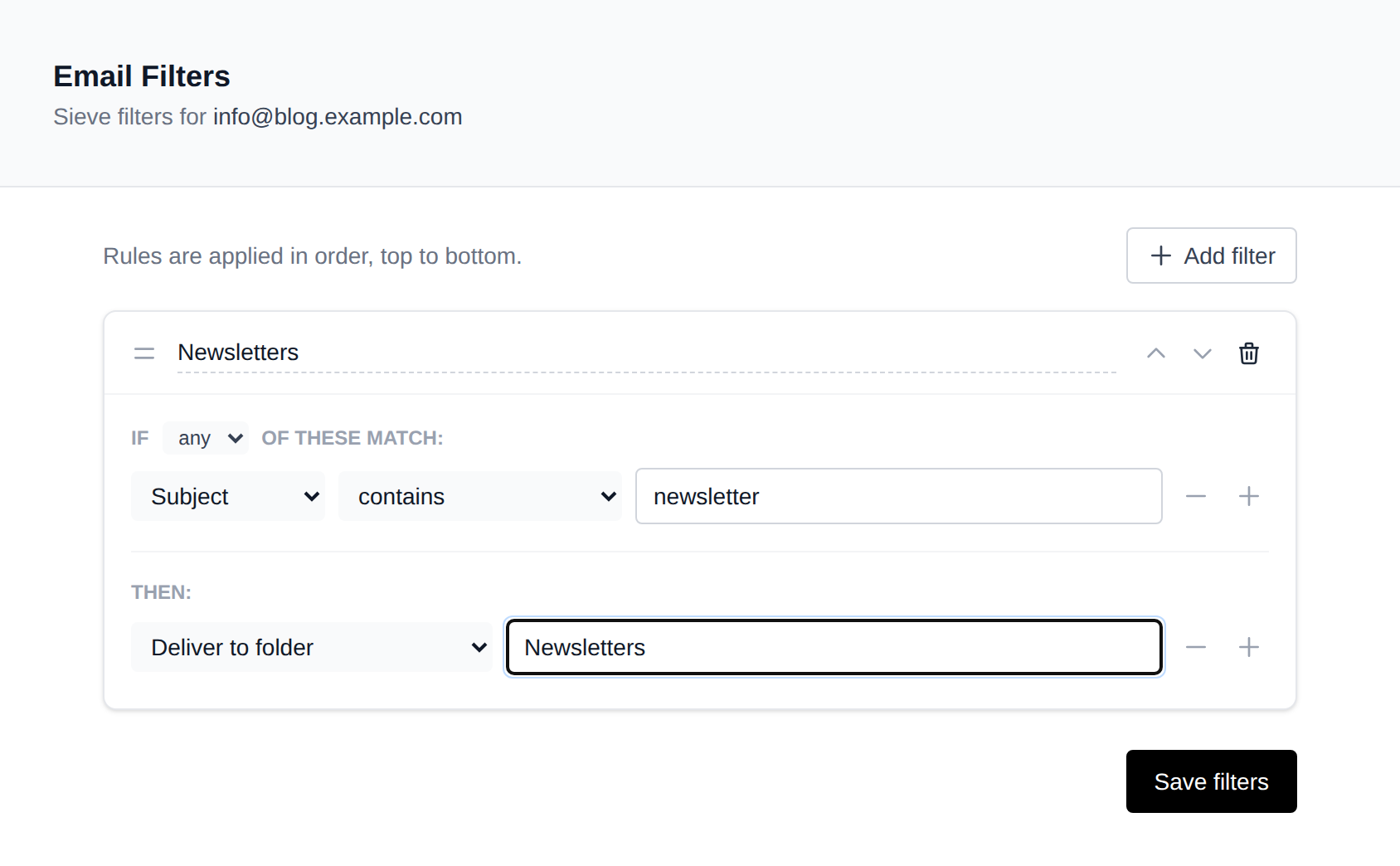
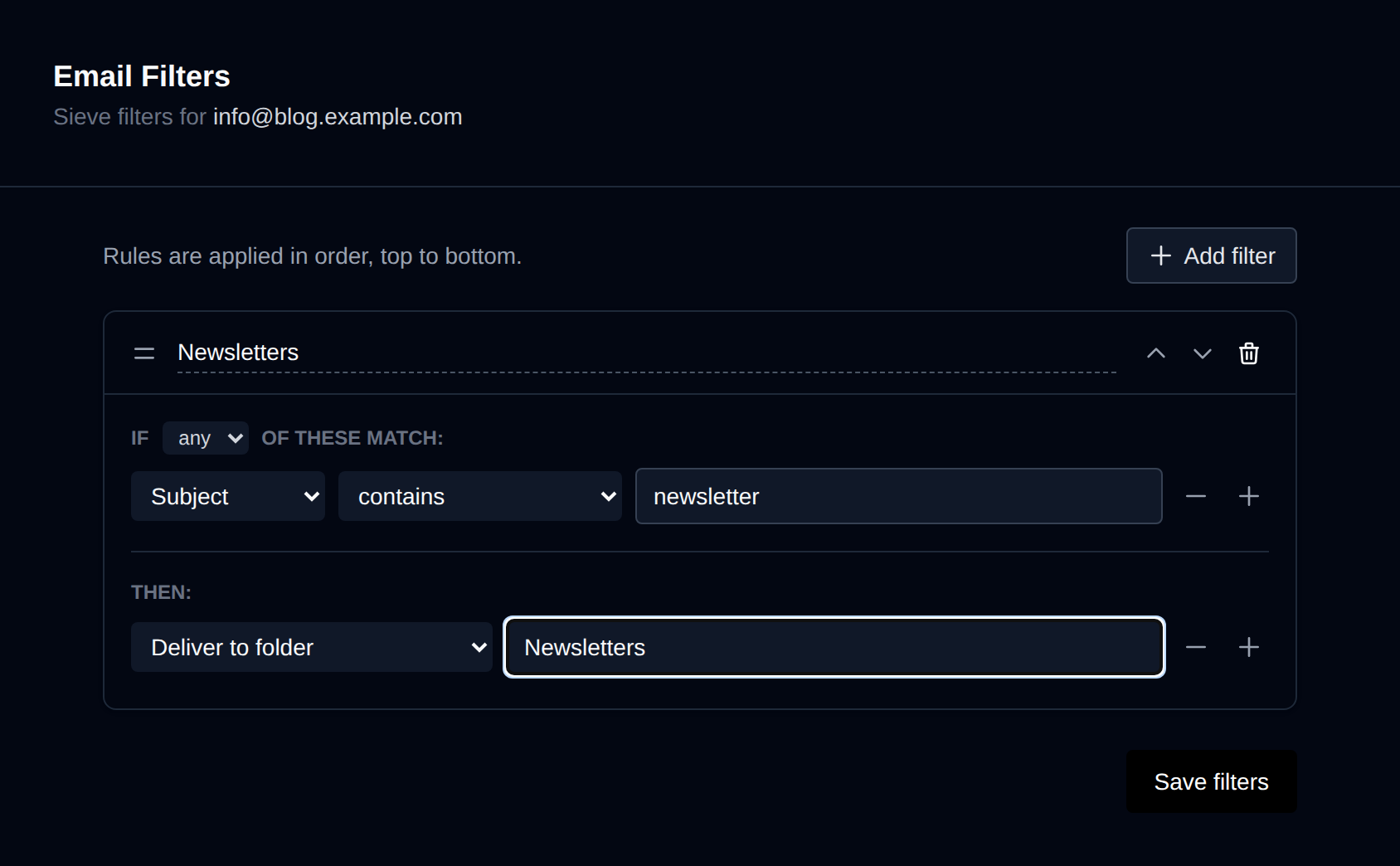
- Click Add filter and give the filter a name.
- Configure one or more conditions — the fields and values that must match.
- Add one or more actions to perform when conditions are met.
- Click Save filters.
Conditions
Each filter can match on any or all of its conditions:
| Field | Description |
|---|---|
| From | Sender address |
| Subject | Email subject line |
| To | Primary recipient |
| Any recipient | To, Cc, or Bcc |
| Body | Message body text |
| Any header | Any email header field |
| Spam status | SpamAssassin spam flag |
| Spam score | SpamAssassin numeric score |
| List ID | Mailing list identifier header |
Each condition supports: contains, does not contain, equals, begins with, ends with, matches regex, does not match regex.
Actions
When conditions are met, one or more actions are executed:
| Action | Description |
|---|---|
| Deliver to folder | Move the message into a specific mailbox folder |
| Redirect to email | Forward the message to another address |
| Forward to email (keep copy) | Forward the message to another address while keeping a copy in the mailbox |
| Discard message | Silently delete the message |
| Reject with message | Bounce the message with a custom reason |
| Mark as read | Mark the message as seen |
| Flag / star | Add a flag to the message |
| Auto-responder (vacation) | Send an automatic reply with a custom subject and message, limited to once every N days per sender |
| Stop processing | Skip any remaining filters |
Was this helpful?