Version: 2.0.19
Multi-Server
Manage several OpenPanel servers from one OpenAdmin. This is an Enterprise feature.
Every server stays a complete OpenPanel install with its own users, domains, mail and DNS. One of them is the master, the others are slaves. The master shows the admin panel of every slave, so you work with all servers from one login. If the master is unavailable the slaves keep running and you can still log in on them directly.
All of this is under System > Multi-Server on the master.
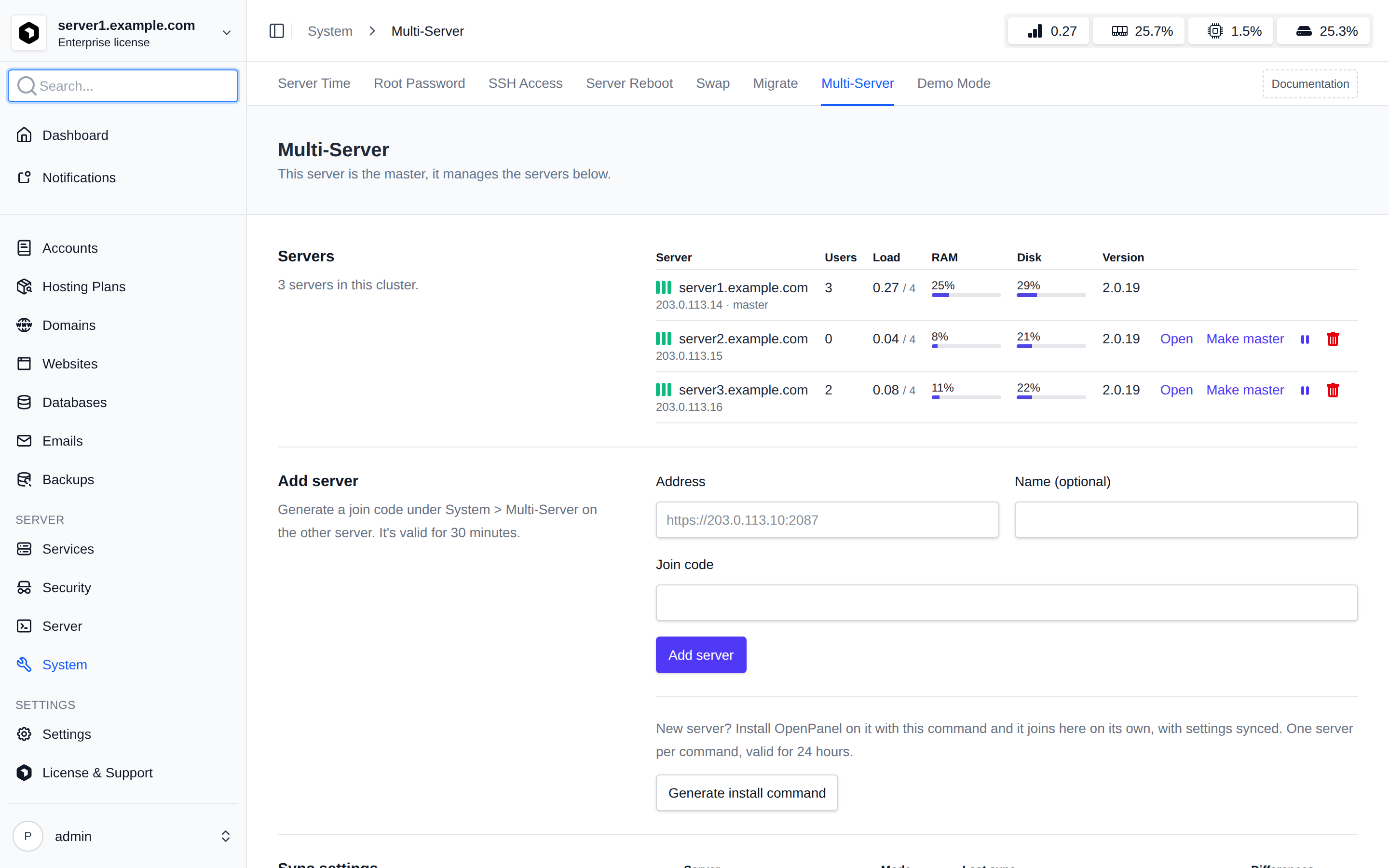
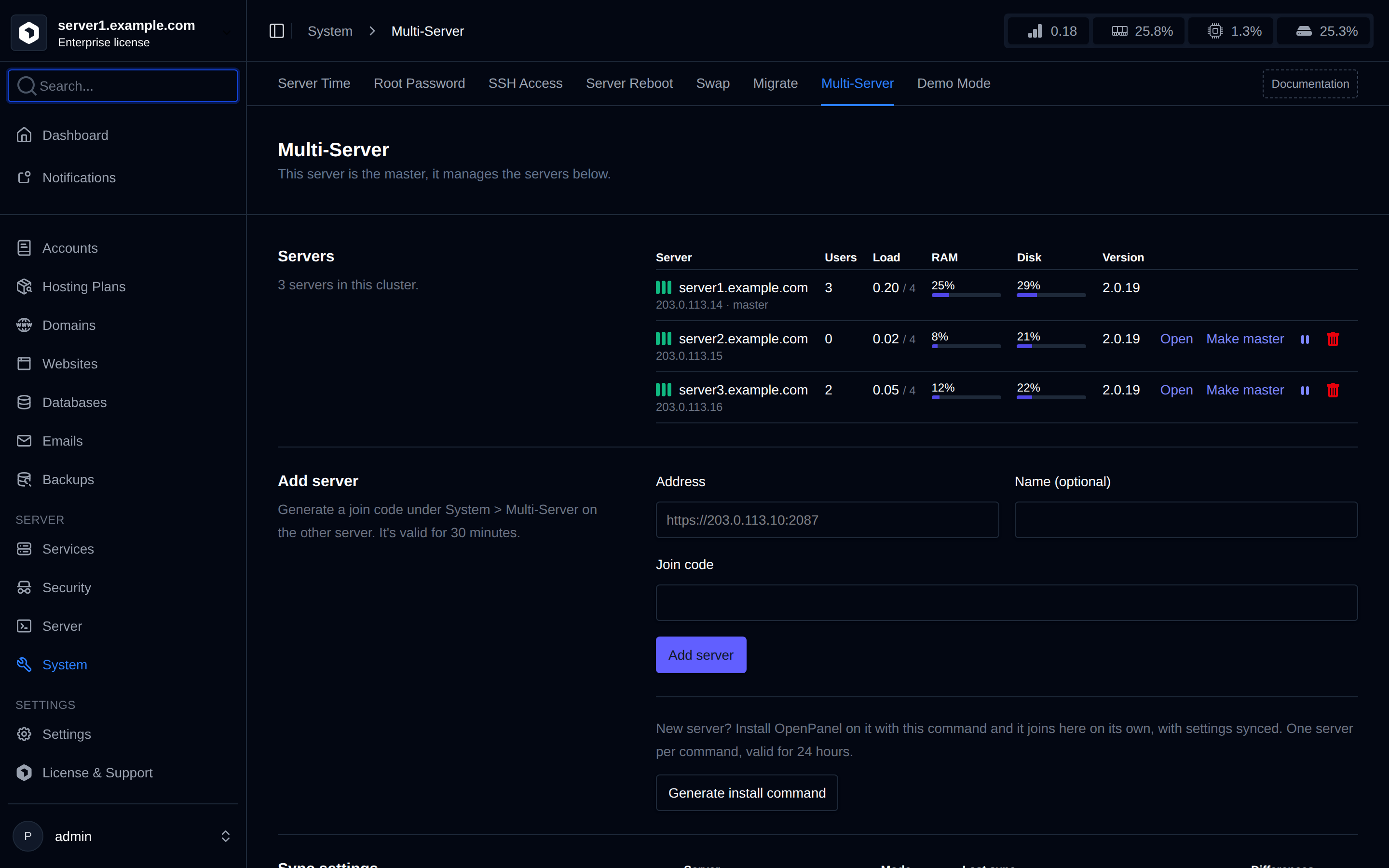
- Add servers with a join code, or with an install command on a new VPS.
- Work with all servers: switch servers, see data from all of them and apply settings everywhere.
- Sync settings from the master and choose how each slave follows it.
- Move accounts between servers.
- Manage servers: update, promote a slave to master, remove or leave.
Requirements
- An Enterprise license on the master. Every slave also needs its own license.
- OpenAdmin on every server must be reachable from the master over HTTPS on its admin port, and the master must be reachable from the slaves.
- OpenPanel 2.0.20 or newer on every server. A server can only join a master that runs the same or a newer version, so update the master first.
How it works
- Servers trust each other through the join code. It carries the certificate fingerprint of the new server, so the master only talks to that machine, and every request between them is signed.
- When you open a slave from the master, the master logs you in there with an account named
cluster_<your username>. It has no password and can't be used to log in directly, and the activity log on the slave shows your name. - Nothing is shared between servers except what you choose to apply or sync. Each slave keeps its own users, domains, mail and DNS.
- A slave that doesn't answer within 10 seconds is left out of lists and dashboard totals, so one broken server doesn't slow down the master. Its row on the Servers table shows it as offline.
Was this helpful?