Domain Limits
Set how many emails each domain can send per hour.
Use OpenAdmin > Emails > Domain Limits to access it.
Every domain gets the hourly email limit of its owner's plan. The limits are enforced by Postfwd, so it has to be enabled in Emails > Settings. A domain without a rule can send any number of emails.
Domains Table
Each row is one domain with its owner, the emails sent this hour, its hourly limit and the Postfwd rule ID. Search by domain or user, filter by owner, and click a column name to sort by it.
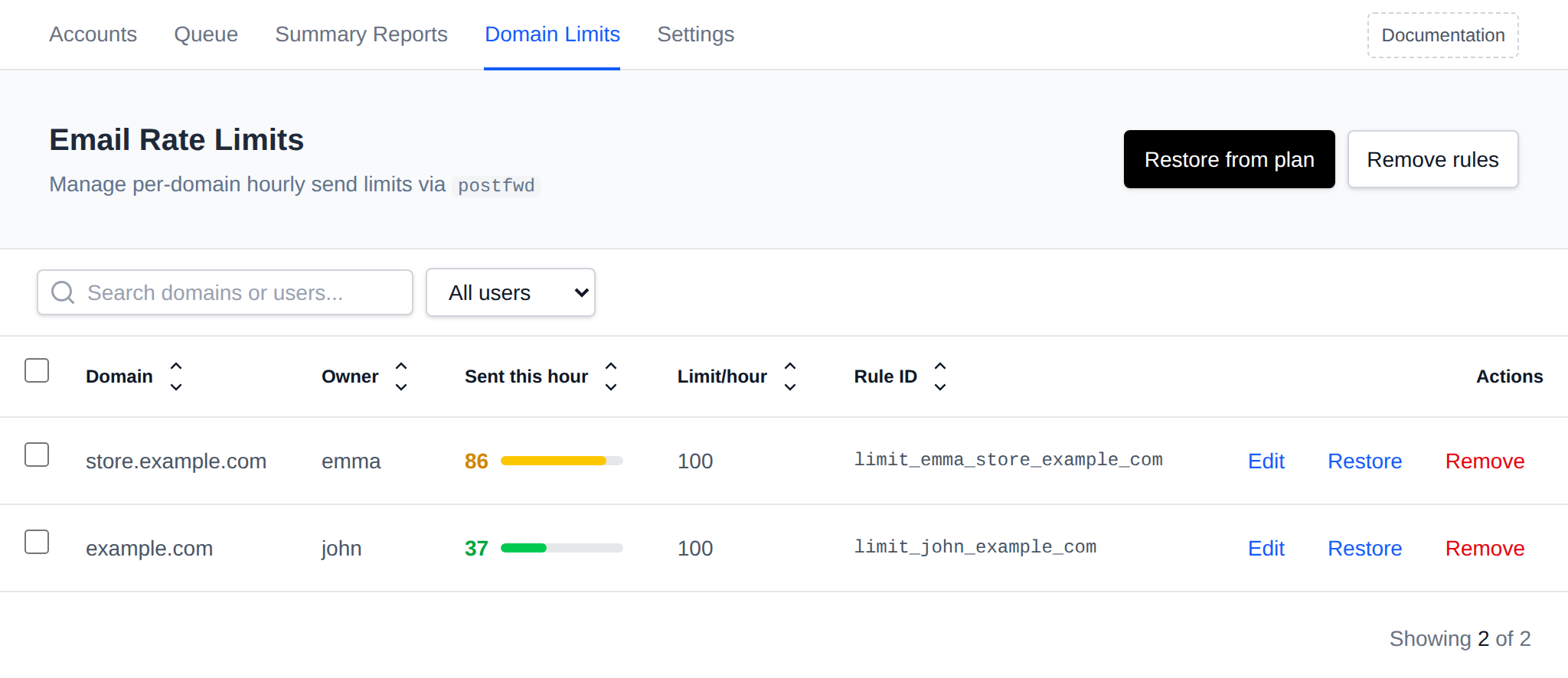
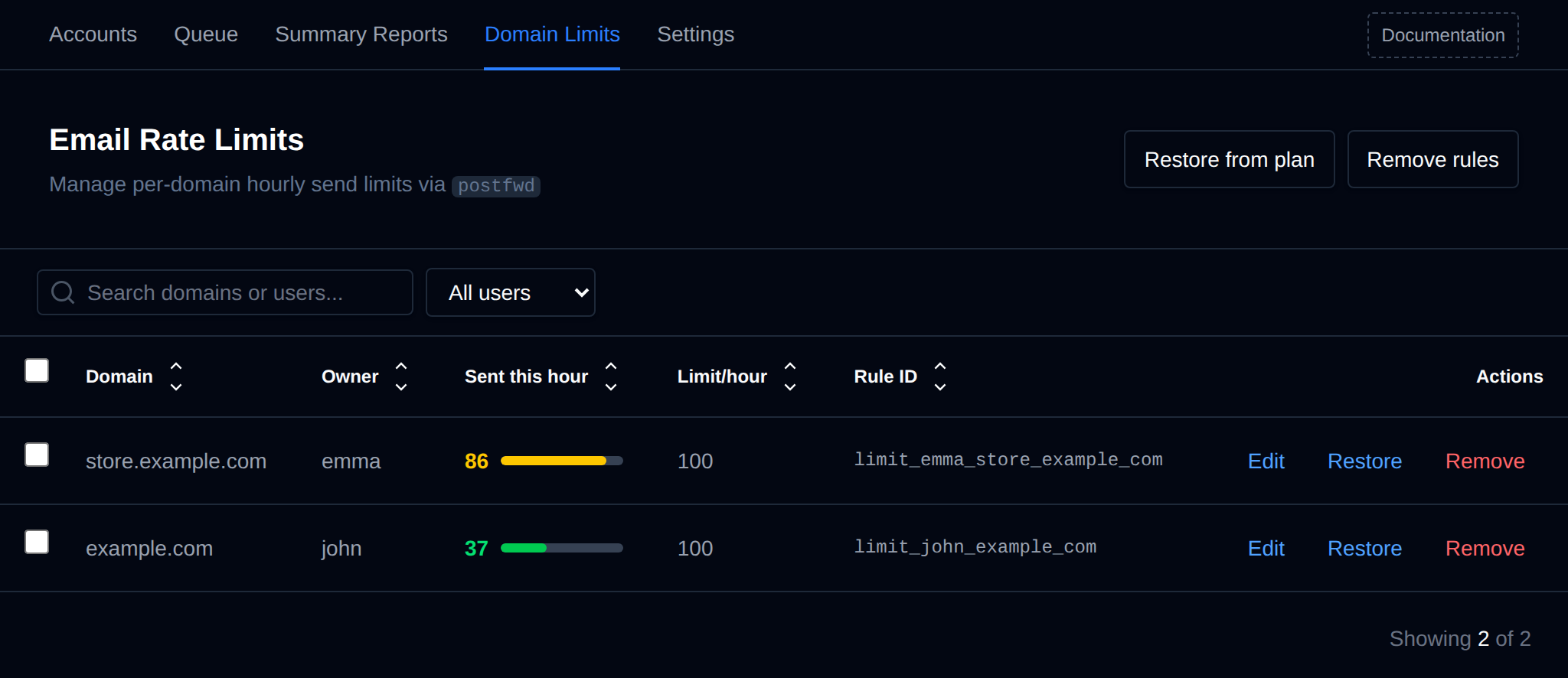
The bar next to Sent this hour turns yellow at 80% of the limit and red once it's reached. The count comes from Postfwd and is shared by all domains of the same user.
When a domain hits its limit, a Limit hit label appears. Click it to show the last lines from the mail log where Postfwd rejected that domain's emails.
Change a Limit
- Edit: set a custom hourly limit for one domain, then click Save.
- Restore: set the domain's limit from its owner's plan again.
- Remove: delete the domain's rule. Click it a second time to confirm.
Bulk Actions
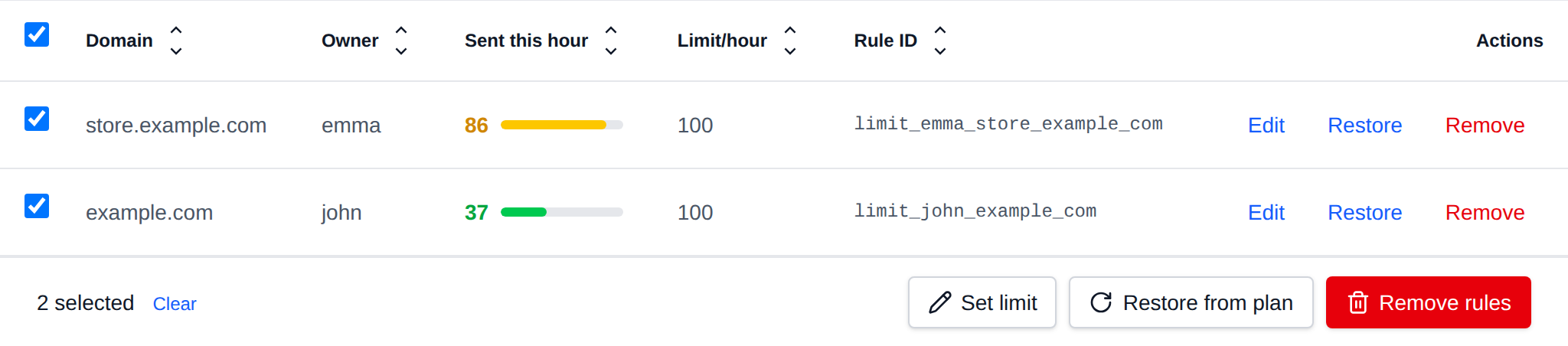
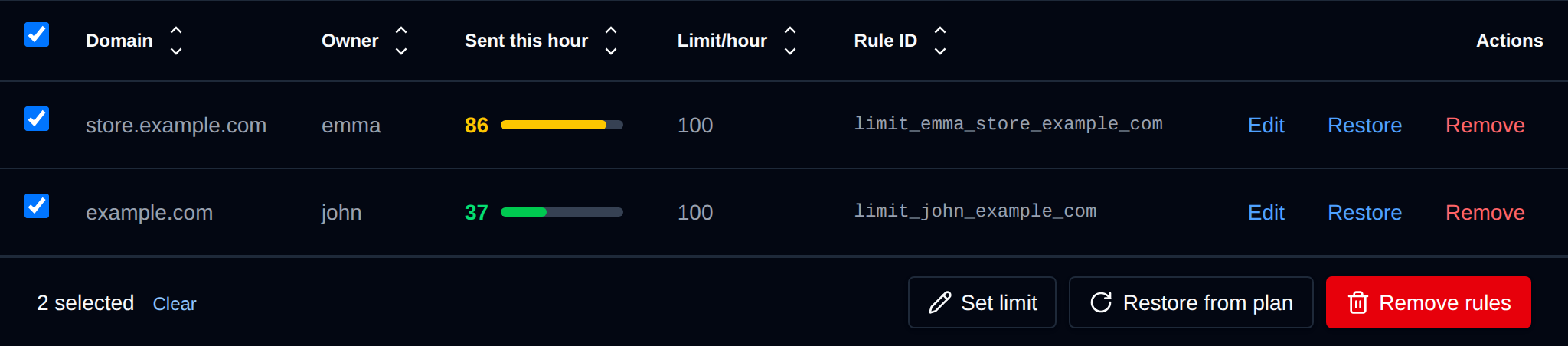 Tick the checkbox of one or more domains, or the one in the table header to select all shown. A bar appears at the bottom of the page with:
| Action | What it does |
|---|---|
| Set limit | Sets the hourly limit you enter on the selected domains. A domain without a rule is skipped, restore it from the plan first. |
| Restore from plan | Sets the limit of the selected domains from their owner's plan again. |
| Remove rules | Deletes the rules of the selected domains, they can send any number of emails until restored. |
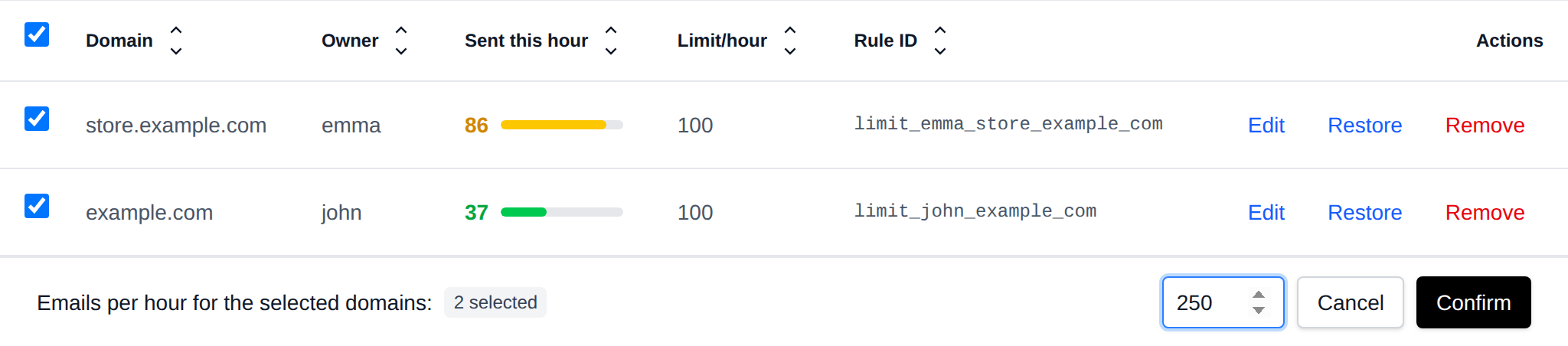
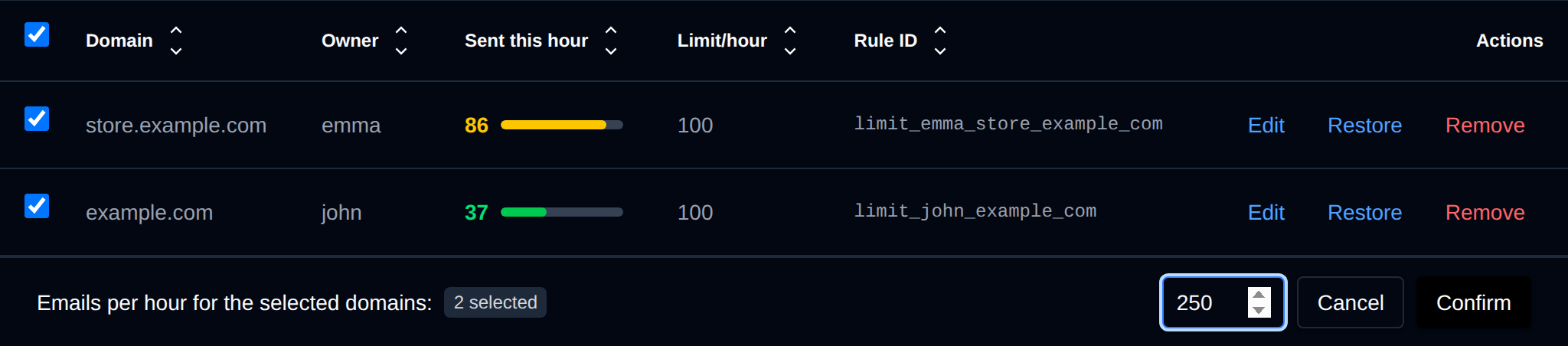
Postfwd is reloaded once after the whole selection is changed.
Restore from Plan
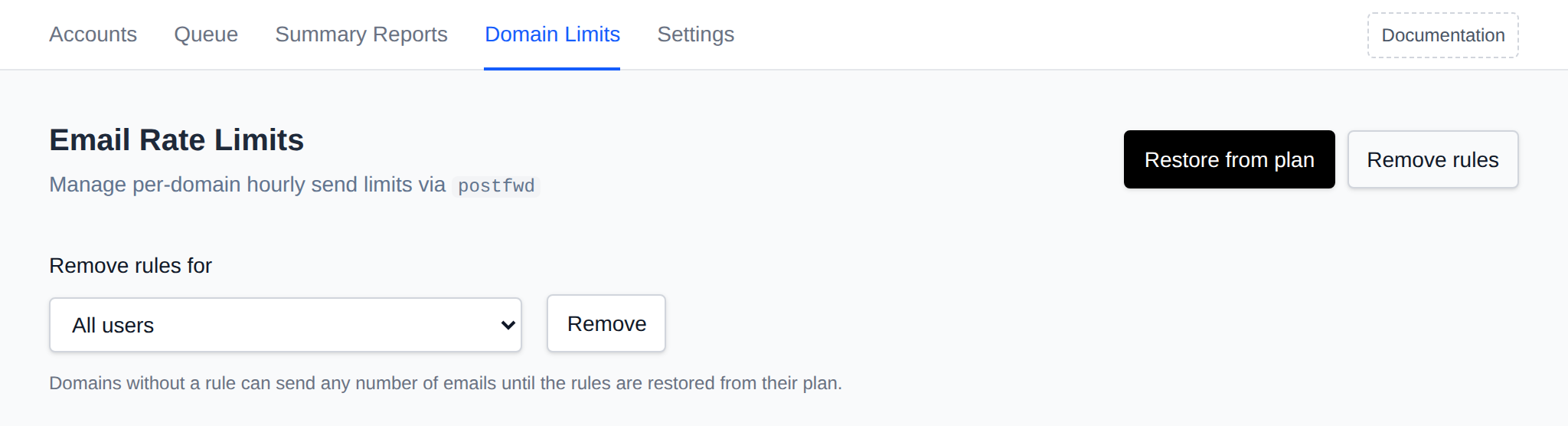
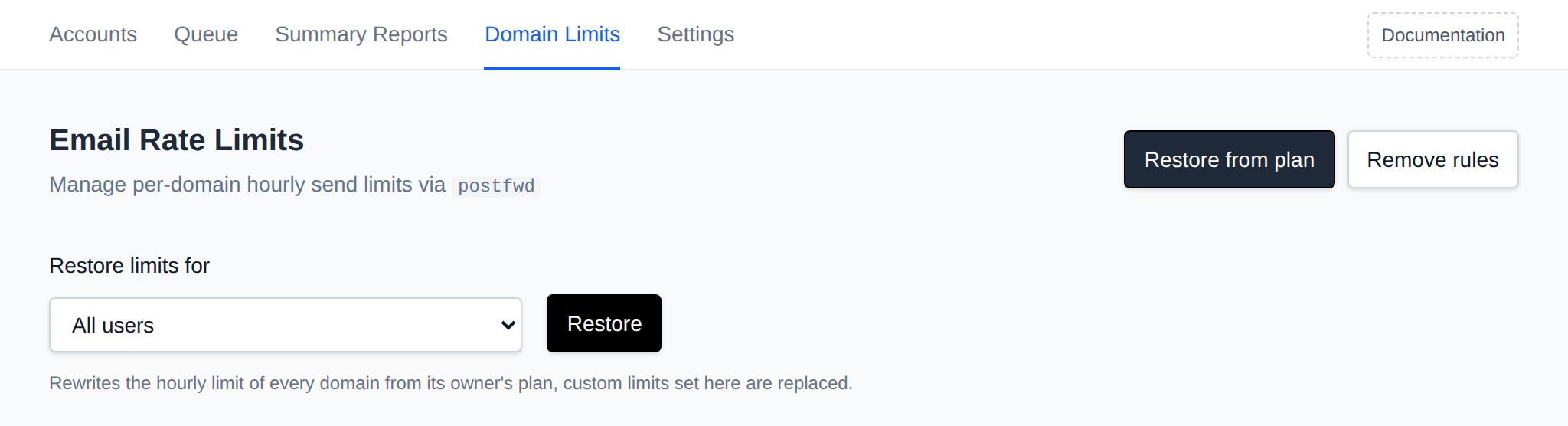
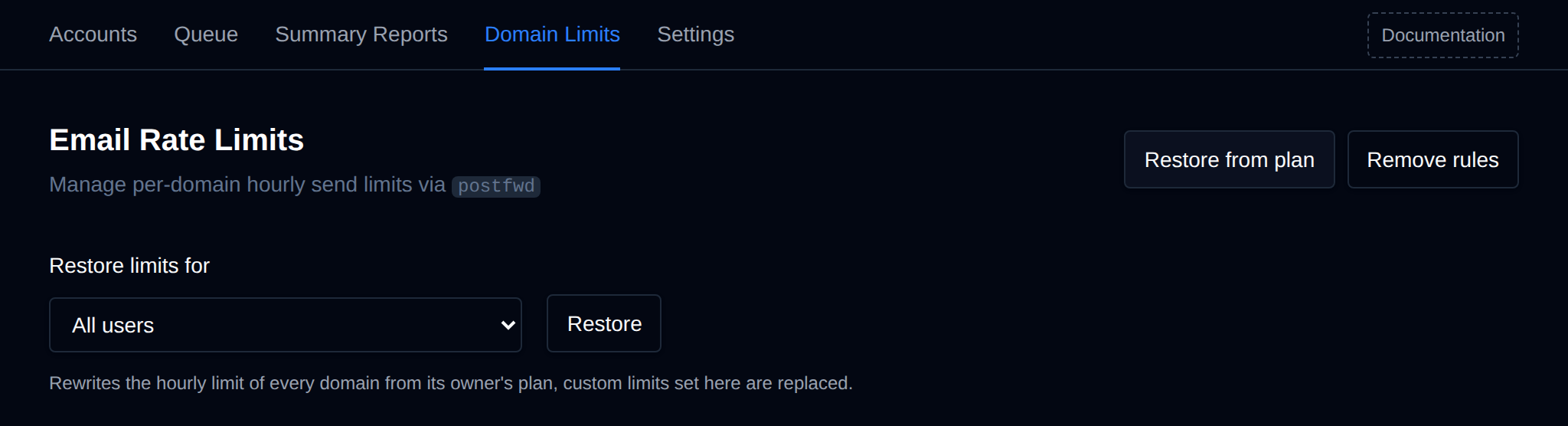
Click Restore from plan, pick All users or one user, and click Restore. Every domain of the selection gets the limit from its owner's plan again, and custom limits are replaced.
Use it after changing the hourly email limit of a plan, or to create the rules when the table is empty.
Remove Rules
Click Remove rules, pick All users or one user, and click Remove twice to confirm. Those domains can send any number of emails until their rules are restored from their plan.