Reseller Packages
Reseller packages are limit templates for reseller accounts, the same way User Packages are for users. Pick a package when creating a reseller, or let your billing system create resellers on a package through the API, and its limits are applied automatically.
Resellers is an Enterprise-only feature.
Each package sets:
| Field | Description |
|---|---|
| Name | Used to pick the package in OpenAdmin, OpenCLI, the API and billing systems. Letters, numbers, - and _ only, up to 64 characters. |
| Description | Optional note, for example 10 accounts, 50 GB. |
| Max Accounts | How many user accounts resellers on this package can have. 0 means unlimited. |
| Max Disk Usage | Total disk space for all accounts of the reseller, in GB. 0 means unlimited. |
| User Packages | Which User Packages resellers on this package can assign to their users. |
Resellers created without a package get the default limits from /etc/openpanel/openadmin/config/reseller_template.json.
List reseller packages
- With OpenAdmin
- With API
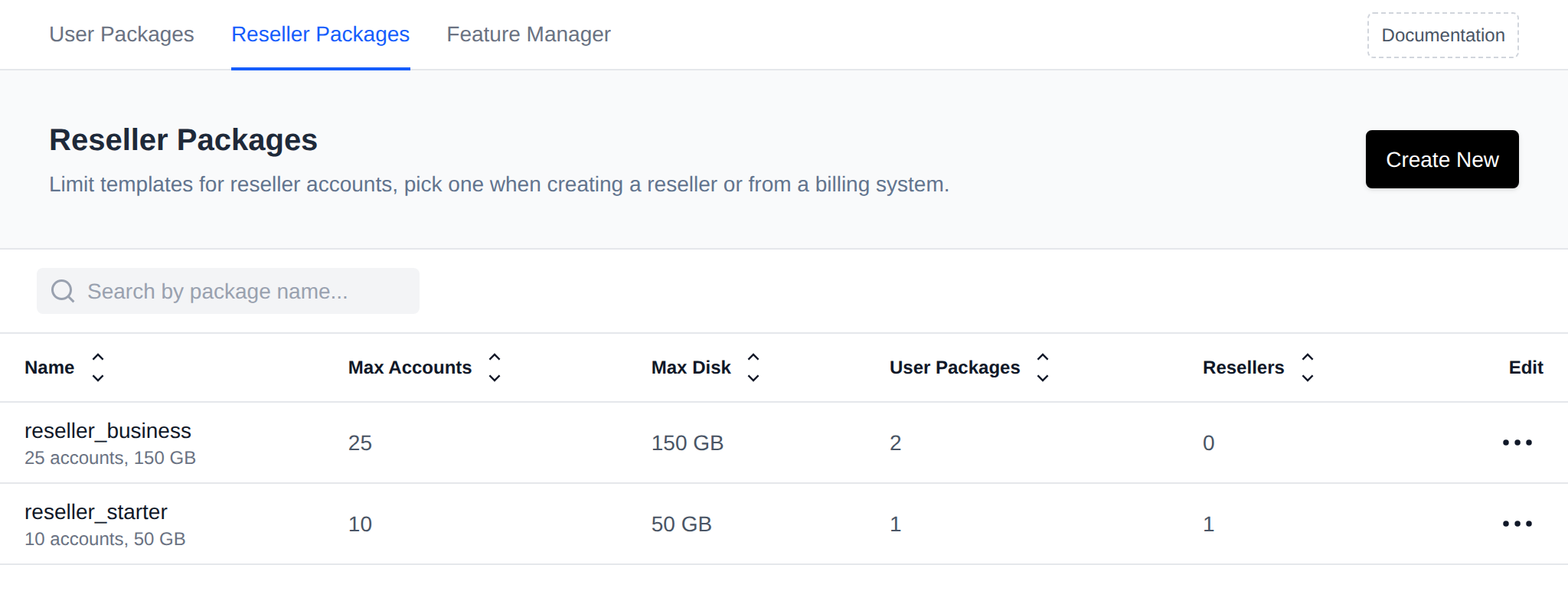
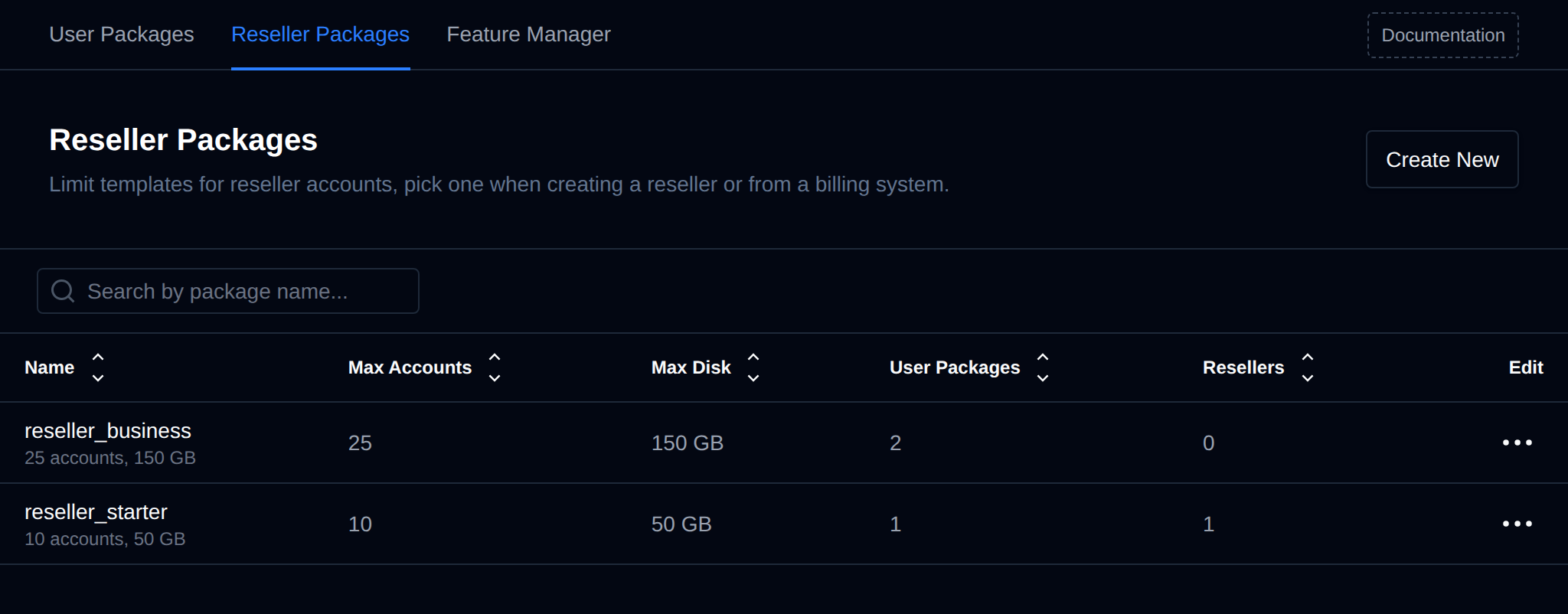
Navigate to OpenAdmin > Hosting Plans > Reseller Packages. The table shows each package's name and description, Max Accounts, Max Disk, the number of User Packages it allows and how many resellers are on it (hover the number to see who). Click the arrows next to a column name to sort the table by that column, unlimited (0) sorts as the largest value.
curl -X GET https://SERVER:2087/api/plans/resellers -H "Authorization: Bearer TOKEN_HERE"
Example output:
[
  {
    "name": "reseller_basic",
    "description": "10 accounts, 50 GB",
    "max_accounts": 10,
    "max_disk_blocks": 51200000,
    "allowed_plans": [1, 2],
    "resellers": ["reseller1"]
  }
]
Create a reseller package
- With OpenAdmin
- With API
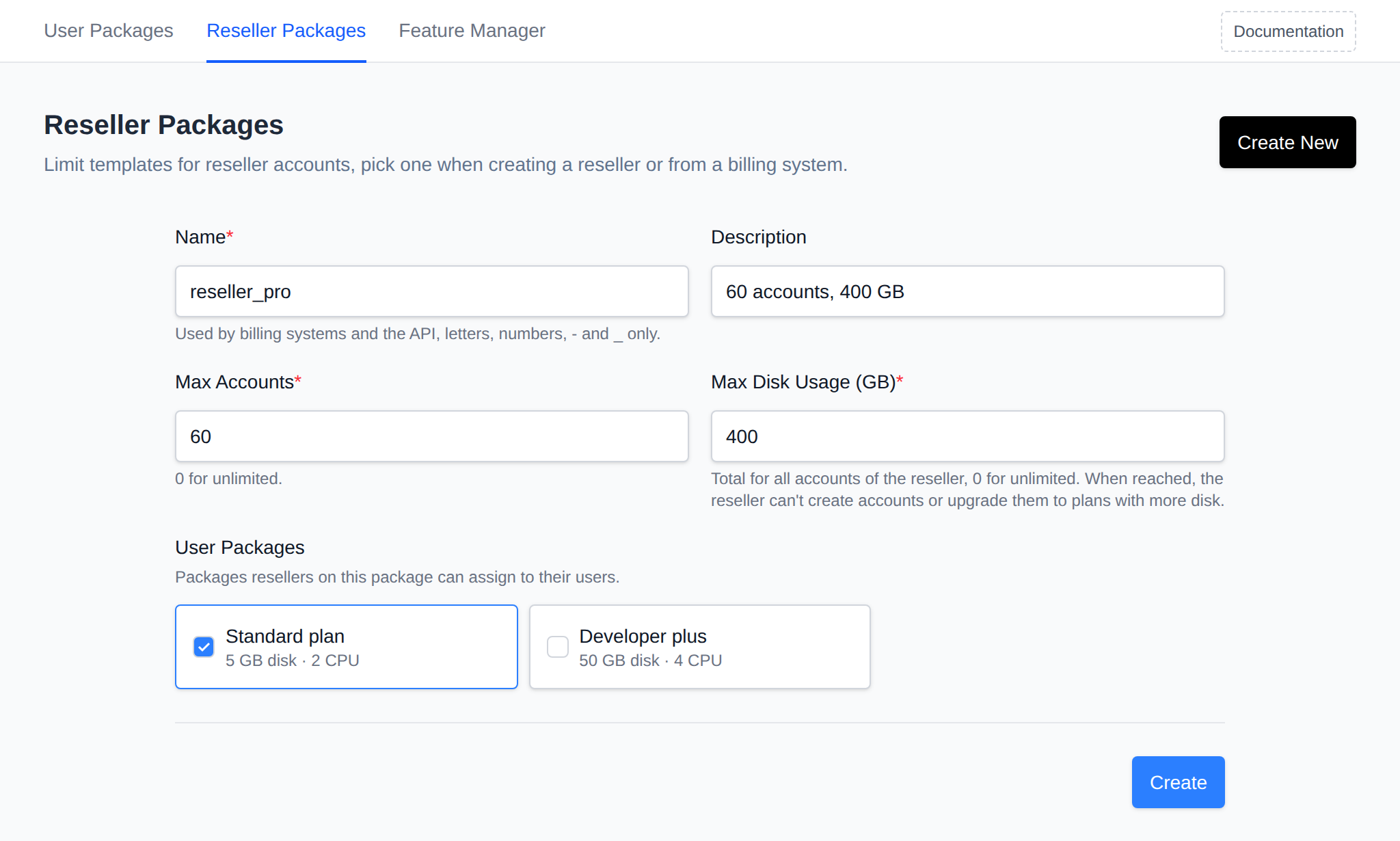
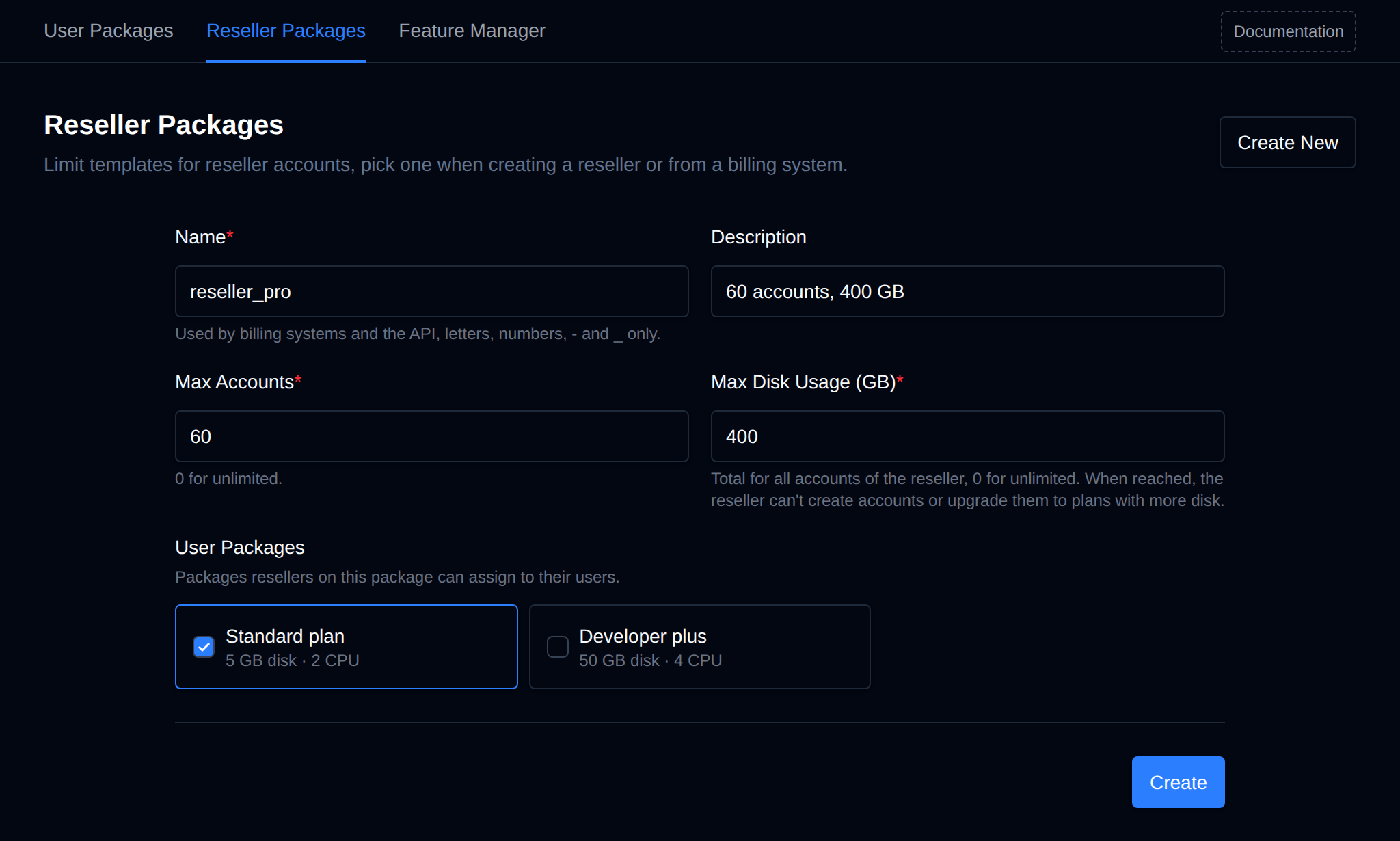
On OpenAdmin > Hosting Plans > Reseller Packages click Create New, fill in the name, description, Max Accounts and Max Disk Usage, tick the User Packages resellers on it can assign, and click Create.
curl -X POST https://SERVER:2087/api/plans/resellers \
  -H "Authorization: Bearer TOKEN_HERE" -H "Content-Type: application/json" \
  -d '{"action":"create","name":"reseller_basic","description":"10 accounts, 50 GB","max_accounts":10,"max_disk_blocks":51200000,"allowed_plans":[1,2]}'
Over the API the disk limit is set in blocks, 1 GB is 1024000 blocks. allowed_plans takes plan IDs, as a list ([1,2]) or a string ("1,2").
Edit a reseller package
- With OpenAdmin
- With API
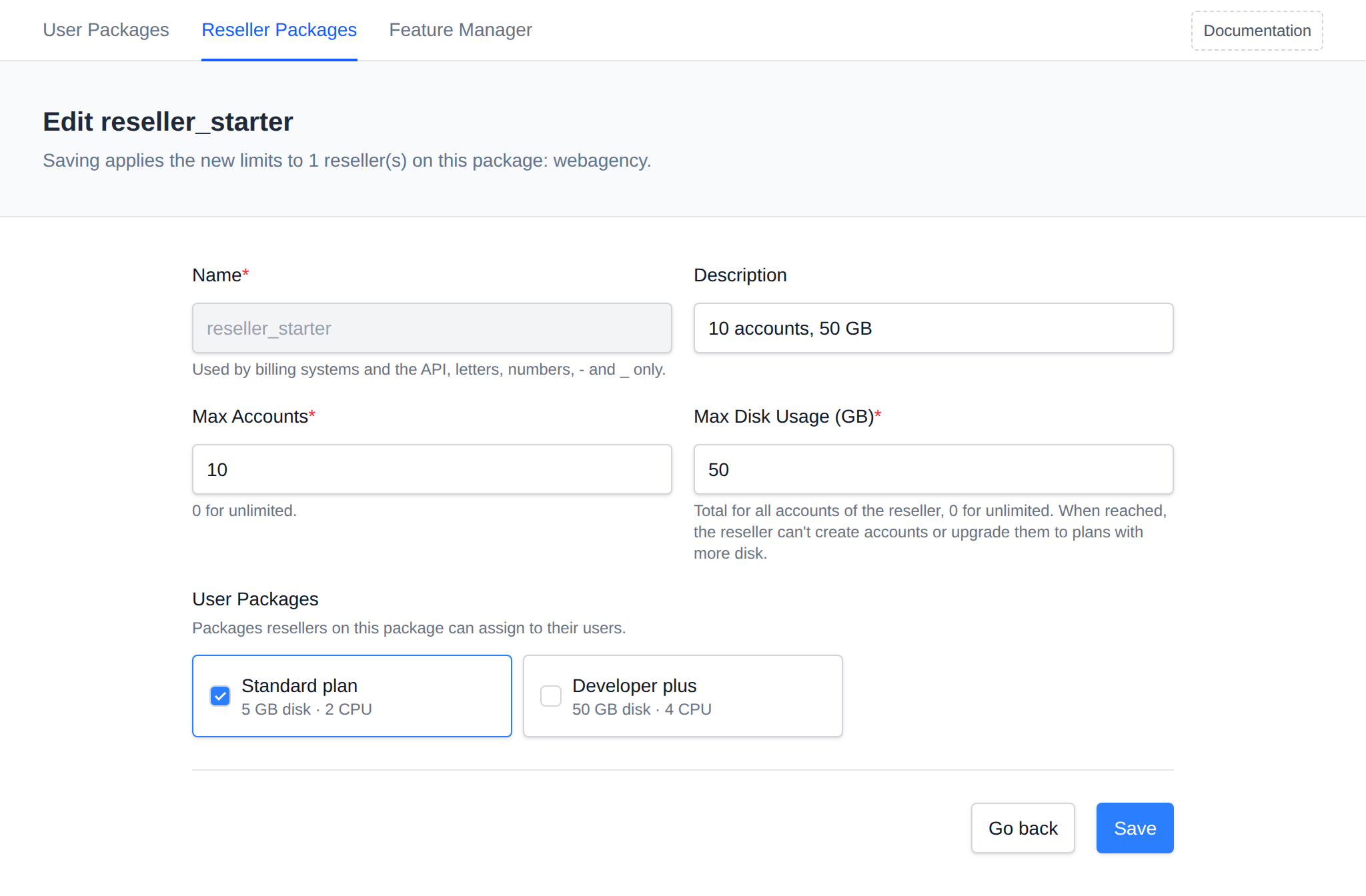
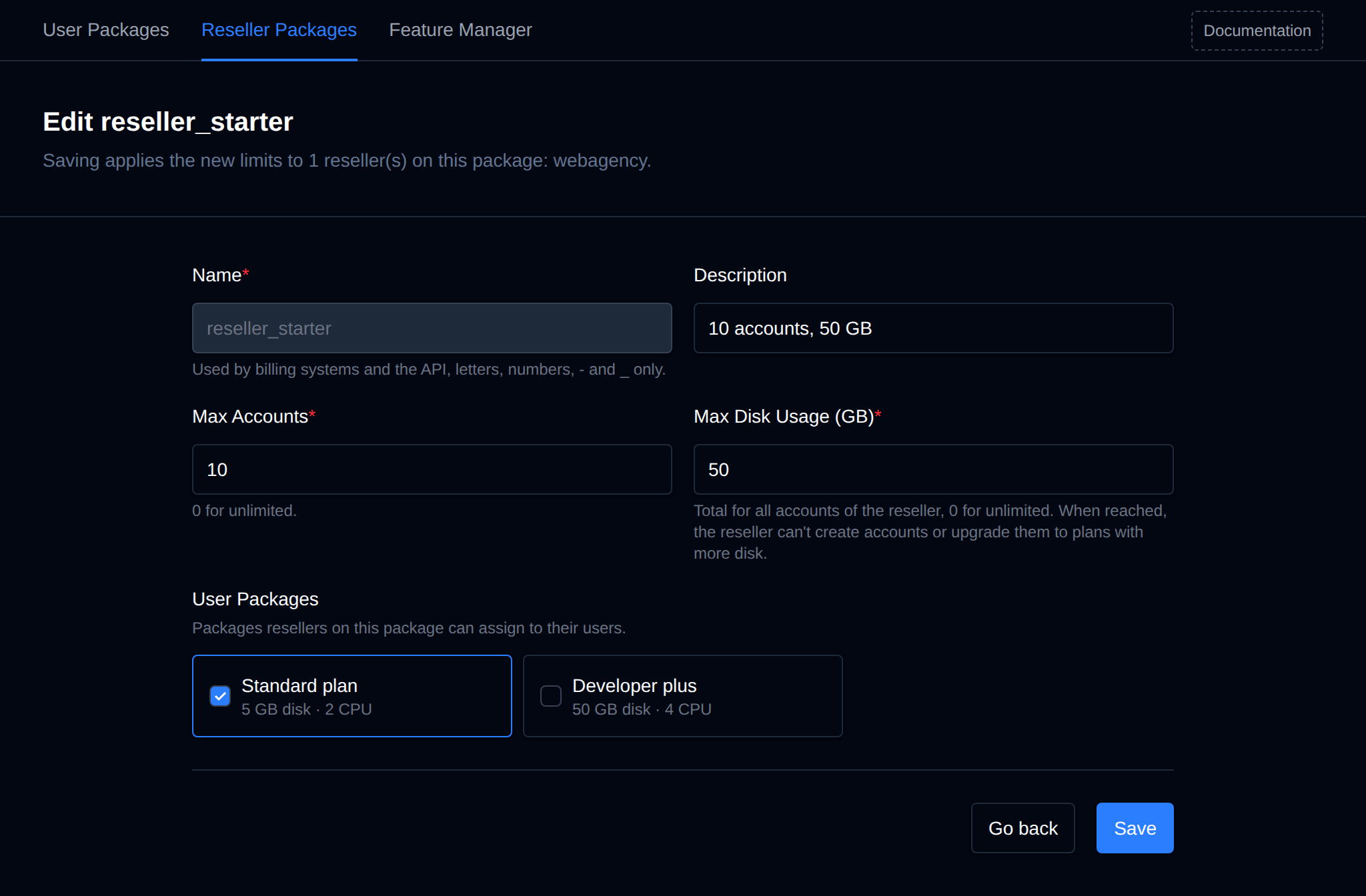
Click the package name, or open the package's Edit menu and click Edit, change the limits and click Save. The page header lists the resellers on the package.
curl -X POST https://SERVER:2087/api/plans/resellers \
  -H "Authorization: Bearer TOKEN_HERE" -H "Content-Type: application/json" \
  -d '{"action":"update","name":"reseller_basic","max_accounts":20,"max_disk_blocks":102400000,"allowed_plans":[1,2,3]}'
update replaces all limits of the package, send every field.
Saving a package applies the new limits to every reseller on it. If a reseller already has more accounts or uses more disk than the new limits allow, they keep their old limits and the notice lists them.
Delete a reseller package
- With OpenAdmin
- With API
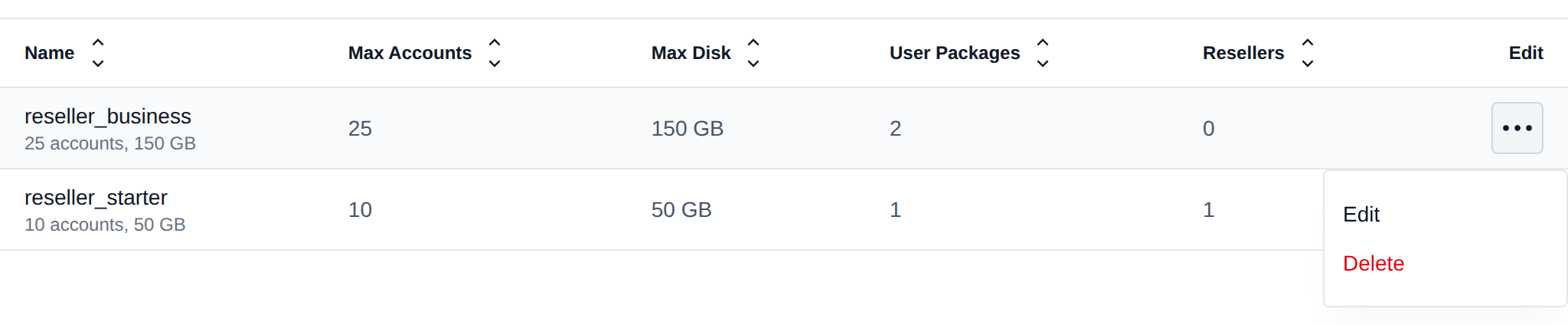
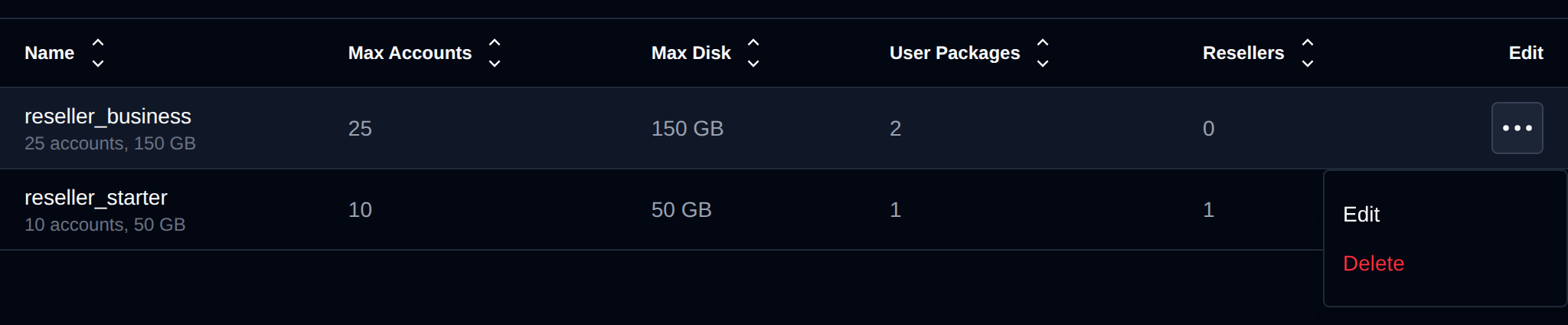
Open the package's Edit menu, click Delete and confirm. Delete isn't shown while resellers are on the package, move them to another package first.
curl -X POST https://SERVER:2087/api/plans/resellers \
  -H "Authorization: Bearer TOKEN_HERE" -H "Content-Type: application/json" \
  -d '{"action":"delete","name":"reseller_basic"}'
Create a reseller on a package
- With OpenAdmin
- With OpenCLI
- With API
On Accounts > Resellers click Create New, set the username and password, pick the package from Reseller Package and click Create.
opencli admin new <username> <password> --reseller --plan=<package>
curl -X POST https://SERVER:2087/api/settings/resellers \
  -H "Authorization: Bearer TOKEN_HERE" -H "Content-Type: application/json" \
  -d '{"action":"create","username":"reseller1","password":"secret123","plan":"reseller_basic"}'
Move a reseller to another package
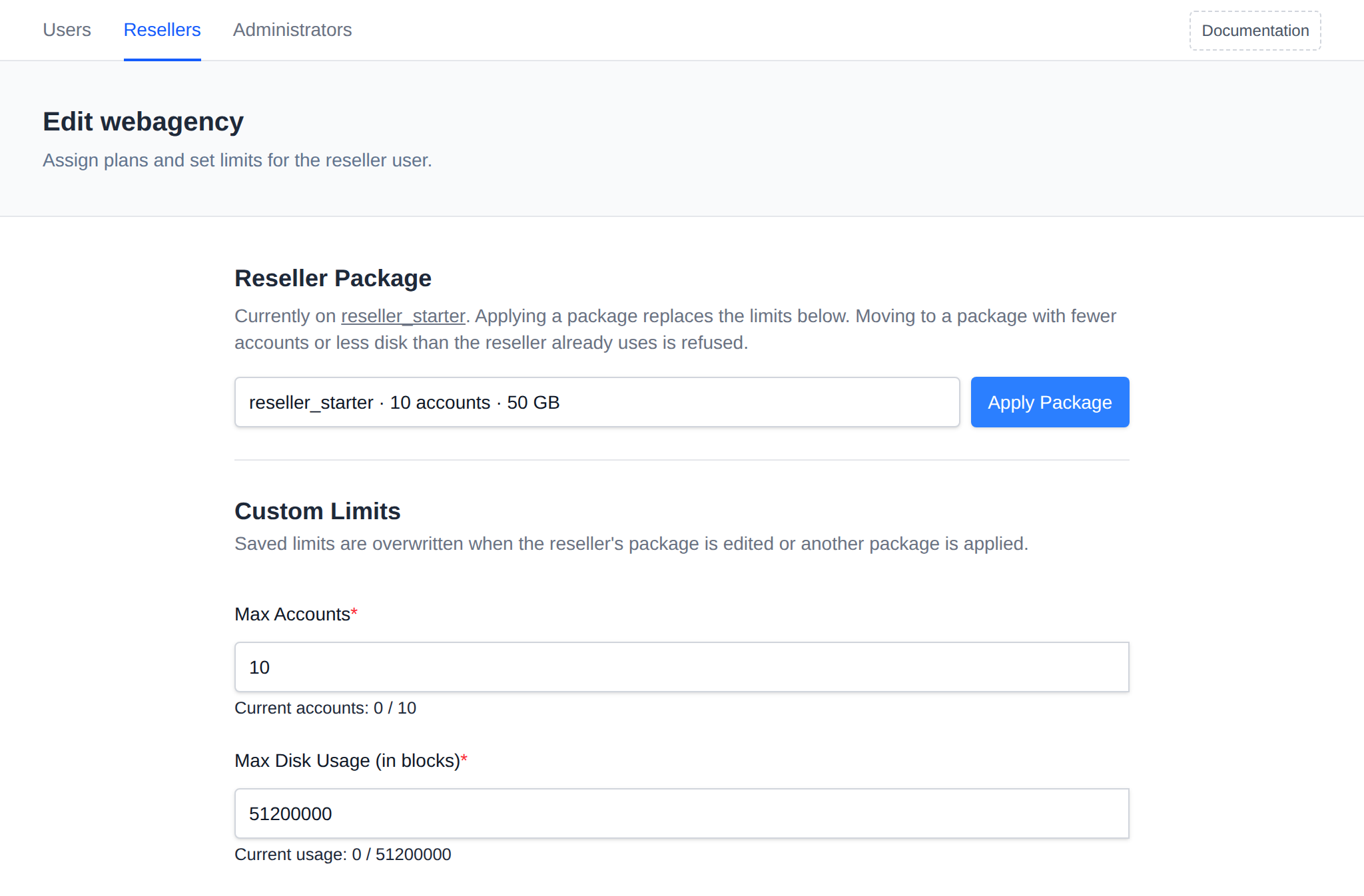
Use this to upgrade or downgrade a reseller. Moving to a package with fewer accounts or less disk than the reseller already uses is refused with a message saying what to free up first.
- With OpenAdmin
- With OpenCLI
- With API
On Accounts > Resellers open Edit Plans & Limits for the reseller, pick the package under Reseller Package and click Apply Package.
opencli admin update <username> --plan=<package>
curl -X POST https://SERVER:2087/api/settings/resellers \
  -H "Authorization: Bearer TOKEN_HERE" -H "Content-Type: application/json" \
  -d '{"action":"change_plan","username":"reseller1","plan":"reseller_pro"}'
Limits changed by hand on Edit Plans & Limits stay until the reseller's package is edited or another package is applied, then they're replaced by the package's limits.
How limits are enforced
- Max Accounts - the reseller can't create a new user, and no user can be moved to them, once they have this many accounts.
- User Packages - users of the reseller can only be created on, or changed to, the allowed packages. This also applies when an administrator does it for the reseller.
- Max Disk Usage - a soft limit. Once the reseller's users together reach it, the reseller can't create new users, users can't be moved to them, and their users can't be changed to a package with more disk space. Existing accounts keep working. Disk usage is recalculated by the files-calculate_resellers_storage cron job, so it can take a while to catch up.