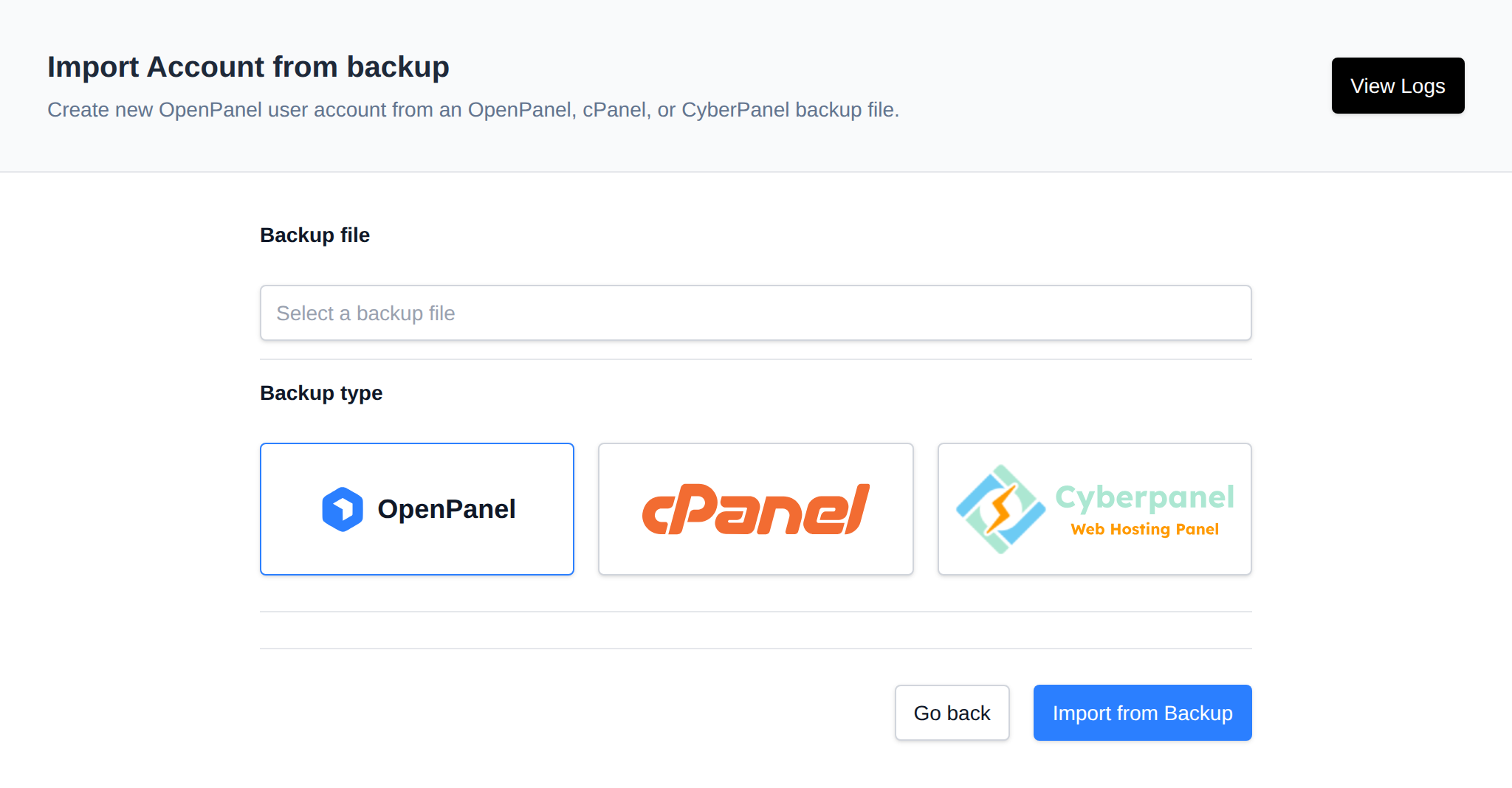
Import cPanel Account
Use OpenAdmin > Backups > Import Account to create an OpenPanel account from a cPanel, CyberPanel, or OpenPanel backup. On the import page, select the backup file and choose the backup type (OpenPanel, cPanel, or CyberPanel) before starting the import.
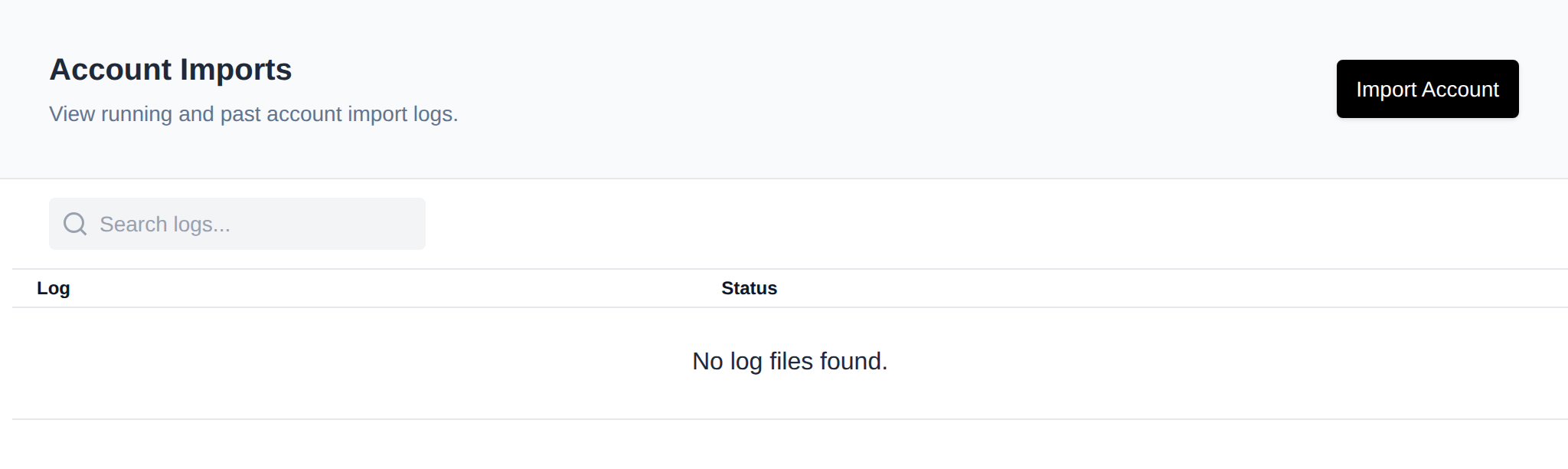
This menu item is only available with an Enterprise license. A View Logs button on the same page links to the account import history.
Instead of picking a backup that's already on the server you can upload one: choose the .tar.gz file under Backup file, click Upload and it's selected once the upload finishes. Uploads are saved to /home/reseller_imports/<your username>/.
Imports by resellers
Resellers can import OpenPanel backups too, cPanel and CyberPanel imports are only available to administrators.
- A reseller can only restore backups they uploaded themselves.
- The restored account belongs to the reseller and counts toward their limits: the import is refused when the reseller has reached Max Accounts or Max Disk Usage, or when the plan from the backup doesn't exist on this server or isn't assigned to the reseller.
- An existing account is never overwritten.
- Resellers only see the logs of their own imports.
For detailed instructions, see the Import cPanel backup guide