Sync Settings
Settings saved with Apply on all servers already reach every server. Sync is for a server that missed changes, like a newly added one or one that was edited directly.
Sync from the master
Under Sync settings on the master, each server shows when it was last synced and how many settings differ. Click Differences to see what a sync would change on that server: red and struck out is removed or turned off, green is added, increased or turned on, orange is decreased and blue is changed. For lists like enabled modules only the added and removed items are shown.
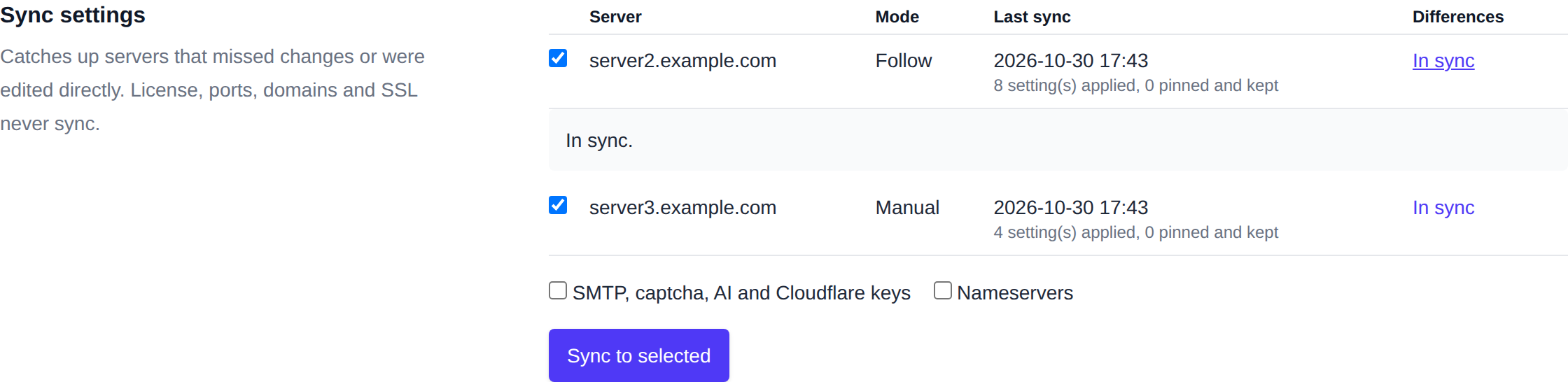
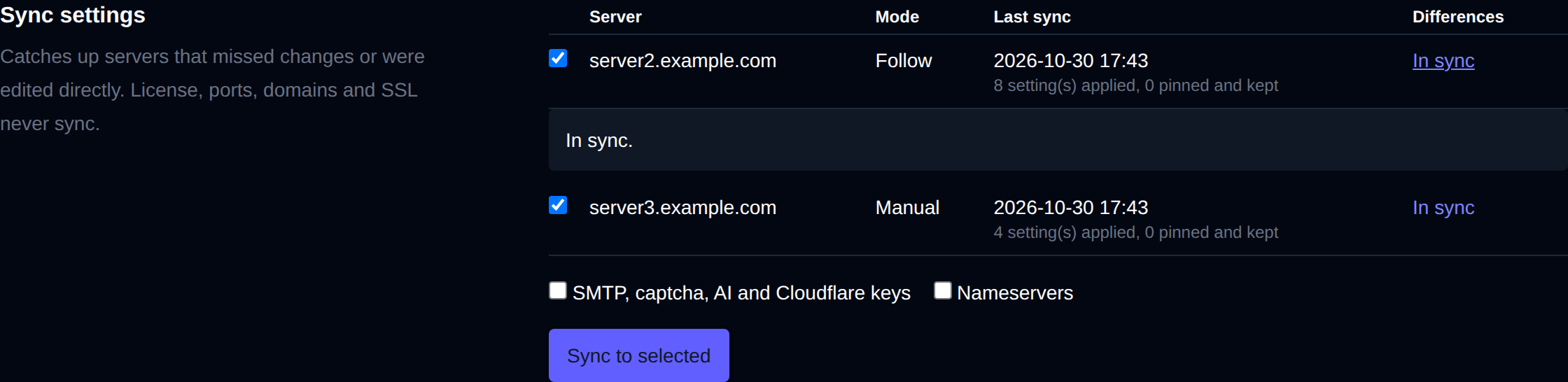
Select the servers and click Sync to selected. Settings always synced are the shared OpenPanel and OpenAdmin options, feature sets, custom code, blocked user agents, forbidden usernames, notification settings and DNS zone templates. Two groups are optional:
- SMTP, captcha, AI and Cloudflare credentials.
- Nameservers.
License, ports, domains and SSL never sync.
On a slave
System > Multi-Server on a slave shows the master and the sync settings for that slave:
- Sync from master pulls the master's settings now.
- Undo last sync restores the settings from before the last sync. Each sync keeps a backup, the last 10 are kept.
- Sync mode: Manual only syncs when you ask. Follow master picks up changes on the master within 5 minutes. Servers added with a join code start in manual mode, servers added with the install command follow the master.
- Pinned settings stay local even in follow mode. Enter one per line, like
openpanel:USERS.session_duration. - Leave cluster makes the server standalone again. Nothing else on it changes.