MySQL Databases
The MySQL tab lists the MySQL and MariaDB databases of every user on the server.
Use OpenAdmin > Databases > MySQL to access it.
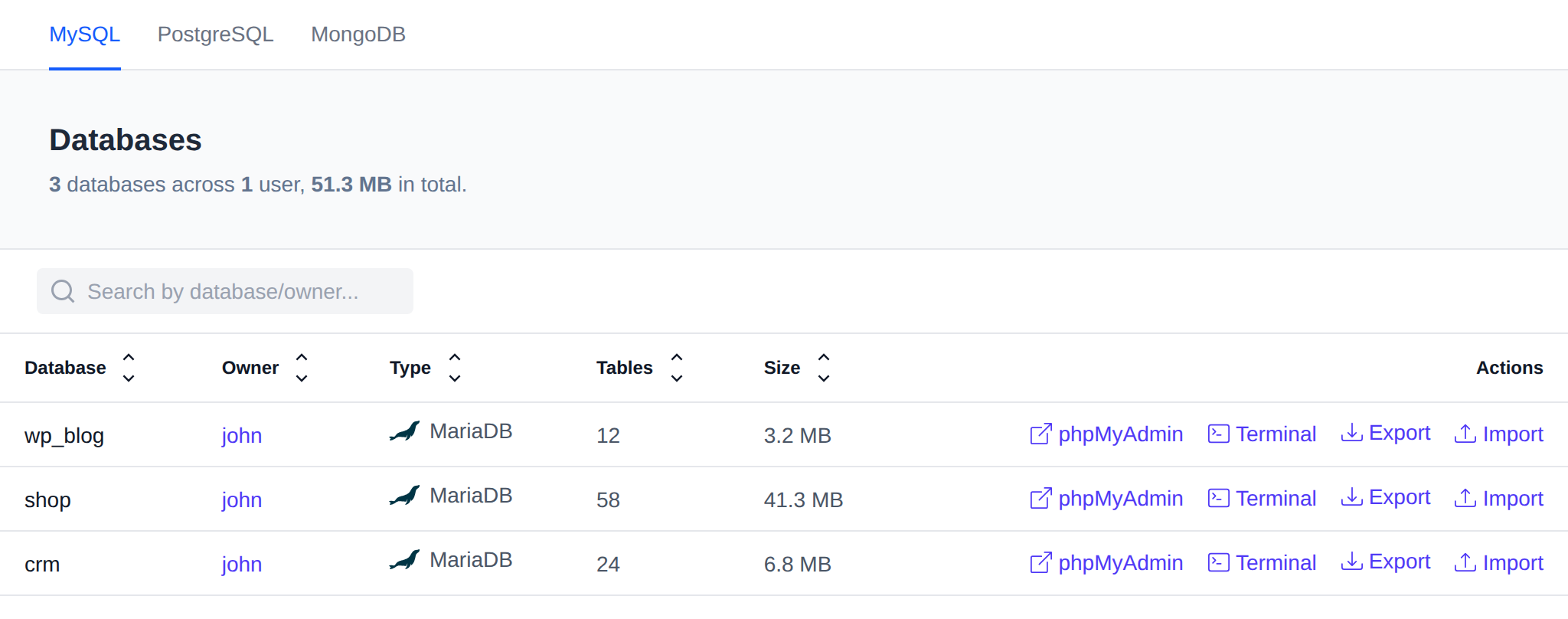
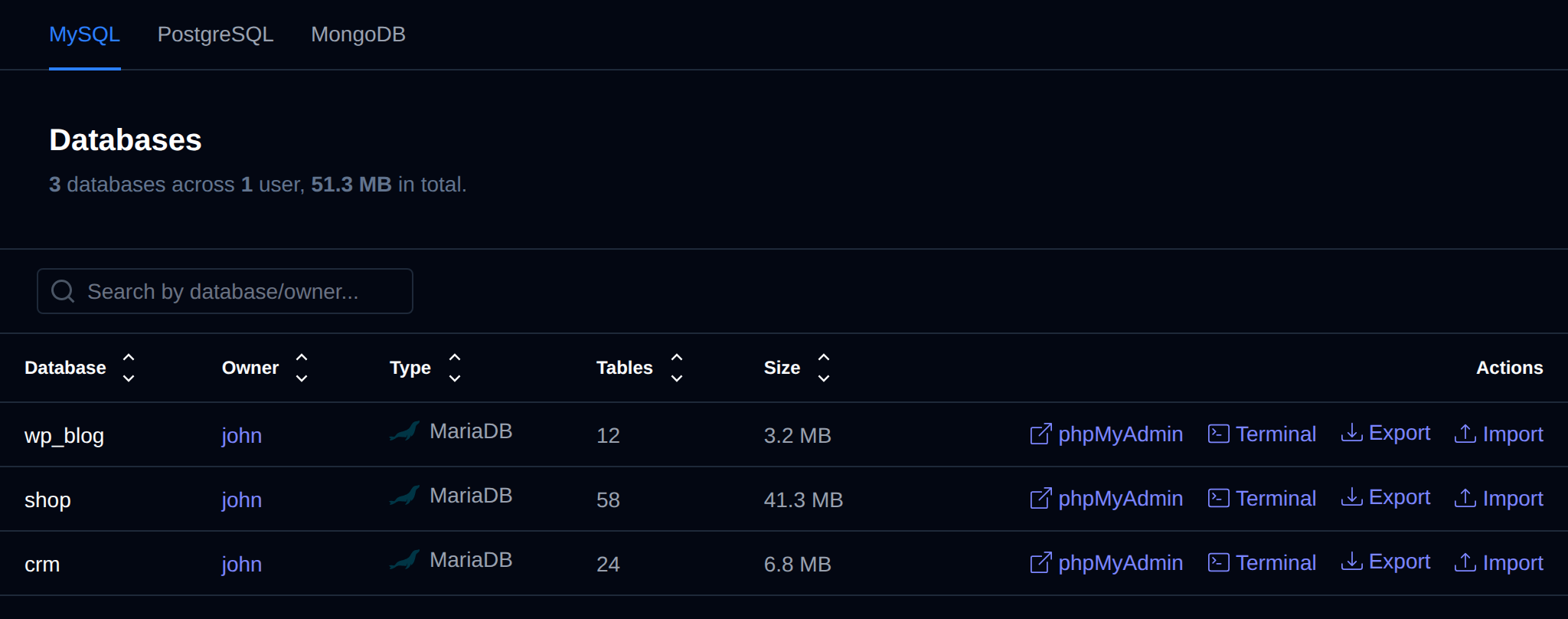
Every user has their own MySQL or MariaDB service. The list is read from the files of each user's database, so OpenAdmin doesn't connect to any of them and users whose service is stopped are listed too. The header shows how many databases there are, across how many users, and their total size.
| Column | Description |
|---|---|
| Database | Name of the database. |
| Owner | The OpenPanel user the database belongs to. Click it to open the user. |
| Type | MySQL or MariaDB, the service the user runs. |
| Tables | Number of tables in the database. |
| Size | Size of the database files on disk. |
| Actions | phpMyAdmin, Terminal, Export and Import. |
Use the search box to filter the list by database or owner, and click a column name to sort by it.
System databases like mysql, sys and performance_schema are not listed.
phpMyAdmin
phpMyAdmin logs you in to the owner's OpenPanel in a new tab and opens the database in phpMyAdmin, the same as when the user clicks phpMyAdmin themselves. It's shown only when the phpMyAdmin module is enabled.
Terminal
Terminal opens a terminal in the owner's MySQL or MariaDB container, already inside the database's mysql or mariadb client. It's shown to Super Admin and Admin logins only, like Terminal.
Export
Click Export and pick SQL (.sql) or Gzip (.sql.gz). The dump is downloaded straight to your browser, also for big databases, and nothing is saved on the server.


If the dump fails before it starts, the page shows the error instead. If it fails in the middle, the browser marks the download as failed so you don't keep a cut off file.
Import
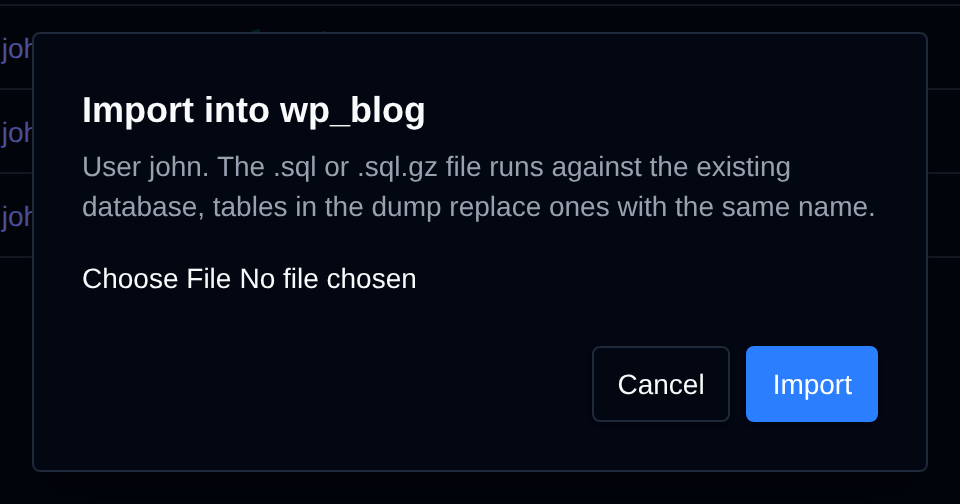
Click Import, choose a .sql or .sql.gz file and click Import. The file runs against the existing database while it uploads, a .gz file is unpacked on the fly, and the progress bar shows how much is uploaded. Tables in the dump replace the ones with the same name.
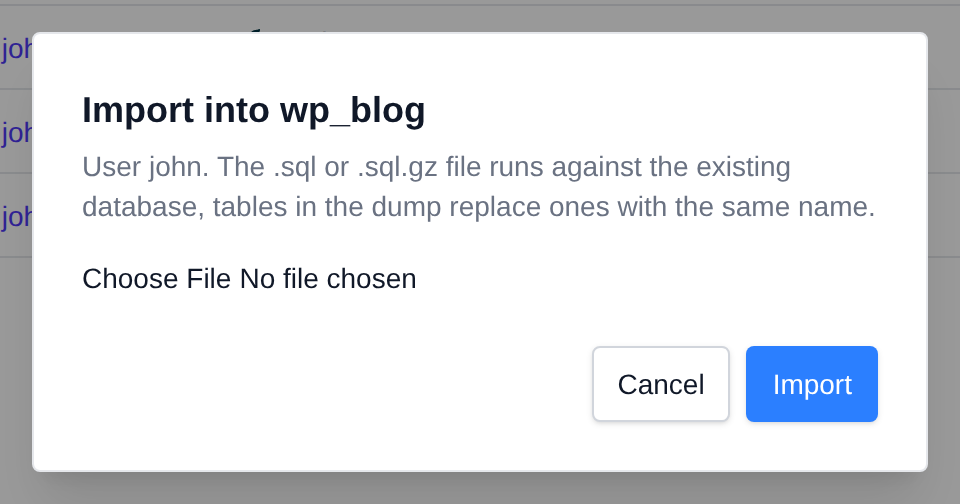
Export and Import need the owner's MySQL or MariaDB service to be running. When it's stopped they show an error, and the service is not started for you.
Resellers
Resellers can open the Databases page too. They only see the databases of their own users, and can export and import them. The Terminal action is not shown to resellers.