Swap
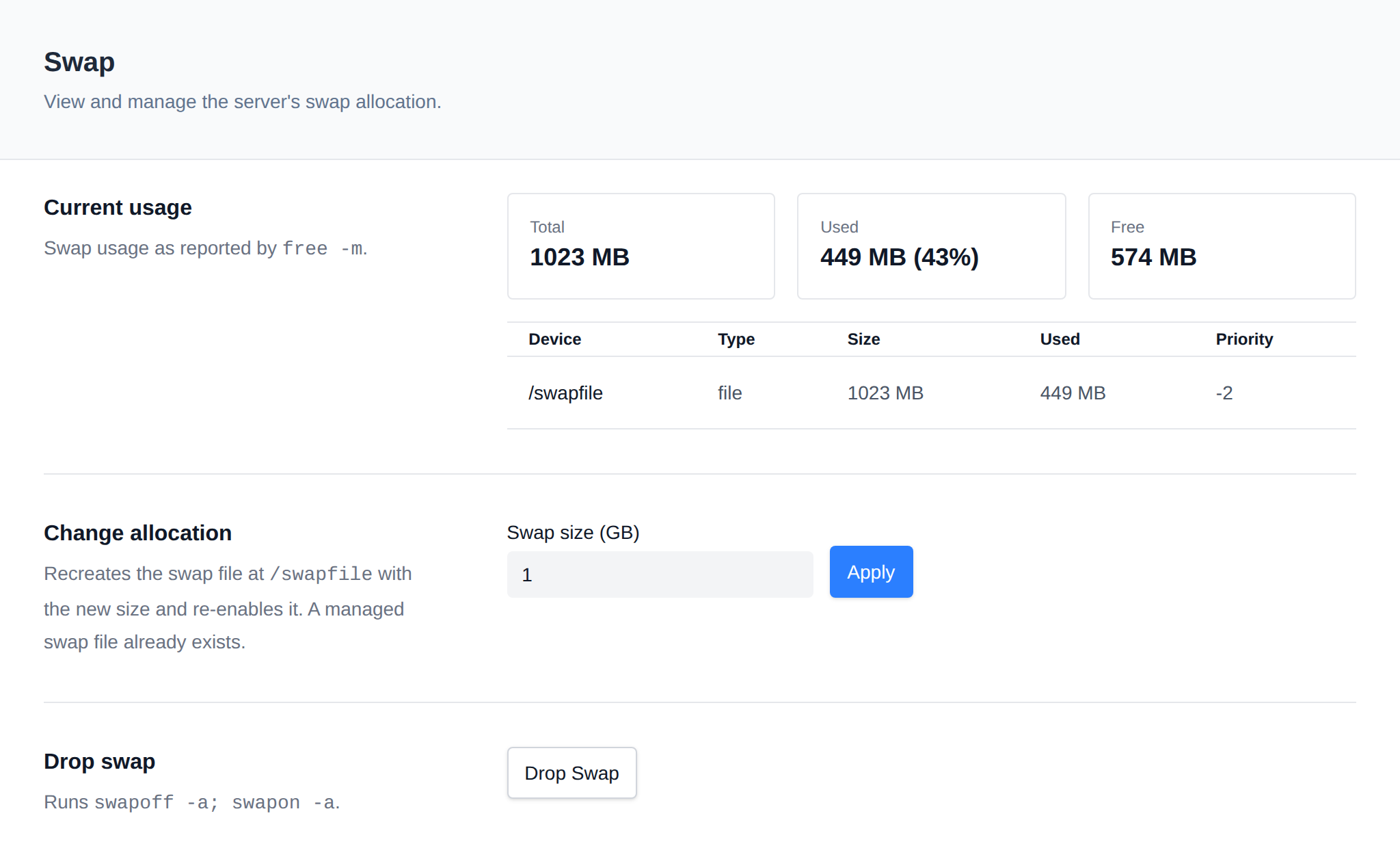
OpenAdmin > System > Swap lets Administrators view current swap usage, change the swap file allocation, and drop (clear) swap.
Step-by-step guide: How to Add or Resize Swap
Current usage
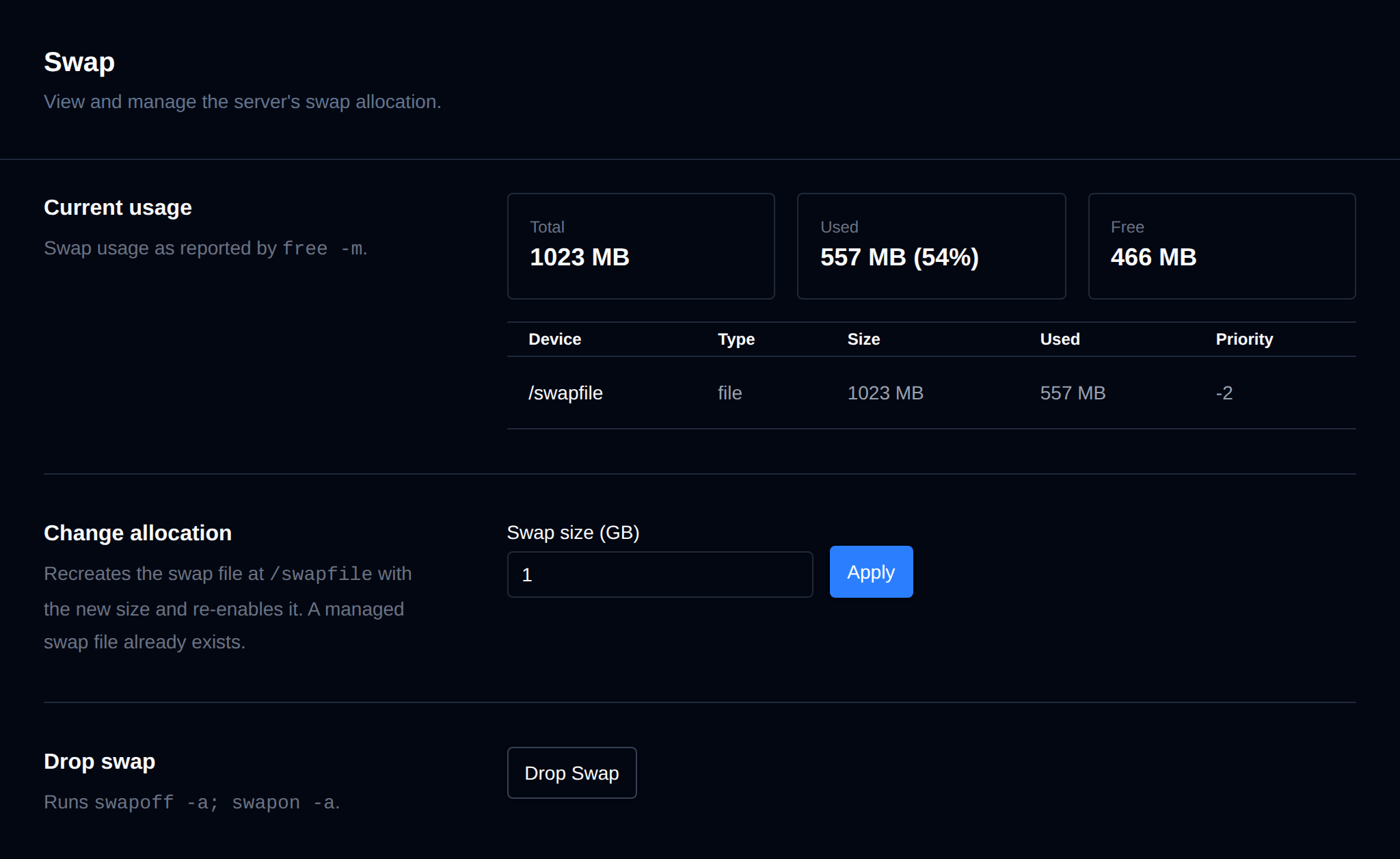
Shows total/used/free swap (as reported by free -m) and a table of every active swap device (name, type, size, used, priority, from swapon --show). The alert threshold shown here is the same swap= value used by Sentinel's own swap check.
When swap is more than 90% used, a warning is shown: the server is short on memory, so add RAM, lower memory usage on Processes, or increase swap.
Change allocation
Recreates the managed swap file (/swapfile by default) at the requested size and re-enables it, adding it to /etc/fstab if it isn't already there. This briefly disables swap while the file is recreated.
A recommended swap size is shown when the size is smaller than it, or no swap is set up: 2× RAM on servers with up to 2 GB RAM, otherwise the square root of the RAM in GB (at least 2 GB), for example 4 GB for 16 GB RAM.
Drop swap
Runs swapoff -a; swapon -a, the same cleanup Sentinel performs automatically when swap usage crosses its threshold. This moves swapped-out pages back into RAM without changing the swap size.
See also: High CPU or RAM usage: find the culprit