Rate Limiting
Limit how many requests per minute a single visitor and a whole domain can make, so one busy site or bot can't slow down the server.
Use OpenAdmin > Domains > Rate Limiting to access it.
Requests above a limit get HTTP 429 Too Many Requests until the minute passes. There are two limits:
- Per IP: requests per minute from one visitor. This stops scrapers, bots and single attackers.
- Per domain: requests per minute for the whole domain, from all visitors together. This caps how much of the server one domain can use.
0 turns a limit off. Visitors behind Cloudflare are counted by their real IP address, not by Cloudflare's.
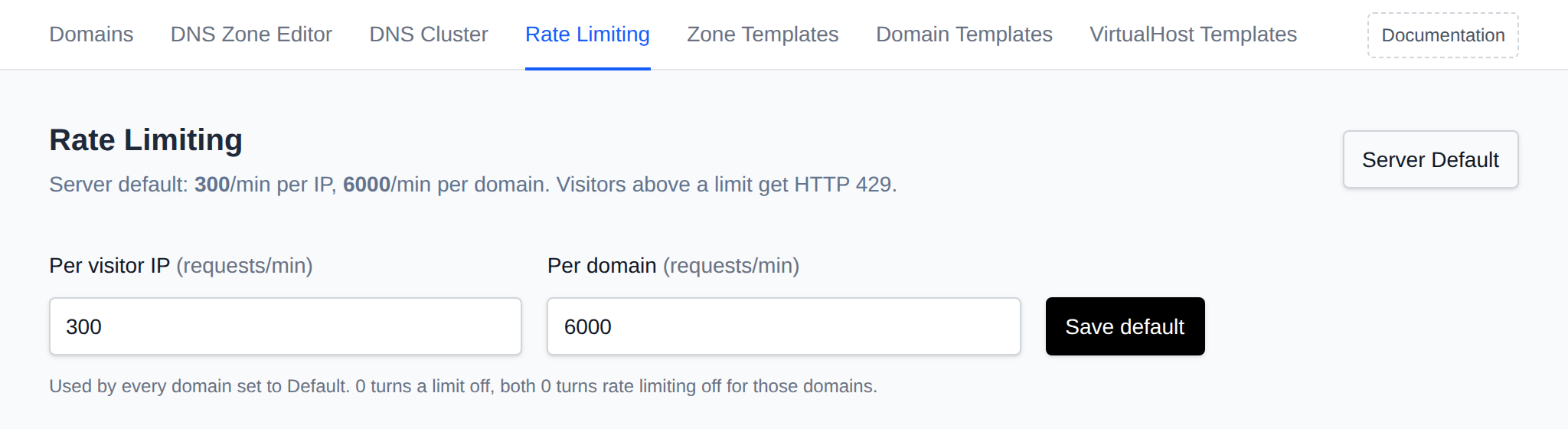
Server Default
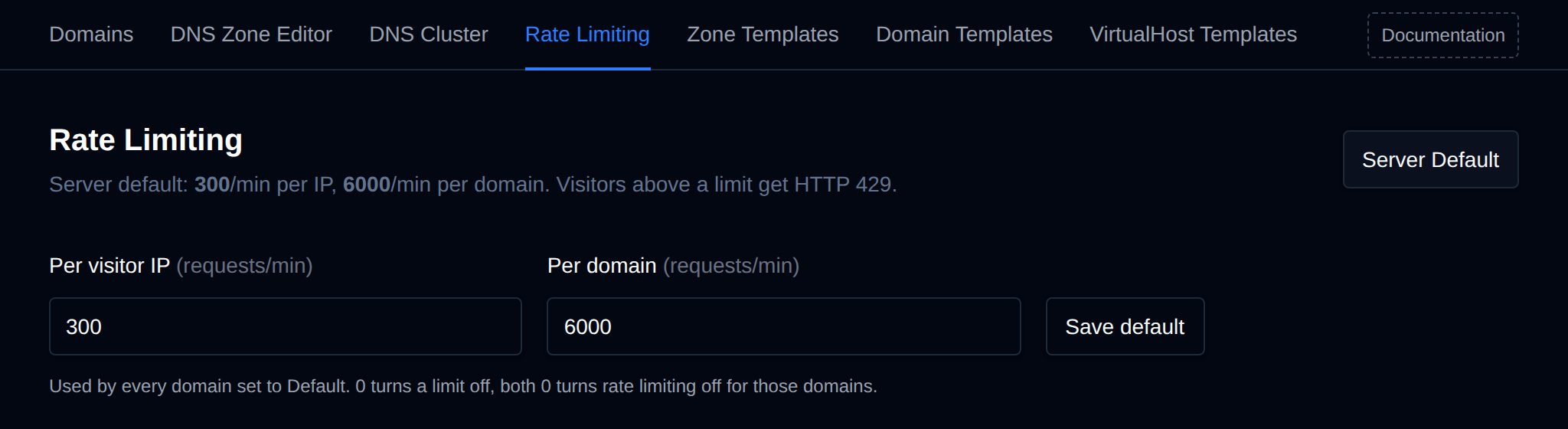
Click Server Default to set the limits used by every domain set to Default. New installations start with 300 requests per minute per IP and 6000 per domain. On servers updated from an older version, rate limiting stays off until you set a default.
Domains Table
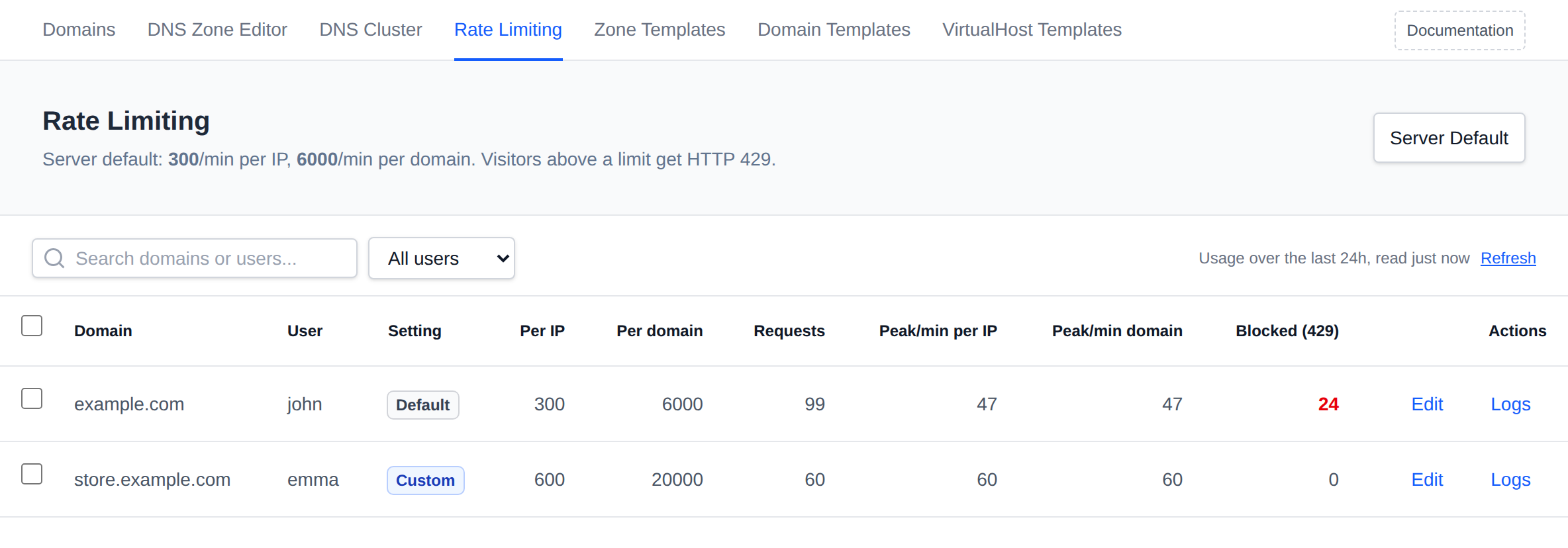
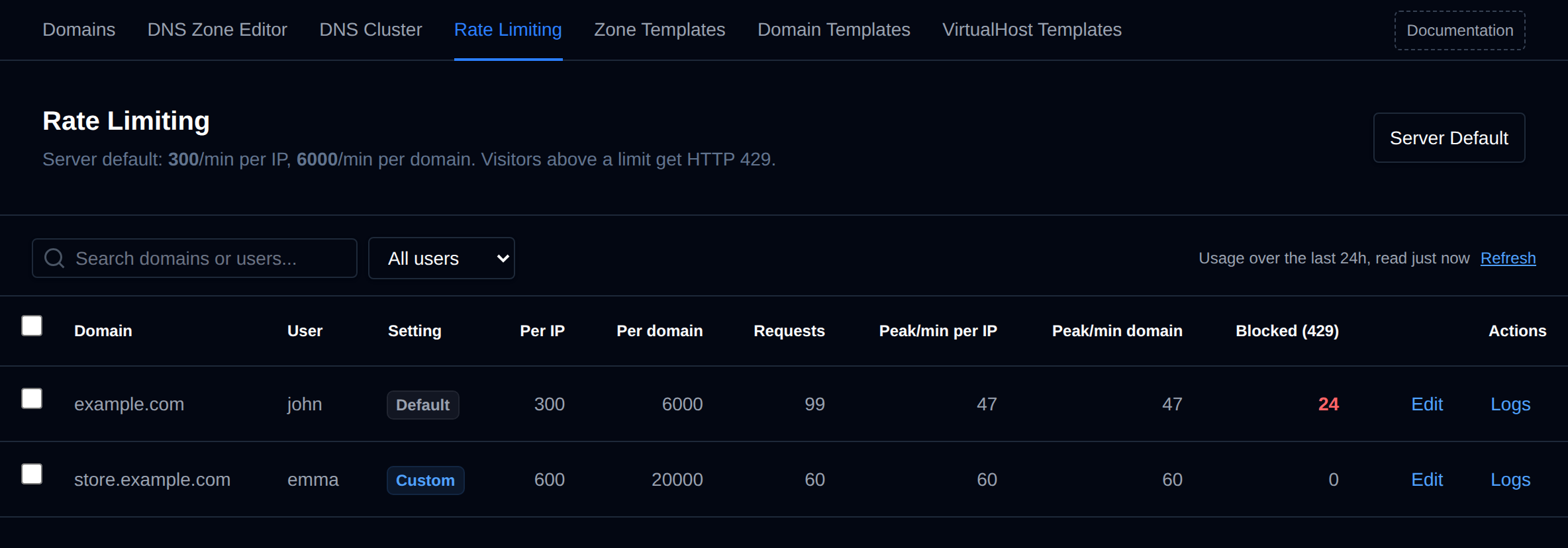 Each domain shows its setting (Default, Custom or Off), the limits that apply to it, and its usage over the last 24 hours:
- Requests: all requests to the domain.
- Peak/min per IP: the most requests a single IP made in one minute. Compare it to the Per IP limit.
- Peak/min domain: the busiest minute for the whole domain. Compare it to the Per domain limit.
- Blocked (429): requests answered with 429.
A peak turns yellow when it came within 20% of its limit, and red when it went over it, which means visitors were blocked. If real visitors are hitting the limit, raise it for that domain.
Usage is read from the domain's access logs and refreshed every 5 minutes, click Refresh to read it again.
Change a Domain
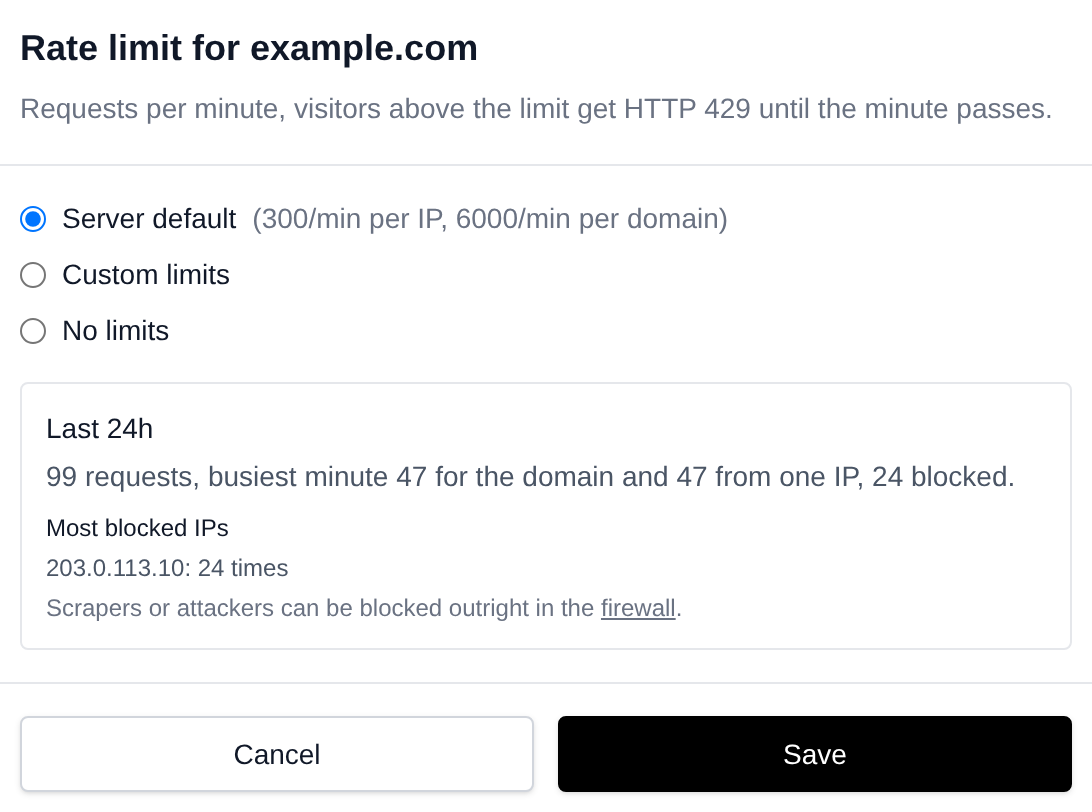
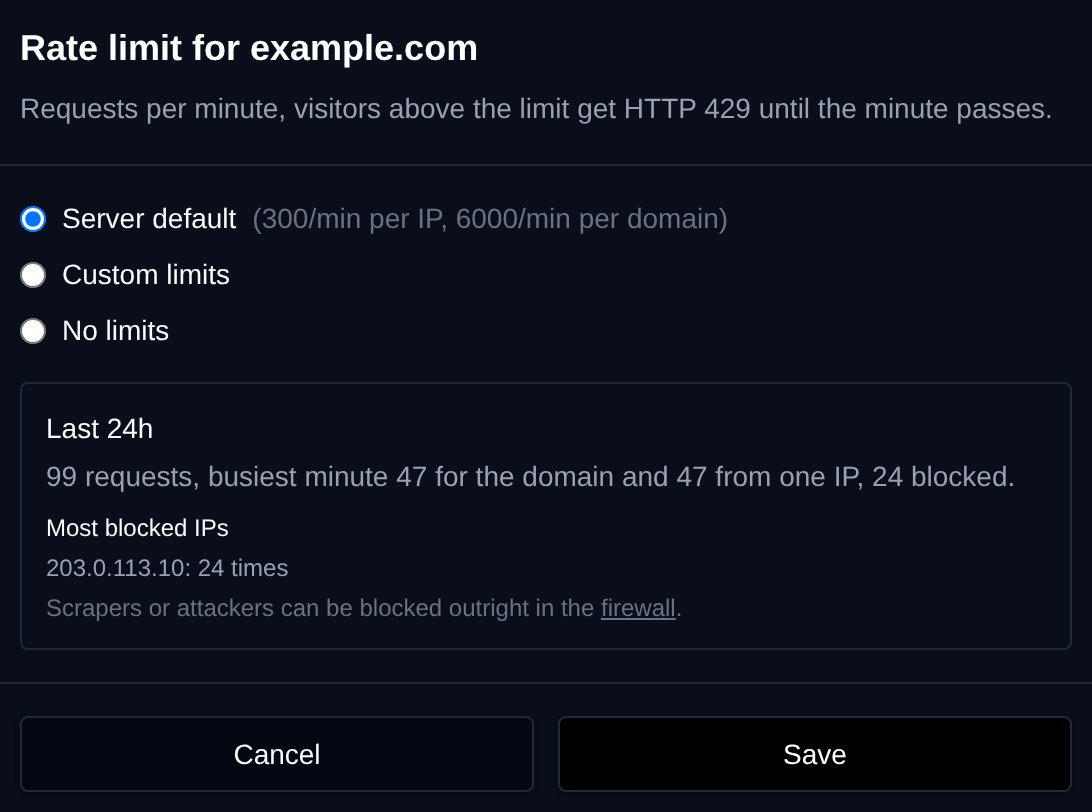 Click Edit on a domain and pick:
- Server default: use the limits from Server Default.
- Custom limits: set this domain's own limits per IP and per domain.
- No limits: turn rate limiting off for this domain.
The window also shows the domain's usage and the IP addresses that were blocked most often. A scraper or attacker can be blocked completely in the firewall.
Bulk Actions
Tick the checkbox of one or more domains, or the one in the table header to select all shown, and use Use server default, Custom limits or No limits in the bar at the bottom. All selected domains are changed with a single Caddy reload.


Custom limits takes both limits as per IP/per domain, for example 600/20000:


From the Terminal
opencli domains-ratelimit                                  # show the server default and every domain
opencli domains-ratelimit default 300 6000                 # set the server default
opencli domains-ratelimit example.com 600 20000            # custom limits for a domain
opencli domains-ratelimit --user john default              # all of a user's domains back to the default
opencli domains-ratelimit --all off                        # no limits on any domain
opencli domains-ratelimit stats                            # usage over the last 24 hours