Email Deliverability
Email Deliverability shows which domains need DNS changes so their emails don't end up in spam.
Use OpenAdmin > Emails > Email Deliverability to access it.
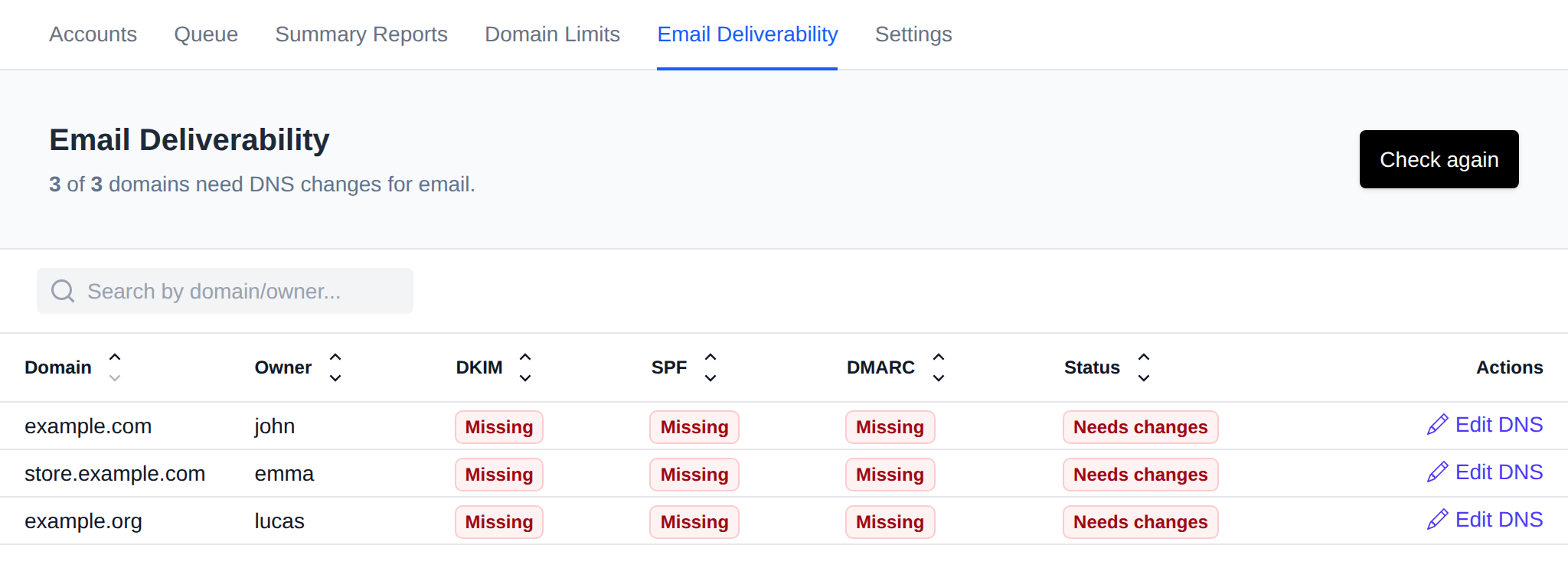
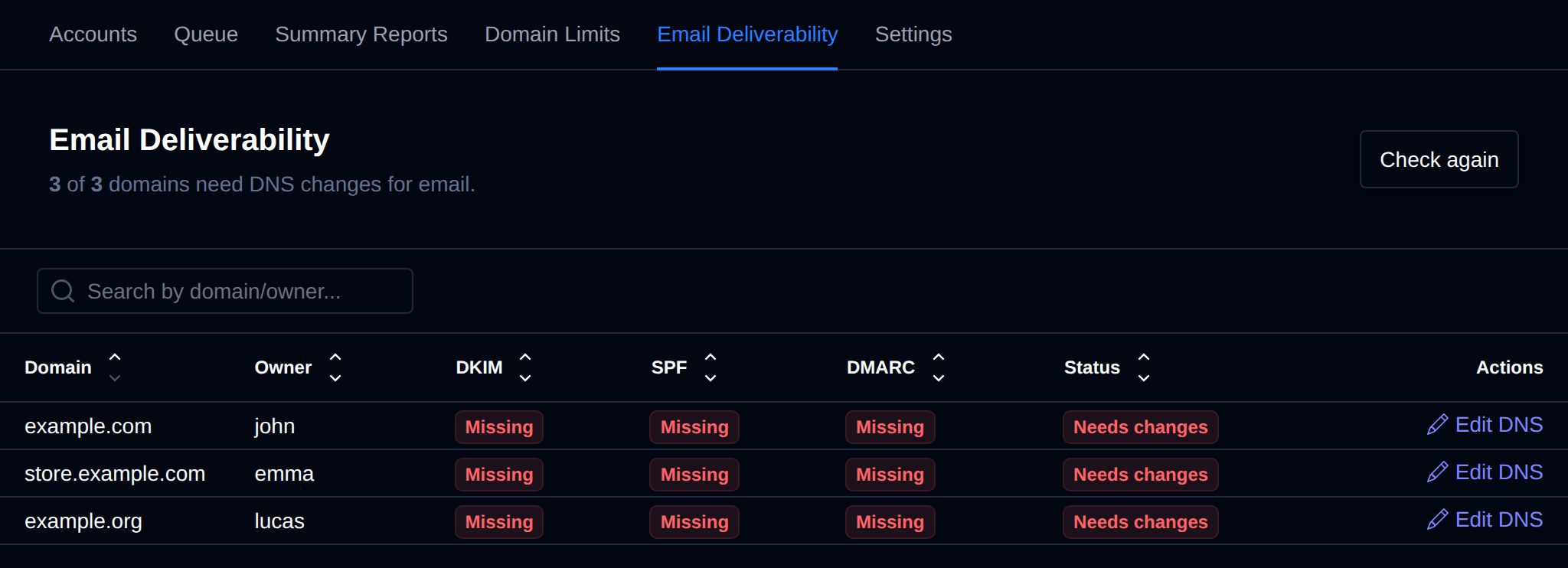
Every domain on the server is checked the same way as on the user's own Emails > Deliverability page in OpenPanel. The header shows how many domains need changes.
| Record | OK when |
|---|---|
| DKIM | The mail._domainkey TXT record matches the DKIM key the mail server generated for the domain. Mismatch means a different key is published. |
| SPF | The domain's SPF record allows the owner's dedicated IP address, or the server's IP when the user has none. Wrong IP means an SPF record exists but doesn't include that address. |
| DMARC | A _dmarc TXT record exists. |
Status is Good when all three are OK, otherwise Needs changes. Click Edit DNS to open the domain in the DNS Zone Editor.
Use the search box to filter by domain or owner, and click a column name to sort by it.
The records are looked up in DNS a few domains at a time and the results are kept for 5 minutes. Click Check again to look them up right away, for example after changing a DNS zone.
Domain Details
Click a domain to see the record that is published now and the one it should be, ready to copy into the DNS zone.
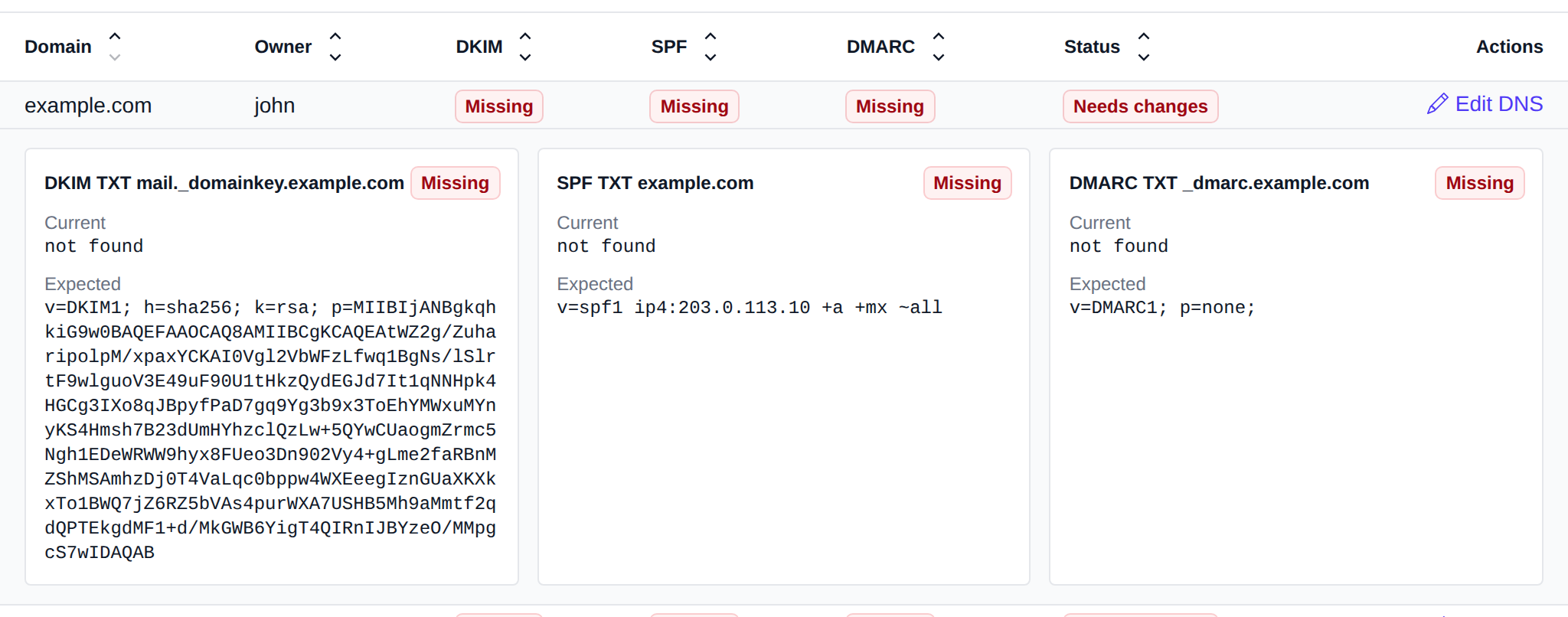
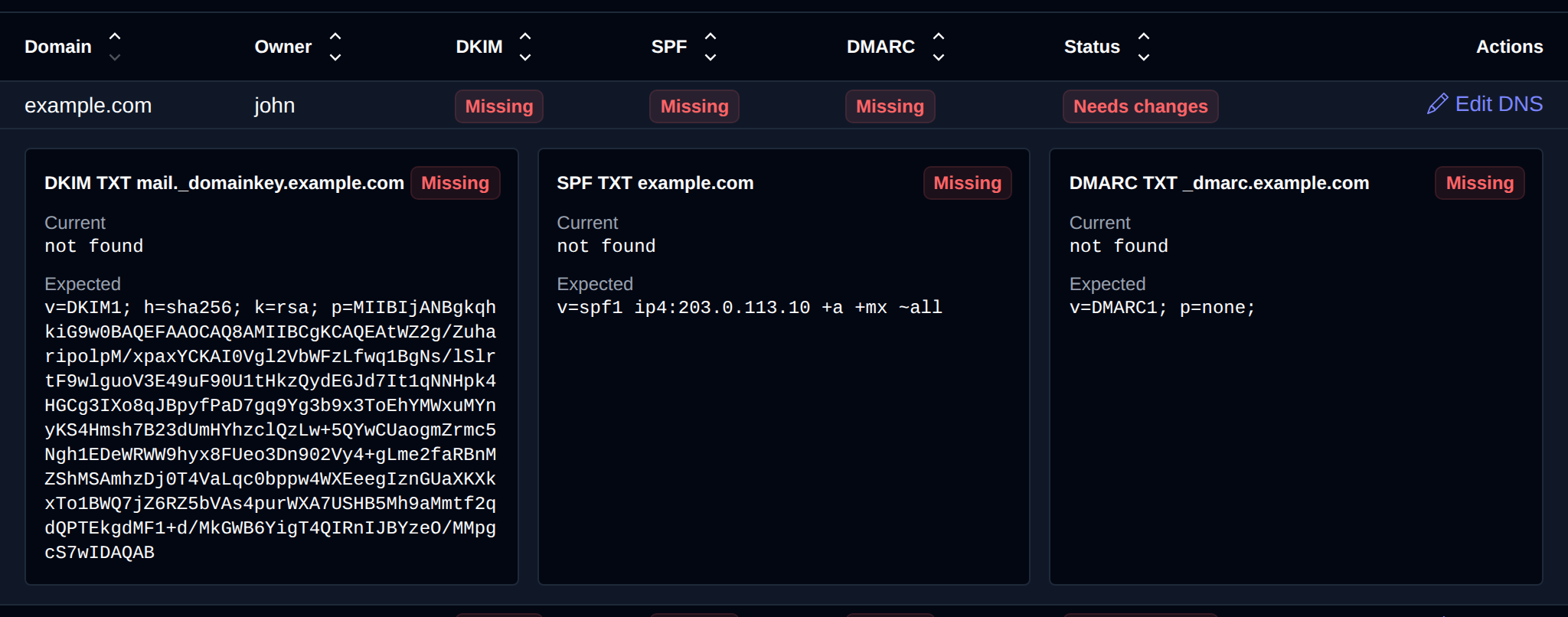
The expected SPF and DMARC records come from the server's DNS zone template. A domain without email has no DKIM key yet, so there is no expected DKIM record for it.
Resellers
Resellers can open Email Deliverability too, and only see the domains of their own users.
Emails are only available on OpenPanel Enterprise edition