Add Servers
There are two ways to add a server: with a join code from a server that already runs OpenPanel, or with an install command on a new VPS.
Add an existing server
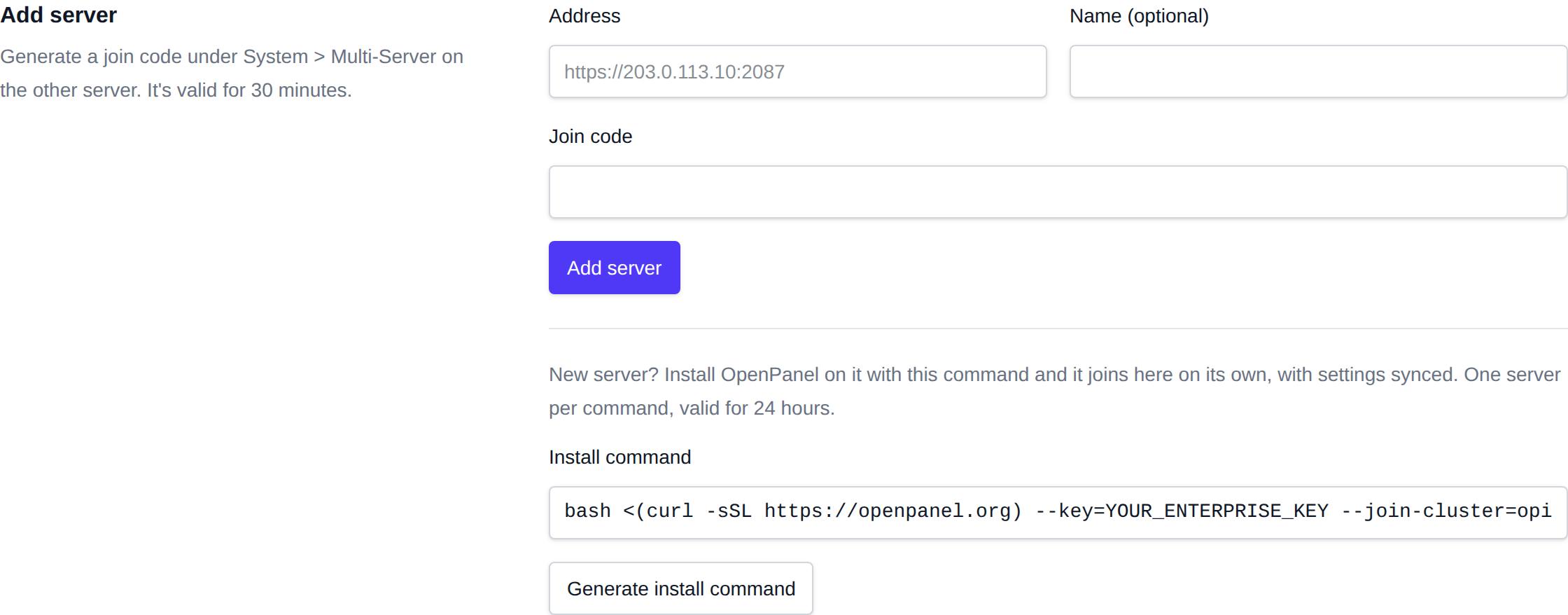
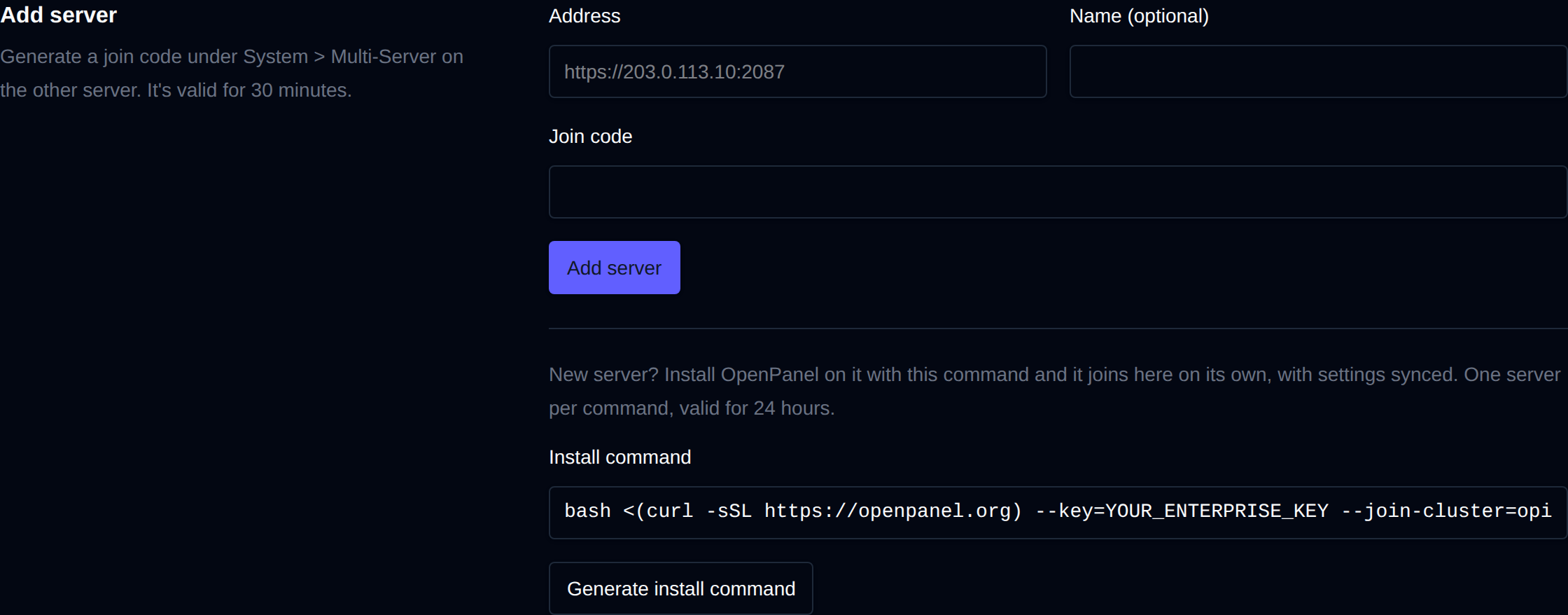
- On the server you want to add, open System > Multi-Server and click Generate join code. You can also run this over SSH:
/usr/local/admin/openadmin-amd64 cluster-join-code
- On the master open System > Multi-Server, and under Add server enter the address of the new server (for example
https://203.0.113.10:2087), an optional name, and paste the code.
The code is valid for 30 minutes and works once. The first server you add makes the current server the master.
Install a new server straight into the cluster
- On the master open System > Multi-Server and click Generate install command under Add server.
- Run the command on the new VPS, with your Enterprise key in place of
YOUR_ENTERPRISE_KEY:bash <(curl -sSL https://openpanel.org) --key=YOUR_ENTERPRISE_KEY --join-cluster=opinvite-...
When the installation finishes, the new server contacts the master, the master adds it as a slave and syncs its settings to it. A server added this way follows the master, so later changes on the master reach it within 5 minutes. The install output ends with the result, for example:
Added to stefan.openpanel.org as server2.example.com.
Settings synced: 21 setting(s) applied, 0 pinned and kept
Each install command adds one server and is valid for 24 hours. If joining fails, the installation itself still completes, and you can add the server with a join code afterwards.
The server is named after --domain when it's set, otherwise after its hostname. You can combine --join-cluster with the other install options.
What the master needs
- The master calls the new server on its public IP and admin port, so that port must be open to the master.
- The new server must reach the master on its admin port.