Process Manager
The Process Manager allows you to view and manage running system processes directly from the OpenPanel interface. It's a powerful tool for monitoring system activity and taking quick action when needed.
The process table includes the following details:
- PID – Process ID. Options are available to trace the process or kill it directly.
- Owner – The user that owns the process.
- Priority – The process's current scheduling priority.
- CPU – Percentage of CPU usage.
- Memory – Percentage of Memory usage.
- Command – The command or service that launched the process.
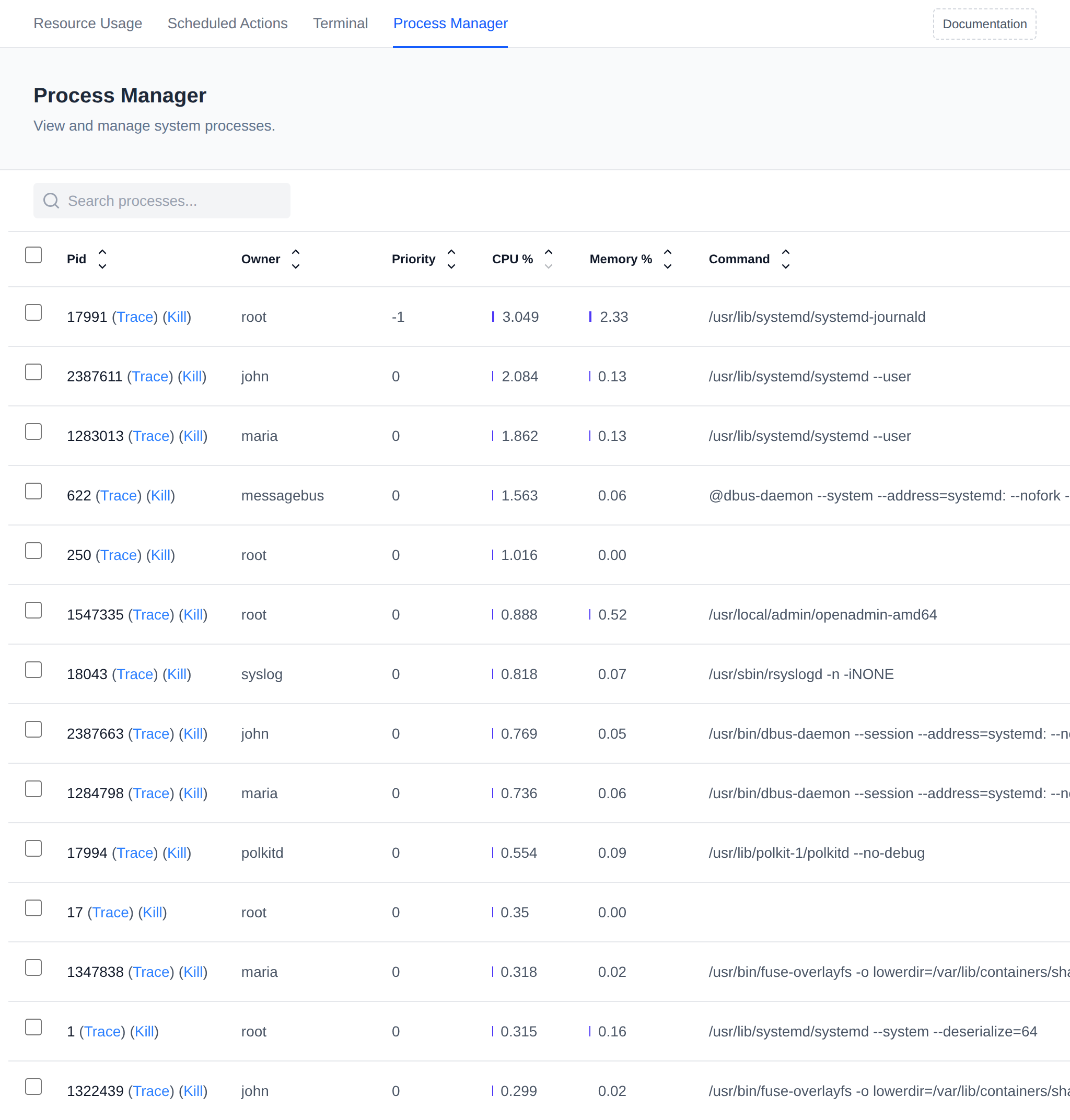
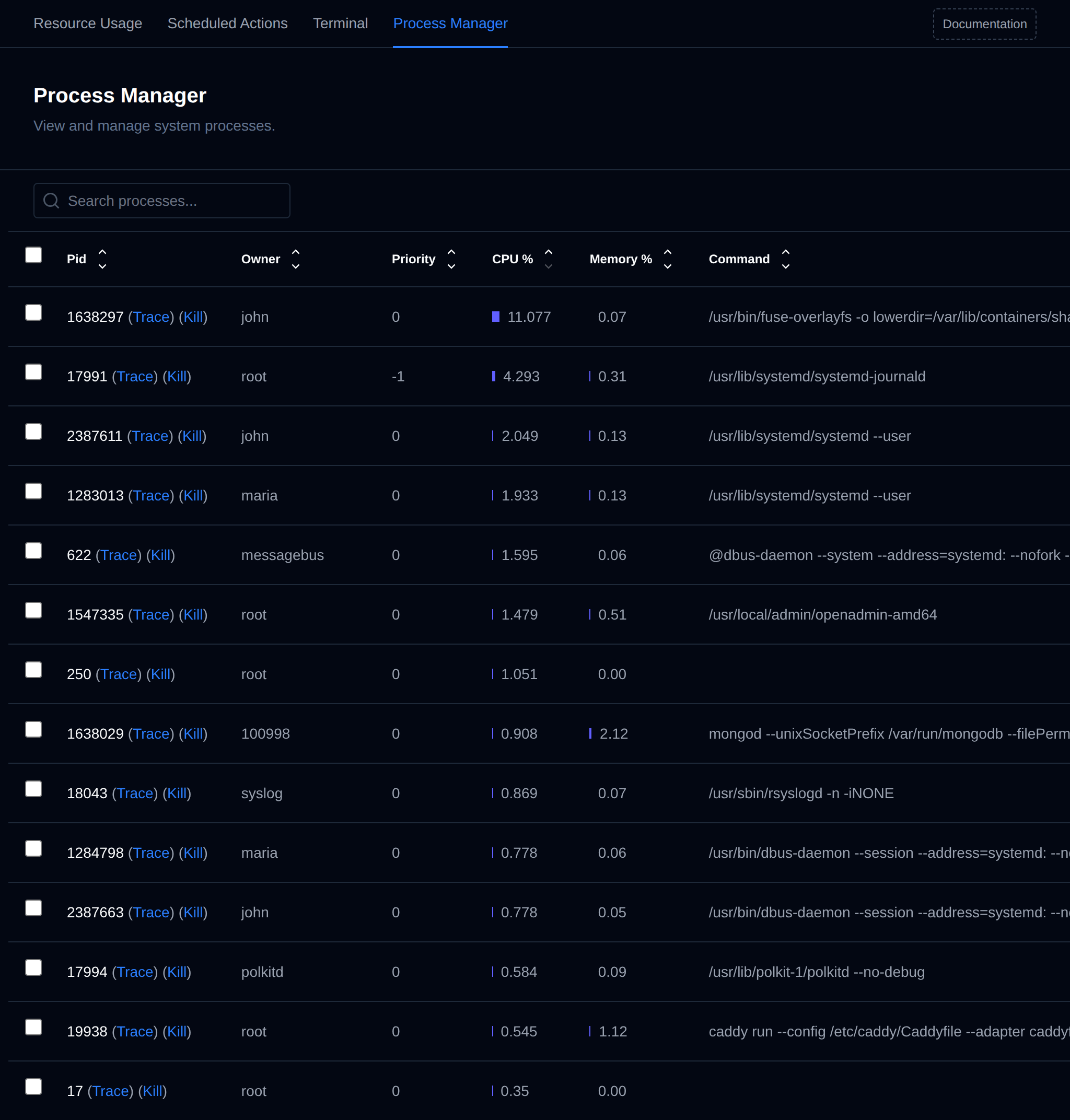
Use this tool to identify resource-heavy or suspicious processes, manage system load, or terminate unresponsive services.
Bulk Actions
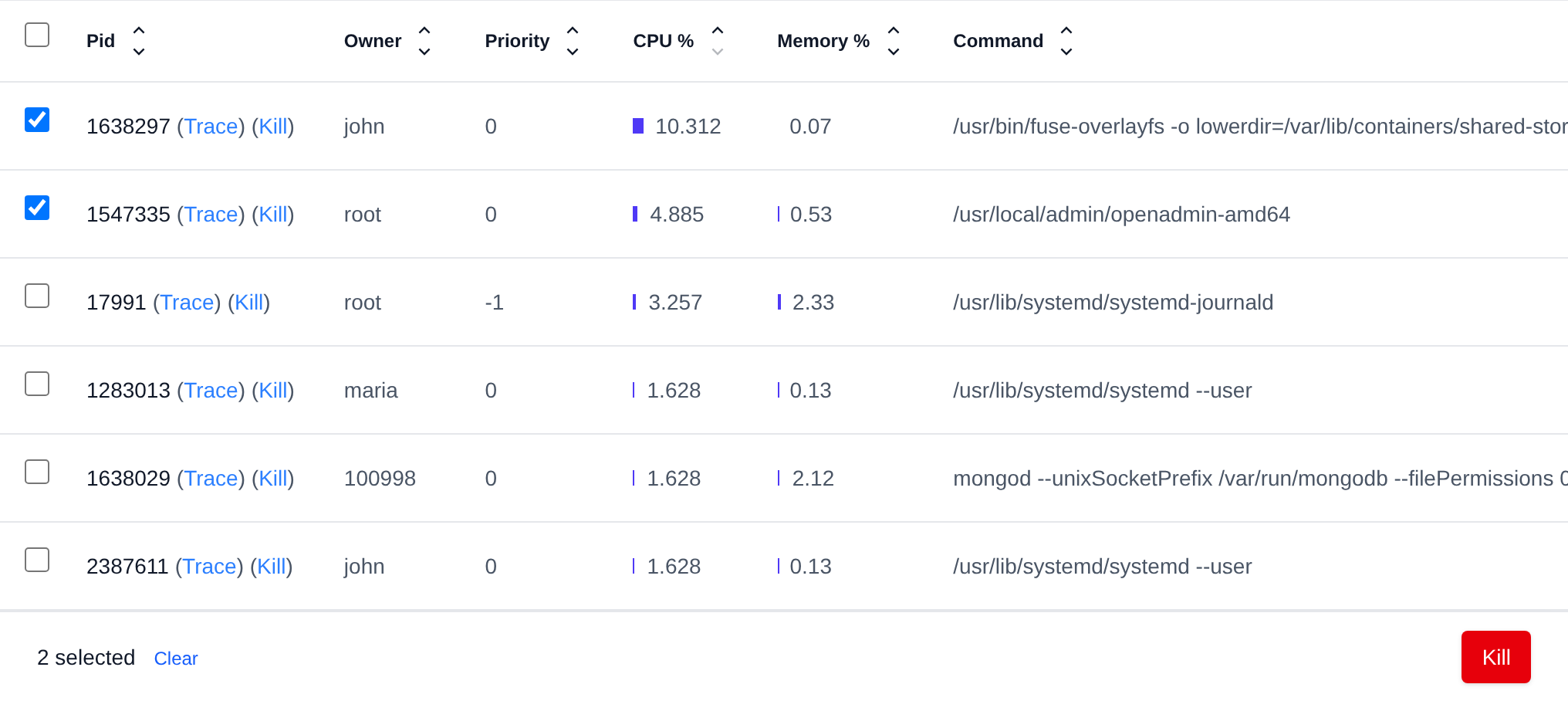
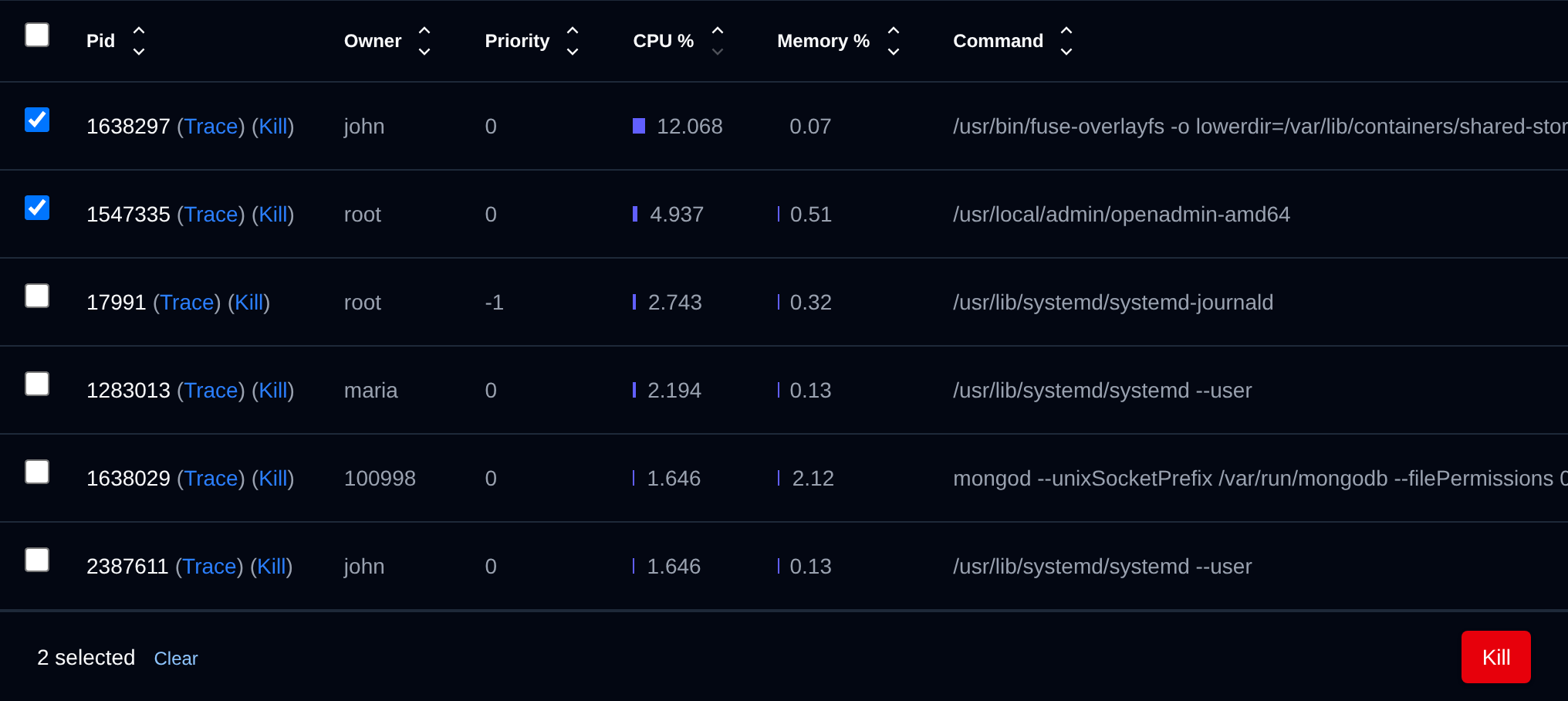
Tick the checkbox of one or more processes, or the checkbox in the table header to select all processes shown by the current search. A bar appears at the bottom of the page with the number selected, a Clear link and these actions:
| Action | What it does |
|---|---|
| Kill | Kills the selected processes. |
The same Kill bulk action is on the Tasks page for running background tasks.
Click an action, confirm it, and it runs on the selected processes one after another. When it's done the page reloads with a notice listing the processes it worked for, or which ones failed and why.