Dynamic DNS
Keep your DNS records automatically in sync with changing IP addresses using a secure token URL.
Overview
Dynamic DNS lets you point a subdomain (e.g. home.yourdomain.com) to a device whose IP address changes over time, such as a home server or router. Instead of manually updating the record, you call a unique URL and the DNS record updates instantly.
How It Works
- Create a Dynamic DNS entry for a subdomain you own.
- You receive a unique update URL containing a secret token.
- Whenever your IP changes, make a simple HTTP GET request to that URL: from a cron job, router, or any HTTP client.
- The DNS A record is updated to the caller's IP address automatically.
Creating an Entry
-
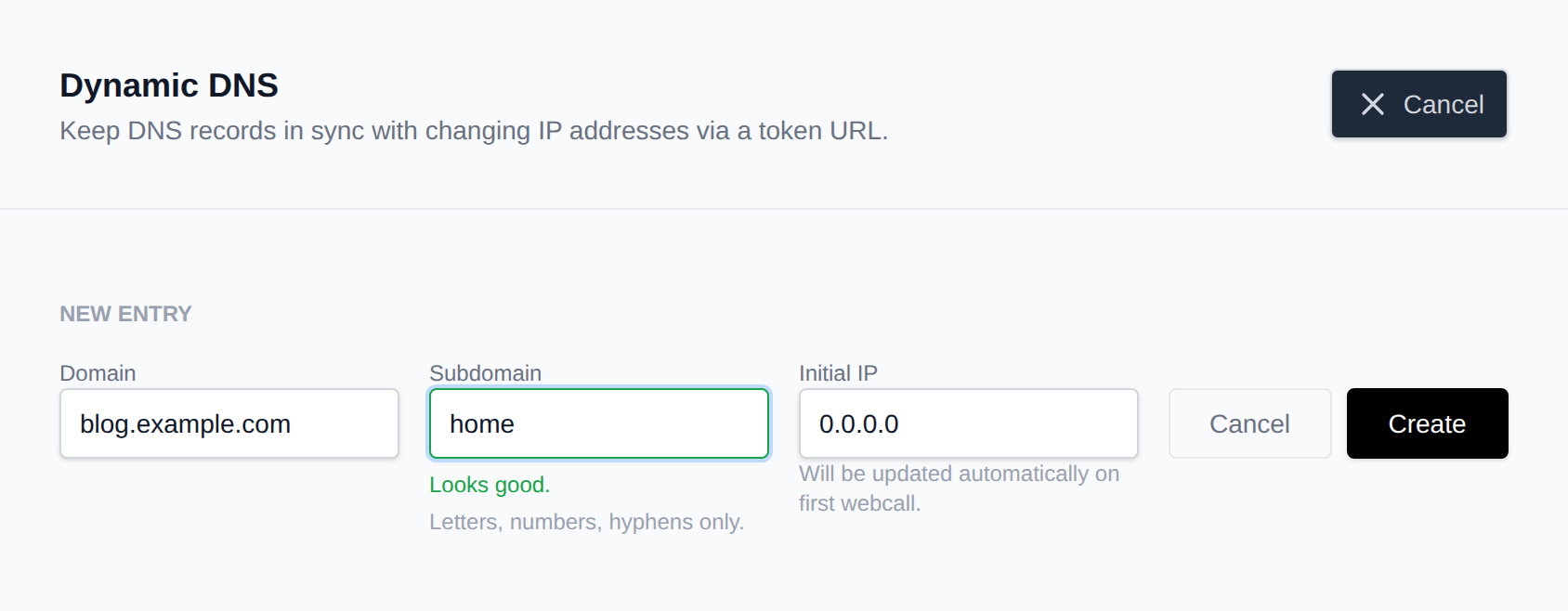
Go to OpenPanel > Domains > Dynamic DNS.
-
Click Add Entry.
-
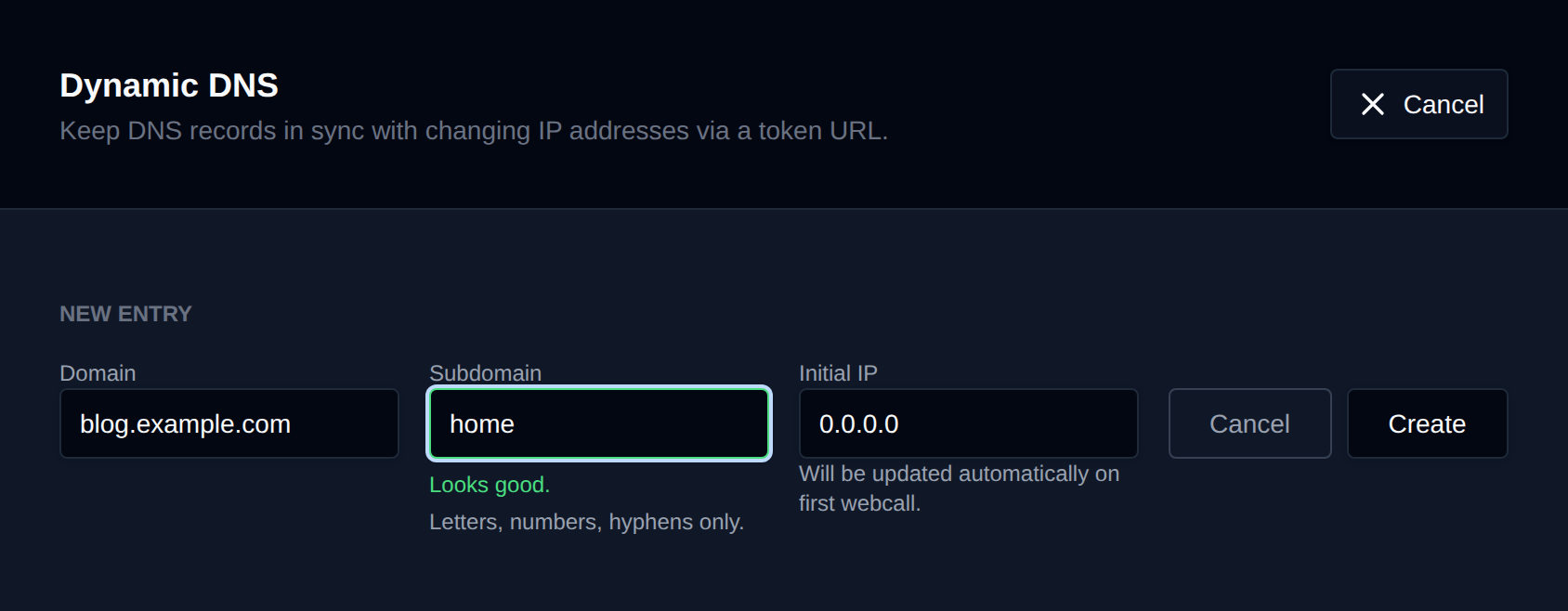
Fill in the form:
Field Description Domain The base domain you own (e.g. yourdomain.com)Subdomain The subdomain to update (e.g. home) — letters, numbers, and hyphens onlyInitial IP Starting IP address. Defaults to 0.0.0.0and is replaced on the first update call -
Click Create. Your entry will appear in the table with its update URL.
Updating Your IP
Make a plain HTTP GET request to your update URL:
https://OPENPANEL_URL:2083/dynamic-dns/update?token=YOUR_TOKEN
The record is updated to the IP address of the machine making the request.
Example curl request:
curl "https://OPENPANEL_URL:2083/dynamic-dns/update?token=YOUR_TOKEN"
Example response:
{
  "status": "updated",
  "host": "home.yourdomain.com",
  "ip": "203.0.113.42",
  "updated": "2025-06-07T14:32:00Z"
}
Managing Entries
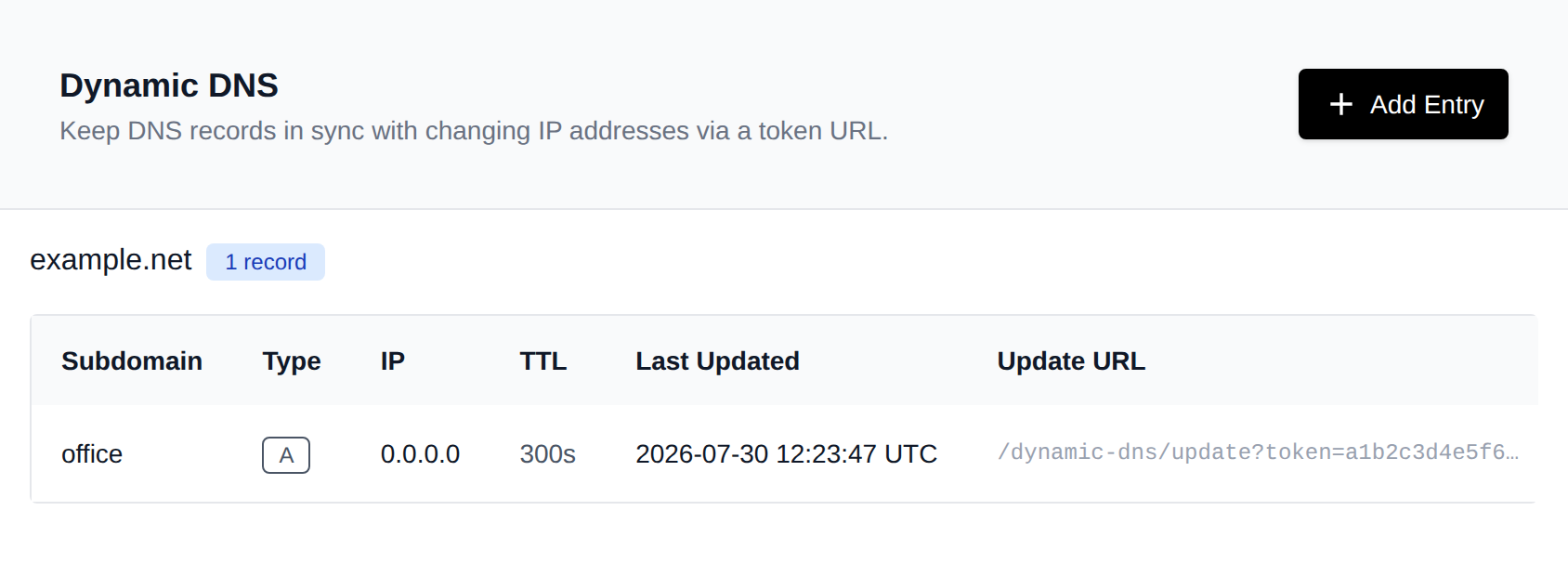
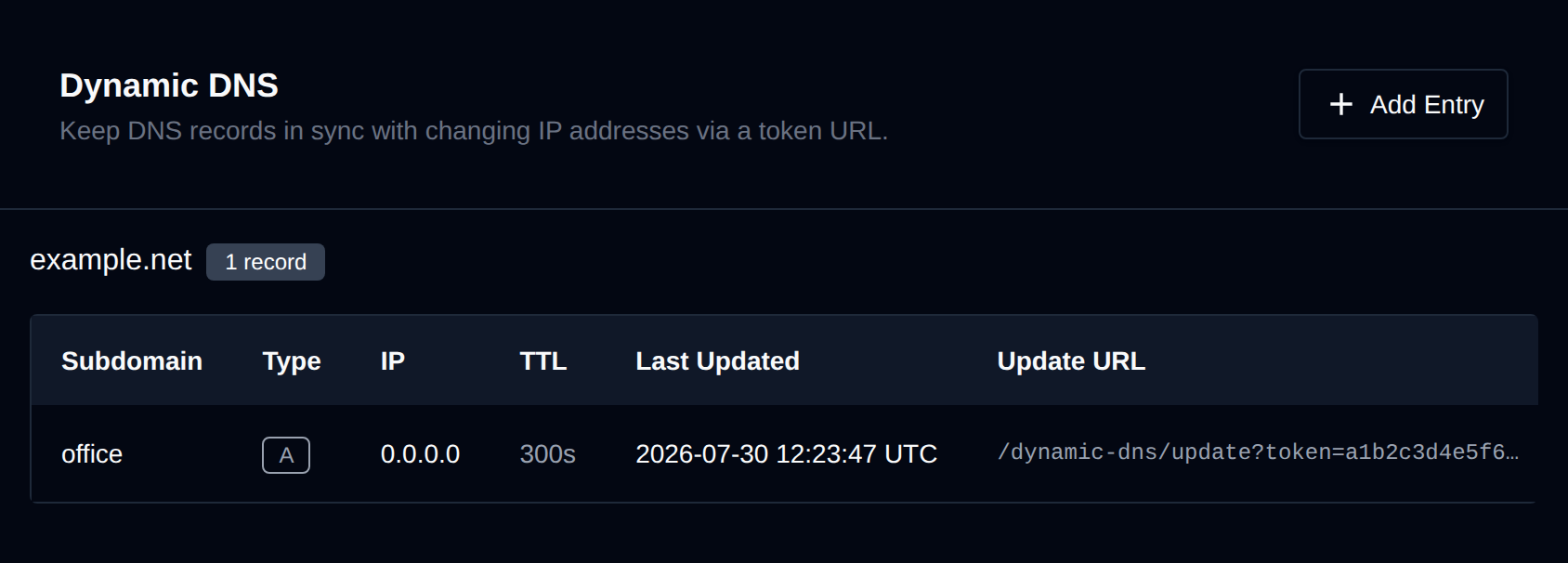
From the Dynamic DNS page you can:
- Copy the update URL: click the copy icon next to the truncated token.
- Edit an entry: change the subdomain or manually set the IP address. The token is preserved.
- Delete an entry: removes the DNS record and permanently invalidates the token. This cannot be undone.
Notes
- All Dynamic DNS records have a fixed TTL of 300 seconds (5 minutes).
- Records are A records (IPv4) only.
- The update endpoint requires no authentication so keep your token private.
- If you suspect a token has been compromised, delete the entry and create a new one.
Troubleshooting
The IP isn't updating.
Confirm the GET request returns a 200 response. A 404 means the token is invalid or the entry was deleted. A 400 means the token parameter was missing.
The wrong IP is being recorded.
If your device is behind a proxy or NAT, request.remote_addr reflects the proxy IP. Make the update request from the device whose IP you want to register, or configure your router to call the URL directly.
DNS changes aren't propagating. The TTL is 300 seconds. Allow up to 5 minutes for resolvers to pick up the new record after an update.