PostgreSQL Users
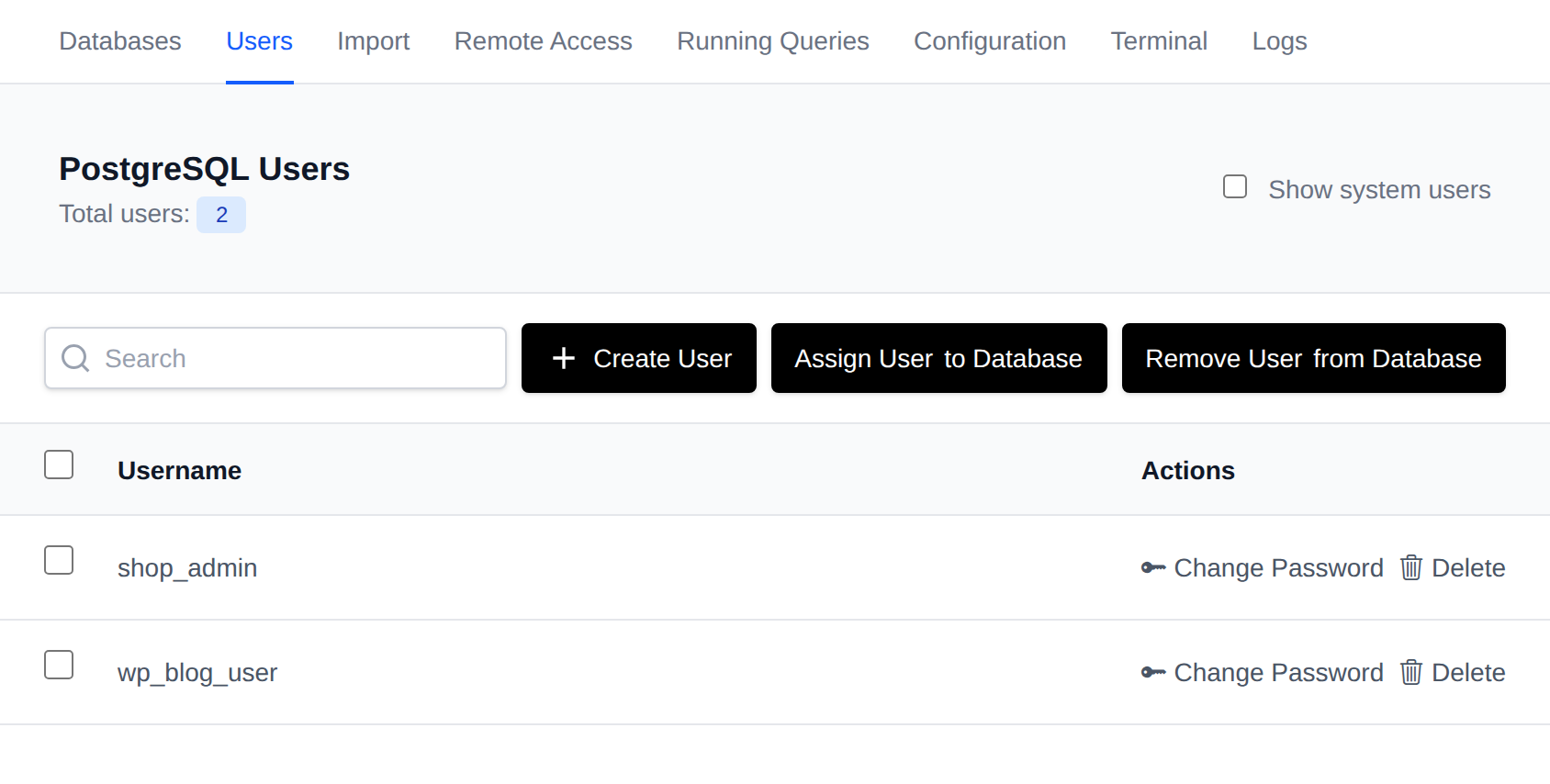
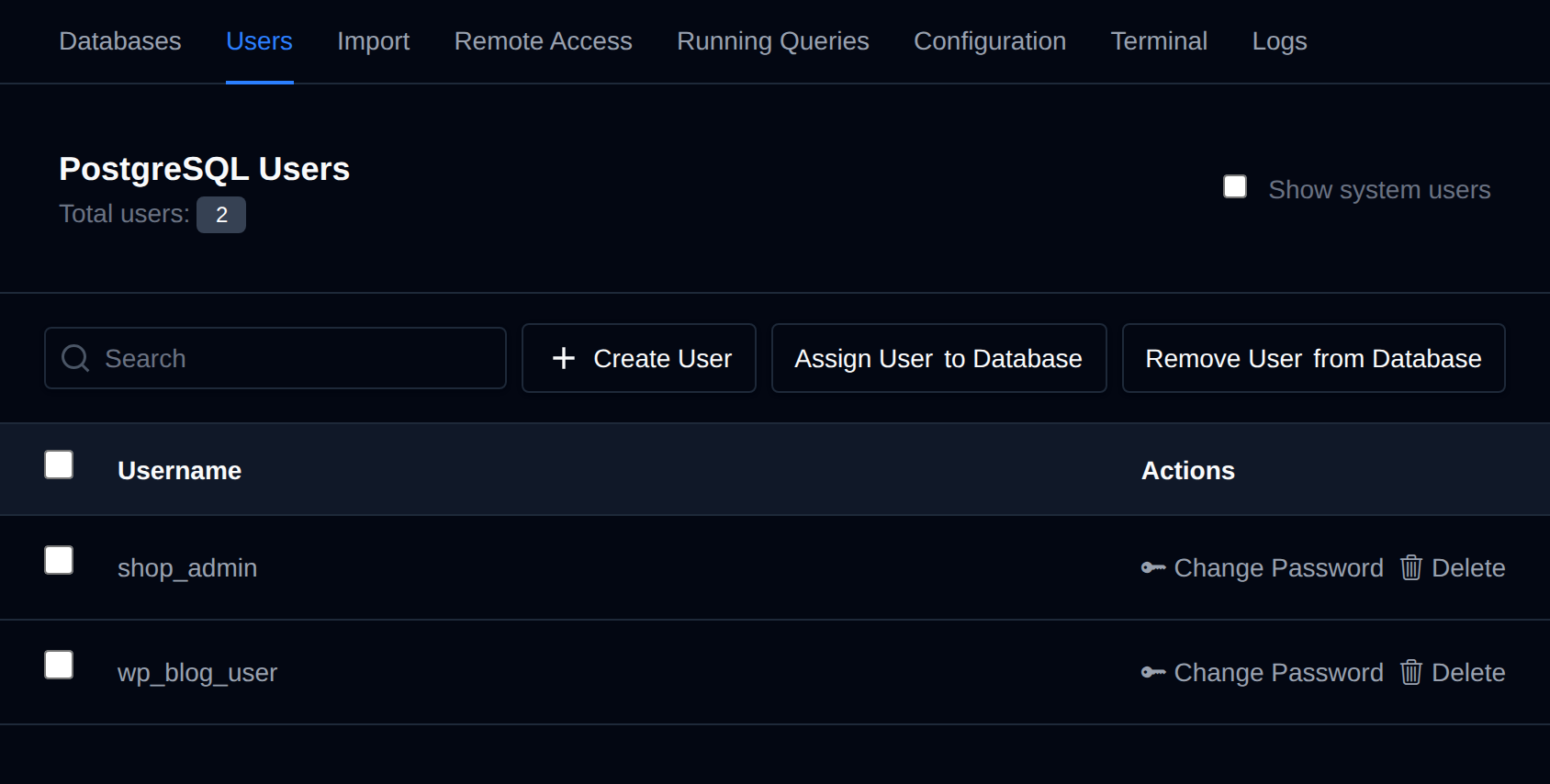
This section lists all your PostgreSQL users and offers options to reset a user's password or delete a user.
Available options on the Users page are:
- Create a new user
- Assign a user to a database
- Remove a user from a database
- Reset a user's password
- Delete a user
Create a New Database User
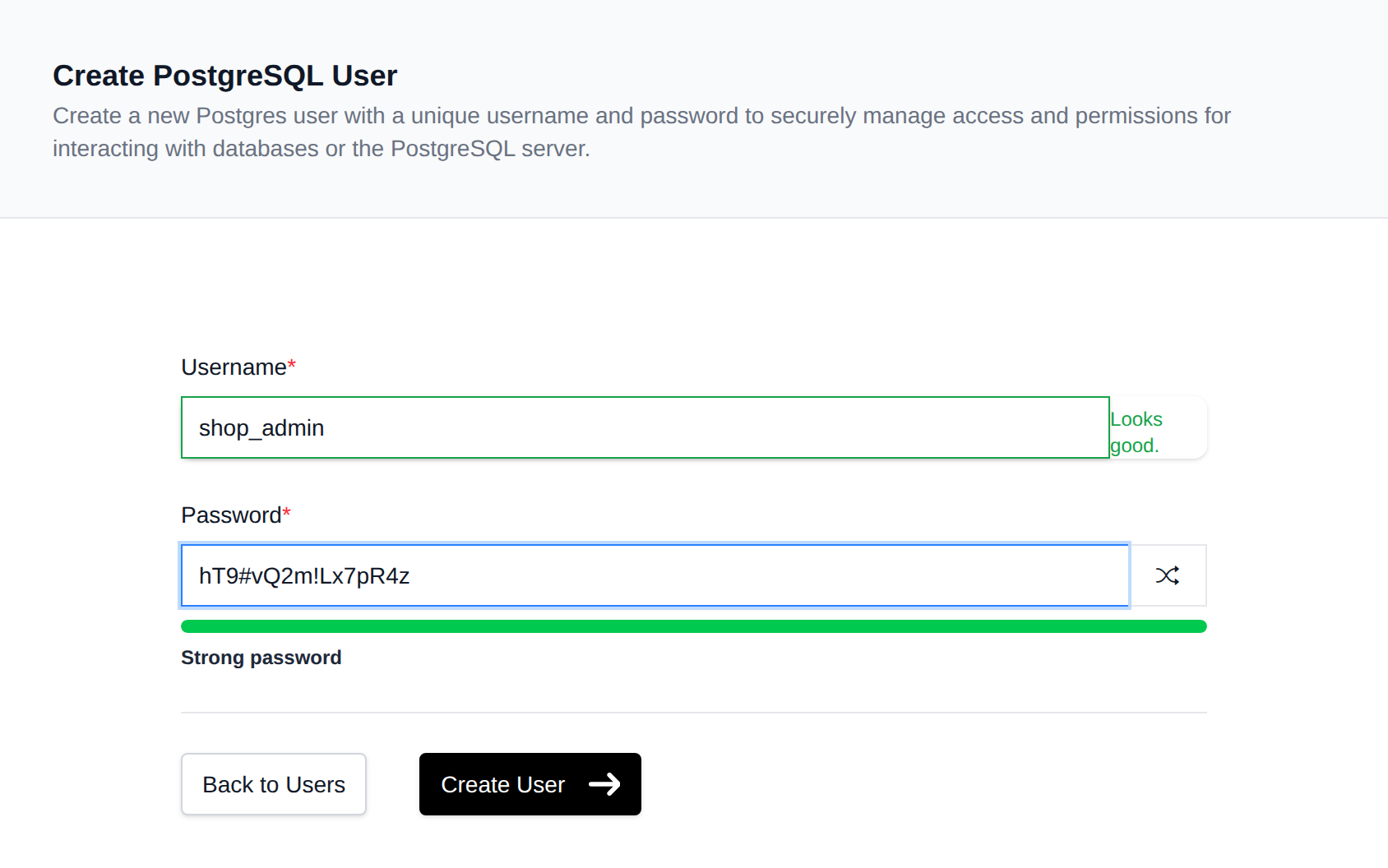
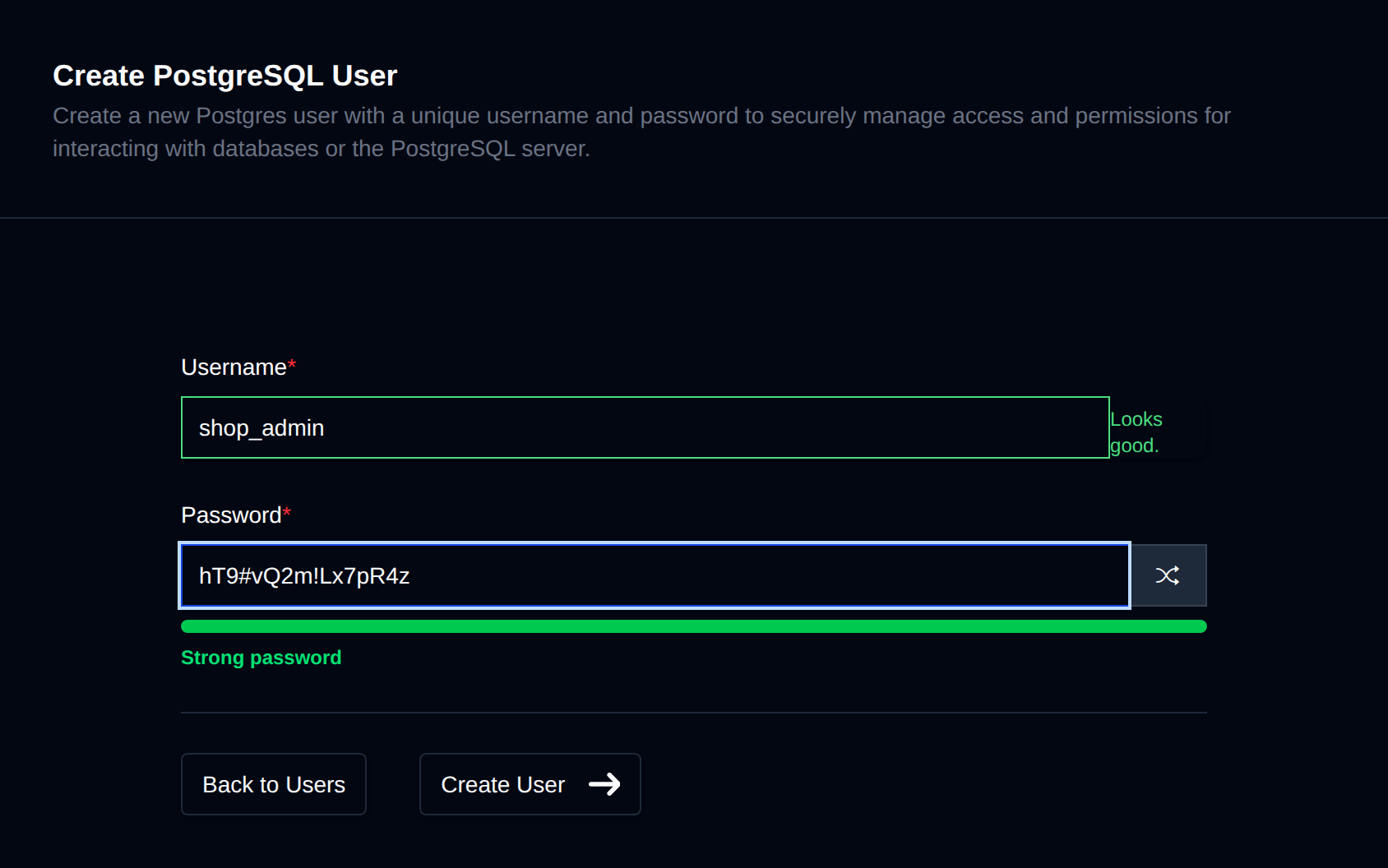
PostgreSQL users (roles) are essential for controlling who can access and interact with your databases, ensuring data security and controlled access to your application's information.
To create a new database user, click on the "Create User" button and fill in the username and password for the new user.
Assign a User to a Database
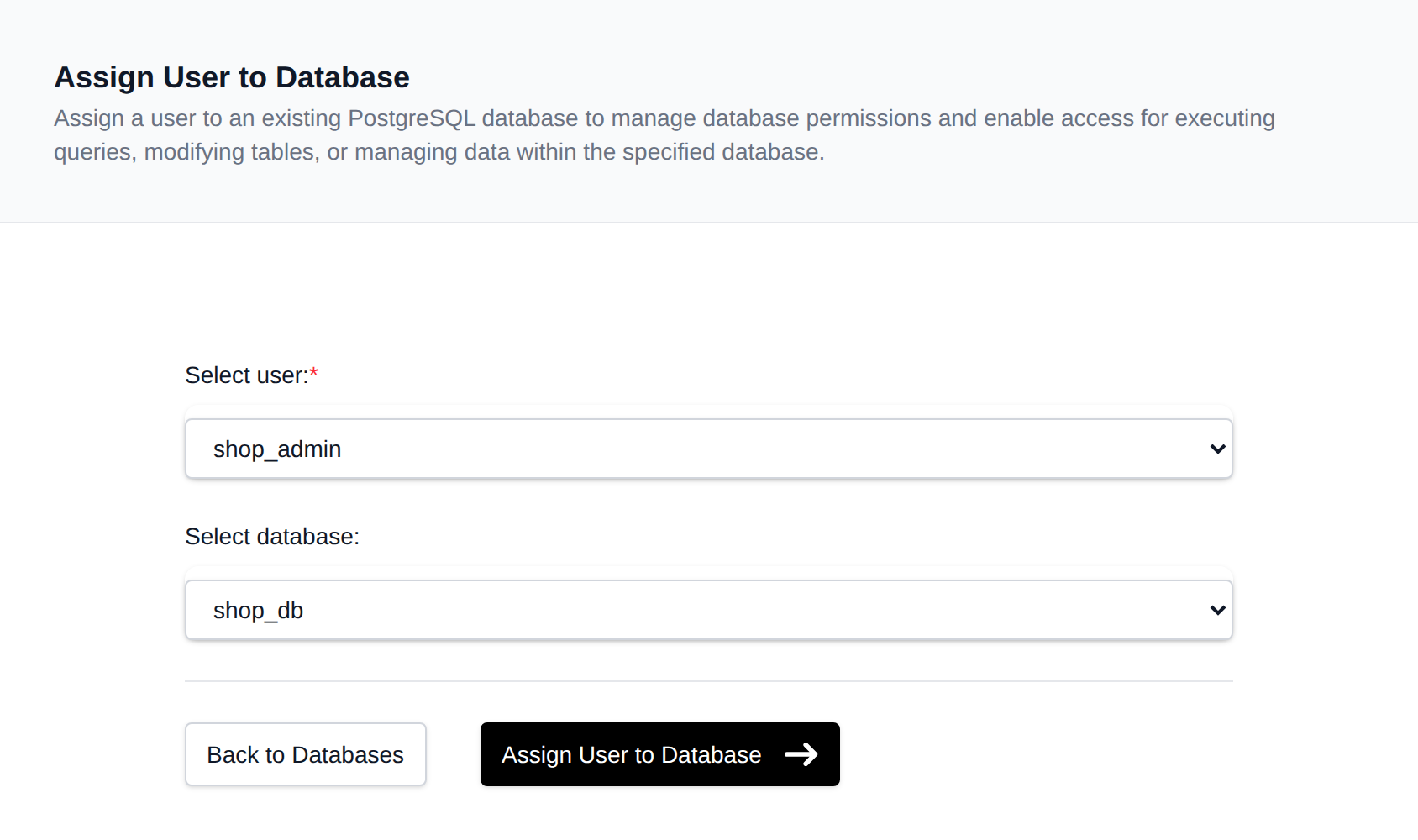
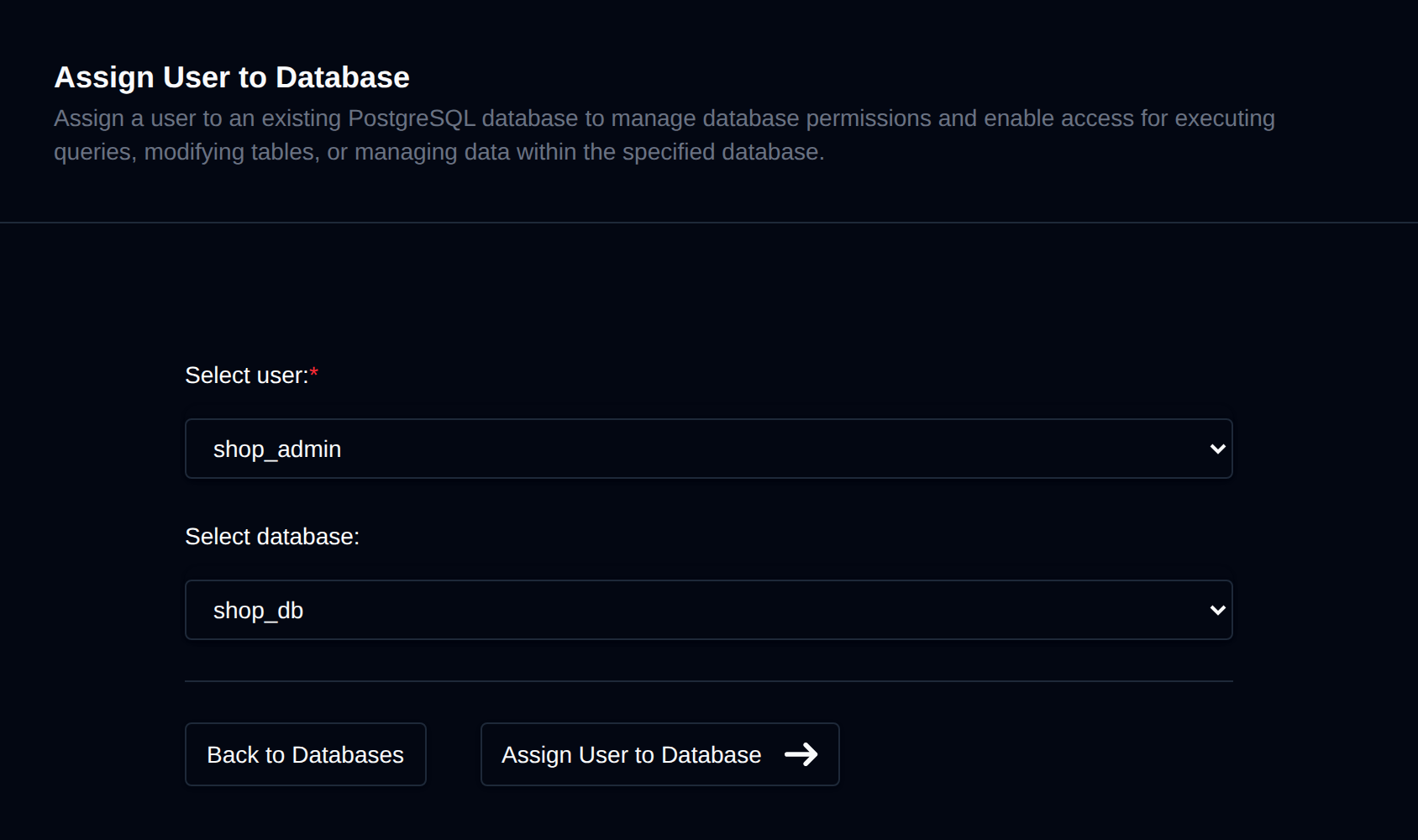
For a PostgreSQL user to be allowed to connect to a database, they need to be added (assigned) to that database. Assigning a user will grant them all privileges over the database. To assign a user to a specific database, click on the "Assign User" button and select a username and database.
Remove a User from a Database
To remove a user from a database, click on the "Remove User" button, and in the new page, select a username to be removed from a database.
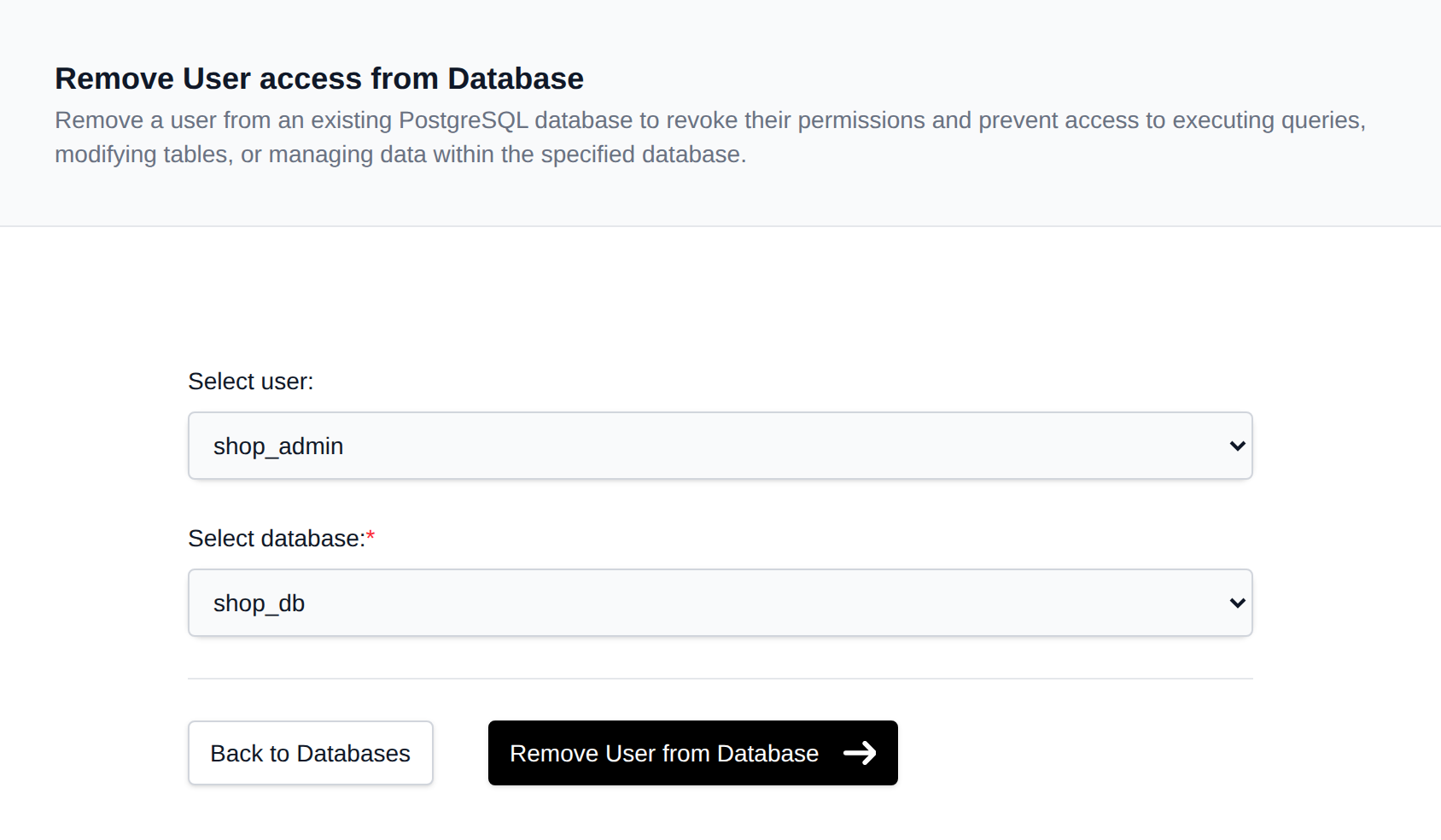
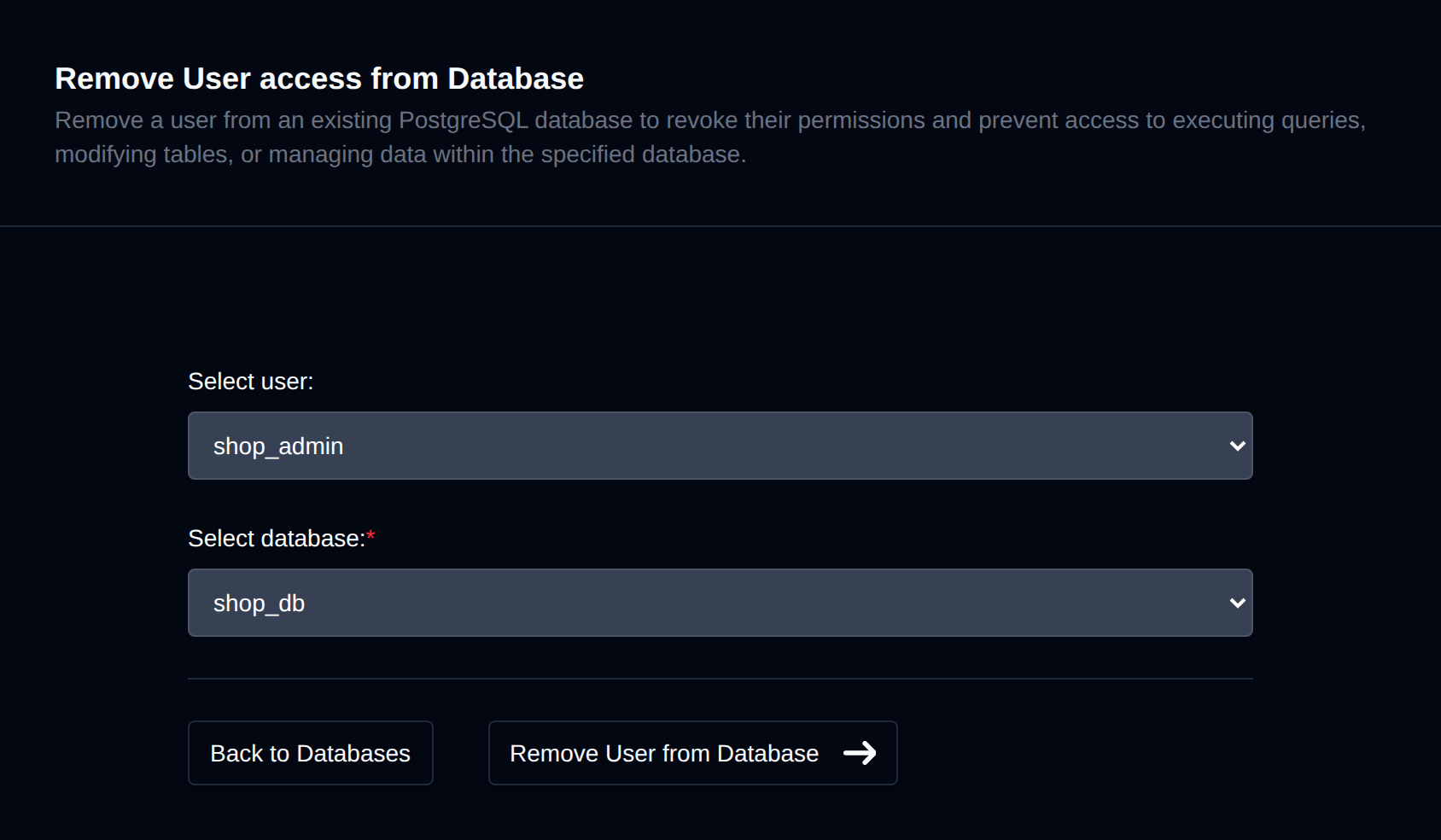
Removing a user will immediately remove all permissions for that user to the database and is useful when you want to temporarily disable a user's access to a database without actually deleting the user.
Change User Password
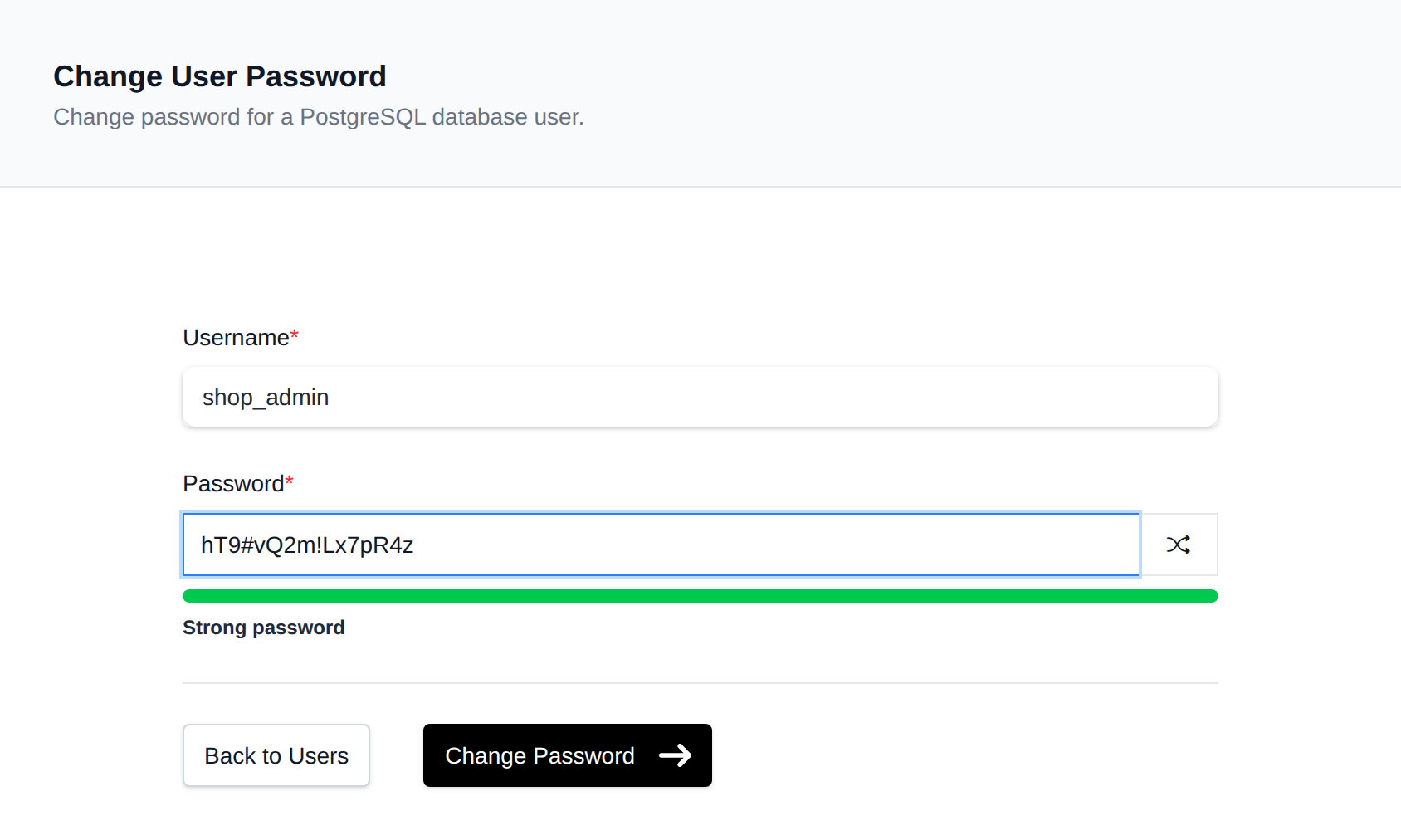
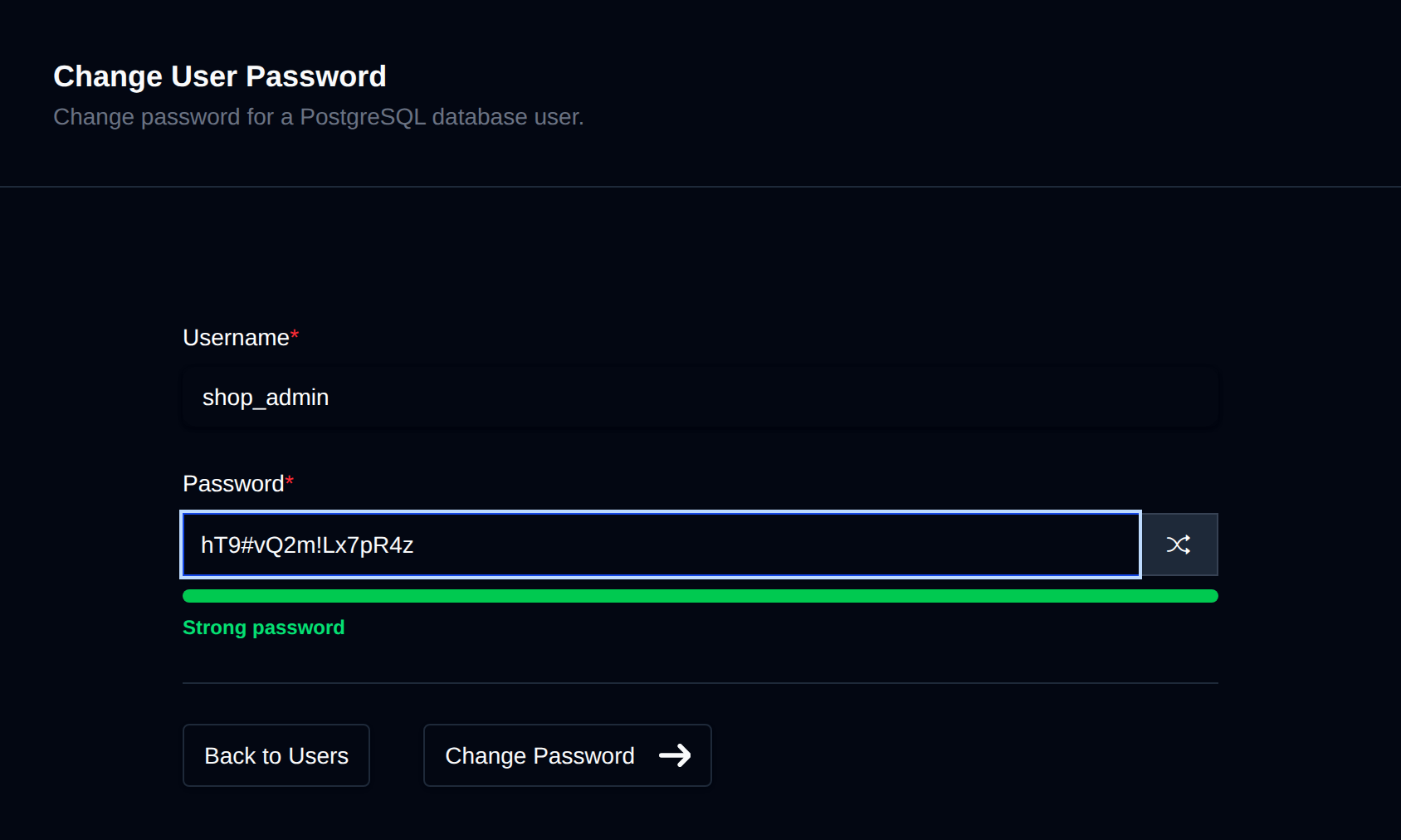
If you need to change a user's password, click on the "Change Password" button next to that user. A page will open where you can insert the new password, then click on the "Change Password" button to save it.
Delete User
To delete a PostgreSQL user, click the Delete button next to the user in the Users table. The button turns into Confirm with a 5-second countdown; click it again before the countdown ends to delete the user.


⚠️ Deleting a PostgreSQL user will immediately remove that user and revoke all privileges to databases.
Built-in PostgreSQL roles (such as postgres and the predefined pg_* roles) are marked as System User and cannot be edited or deleted.
Bulk Actions
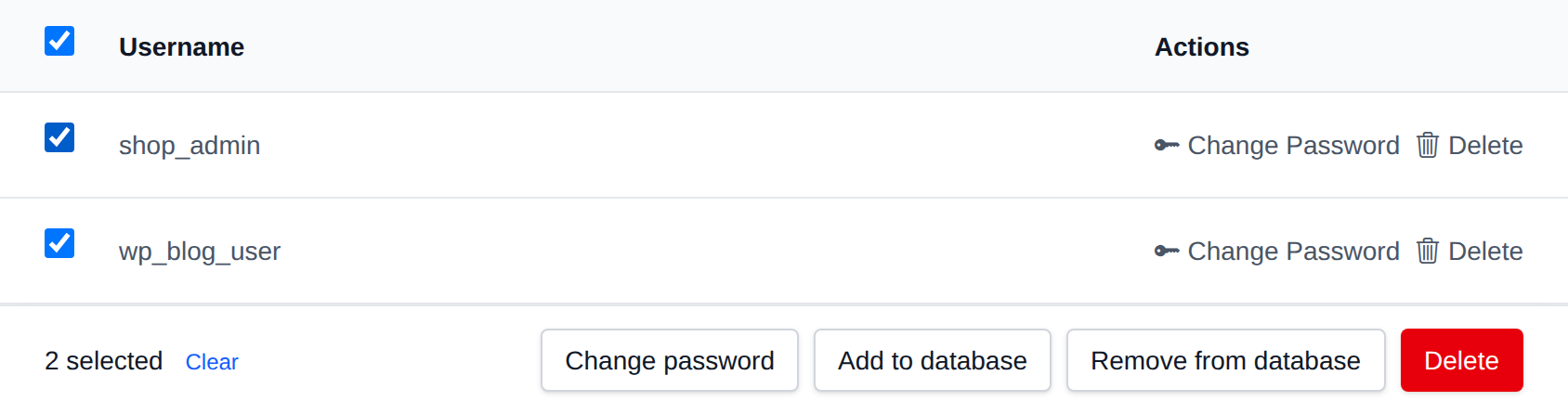
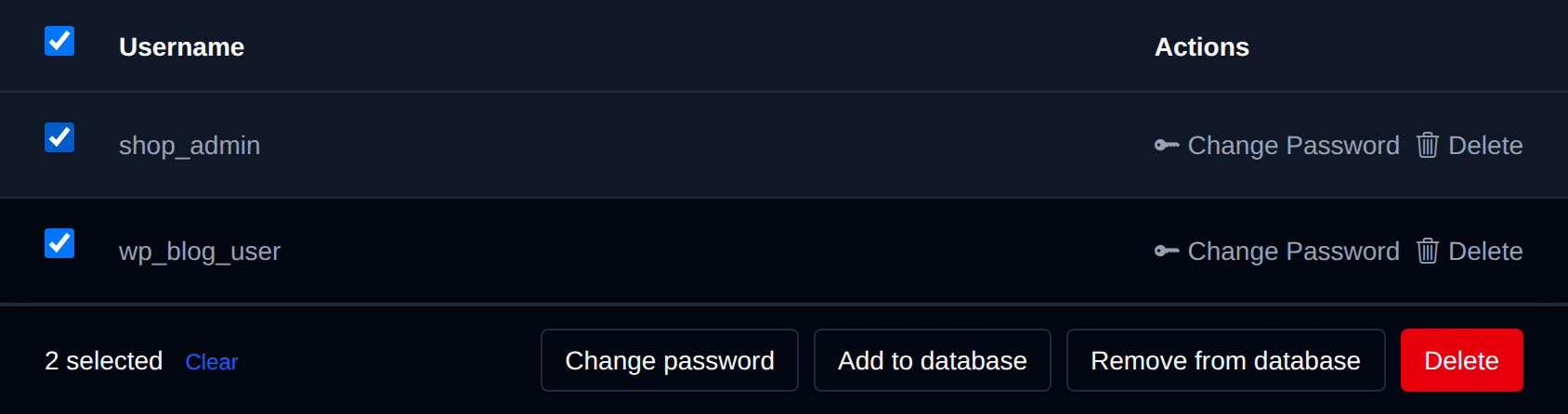
Tick the checkbox of one or more users, or the checkbox in the table header to select every user shown by the current search. A bar appears at the bottom of the page with the number selected, a Clear link and these actions:
| Action | What it does |
|---|---|
| Change password | Sets the same new password on the selected users. |
| Add to database | Gives the selected users all privileges on the database you pick. |
| Remove from database | Removes the selected users from the database you pick. |
| Delete | Permanently deletes the selected users. |
System users can't be selected.
Click an action, confirm it, and it runs on the selected users one after another. When it's done the page reloads with a notice listing the users it worked for, or which ones failed and why.