Show Processes
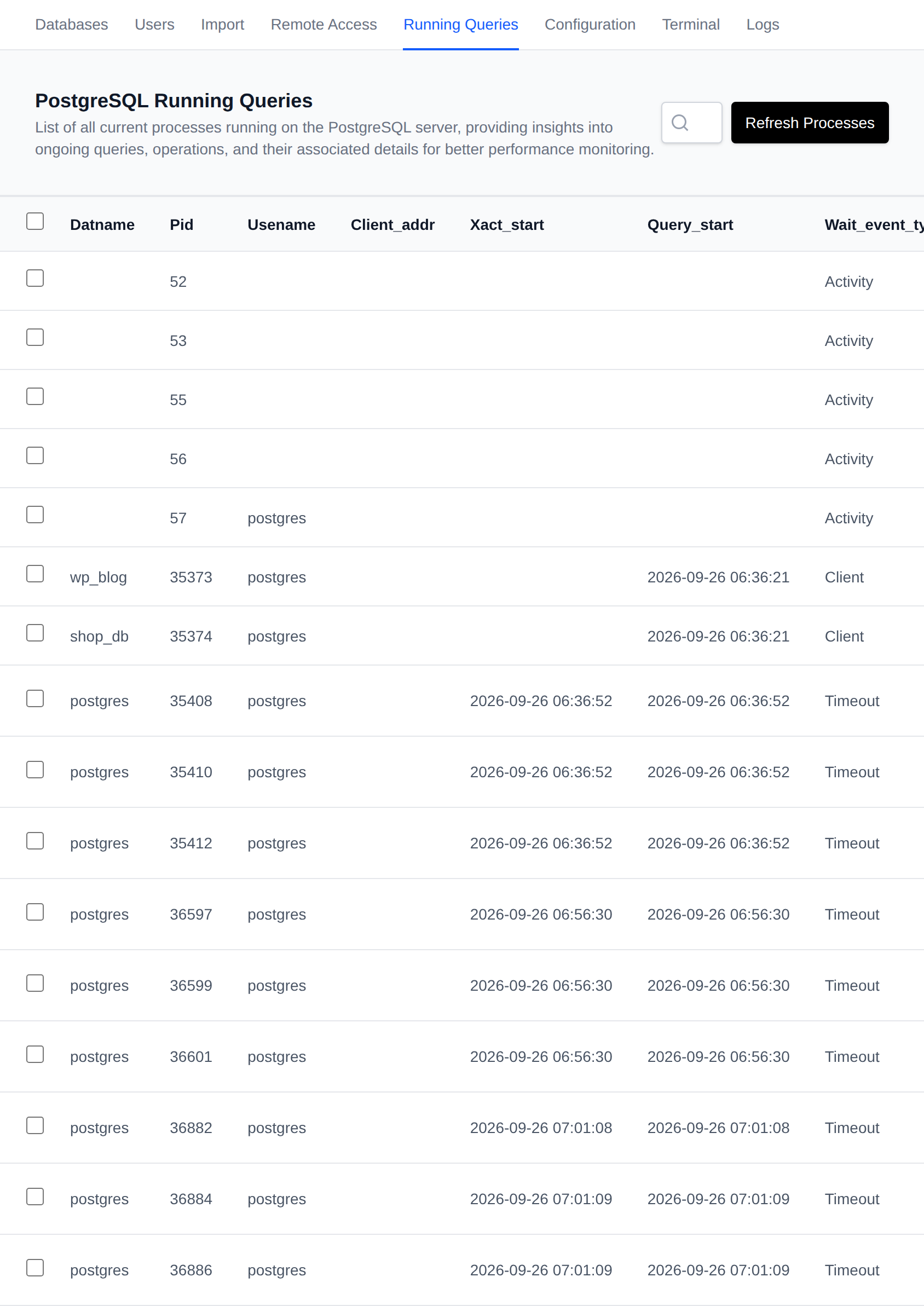
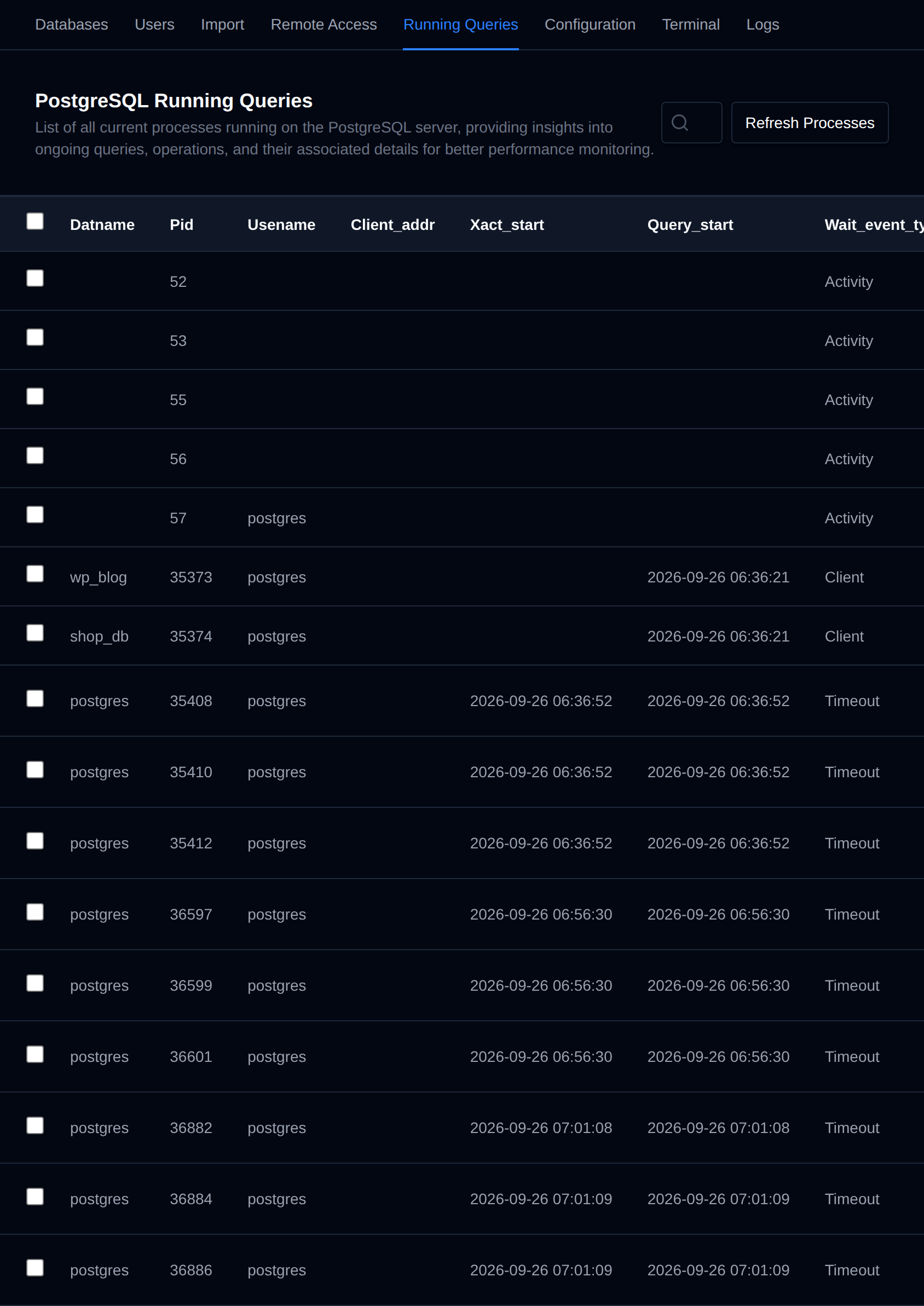
This interface displays all currently active PostgreSQL queries (connections) from pg_stat_activity.
Checking the currently running queries is useful for identifying slow queries that slow down your application.
Use the search box to filter by database, user or query. Click Refresh Processes to reload the list.
Kill a query
To stop a long-running query, click Kill next to it. The button changes to Confirm with a 5 second countdown. Click it again before the countdown ends to kill the query.
This runs pg_cancel_backend, so only the running query is cancelled and the connection stays open. The application that sent the query gets an error for that query.
The Kill button only shows for queries that are currently running. Background workers and idle connections can not be killed.
Every killed query is recorded in the account's activity log.
Bulk Actions
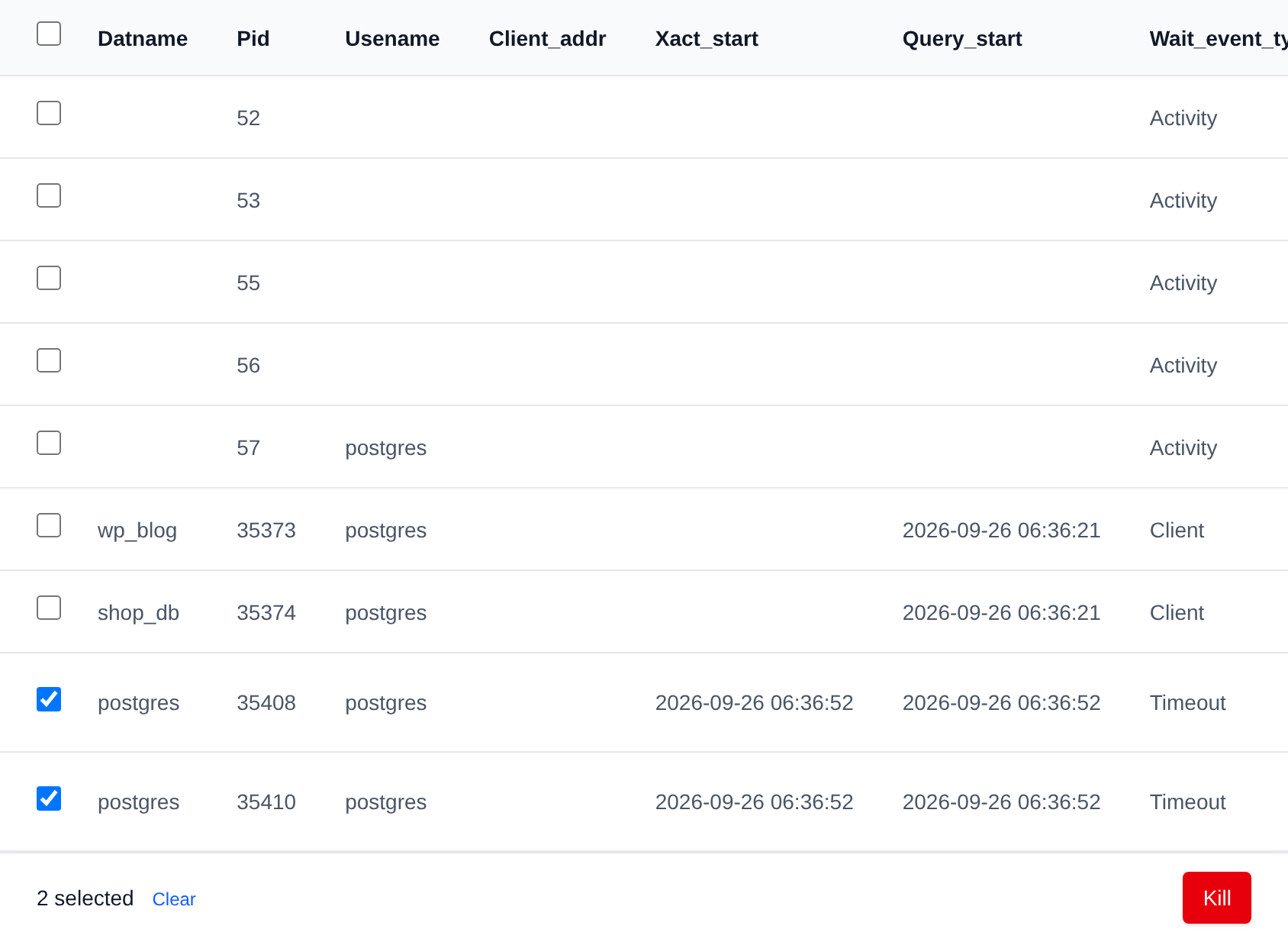
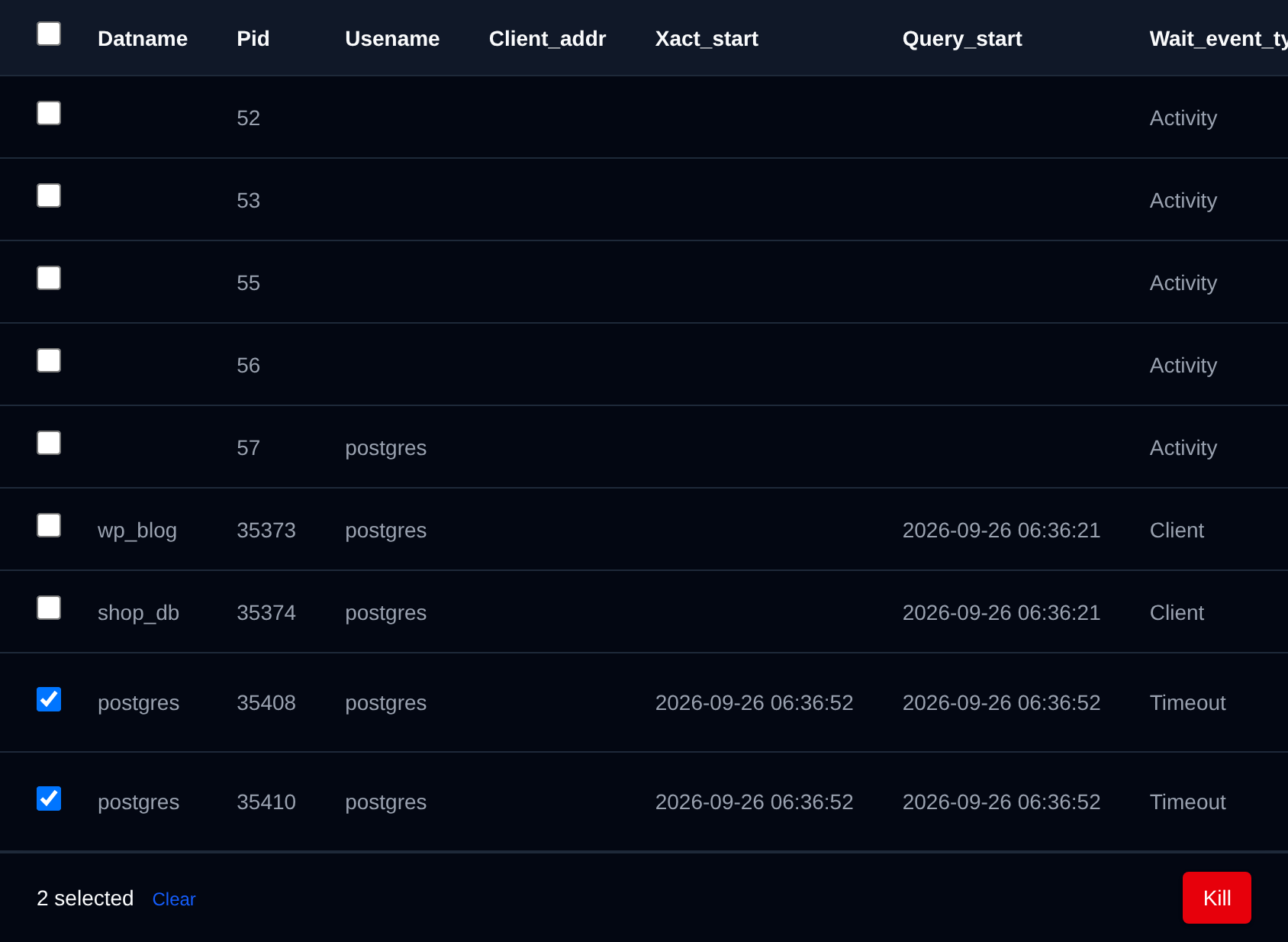
Tick the checkbox of one or more queries, or the checkbox in the table header to select every query shown by the current search. A bar appears at the bottom of the page with the number selected, a Clear link and these actions:
| Action | What it does |
|---|---|
| Kill | Kills the selected queries. |
Only rows that show a Kill button can be selected.
Click an action, confirm it, and it runs on the selected queries one after another. When it's done the page reloads with a notice listing the queries it worked for, or which ones failed and why.