Version: 2.0.15
Import
Import tables into a PostgreSQL database using a .sql or gzip compressed .sql.gz export file, for example one made with Export on the Databases page. This feature is useful for restoring backups, migrating data, or setting up initial database structures.
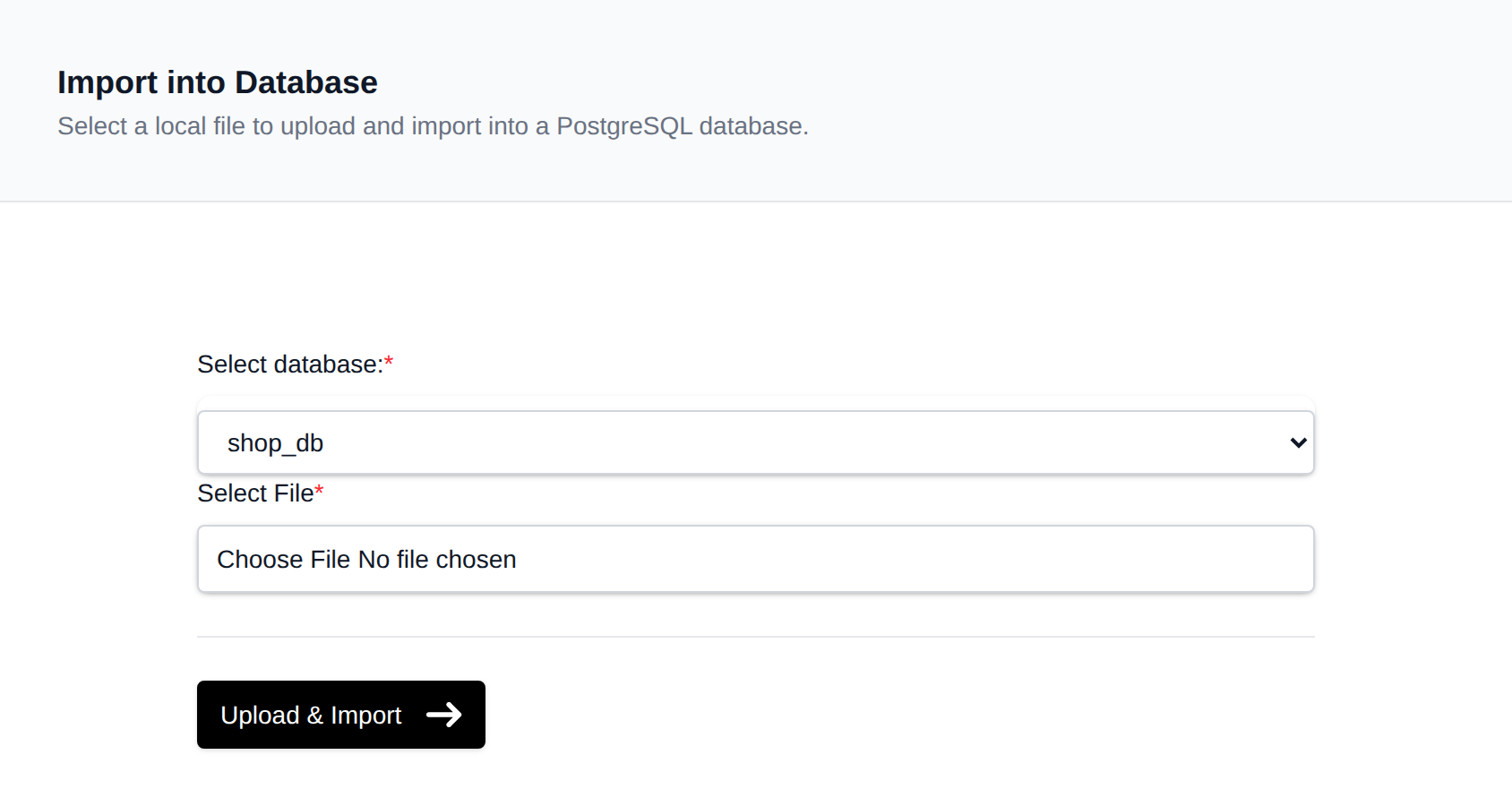
To import tables into a database, navigate to PostgreSQL > Import:
-
Select a Database Choose the target database into which you want to import the tables.
-
Select a File Click the Select button to choose a
.sqlor.sql.gzexport file from your device. -
Upload Click the Upload & Import button and wait for the import process to complete.
If your SQL file is very large, we recommend using the Containers > Terminal interface instead for more reliable import handling.
Was this helpful?