Auto Installer
Auto Installer allows you to one-click install applications.
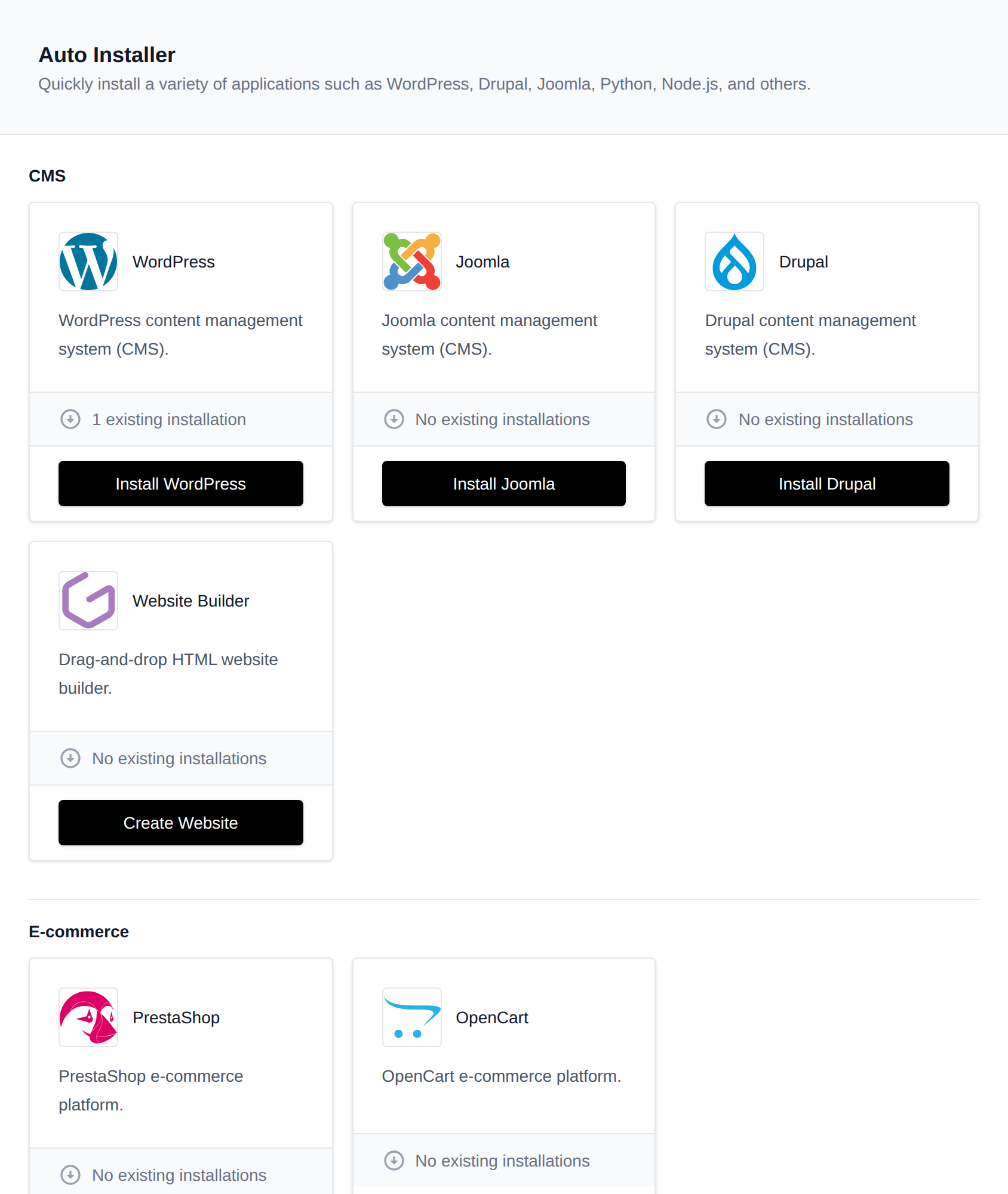
Available Applications
For an application to appear on the Autoinstaller page, the corresponding module must be enabled.
- WordPress
- Drupal
- Joomla
- OpenCart
- Nextcloud
- PrestaShop
- Matomo
- Moodle
- MediaWiki
- Flarum
- SofaWiki
- DokuWiki
- phpBB
- TinyPhotoGallery
- TinyFileManager
- OJS
- n8n
- NodeJS Applications*
- Python Applications*
- Ruby Applications*
- Java Applications*
- PHP Applications
- Website Builder
* Indicates that the feature is available only in Enterprise editon.
Docker Applications
If your account has the Docker feature enabled, the Auto Installer also shows a Docker Applications section with ready-made templates for popular self-hosted apps:
| Application | Image | Port |
|---|---|---|
| Uptime Kuma | louislam/uptime-kuma:2 | 3001 |
| n8n | n8nio/n8n:latest | 5678 |
| Gitea | gitea/gitea:latest | 3000 |
| Vaultwarden | vaultwarden/server:latest | 80 |
| Memos | neosmemo/memos:stable | 5230 |
Clicking Install opens the Add a container form already filled in with the image, limits, networks, a data volume and the environment variables the app needs. Pick a domain in the Domain step, change anything else you like, and click Create container. The app is then reachable on that domain and listed in Site Manager.
The list of templates is loaded from applications.yml in the OpenPanel configuration repository and cached for 24 hours. If GitHub can't be reached, the copy on the server at /etc/openpanel/docker/templates/applications.yml is used.
Some apps finish their setup on first visit, for example Uptime Kuma and n8n ask you to create the admin account, and Gitea shows its installation page.