Version: 2.0.15
Create Database
Easily create a new PostgreSQL database in just a few clicks. Databases are essential for storing, organizing, and retrieving data for your applications.
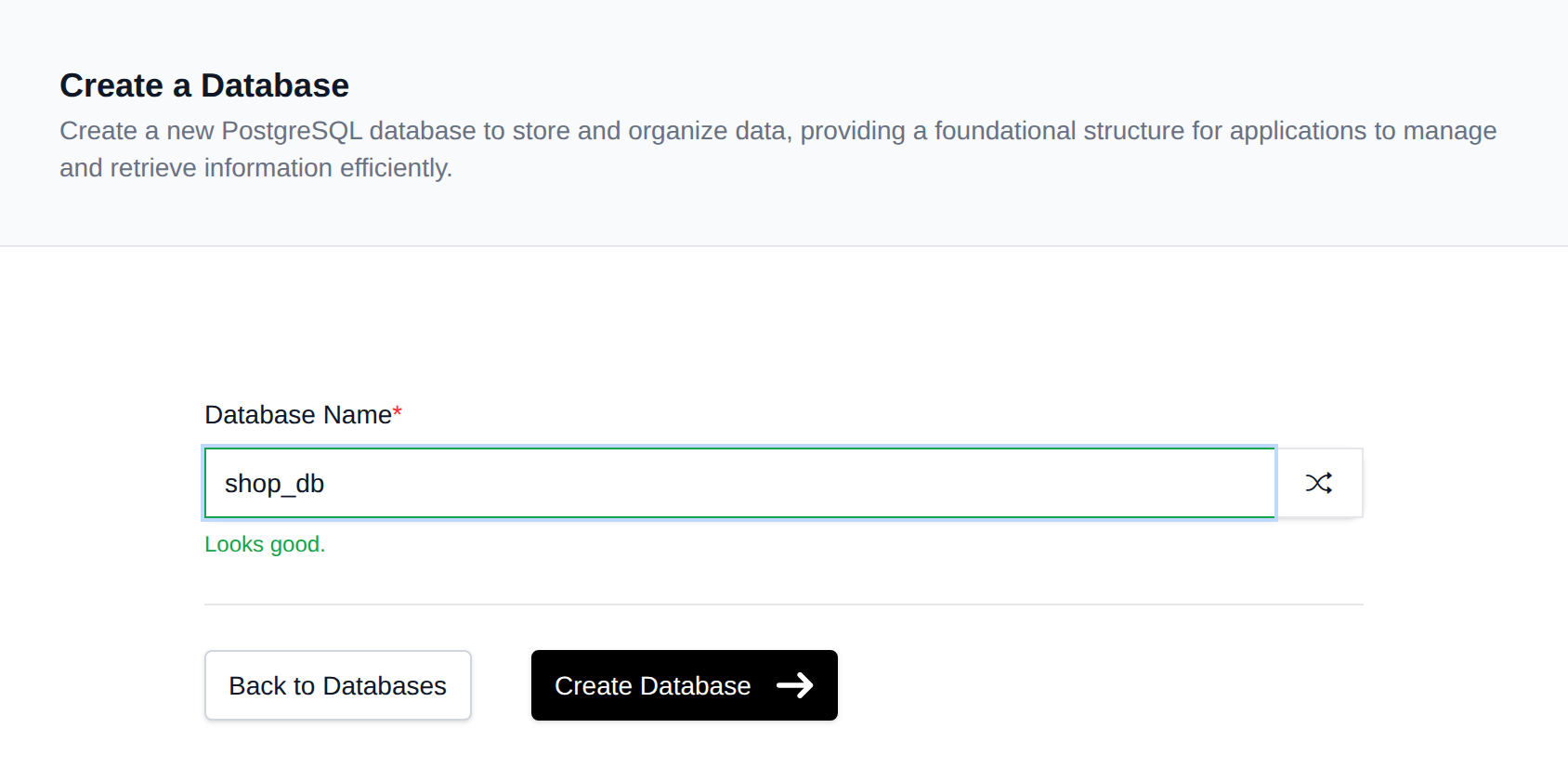
Navigate to PostgreSQL > Databases > New Database:
-
Enter a Database Name Type your desired name into the input field. Only letters, numbers, and underscores are allowed, and the name must be between 1 and 63 characters long.
-
Generate a Random Name (Optional) If you're unsure about a name, click the button next to the input field to automatically generate a secure and unique database name.
-
Click 'Create Database' Once the name is entered or generated, click the Create Database button to initialize your new PostgreSQL database.
Best Practices
- Use short and descriptive names (e.g.,
app_data,django_db). - Avoid using uppercase letters, spaces, or special characters.
- Make sure the database name is meaningful for easy identification later.
Was this helpful?