Database Wizard
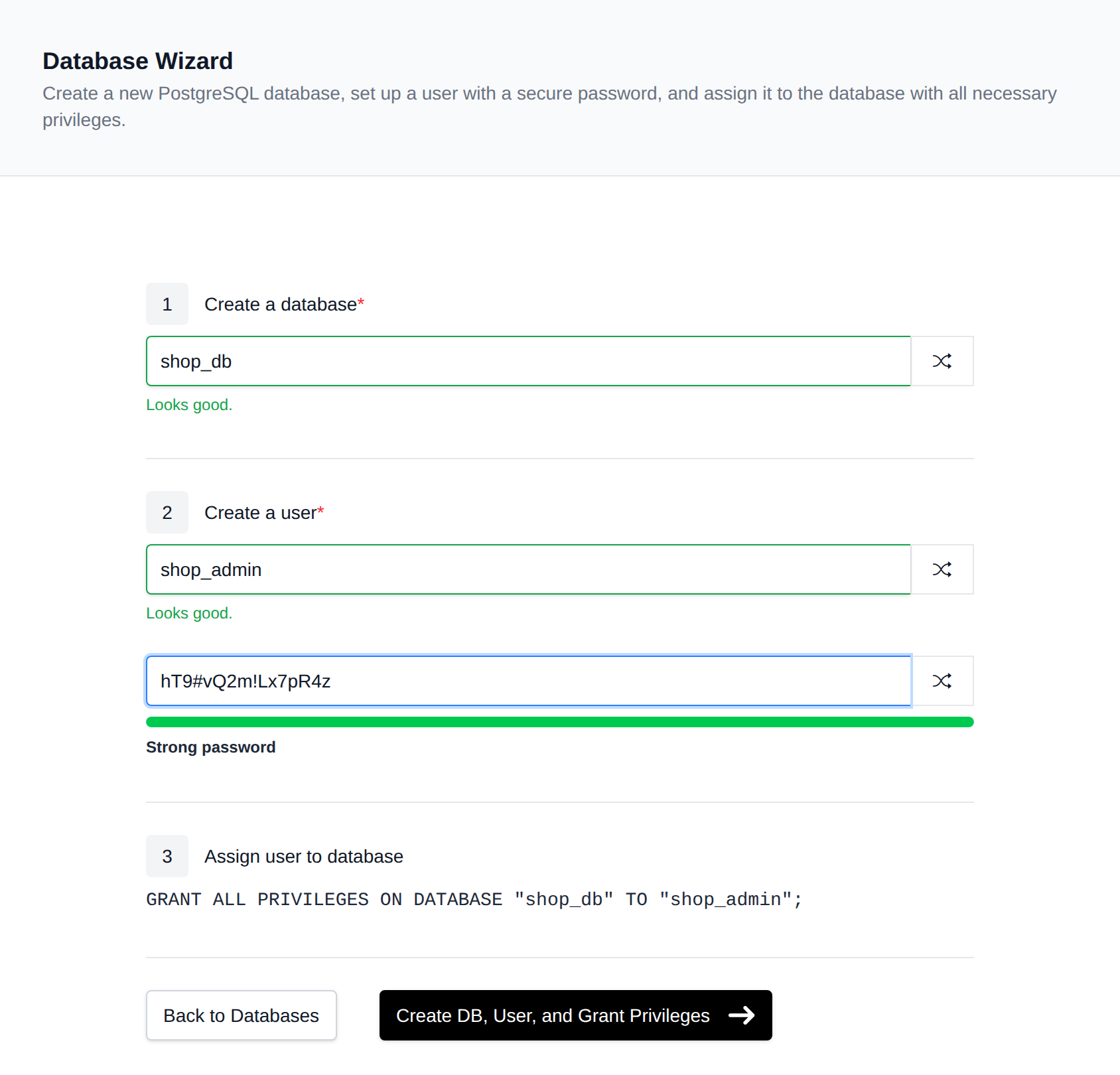
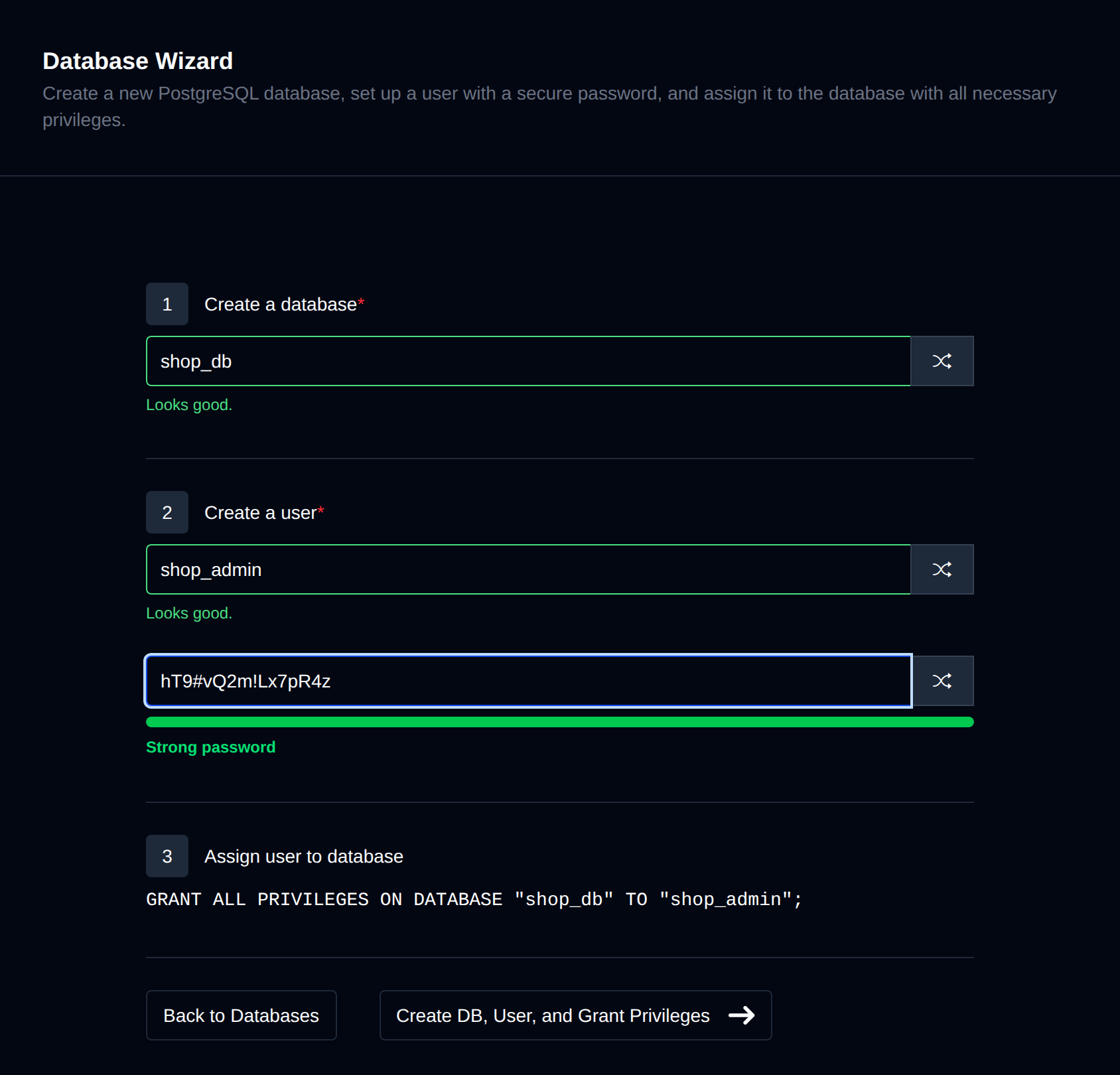
The Database Wizard can be accessed on the PostgreSQL page by clicking the "Database Wizard" button. This tool is designed to streamline the creation of a new database, a new user, and their assignment to the database. When you initiate the database wizard, it will provide a secure, randomly generated password for the user, as well as a random username and database name. You have the flexibility to modify these options, and there is also an option to generate random values for each field.
The wizard performs three steps in sequence:
- Create a database
- Create a user
- Assign the user to the database, granting all privileges on it
Click Create DB, User, and Grant Privileges to run all three steps automatically.
Please ensure to save this data as the password will not be displayed again. However, you have the option to reset it at any time from the Users page.