Version: 2.0.14
Default Email Address
A default (catch-all) address receives any email sent to an invalid or non-existent address at your domain.
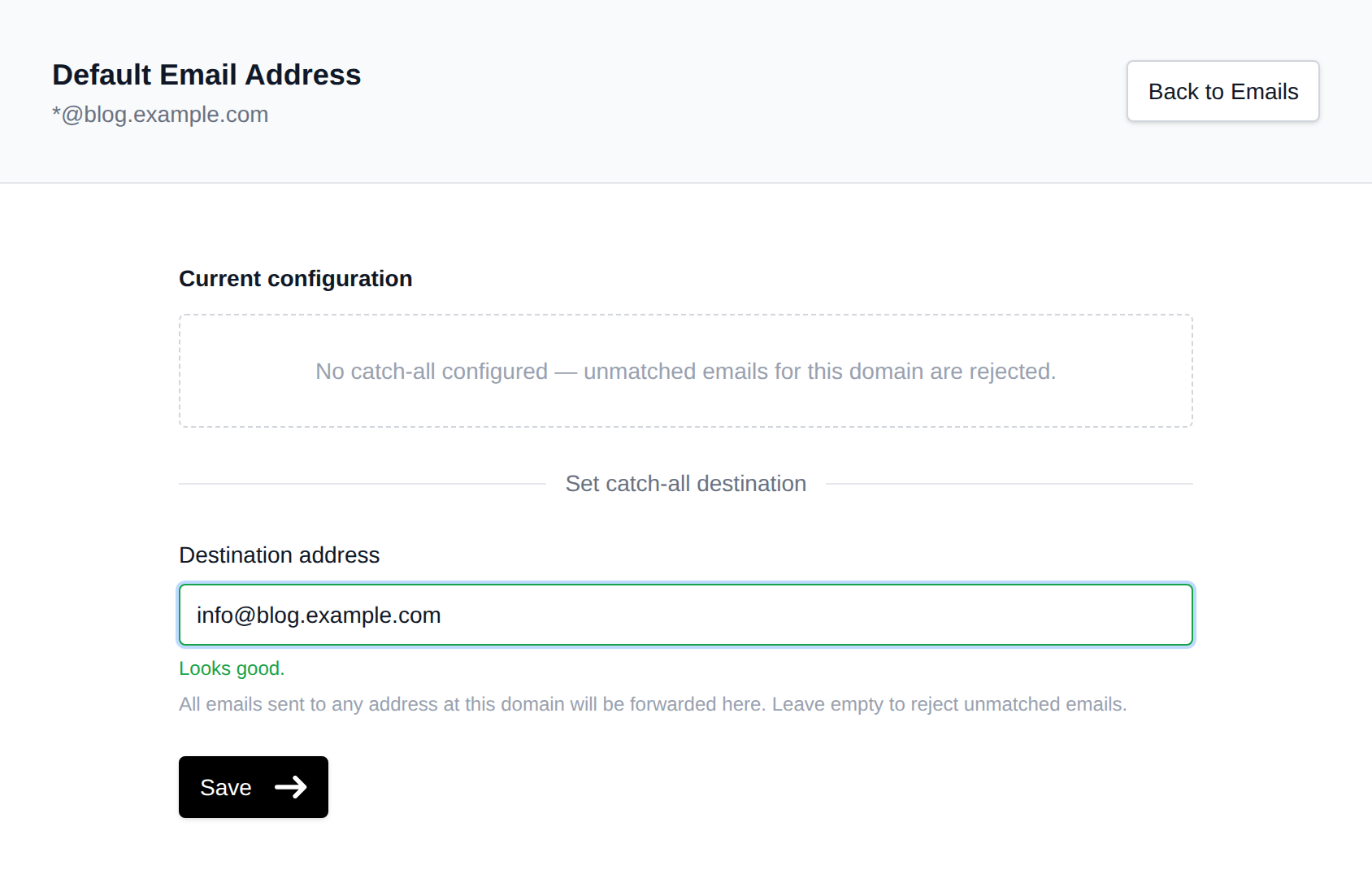
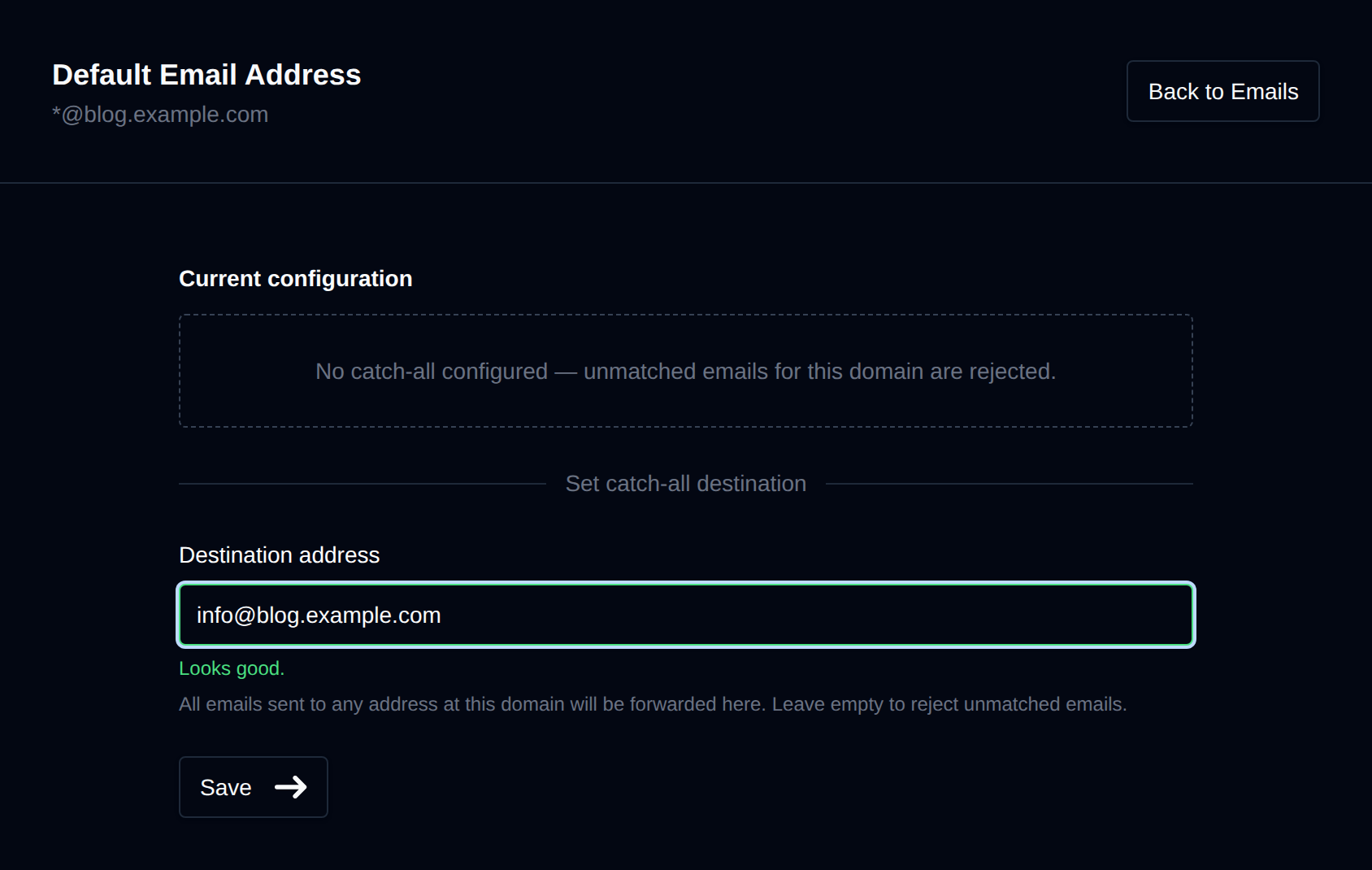
When a catch-all is configured, mail sent to [email protected] that does not match an existing mailbox is forwarded to the destination you set. Without a catch-all, unmatched emails are rejected (this is the default in OpenPanel).
Setting a Catch-all
- Go to OpenPanel > Email > Catch-all Address.
- Select the domain to configure.
- Enter the Destination address: any valid email address, local or external.
- Click Save.
Removing a Catch-all
If a catch-all is already set, a Remove Catch-all button appears in the danger zone. Clicking it deletes the rule and unmatched emails for that domain will be rejected.
Alternatively, clear the destination field and click Save to achieve the same result.
Was this helpful?