How to Install MediaWiki (Wikipedia's Wiki Software)
MediaWiki is the free software that powers Wikipedia. It's a great fit for documentation, knowledge bases and community wikis. OpenPanel installs it in one click and includes backups, cloning and one-click updates.
Requirements
- OpenPanel Enterprise - the MediaWiki module must be enabled for your hosting plan.
- A domain or subdomain, e.g.
wiki.example.com. - A PHP version that meets the MediaWiki release's minimum - OpenPanel checks this before installing and tells you if the domain's PHP version is too old.
Install MediaWiki
- Add the domain in OpenPanel → Domains (Add a new domain).
- Go to OpenPanel → Websites → Install App and click Install MediaWiki.
- Choose the domain, MediaWiki version (Latest), site name, and the admin username, password and email.
- Start the installation.
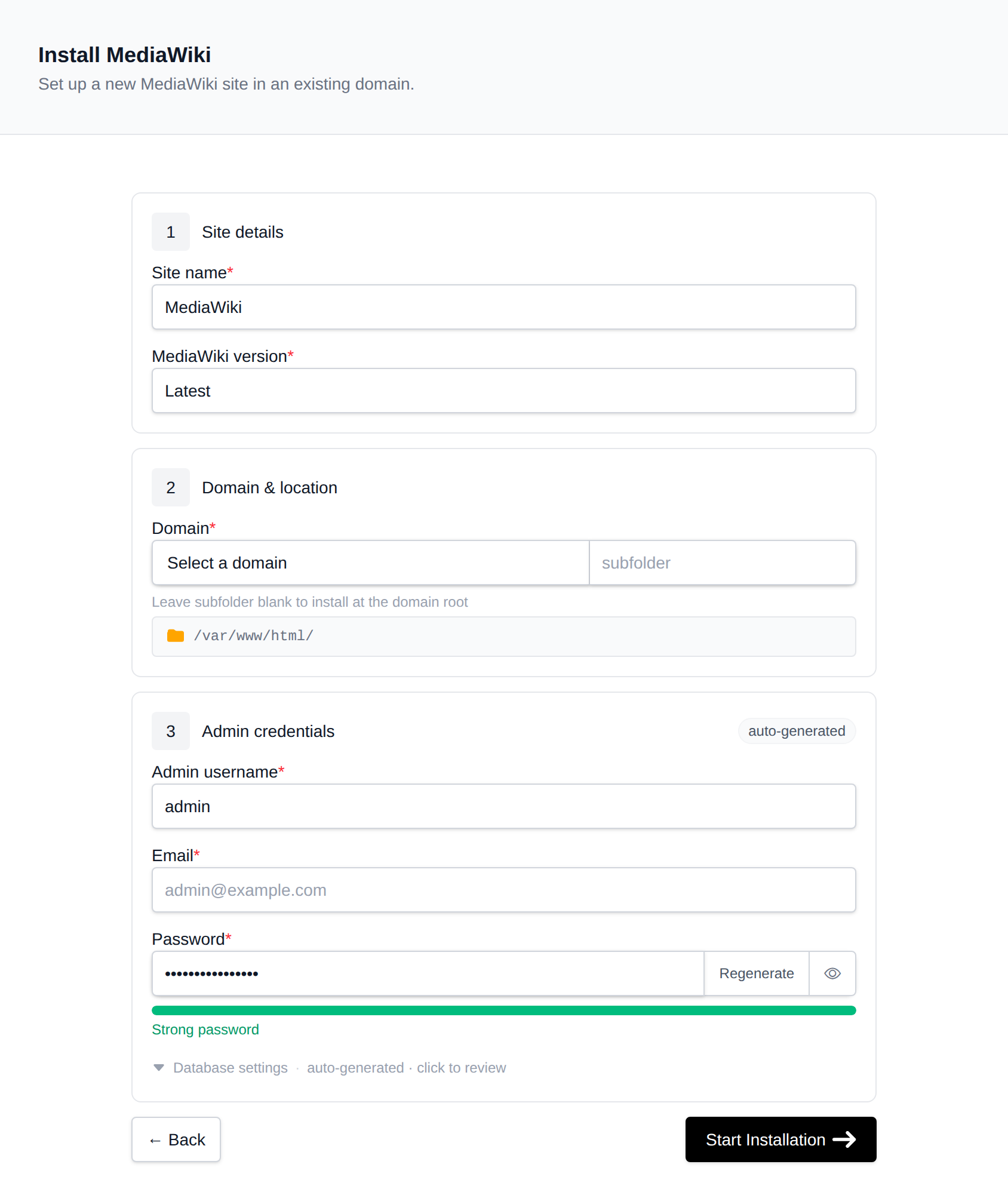
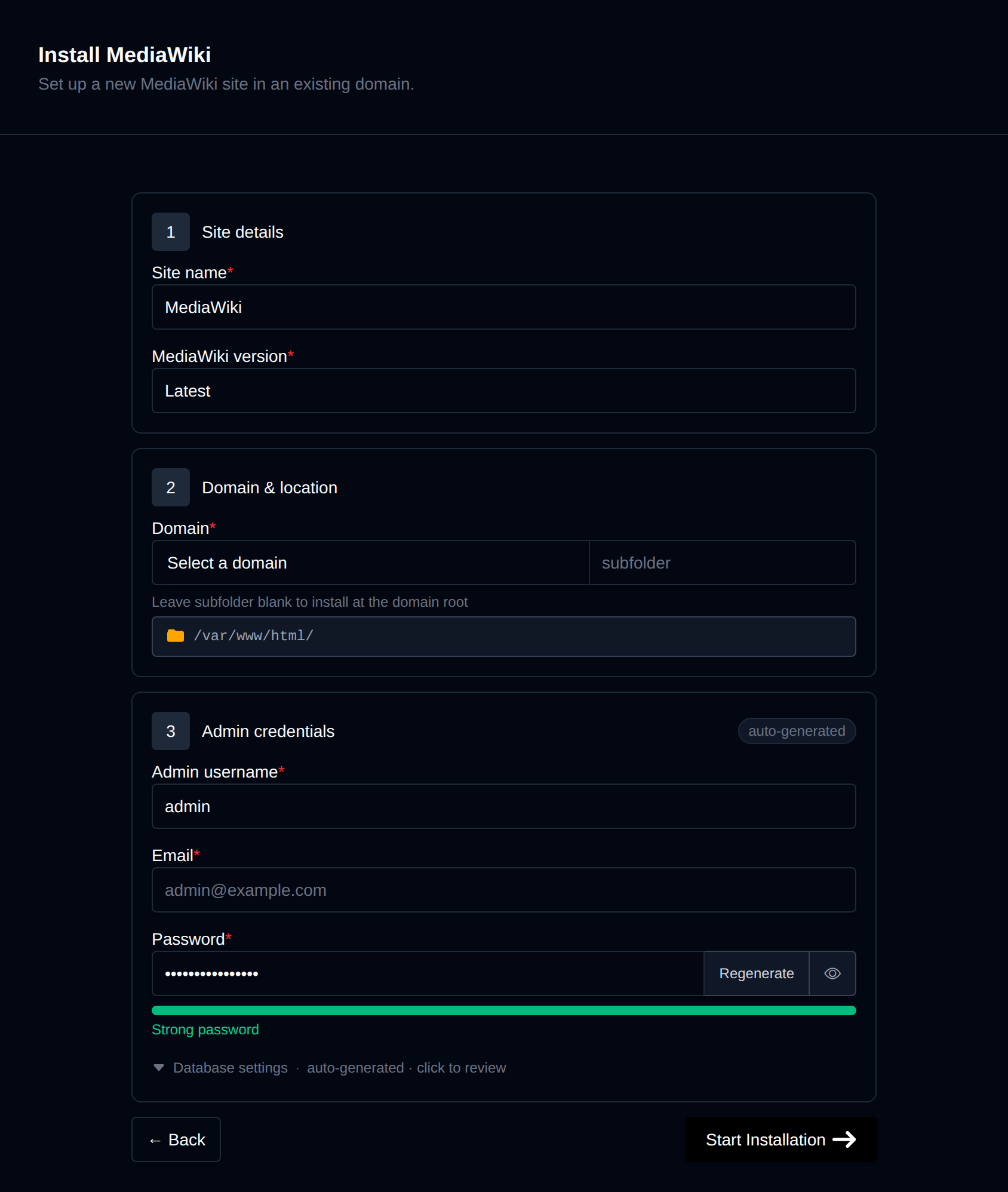
OpenPanel downloads the official release, creates a MySQL/MariaDB database, runs MediaWiki's installer, and adds a cron job for MediaWiki's job queue.
Open https://wiki.example.com, or click Login as Admin on the wiki's manage page.
Common Configuration
All wiki settings live in LocalSettings.php in the wiki folder. Edit it with the File Manager.
Allow file uploads
$wgEnableUploads = true;
Uploaded files go to the images/ folder. Raise PHP's upload_max_filesize if you need larger files - see How to increase PHP limits.
Restrict who can edit
For a private or company wiki:
$wgGroupPermissions['*']['createaccount'] = false; // no public sign-ups
$wgGroupPermissions['*']['edit'] = false;          // only logged-in users edit
$wgGroupPermissions['*']['read'] = false;          // make the wiki private
Install extensions
Download an extension into extensions/ and enable it in LocalSettings.php:
wfLoadExtension( 'VisualEditor' );
Many popular extensions (VisualEditor, Cite, ParserFunctions) are already bundled with MediaWiki - just add the wfLoadExtension line.
Caching
For busy wikis, enable the Redis service and set $wgMainCacheType to use it - see Redis (use redis as the host).
Managing the Wiki
The wiki's manage page in OpenPanel → Websites → Sites has:
- Login as Admin - a one-time admin login link.
- Update - updates MediaWiki core and runs the database update script;
LocalSettings.phpandimages/are kept. - Clone - copies the wiki to another domain, for example for testing an upgrade.
- Backups - on-demand backups of the database, files or both, with one-click restore.
- Logs and Remove.
Before Update, create a backup in the Backups tab - and check that your extensions support the new MediaWiki version.
More: MediaWiki in OpenPanel.
Related
- Install DokuWiki - a simpler wiki without a database
- Install SofaWiki
- All installable apps