Version: 2.0.21
How to Install TinyFileManager (Web-Based File Manager)
TinyFileManager is a single-file, password-protected web file manager. Install it on a domain to upload, download, edit and share files from any browser - for example to give a client access to one folder without giving them your OpenPanel login.
INFORMATION
TinyFileManager is a separate app that runs on your website. For managing your own hosting files, OpenPanel already has a built-in File Manager.
Install TinyFileManager
- Add a domain or subdomain in OpenPanel → Domains, e.g.
files.example.com. - Go to OpenPanel → Websites → Install App and click Install TinyFileManager.
- Select the domain (and optional subfolder) and set the admin username and password - this is the login TinyFileManager asks for.
- Start the installation.

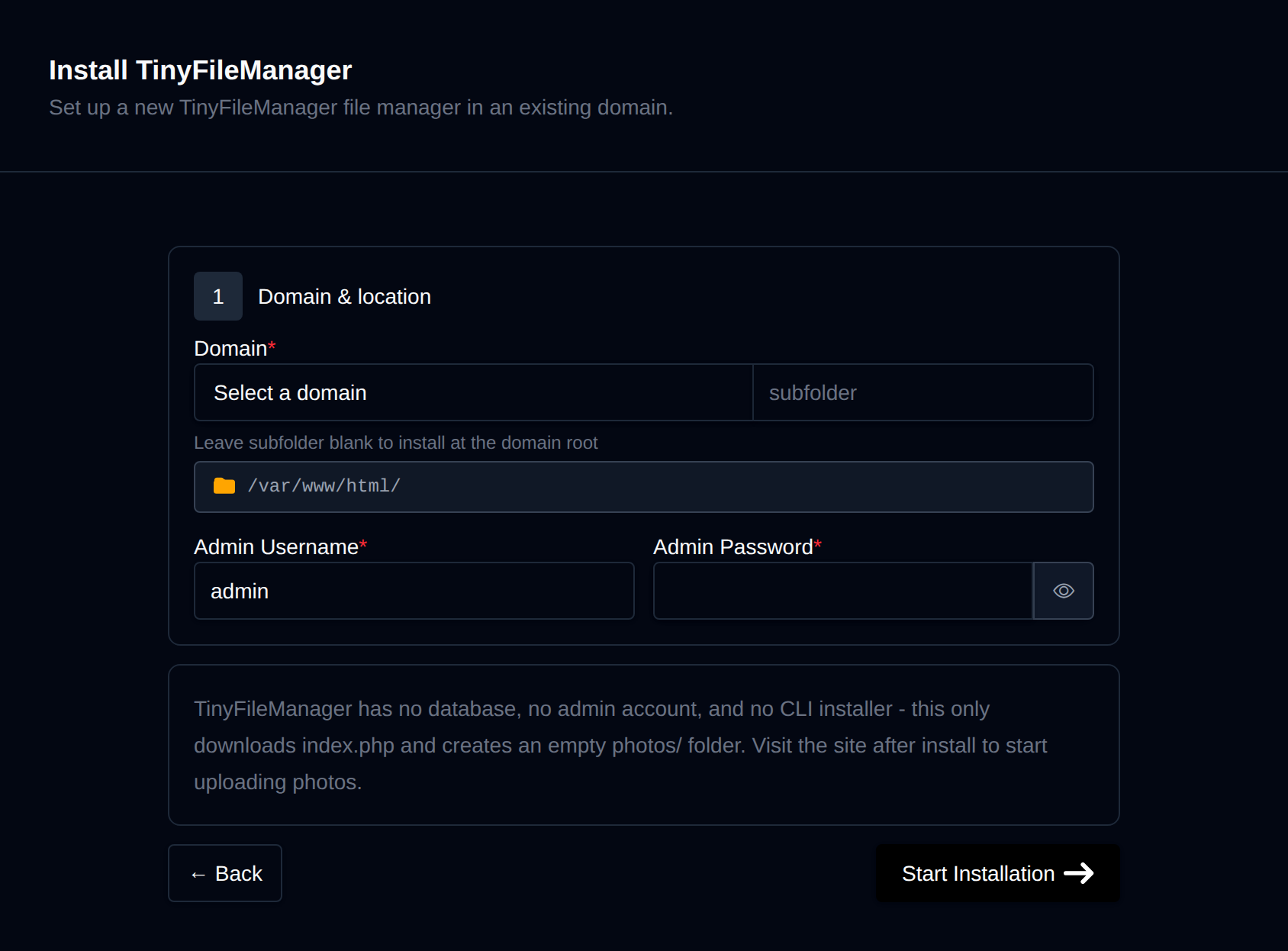
OpenPanel downloads tinyfilemanager.php and stores the password as a secure hash. Open https://files.example.com and log in - no further setup needed.
Tips
- Use a strong password. Anyone with the login can read and change the files.
- Restrict by IP or add a second password layer with password-protected directories.
- Share a single folder: install TinyFileManager in a subfolder (e.g.
example.com/client-files) so it only shows that folder. - Keep it off your main website's root, so a leaked password can't touch your site files.
Managing TinyFileManager
The app's manage page in OpenPanel → Websites → Sites has Backups (files-only, with restore) and Remove, which deletes tinyfilemanager.php but leaves your other files.
More: TinyFileManager in OpenPanel.
Related
- Self-host Nextcloud - for full file sync and sharing
- Install TinyPhotoGallery
Was this helpful?