How to Install OpenCart and Launch an Online Store
OpenCart is a lightweight, free and open-source shopping cart. It's simple to run and fast on modest hardware. OpenPanel installs it in one click.
Requirements
- OpenPanel Enterprise - the OpenCart module must be enabled for your hosting plan.
- A domain pointed to the server.
- A PHP version supported by your OpenCart release (PHP 8.0+ for OpenCart 4.x).
Install OpenCart
- Add the domain in OpenPanel → Domains (Add a new domain).
- Go to OpenPanel → Websites → Install App and click Install OpenCart.
- Choose the domain, OpenCart version (Latest), and the admin username, password and email.
- Start the installation.
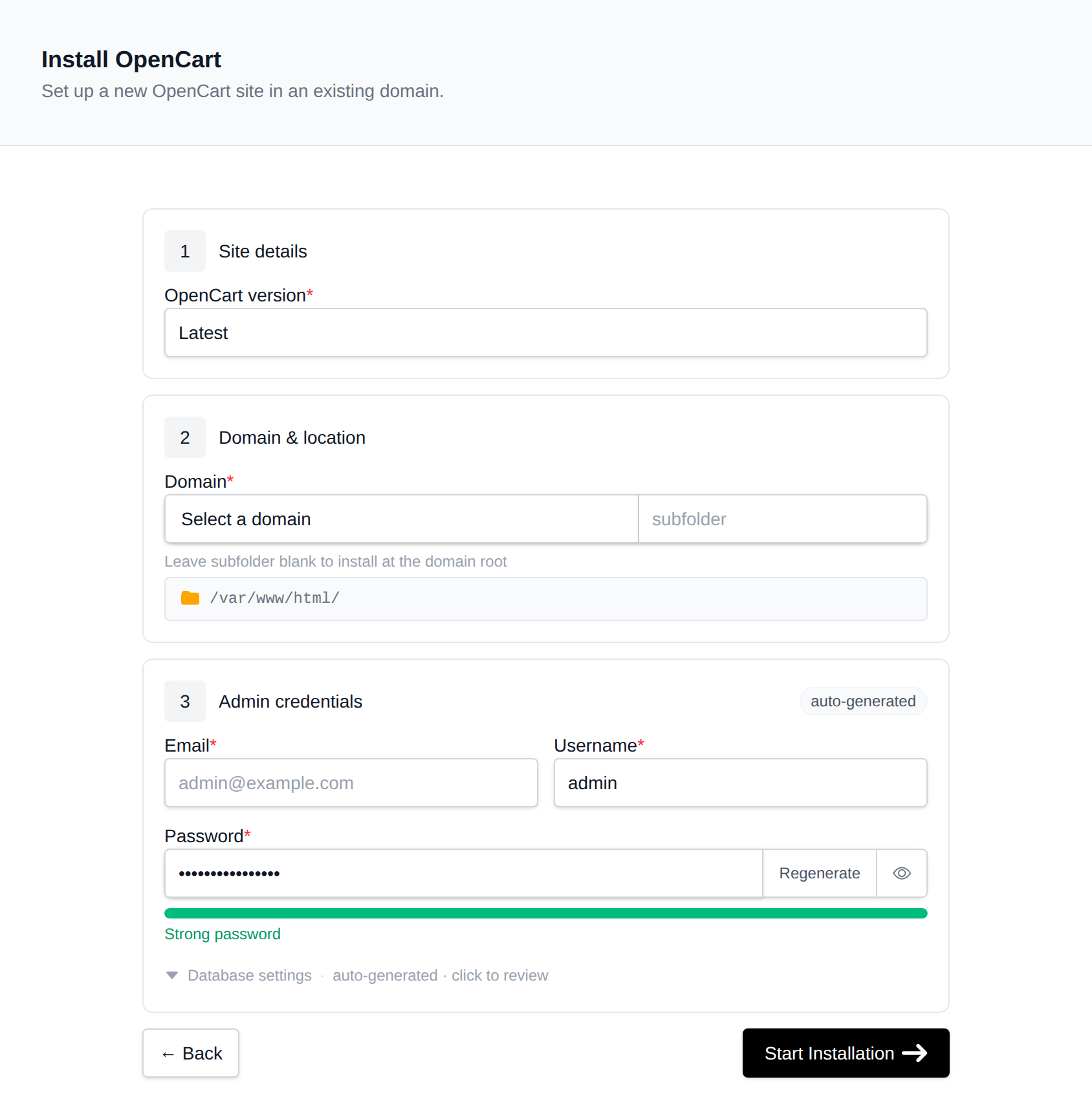
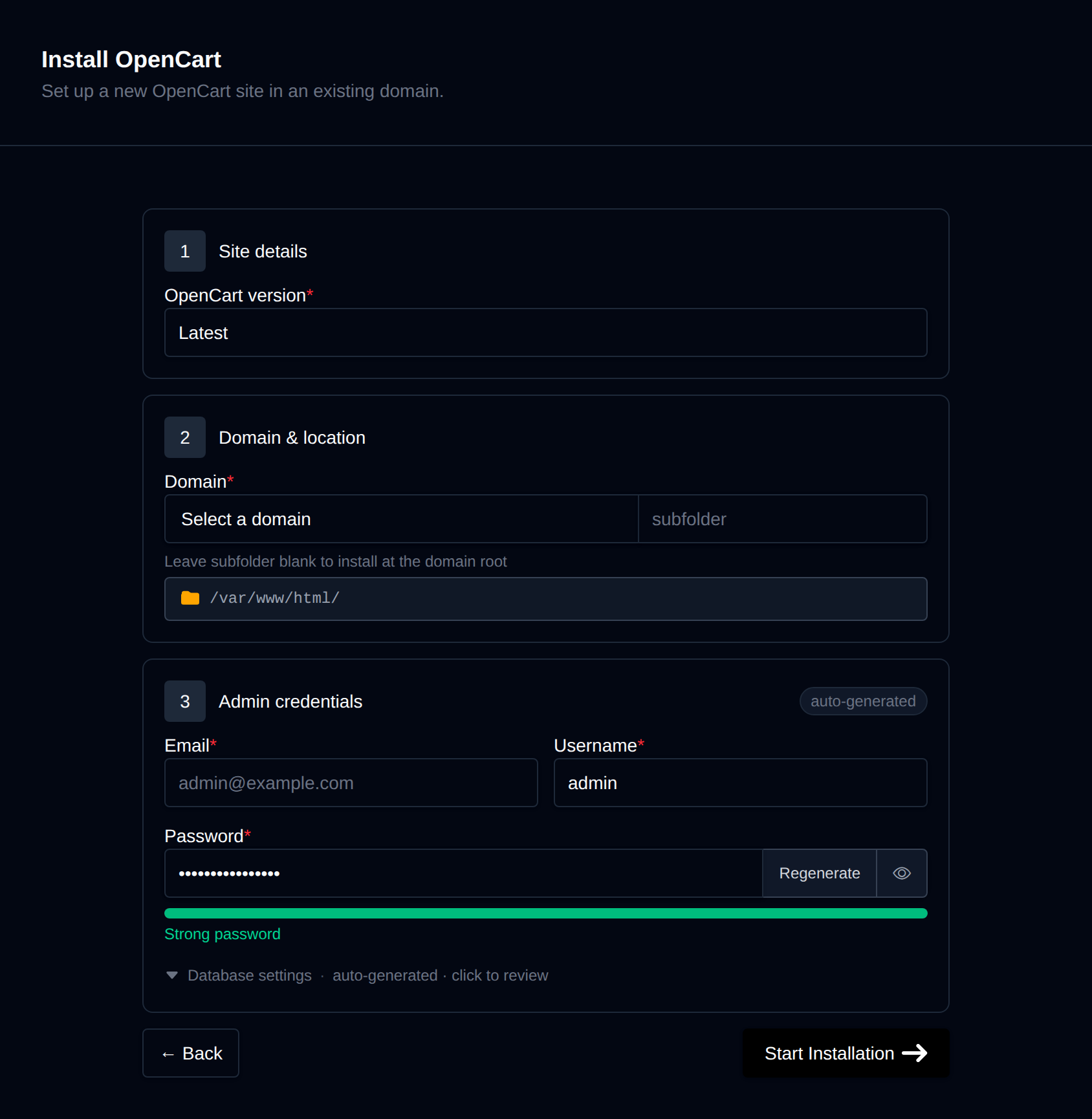
OpenPanel downloads the official release, creates a MySQL/MariaDB database, prepares config.php and admin/config.php, runs OpenCart's CLI installer, and deletes the install/ folder afterwards.
The store opens at https://example.com, the admin at https://example.com/admin/. You can also use Login as Admin on the store's manage page in OpenPanel → Websites → Sites.
Recommended Settings
Use HTTPS everywhere
SSL is issued automatically. Make sure HTTP_SERVER and HTTPS_SERVER in config.php and admin/config.php start with https://.
SEO-friendly URLs
In the admin, go to System → Settings → Edit store → Server and enable Use SEO URLs.
- On Apache and OpenLiteSpeed, rename
.htaccess.txtto.htaccessin the store folder. - On Nginx and OpenResty, add OpenCart's rewrite rules in Domains → Edit VHosts File (Enterprise, see Edit VHosts).
Move the storage folder (OpenCart 4)
After the first login, OpenCart suggests moving system/storage/ outside the web root. Follow the dashboard notice - it moves the folder for you and updates the config.
Email
In System → Settings → Mail, choose SMTP and enter your mailbox details so order emails are delivered - see Why do my emails go to spam?.
Managing the Store
The manage page shows versions, files and database details, and has:
- Login as Admin - one-time login link, valid for 10 minutes.
- Cache - the same as Refresh cache in the admin; use it after installing extensions.
- Logs -
system/storage/logs/error.log. - Remove - uninstalls the store and its database.
Use the account-level Backups before updating OpenCart or installing extensions.
More: OpenCart in OpenPanel.