How to Use Cloudflare with OpenPanel (SSL, Origin Certificates and Redirect Loops)
Cloudflare sits in front of your server as a CDN, DNS provider and firewall. It works well with OpenPanel - as long as the SSL mode is set correctly. Most problems people run into (redirect loops, 525/526 errors, SSL not issuing) come from that one setting.
Step 1: Add the DNS Records in Cloudflare
When your domain uses Cloudflare's nameservers, DNS is managed in the Cloudflare dashboard - not in OpenPanel's DNS zone editor.
Add at least:
| Type | Name | Content | Proxy |
|---|---|---|---|
A | example.com (@) | your server's IPv4 | 🟠 Proxied |
CNAME | www | example.com | 🟠 Proxied |
A | mail | your server's IPv4 | ⚪ DNS only |
MX | example.com | mail.example.com | - |
TXT | example.com | your SPF record | - |
Copy the SPF, DKIM and DMARC TXT records from the domain's zone in OpenPanel → Domains → DNS, so email keeps working.
Cloudflare's proxy only handles web traffic. Any hostname used for email (mail.example.com, the MX target), FTP or the control panel ports (2083, 2087) must be DNS only (grey cloud).
Next, set the SSL mode (Step 2) and install a certificate on your server (Step 3) - either the automatic Let's Encrypt certificate or a Cloudflare Origin Certificate installed as custom SSL.
Step 2: Set SSL/TLS to Full (strict)
In Cloudflare, go to SSL/TLS → Overview and choose Full (strict).
| Mode | What happens with OpenPanel |
|---|---|
| Off / Flexible | ❌ Cloudflare talks to your server over HTTP; the server redirects to HTTPS → endless redirect loop (ERR_TOO_MANY_REDIRECTS). |
| Full | ⚠️ Works, but Cloudflare doesn't verify your server's certificate. |
| Full (strict) | ✅ Encrypted all the way and verified. Use this. |
Full (strict) needs a valid certificate on your server - either the automatic Let's Encrypt certificate or a Cloudflare Origin Certificate.
Step 3: Choose the Certificate on Your Server
Option A: Keep the free Let's Encrypt certificate (easiest)
OpenPanel issues it automatically. For the first certificate, it's easiest to let the domain resolve directly to your server:
- In Cloudflare, set the
@andwwwrecords to DNS only (grey cloud). - Open
https://example.comand wait until the site loads with a valid certificate (check the domain's SSL page in OpenPanel). - Switch the records back to Proxied (orange cloud), with SSL mode Full (strict).
Renewals then work through Cloudflare automatically.
Option B: Cloudflare Origin Certificate
A Cloudflare Origin Certificate is free, valid for up to 15 years, and trusted by Cloudflare only - perfect when the site is always proxied.
- In Cloudflare, go to SSL/TLS → Origin Server → Create Certificate.
- Keep RSA (2048), add
example.comand*.example.com, choose the validity, and click Create. - Copy the Origin Certificate and the Private Key (the key is shown only once).
Then install it in OpenPanel as a custom certificate:
- Go to OpenPanel → Domains and click SSL next to the domain.
- Under Configure custom SSL, paste the Origin Certificate into Certificate and the Private Key into Private Key - including the
-----BEGIN ...-----and-----END ...-----lines. - Click Configure Custom Certificate. The SSL status changes to Custom SSL.
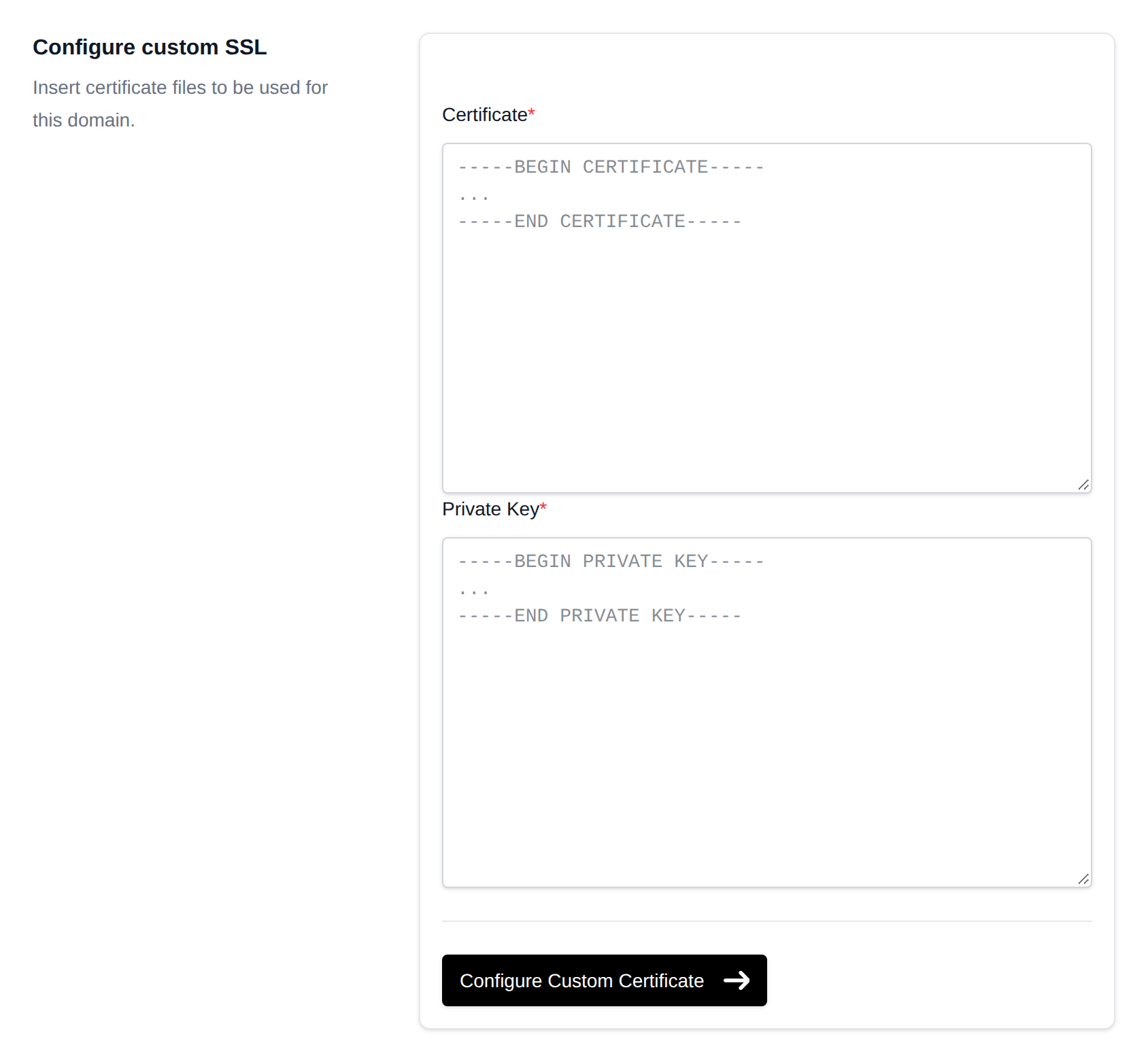
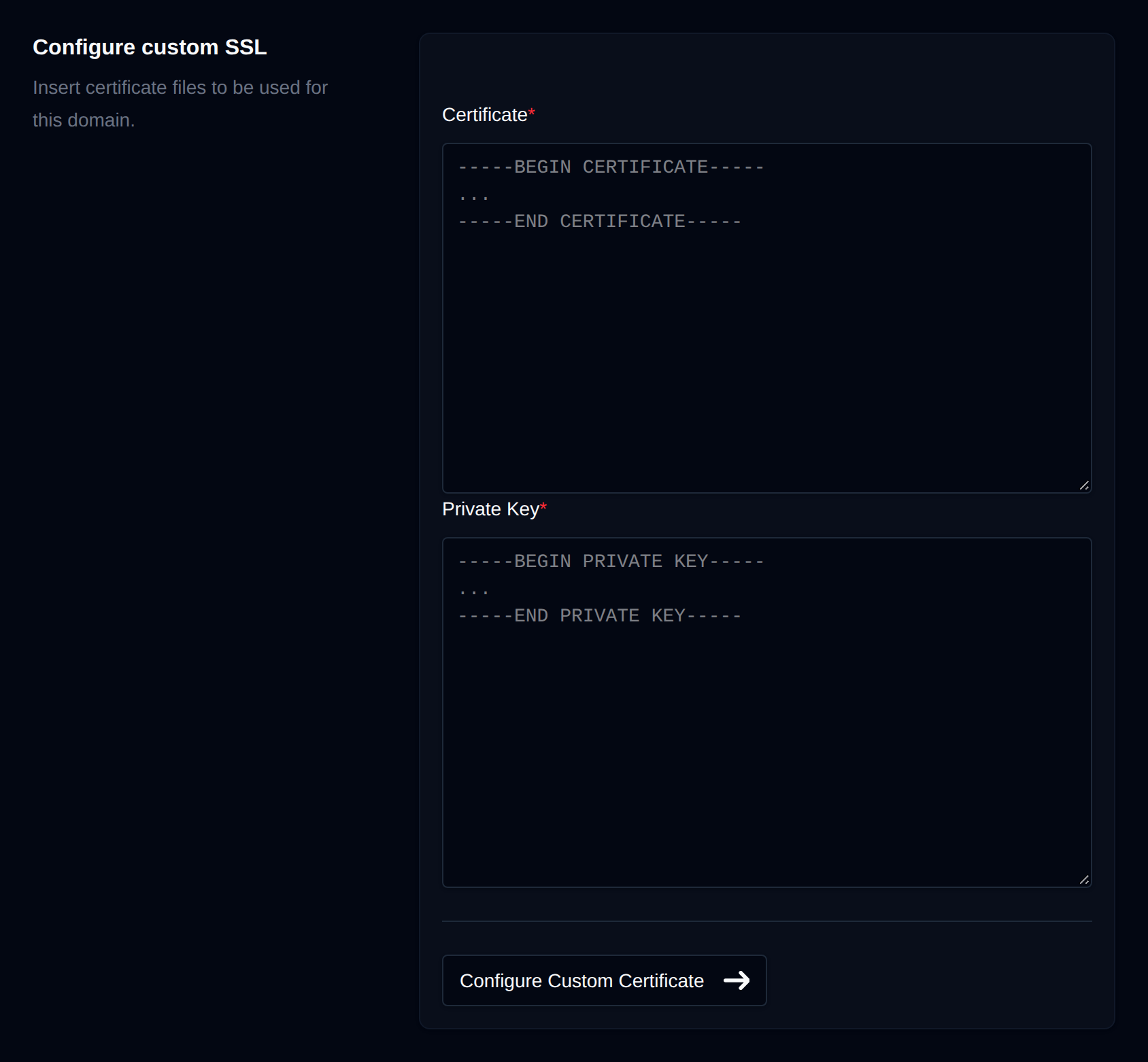
Repeat for each domain (and subdomain) that uses the certificate. More details: Install a custom SSL certificate and SSL.
Browsers don't trust Origin Certificates. If you ever switch the record to DNS only, visitors see a certificate warning - switch the domain back to Let's Encrypt on its SSL page first.
Recommended Cloudflare Settings
- SSL/TLS → Edge Certificates → Always Use HTTPS: On.
- Automatic HTTPS Rewrites: On.
- Minimum TLS Version: 1.2.
- Caching: Cloudflare caches static files by default. Don't use "Cache Everything" on WordPress, WooCommerce or other logged-in sites without bypass rules for
/wp-adminand cart/checkout pages.
Fixing Common Problems
ERR_TOO_MANY_REDIRECTS
SSL mode is Flexible. Change it to Full (strict). Also check that no .htaccess rule redirects based on %{HTTPS} - behind a proxy, use X-Forwarded-Proto instead (see Redirect HTTP to HTTPS).
Error 525 (SSL handshake failed) or 526 (invalid SSL certificate)
Your server has no valid certificate yet for the domain, or it expired. Use Option A (grey cloud until Let's Encrypt is issued) or install an Origin Certificate (Option B).
Error 521 / 522 (web server down / connection timed out)
Cloudflare can't reach the server. Check that the A record has the right IP, the server is up, and ports 80/443 are open. If your server firewall only allows certain IPs, allow Cloudflare's IP ranges.
Let's Encrypt certificate won't renew
Make sure SSL mode is Full (strict) and no Cloudflare rule blocks /.well-known/acme-challenge/. See Let's Encrypt rate limits and renewal failures.
Email stopped working
The mail / MX hostname is proxied. Set it to DNS only.
Real Visitor IPs in Logs and Statistics
Behind Cloudflare, requests arrive from Cloudflare's IP addresses. Cloudflare passes the real visitor IP in the CF-Connecting-IP and X-Forwarded-For headers.
- OpenPanel and OpenAdmin login pages read
CF-Connecting-IPautomatically. - For website logs, statistics and IP blocking, the administrator can make the proxy trust Cloudflare's ranges: OpenPanel ships a ready-made snippet in
/etc/openpanel/caddy/templates/cf.proxy- import it in the Caddyfile and addimport cloudflare_trusted_proxiesin the domain'sreverse_proxyblocks, as described in the file. - In WordPress, plugins like Cloudflare or security plugins can use the
CF-Connecting-IPheader.
Hosting Without a Public IP
Want to use Cloudflare without opening any ports on your server - for example at home? Use a Cloudflare Tunnel instead: Host websites behind a Cloudflare Tunnel.
Related
- Step 1: Add the DNS Records in Cloudflare
- Step 2: Set SSL/TLS to Full (strict)
- Step 3: Choose the Certificate on Your Server
- Option A: Keep the free Let's Encrypt certificate (easiest)
- Option B: Cloudflare Origin Certificate
- Recommended Cloudflare Settings
- Fixing Common Problems
ERR_TOO_MANY_REDIRECTS- Error 525 (SSL handshake failed) or 526 (invalid SSL certificate)
- Error 521 / 522 (web server down / connection timed out)
- Let's Encrypt certificate won't renew
- Email stopped working
- Real Visitor IPs in Logs and Statistics
- Hosting Without a Public IP
- Related