How to Install Flarum (Modern Forum Software)
Flarum is a fast, modern and mobile-friendly forum - a lightweight alternative to phpBB and Discourse. OpenPanel installs it with Composer in one click and can update it for you.
Requirements
- OpenPanel Enterprise - the Flarum module must be enabled for your hosting plan.
- A domain or subdomain, e.g.
community.example.com. - PHP 8.1 or newer for the domain.
Install Flarum
- Add the domain in OpenPanel → Domains (Add a new domain).
- Go to OpenPanel → Websites → Install App and click Install Flarum.
- Fill in the domain, Flarum version (Latest stable), forum title, and admin username, password and email.
- Start the installation.
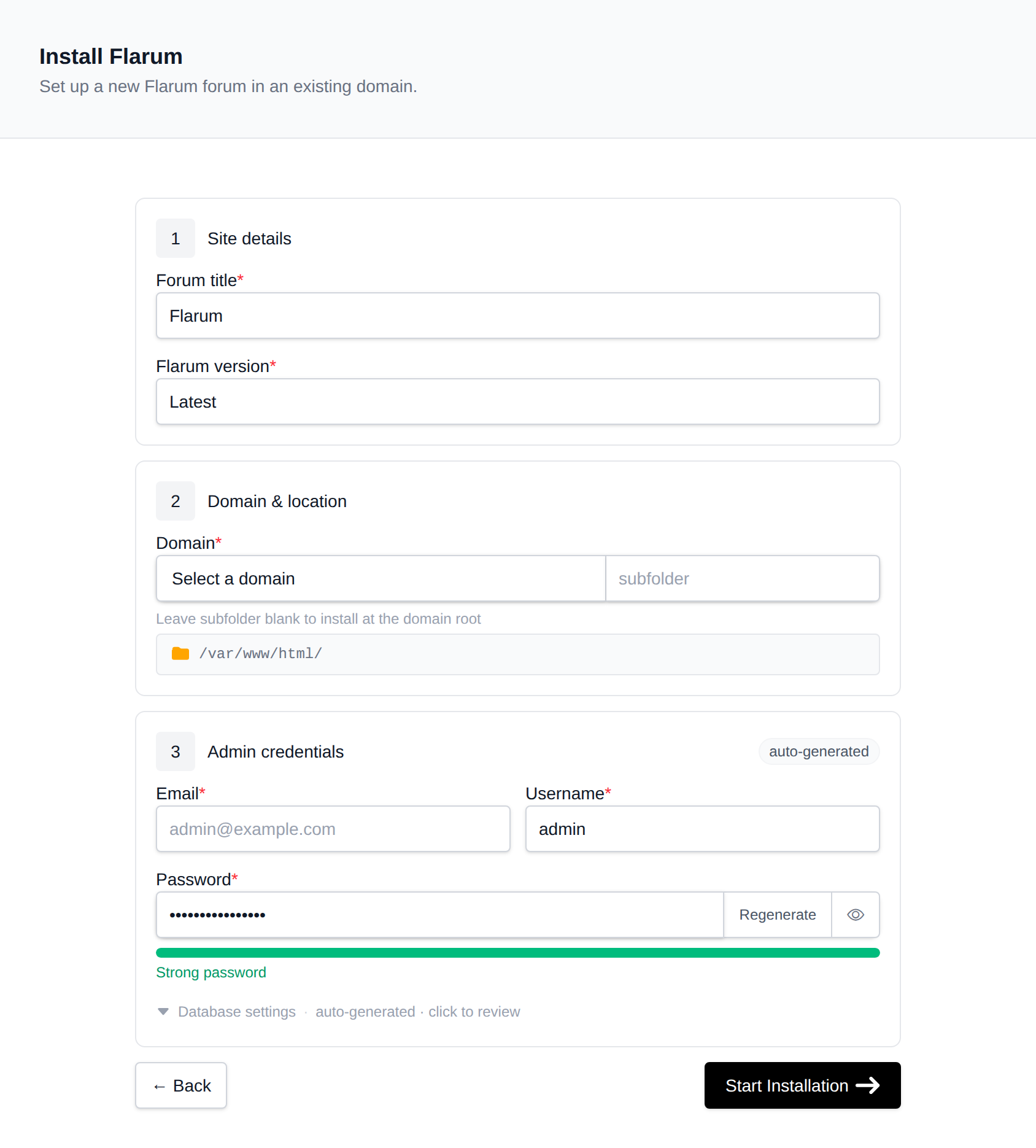
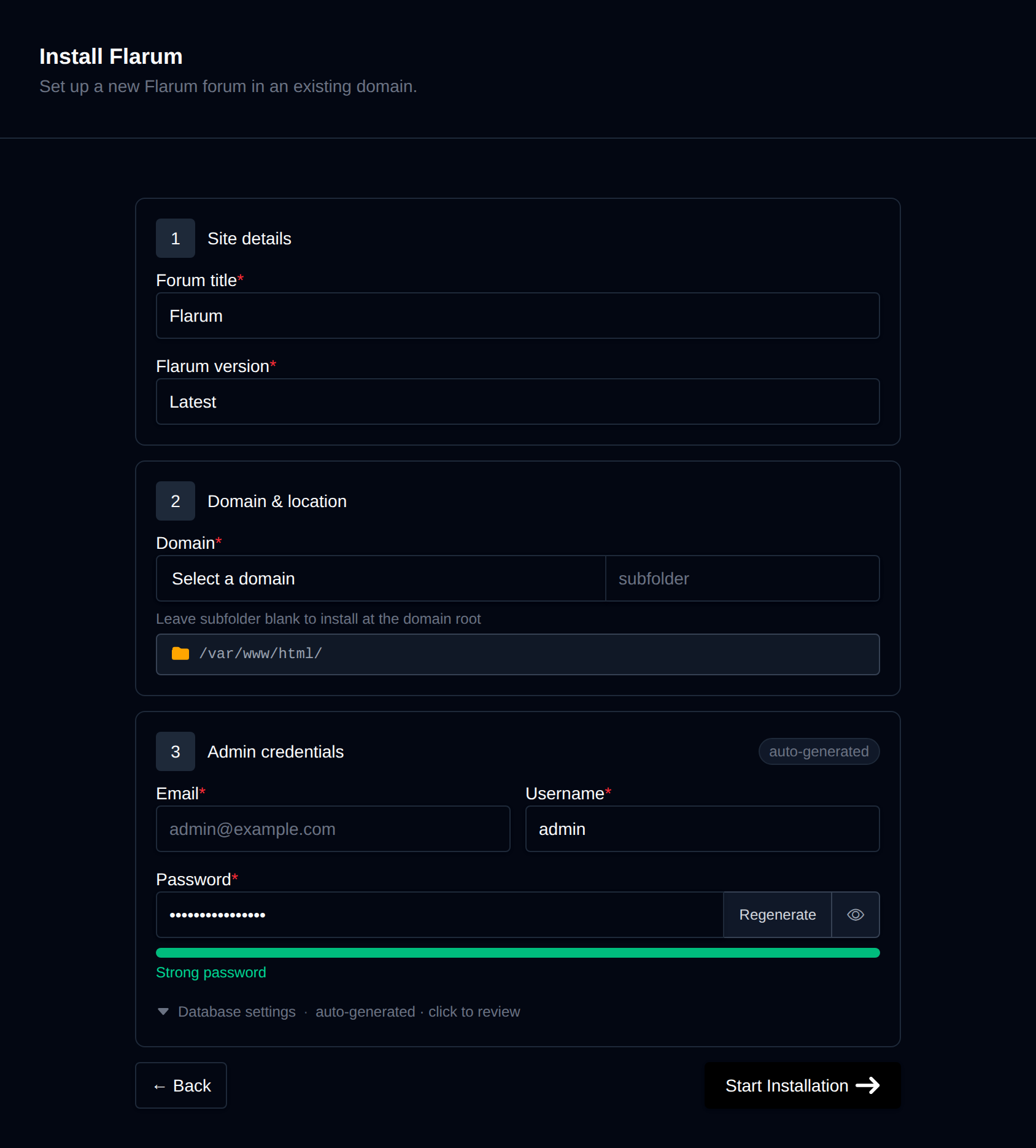
OpenPanel runs composer create-project flarum/flarum, creates a MySQL/MariaDB database, runs Flarum's installer and links the domain's document root to Flarum's public/ folder, so the rest of the code isn't reachable from the web.
Open https://community.example.com and log in with the admin account. The admin dashboard is at /admin.
Install Extensions
Flarum extensions are installed with Composer. Open OpenPanel → Containers → Terminal, select the domain's PHP container (e.g. php-fpm-8.3) and run:
cd /var/www/html/community.example.com
composer require fof/upload        # example: file uploads
php flarum cache:clear
Then enable the extension in Admin → Extensions. The web terminal is an Enterprise feature - see Terminal. Browse extensions at extiverse.com or discuss.flarum.org.
Email
Flarum sends email confirmations and notifications. In Admin → Email, choose SMTP and enter a mailbox from your domain. See Why do my emails go to spam?.
Scheduler
Some extensions (digests, cleanups) use Flarum's scheduler. Add a job in OpenPanel → Cron Jobs:
- Container:
php-fpm-8.3 - Schedule: Every Minute
- Command:
php /var/www/html/community.example.com/flarum schedule:run
Managing the Forum
The forum's manage page in OpenPanel → Websites → Sites has:
- Update - updates
flarum/corewith Composer, runs migrations and clears the cache. - Cache - runs
php flarum cache:clear. - Logs - the tail of
storage/logs/flarum.log. - Remove - uninstalls the forum and its database.
Take an account backup before updating or installing extensions.
More: Flarum in OpenPanel.