How to Install a phpBB Forum
phpBB is one of the most widely used open-source forum systems. OpenPanel installs a ready-to-use board in one click, with backups and cloning built in.
Requirements
- OpenPanel Community or Enterprise - the phpBB module must be enabled for your hosting plan.
- A domain or subdomain, e.g.
forum.example.com. - A PHP version supported by your phpBB release.
Install phpBB
- Add the domain in OpenPanel → Domains (Add a new domain).
- Go to OpenPanel → Websites → Install App and click Install phpBB.
- Fill in the domain, phpBB version (Latest), board name and description, and the admin username, password and email.
- Start the installation.
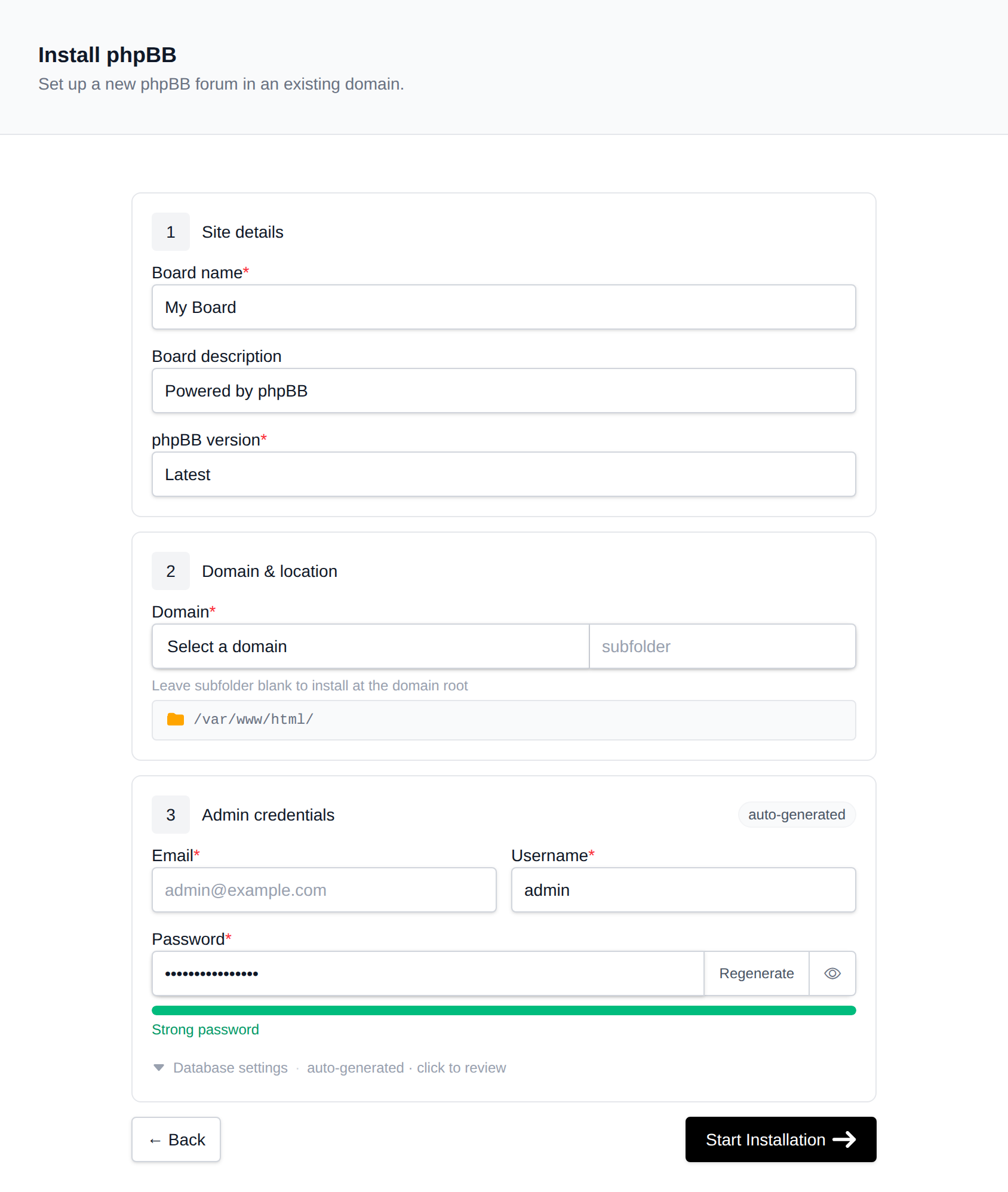
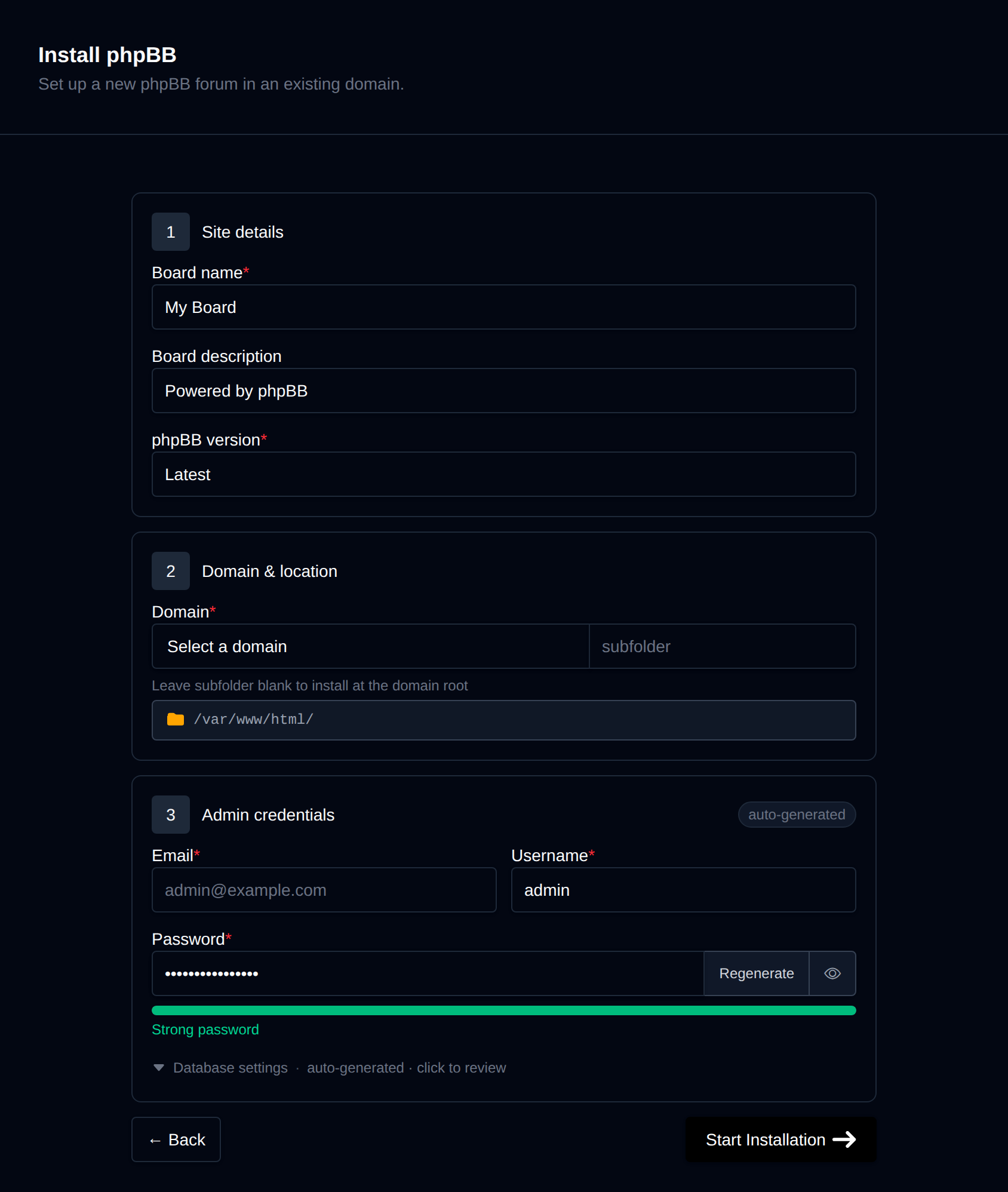
OpenPanel downloads the official release, creates a MySQL/MariaDB database, runs phpBB's CLI installer and removes the install/ folder.
Open https://forum.example.com and log in with the admin account. The Admin Control Panel (ACP) link is at the bottom of every page.
First Steps After Installing
Stop spam registrations
New forums attract spam bots quickly. In ACP → General → Board configuration → Spambot countermeasures, enable a CAPTCHA plugin (reCAPTCHA or Q&A) and set User registration → Account activation to By user (email verification) or By admin.
Configure email
phpBB sends activation and notification emails. In ACP → General → Client communication → Email settings, enable SMTP and enter a mailbox from your domain. See Why do my emails go to spam?.
Board settings
In ACP → General → Board settings, set your time zone, default language and board style. Install extra language packs and styles from phpbb.com.
Updating phpBB
phpBB doesn't have a safe automatic CLI updater, so updates are done from the forum itself:
- Create a backup from the forum's manage page in OpenPanel.
- The manage page's Update tab shows the installed version and opens the ACP.
- In ACP → System → Automation, follow phpBB's update procedure with the Automatic Update Package.
Managing the Forum
The manage page in OpenPanel → Websites → Sites has:
- Backups - database, files or both, with one-click restore.
- Clone - copy the board to another domain, e.g. to test an update or new style.
- Update - installed version and a shortcut to the ACP.
- Remove - uninstalls the forum and its database.
More: phpBB in OpenPanel.
Related
- Install Flarum - a modern forum alternative
- All installable apps