How to Deploy a Flask App (Python) with Gunicorn
This guide shows how to put a Flask application online with OpenPanel. The app runs in its own Python container, and OpenPanel's web server forwards your domain to it, with a free SSL certificate.
Python applications are available in OpenPanel Enterprise. The feature must be enabled for your hosting plan.
How It Works
- Your code lives in the domain's folder, e.g.
/var/www/html/example.com/. - OpenPanel starts an official
pythoncontainer with that folder as the working directory. - On every start, the container can run
pip install -r requirements.txtand then your startup command. - The web server (Nginx, Apache, OpenResty or OpenLiteSpeed) proxies
https://example.comto the port your app listens on.
Step 1: Prepare the App
A minimal project:
example.com/
├── app.py
└── requirements.txt
app.py:
from flask import Flask

app = Flask(__name__)

@app.route("/")
def index():
    return "Hello from Flask on OpenPanel!"
requirements.txt:
Flask==3.0.3
gunicorn==23.0.0
Flask's built-in server (app.run()) is for development only. In production, run the app with Gunicorn.
Step 2: Add the Domain and Upload the Code
- Add the domain in OpenPanel → Domains (see Add a new domain) and point its DNS to the server.
- Upload your files to the domain's folder with the File Manager, FTP, or skip this step and deploy from Git in the next step.
Step 3: Create the Python Application
Go to OpenPanel → Websites → Install App → Setup Python Application and fill in:
| Field | Value |
|---|---|
| Name | e.g. flaskapp |
| Domain | example.com (optionally with a subfolder) |
| Port | 8000 |
| Startup File | app.py |
| Custom Startup Command | gunicorn --bind 0.0.0.0:8000 --workers 2 app:app |
| Version | a current Python version, e.g. 3.12 |
| Run Install | ✅ Yes - runs pip install -r requirements.txt on start |
| Git repository | optional - an https:// URL of your repository |
| CPU / Memory | e.g. 1 core and 0.5 GB |
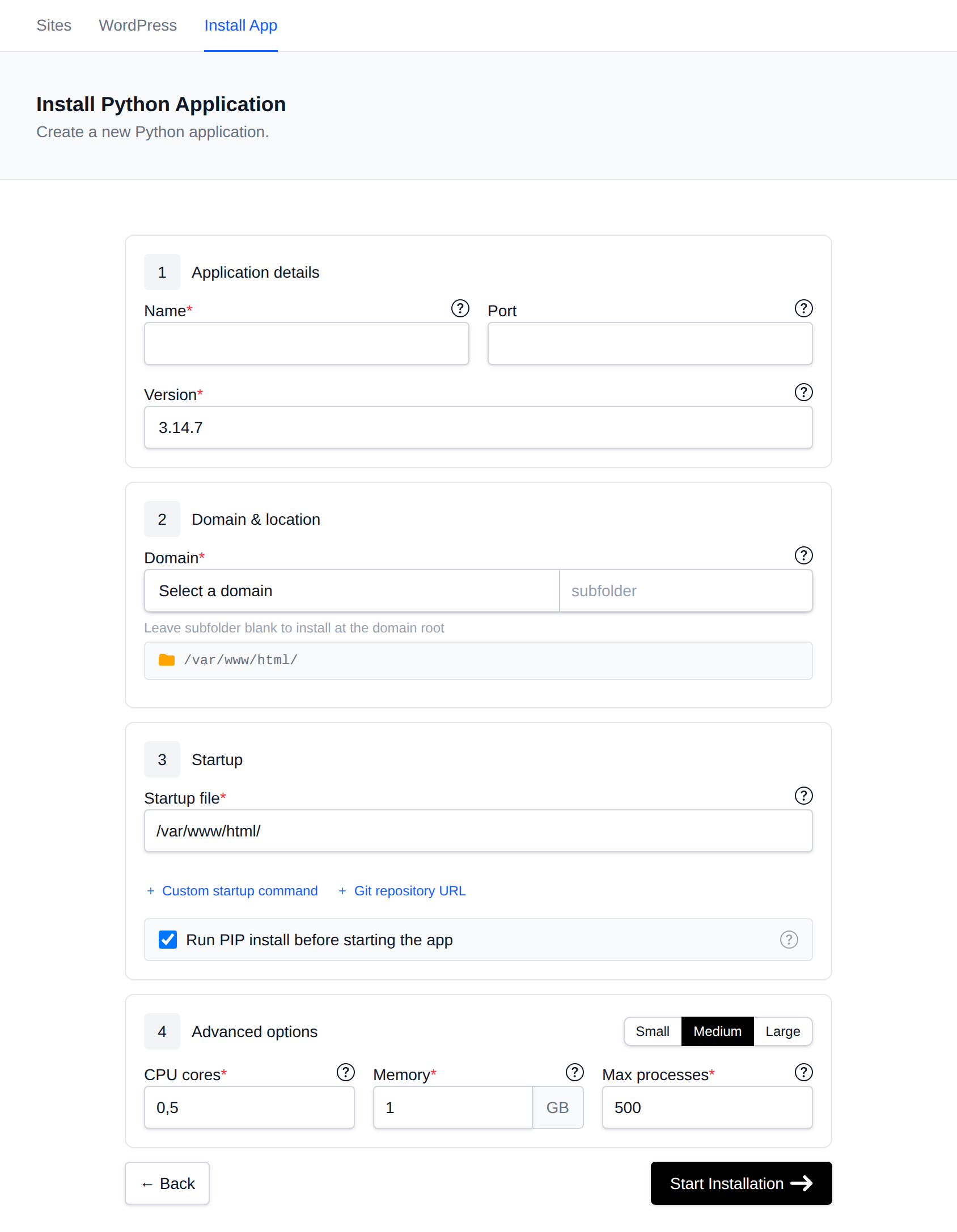
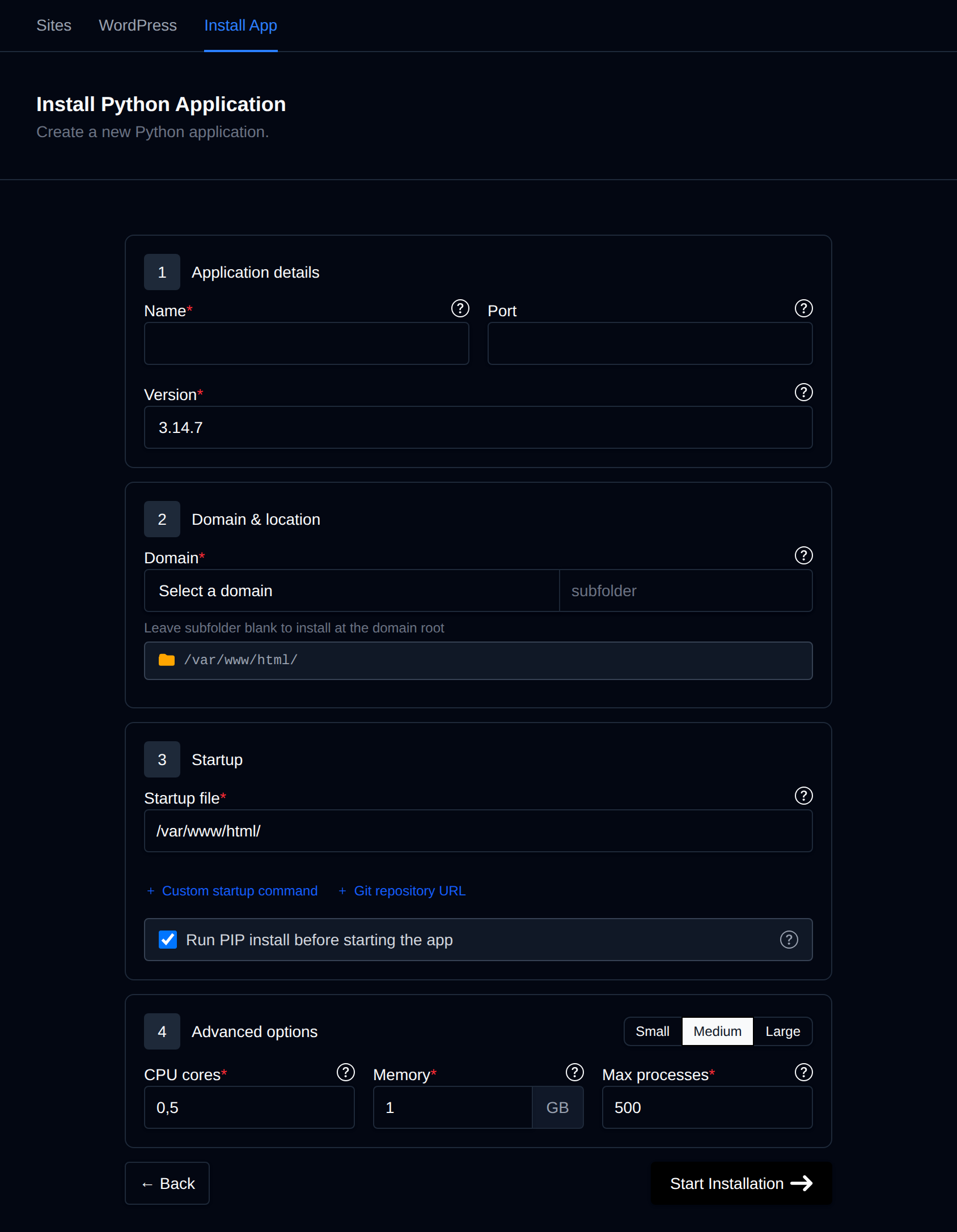
Click Start Installation. When it's done, open https://example.com.
app:app means module app (the file app.py) and the Flask object named app. If your project uses an application factory, wrap it in single quotes: gunicorn --bind 0.0.0.0:8000 'app:create_app()'. Don't use double quotes in the startup command.
If you fill in a Git repository URL, the container fetches the latest commit of the default branch every time it starts. To deploy a new version, push to the repository and click Restart on the application's page. Only public https:// repositories are supported (no SSH keys).
Step 4: Connect a Database
Create a database and user in OpenPanel → MySQL → Database Wizard (or PostgreSQL). Inside containers, databases are reached by service name, not localhost:
| Database | Host | Port |
|---|---|---|
| MySQL | mysql | 3306 |
| MariaDB | mariadb | 3306 |
| PostgreSQL | postgres | 5432 |
Example with SQLAlchemy:
import os
from flask_sqlalchemy import SQLAlchemy

app.config["SQLALCHEMY_DATABASE_URI"] = os.environ.get(
    "DATABASE_URL", "mysql+pymysql://dbuser:dbpass@mysql:3306/dbname"
)
db = SQLAlchemy(app)
Add Flask-SQLAlchemy and PyMySQL (or psycopg2-binary for PostgreSQL) to requirements.txt. See connecting to MySQL from applications.
Step 5: Secrets and Environment Variables
Keep secrets out of your code. Put them in a .env file in the app folder and load it with python-dotenv:
# /var/www/html/example.com/.env
SECRET_KEY=change-me
DATABASE_URL=mysql+pymysql://dbuser:dbpass@mysql:3306/dbname
from dotenv import load_dotenv
load_dotenv()
Don't commit the .env file to Git. Restart the app after changing it.
Managing the App
Open OpenPanel → Websites → Sites and click Manage next to the app:
- Restart after changing code or settings (Gunicorn doesn't reload automatically).
- Install Packages to edit
requirements.txtand run pip. - Logs to see Gunicorn output and Python tracebacks.
- Overview to change the startup command, Python version and CPU/memory limits.

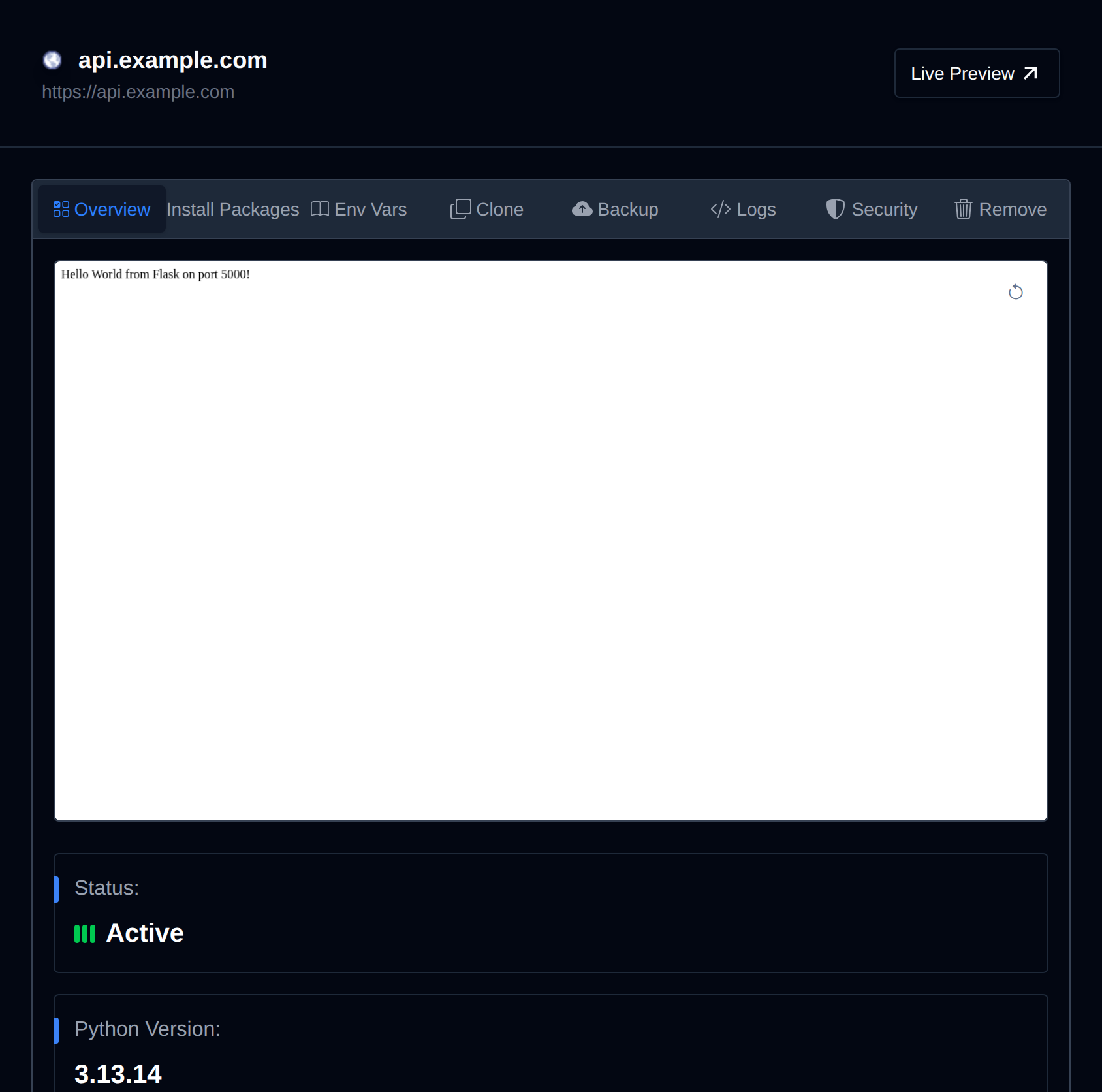
More details: Python applications.
Troubleshooting
| Problem | Fix |
|---|---|
| 502 Bad Gateway | The app isn't listening on the configured port, or crashed on start. Check Logs, and make sure Gunicorn binds to 0.0.0.0:8000 - not 127.0.0.1. See 502 errors. |
ModuleNotFoundError | The package is missing from requirements.txt, or Run Install is off. |
| Database connection refused | Use mysql / mariadb / postgres as the host, never localhost. |
| Container restarts in a loop / killed | The memory limit is too low. Increase it in Overview. |