How to Install Joomla
Joomla is a popular open-source CMS for websites, portals and online magazines. OpenPanel installs Joomla in one click and gives you a one-click admin login from the panel.
Requirements
- OpenPanel Enterprise - the Joomla module must be enabled for your hosting plan.
- A domain pointed to the server.
- A PHP version supported by your Joomla version (PHP 8.1+ for Joomla 5).
Install Joomla
- Add the domain in OpenPanel → Domains (Add a new domain).
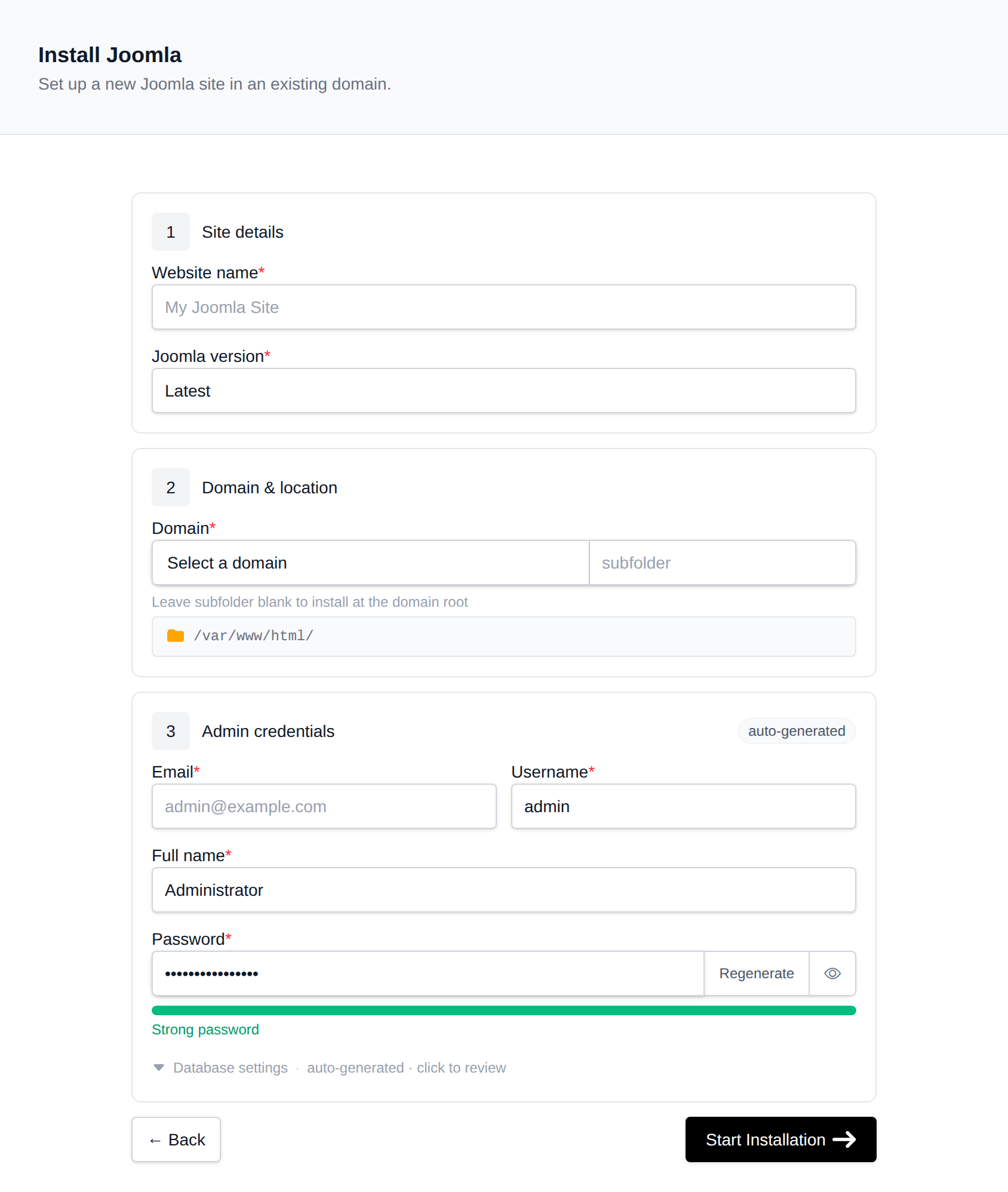
- Go to OpenPanel → Websites → Install App and click Install Joomla.
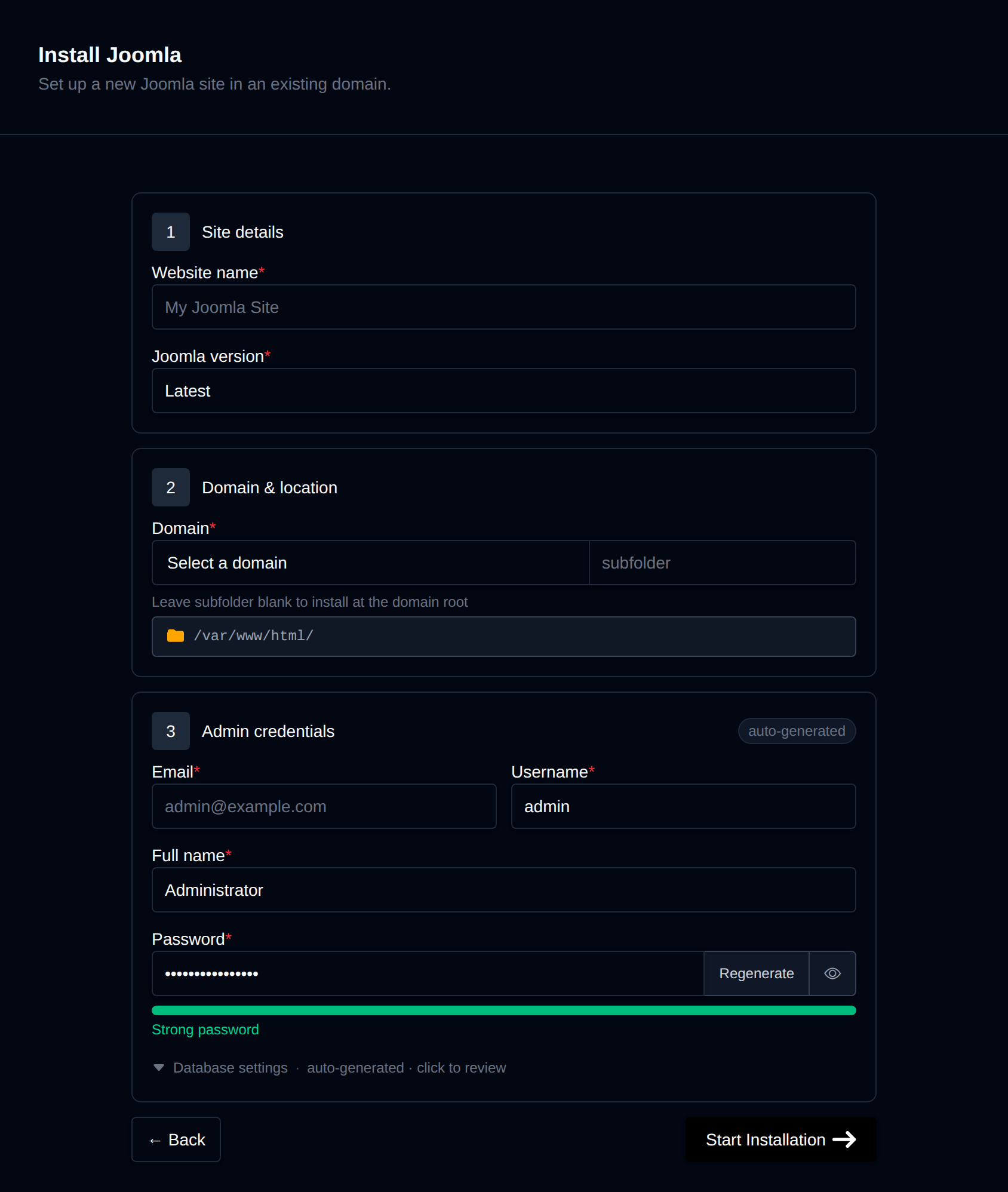
- Fill in:
- Domain (leave the subfolder empty to install at the root),
- Site name,
- Joomla version - Latest is recommended,
- Admin full name, username, password and email - the Super User account.
- Start the installation.
OpenPanel downloads the official Joomla package, creates a MySQL/MariaDB database and runs Joomla's CLI installer. The site is ready at https://example.com and the administrator at https://example.com/administrator/.
After Installing
Log in without a password
On the site's manage page in OpenPanel → Websites → Sites, click Login as Admin to open the Joomla administrator already logged in. Each link works once and expires after 10 minutes.
Enable search-engine friendly URLs
In System → Global Configuration → Site, enable Search Engine Friendly URLs and Use URL Rewriting:
- On Apache and OpenLiteSpeed, rename
htaccess.txtto.htaccessin the site folder. - On Nginx and OpenResty, no file is needed - requests are already routed through
index.php.
PHP settings
Joomla's System Information page shows recommended PHP settings. To raise upload limits or memory, see How to increase PHP limits.
Email
Configure System → Global Configuration → Server → Mail to send through SMTP for better delivery.
Managing Joomla
The manage page shows the Joomla, PHP and database versions, files and database details, and has:
- Cache - clears Joomla's system cache.
- Logs - PHP warnings and errors from
administrator/logs/. - Remove - uninstalls Joomla, including the database and files.
Update Joomla itself from System → Update → Joomla in the administrator. For backups, use the account-level Backups.
More: Joomla in OpenPanel.