Flarum
Install and manage Flarum forums in an existing domain, via a Composer project and Flarum's own console installer — deliberately simpler than the WordPress Manager: no dedicated Flarum Manager sidebar page, no scanning the filesystem for existing installs, no hardening rules, and no one-click admin login (Flarum's console has no login/session command to reach for). Install, a read-only overview with live status, cache clearing, error logs, cloning, a full backup/restore system, one-click self-update, and uninstall.
Install Flarum
Navigate to OpenPanel > Websites > Install App and click Install Flarum.
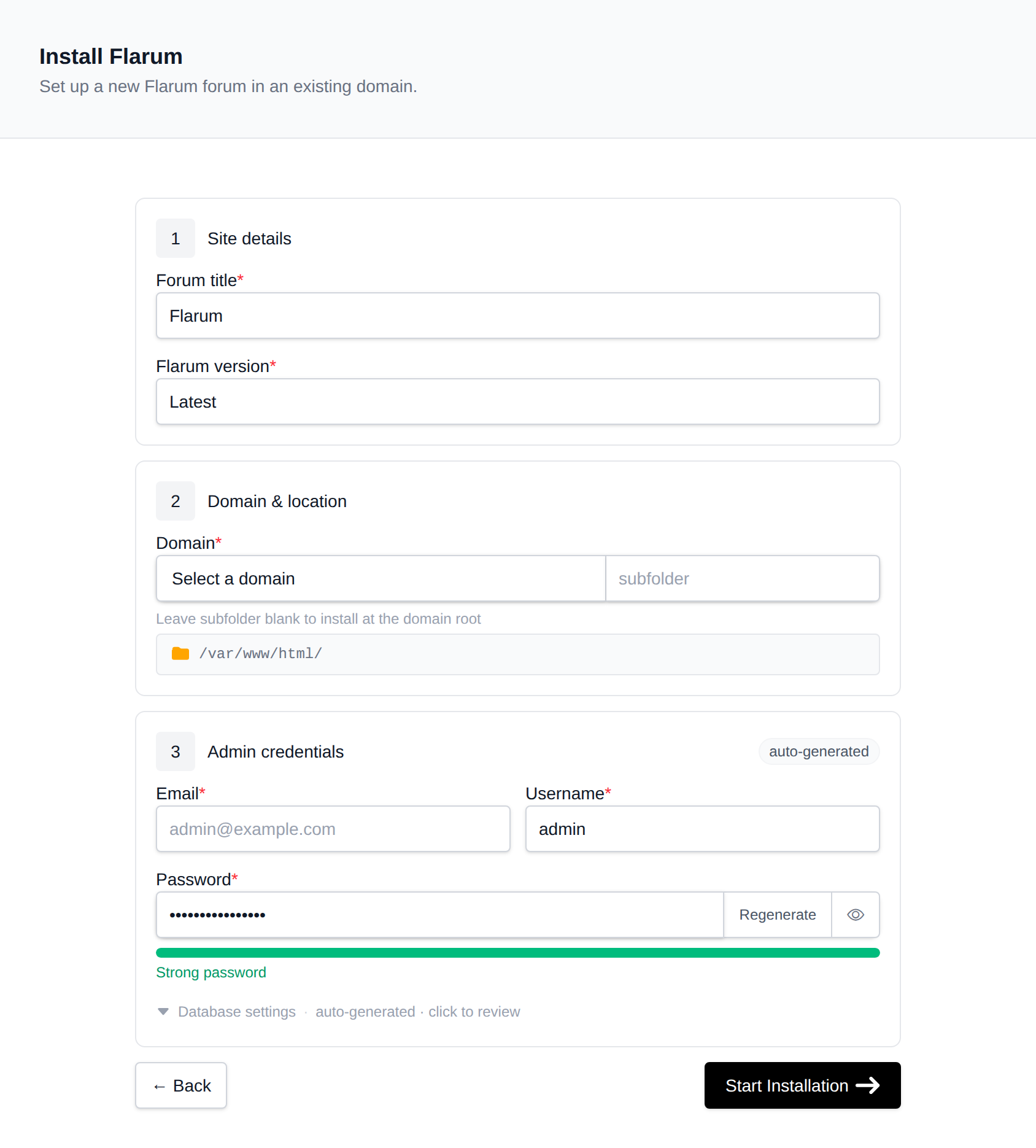
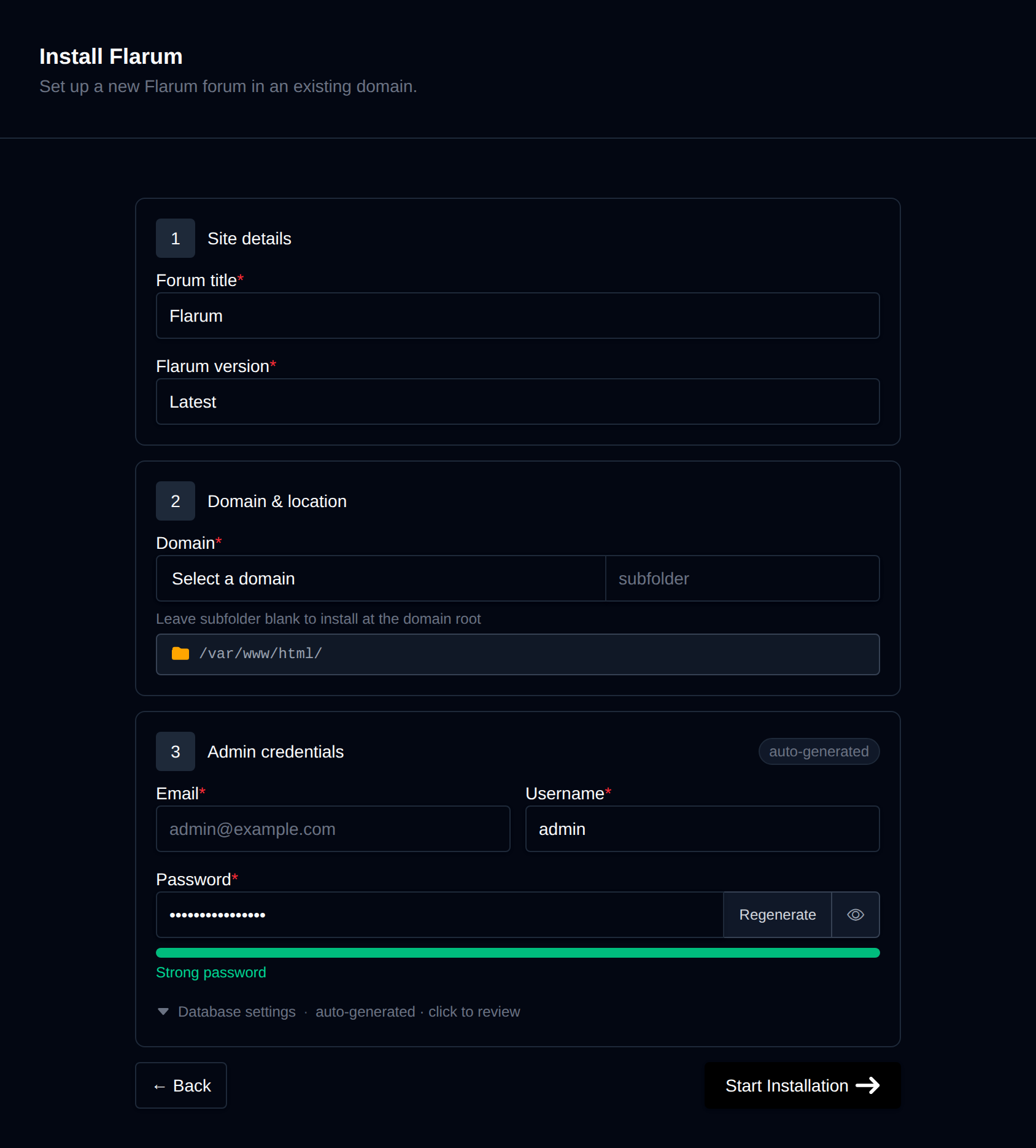
On the install page, configure:
- Domain – The domain (and optional subfolder) to install into. Leave the subfolder blank to install at the domain root.
- Flarum version – Latest, or pin to a specific release, fetched live from the flarum/core GitHub repository's tags (stable
vX.Y.Ztags only — pre-releases are excluded). - Forum title – The forum's display name.
- Admin username / password / email – The initial administrator account Flarum creates during install. Leave the password blank to generate one.
Behind the scenes, this runs composer create-project flarum/flarum into the docroot, creates a dedicated MySQL/MariaDB database, and runs Flarum's own non-interactive console installer (php flarum install --file=<json> --config=config.php) against it. Since Flarum's real docroot is its public/ subdirectory, OpenPanel links public/'s contents up into the domain's docroot so the site is servable from the domain root (or subfolder) directly. Installing Flarum 2.x requires the domain's PHP version to be 8.1 or newer — the install is blocked with a clear error otherwise. Progress is streamed live as each step completes.
Manage a Flarum forum
Every Flarum install shows up on the general Site Manager page (/sites) alongside your other websites. Click Manage on a Flarum site to open its overview page:
- Screenshot and Flarum / PHP / MariaDB / Created status cards, matching the other CMS managers.
- Files – Docroot path, a File Manager shortcut, and live folder size.
- Database – Host, name, and password (read live from
config.php, not stored anywhere separately), plus a phpMyAdmin shortcut. - PHP version – Editable for root-level installs; subdirectory installs inherit the domain's PHP version.
Update
The Update tab checks the installed flarum/core version (read from composer.lock) and, with one click, runs composer require flarum/core:^<latest> followed by php flarum migrate and php flarum cache:clear — Flarum's own documented Composer update procedure. Updating to Flarum 2.x is blocked the same way install is if the domain's PHP version is below 8.1.
Cache
The Cache widget runs php flarum cache:clear inside the site's PHP container.
Logs
The Logs tab shows the tail (last 300 lines) of storage/logs/flarum.log, Flarum's own Laravel-style log file.
Clone
The Clone tab copies a Flarum forum — files and database — to another domain or subfolder. You can optionally set the destination database name, user, and password; otherwise they're auto-generated. Cloning copies the docroot, dumps and imports the database, rewrites the database/username/password/url keys in the new config.php (Flarum, unlike phpBB or Drupal, stores its base URL explicitly in config, so the clone updates that too), and runs a search-and-replace across the database for any remaining hardcoded references to the old domain in post/page content.
Backups
The Backups tab generates on-demand backups (database, files, or both) into a timestamped folder, and lists existing backups for one-click restore. A files backup is a tar.gz of the docroot; a database backup is a plain SQL dump, resolved from config.php. There's no scheduled/automatic backup — each one is triggered manually.
Remove
The Remove tab's Delete Application button fully uninstalls the site: drops the database and database user, deletes every file in the docroot, and removes it from Site Manager. This cannot be undone.