Activity Log
The Activity Log page provides a log record of all your actions performed on the OpenPanel, along with the timestamp and IP address from which the action was executed. The primary objective of this page is to offer insights into who carried out specific actions, such as deleting a file, adding domains, resetting WordPress admin passwords, and more.
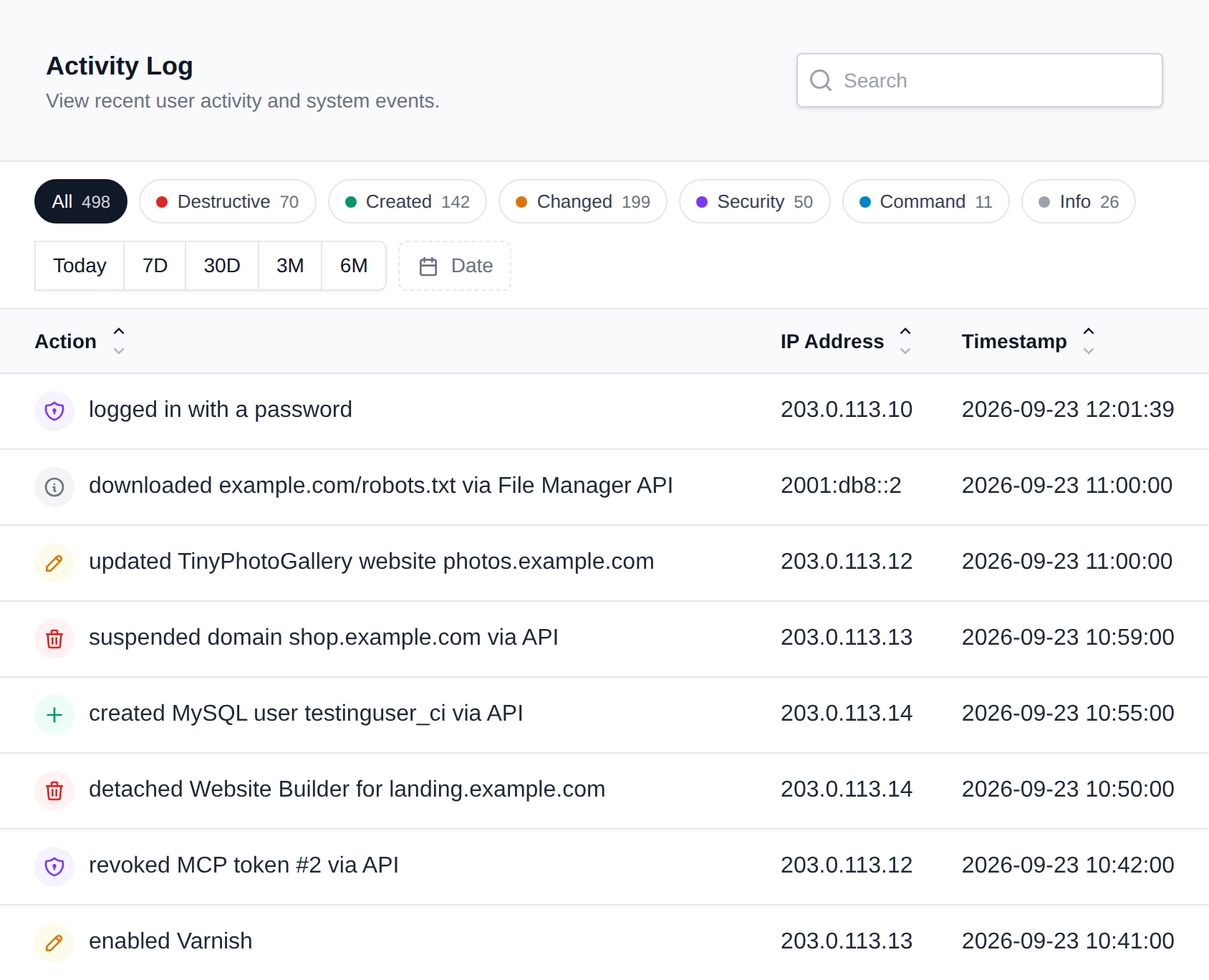
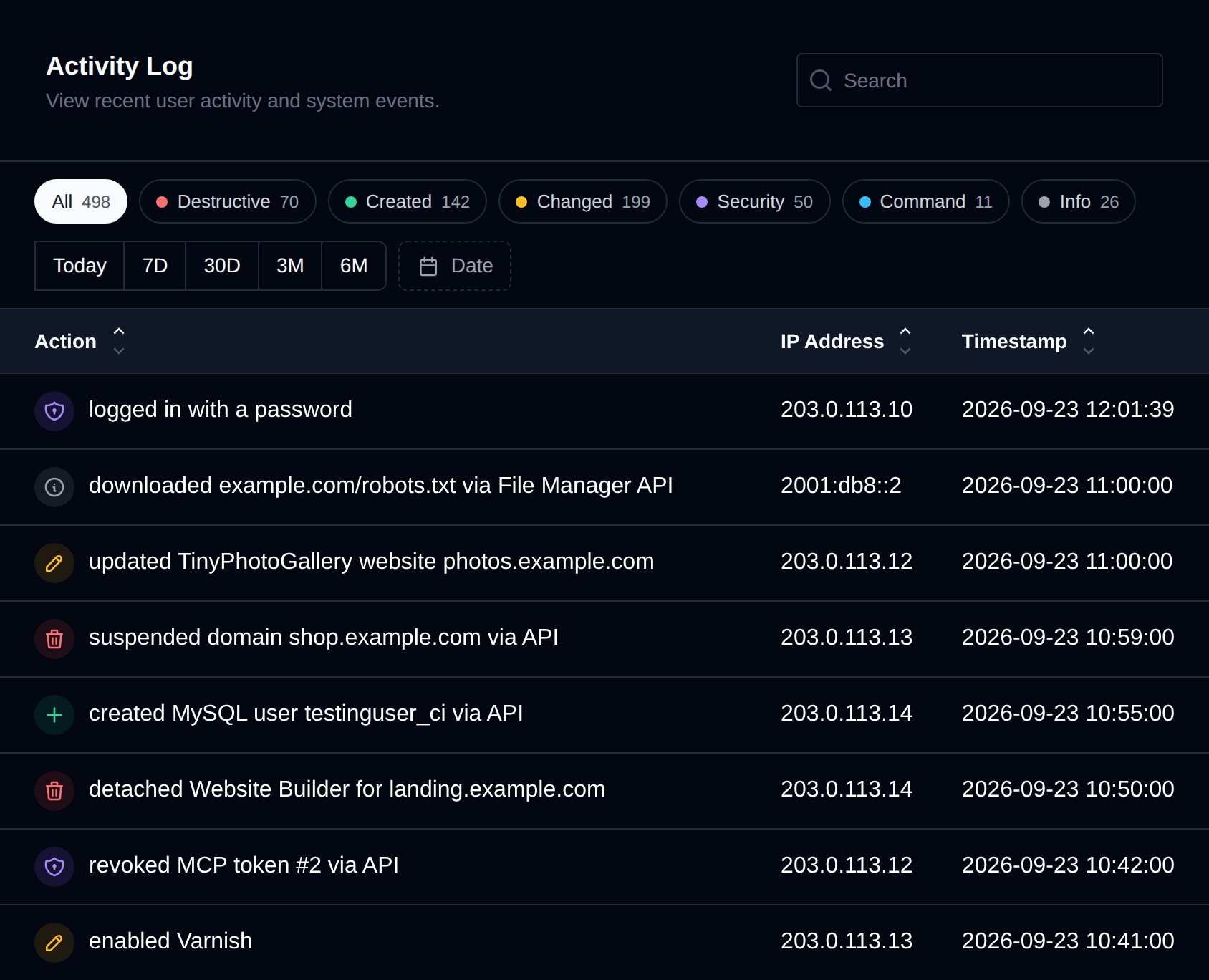
Action types
Every action in the log has a colored icon that shows what kind of action it was, so destructive changes stand out when you scan the list:
| Icon | Type | Examples |
|---|---|---|
| Red trash can | Destructive | deleted a domain, removed an email alias, uninstalled WordPress, reset a DNS zone, emptied Trash |
| Green plus | Created | added a domain, created a database, installed an application, generated a backup |
| Amber pencil | Changed | edited a file, changed the PHP version, enabled Varnish, restored from a backup |
| Violet shield | Security | logged in, changed a password, enabled 2FA, updated WAF rules, malware scan results |
| Blue terminal | Command | commands run in the web terminal, wp-cli and composer commands, terminated processes |
| Gray info | Info | opened phpMyAdmin, exported a DNS zone, downloaded a backup |
To show only one type, click its button above the table. Each button shows how many actions of that type match the current date range and search. Click All to show every type again.
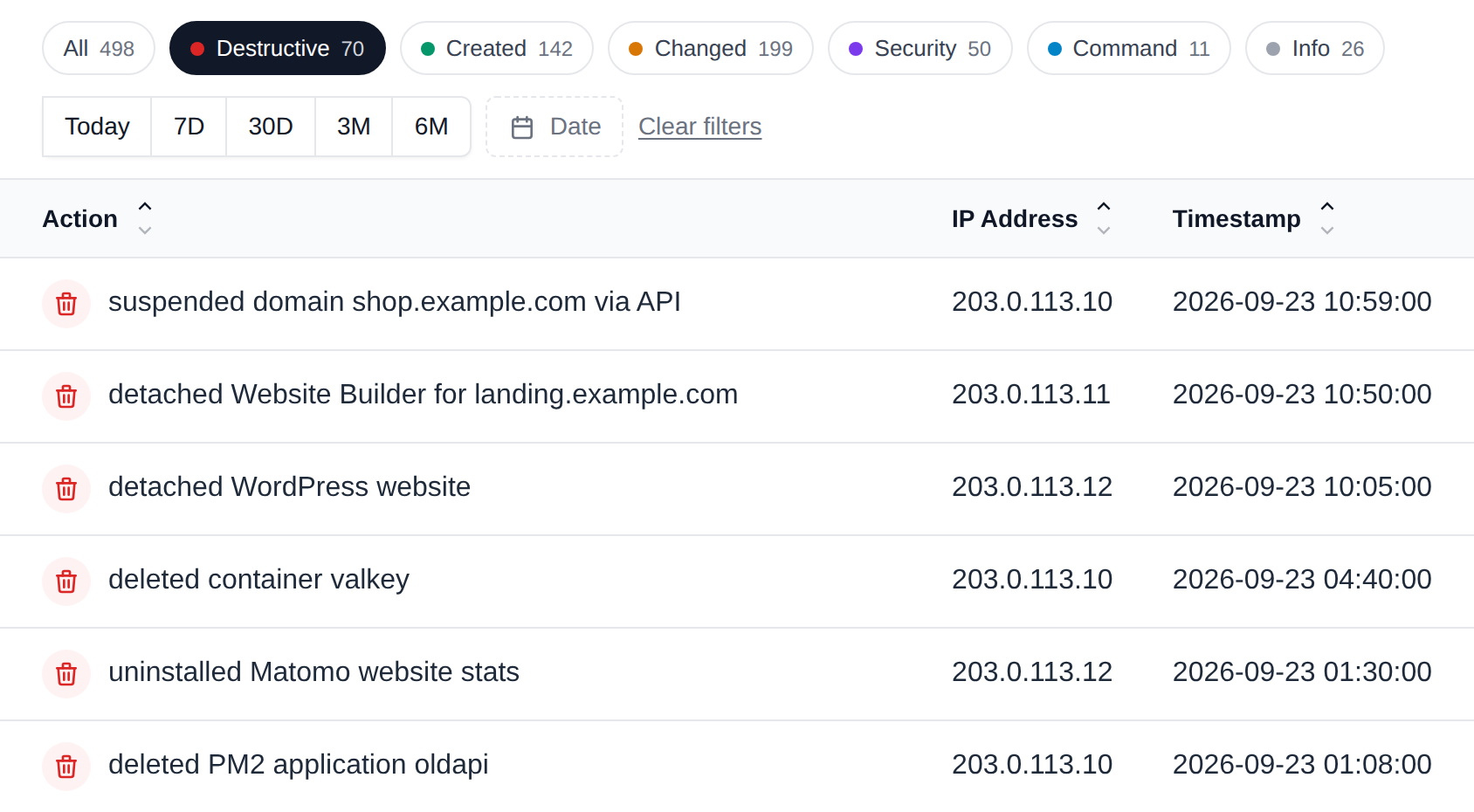
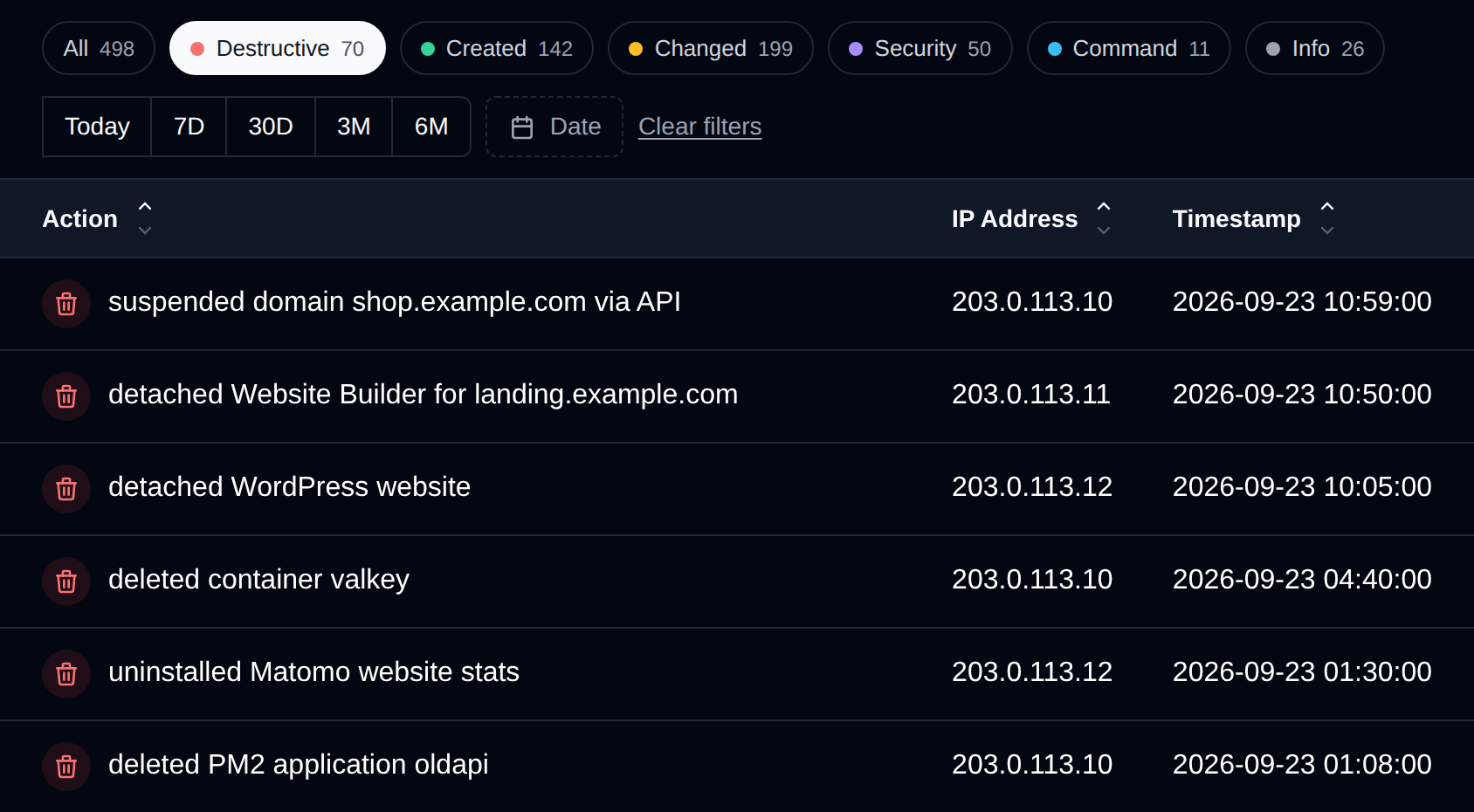
Date range
Use the quick range buttons (Today, 7D, 30D, 3M, 6M) to show only recent actions, or click Date to pick a range yourself.
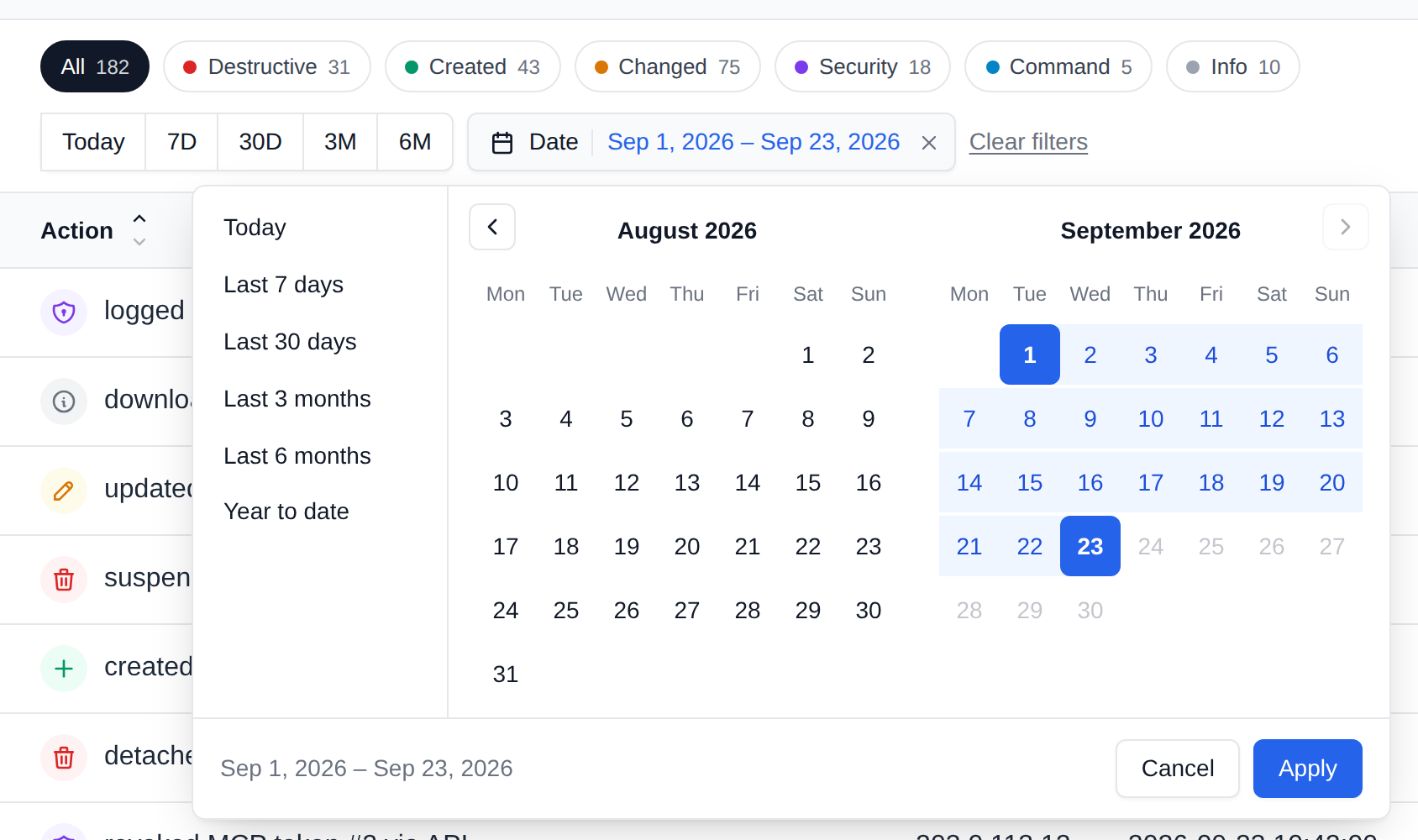
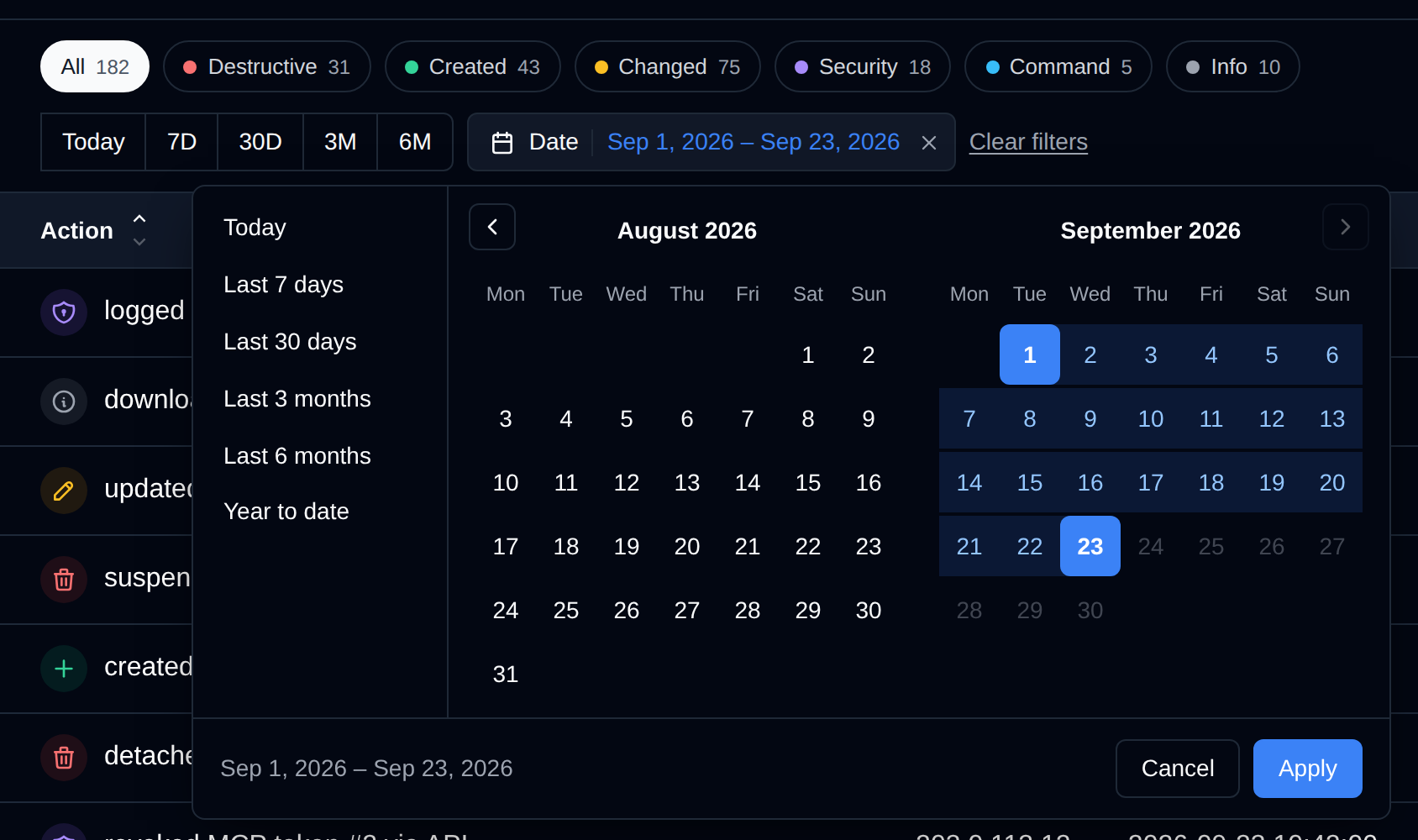
In the picker, choose a preset on the left (including Year to date), or click a start day and an end day in the calendar, then click Apply. Both days are included in the range. To remove the range, click the × next to the selected dates, or Clear filters to reset the type, date and search at once.
Search and pages
You can search for actions by IP, username, date, or specific action. Searching for a term automatically shows every matching entry in the log, not just the current page. Search works together with the type and date filters.
By default only 100 actions will be shown per page, you can navigate pages using the pagination links. The selected type and date range are kept when you move between pages.
Sharing a filtered view
The type, date range, search term and page are all saved in the page address, for example:
/account/activity?type=danger&from=2026-09-01&to=2026-09-23
Bookmark the address or send it to someone with access to the account, and the page opens with the same filters applied.
Recorded actions:
The OpenPanel interface records the following account activities:
- Added item to favorites
- Removed item from favorites
- Password changed
- Email address changed
- Username changed
- Forgot password requested (via email)
- Password reset (via email)
- Logged in with password
- Logged in with a passkey
- Logged in using 2FA code
- Logged in via user API
- Logged in via admin API
- Logged out
- Registered or removed a passkey
- Created or revoked an MCP token
- Changed notification preferences
- Terminated active session
- Enabled or disabled Two-Factor Authentication (2FA)
- Changed locale (language)
- Enabled, disabled, or restarted ElasticSearch
- Enabled, disabled, or restarted Memcached
- Enabled, disabled, or restarted OpenSearch
- Enabled, disabled, or restarted Redis
- Enabled, disabled, or restarted Valkey
- Enabled, disabled, or restarted Varnish
- Enabled or disabled Varnish caching for a domain
- Added new DNS record for a domain
- Updated DNS record for a domain
- Deleted DNS record for a domain
- Edited DNS zone for a domain
- Reset DNS zone for a domain
- Exported DNS zone for a domain
- Created/edited/deleted dynamic DNS record
- Added, edited, or deleted a custom Docker service
- Switched MySQL type
- Switched webserver type
- Changed image tag for Docker service
- Changed CPU, Memory, or PIDs limit for Docker service
- Started, stopped, or restarted Docker service
- Force-pulled image for Docker service
- Opened interactive terminal for a Docker service
- Executed command in the web terminal (password prompts and other input the shell doesn't echo back are not recorded)
- Enabled, disabled, or restarted a service
- Terminated process using Process Manager
- Edited or restored default webserver configuration
- Added domain
- Deleted domain
- Suspended or unsuspended domain
- Changed domain docroot
- Capitalized a domain
- Edited VirtualHosts file for a domain
- Created or deleted redirect link for a domain
- Enabled AutoSSL, generated SSL, or configured custom SSL for a domain
- Enabled or disabled WAF for a domain
- Enabled or disabled WAF for new domains
- Updated WAF rules for a domain
- Blocked IP addresses or removed all blocked IPs using IP Blocker
- Added email address
- Modified email address (password, quota, suspend/unsuspend inbound or outbound traffic)
- Deleted email address
- Downloaded email configuration for Outlook/Thunderbird
- Created or deleted an email alias
- Set or removed default (catch-all) email address for a domain
- Imported email accounts
- Exported mailbox list
- Accessed webmail for an email
- Edited sieve filter for an email
- Created file or folder
- Uploaded files
- Downloaded files from URL
- Downloaded file via File Manager API
- Created archive
- Extracted archive
- Renamed file or folder
- Deleted files to Trash
- Restored files from Trash
- Emptied Trash
- Permanently deleted files
- Changed file/folder permissions
- Copied or moved files/folders
- Edited file using File Editor
- Fixed file permissions
- Created or deleted FTP account
- Changed FTP account password
- Changed FTP account path
- Downloaded FTP configuration (FileZilla/Cyberduck)
- Initiated malware scan for folder
- Malware Scanner quarantined a file
- Marked a quarantined file as safe and restored it
- Created MySQL database
- Created MySQL database user
- Created MySQL database and user using Database Wizard
- Assigned or revoked privileges for a user on a MySQL database
- Changed MySQL root user password
- Deleted MySQL database or user
- Changed password for MySQL database user
- Imported into a MySQL database
- Exported a MySQL database
- Optimized or repaired a MySQL database
- Edited MySQL configuration
- Enabled or disabled remote MySQL access
- Granted, changed, or removed remote MySQL access for a user
- Created PostgreSQL database
- Created PostgreSQL database user
- Created PostgreSQL database and user using Database Wizard
- Assigned or revoked all privileges for a user on a PostgreSQL database
- Deleted PostgreSQL database or user
- Changed password for PostgreSQL database user
- Imported into a PostgreSQL database
- Exported a PostgreSQL database
- Edited PostgreSQL configuration
- Enabled or disabled remote PostgreSQL access
- Created or deleted MongoDB database
- Created or deleted MongoDB database user
- Created MongoDB database and user using Database Wizard
- Granted or revoked a role for a user on a MongoDB database
- Changed password for MongoDB database user
- Imported into a MongoDB database
- Opened phpMyAdmin
- Changed default PHP version for new domains
- Changed PHP version for a domain
- Edited PHP configuration via PHP Selector
- Edited PHP.INI file
- Enabled, disabled, or installed PHP extensions
- Created new Python / NodeJS / PHP application
- Started, stopped, or restarted application
- Edited application or its environment variables
- Deleted application
- Created or restored application backup
- Cloned application
- Executed
composer installorcomposer updatecommand - Installed, cloned, detached, or uninstalled WordPress
- Restored WordPress files or database from a backup
- Generated full/files/databases WordPress backup
- Initiated scan for WordPress installations
- Reloaded WordPress data from filesystem
- Generated auto-login link for wp-admin
- Enabled or disabled WordPress maintenance mode
- Enabled or disabled WordPress hardening rules
- Flushed WP cache
- Executed
wp-clicommands - Started WordPress core update
- Updated WordPress debug options
- Updated WordPress site information
- Edited WordPress auto-update preferences
- Initiated WP vulnerabilities scan
- Installed, updated, cloned, or uninstalled Joomla, Drupal, Moodle, Nextcloud, OpenCart, PrestaShop, Matomo, MediaWiki, Flarum, phpBB, OJS, DokuWiki, SofaWiki, TinyFileManager, or TinyPhotoGallery
- Generated or restored full/files/database backup for these applications
- Enabled or disabled maintenance mode for these applications
- Cleared cache for these applications
- Generated auto-login link for these applications
- Initiated PageSpeed data refresh
- Initiated scan for existing installations
- Detached a website
- Ran bulk action on websites
- Installed, detached, or uninstalled Website Builder
- Saved Website Builder content
- Created or edited cron job
- Deleted cron job
- Edited cron file
- Manually ran cron job
- Started a backup
- Downloaded a backup
- Changed backup config
- Switched backup destination
- Restored full backup, database, or files from a backup