DokuWiki
Install and manage DokuWiki wikis in an existing domain. DokuWiki stores everything as flat files — no database — so this module is simpler than most: no dedicated DokuWiki Manager sidebar page, no scanning the filesystem for existing installs, no hardening rules, and no admin login helper (there's no database-backed session table to issue tokens against, and the install form already sets the admin password directly). Install, a read-only overview with live status, cloning, a files-only backup/restore system, and self-update.
Install DokuWiki
Navigate to OpenPanel > Websites > Install App and click Install DokuWiki.
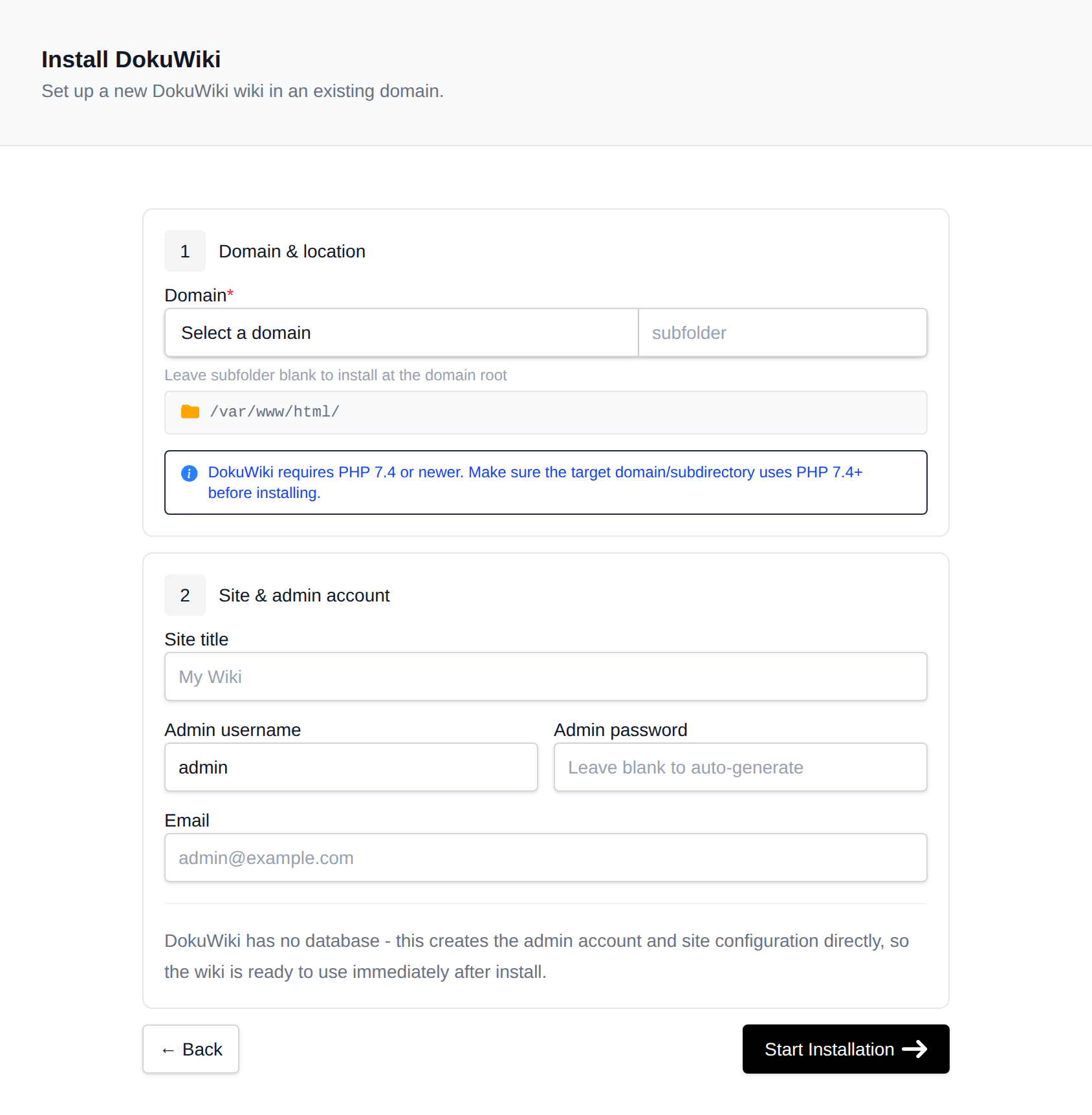
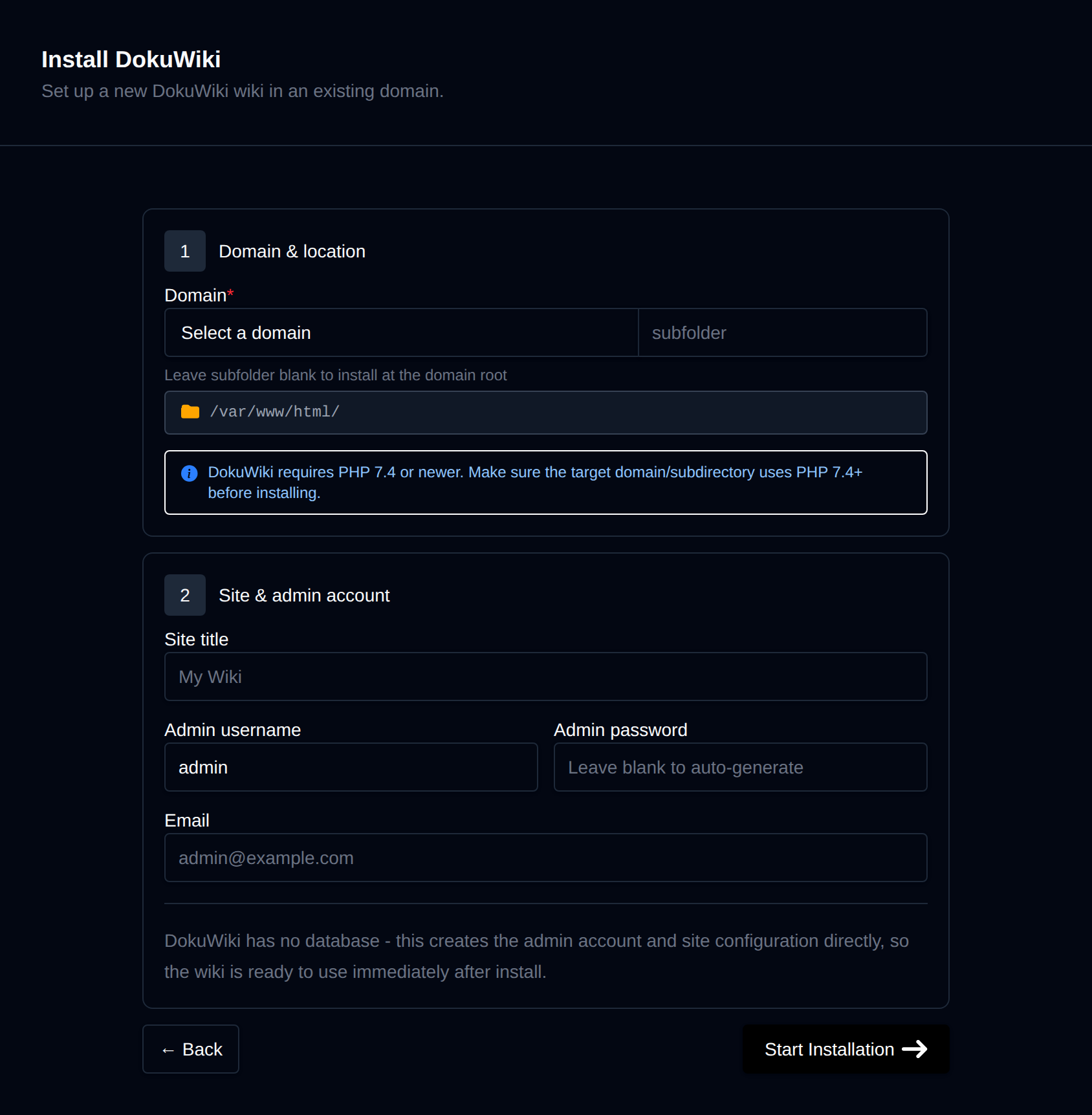
On the install page, configure:
- Domain – The domain (and optional subfolder) to install into. Leave the subfolder blank to install at the domain root.
- Site title – The wiki's display name.
- Admin username / password / full name / email – The initial administrator account. Leave the password blank to generate one.
There is no version picker — DokuWiki has no versioned releases API to pick from, so install always downloads whatever download.dokuwiki.org/src/dokuwiki/dokuwiki-stable.tgz currently resolves to (DokuWiki's own "always current stable" link) and records the dated release codename it extracts (e.g. 2026-07-14b) as the installed version. DokuWiki ships no CLI installer, so instead of running one, OpenPanel writes conf/local.php, conf/users.auth.php, and conf/acl.auth.php directly — byte-for-byte what DokuWiki's own browser install wizard would have written for a single-admin, ACL-enabled site — and deletes install.php afterward, since DokuWiki's own docs recommend removing it once a site is configured. The domain's PHP version must be 7.4 or newer. Progress is streamed live as each step completes.
Manage a wiki
Every DokuWiki install shows up on the general Site Manager page (/sites) alongside your other websites. Click Manage on a DokuWiki site to open its overview page:
- Screenshot and DokuWiki / PHP / Created status cards, matching the other CMS managers (no database card — DokuWiki has none).
- Files – Docroot path, a File Manager shortcut, and live folder size.
- PHP version – Editable for root-level installs; subdirectory installs inherit the domain's PHP version.
Update
The Update tab downloads the current stable release, compares its dated codename against the installed one, and — only if newer — extracts the new files over the existing install while explicitly preserving conf/, data/, and lib/plugins/ (configuration, pages, and installed plugins/themes), mirroring DokuWiki's own documented manual-upgrade procedure. If already on the latest version, it reports that and makes no changes.
Clone
The Clone tab copies a wiki's files to another domain or subfolder — there's no database to dump. It rewrites $conf['title'] in the cloned conf/local.php to the destination domain. Any hardcoded links left inside page content under data/pages/*.txt are not rewritten, since there's no database to run a generic search-and-replace against.
Backups
The Backups tab generates on-demand files-only backups (a tar.gz of the docroot) into a timestamped folder, and lists existing backups for one-click restore. There's no database backup option (DokuWiki has none) and no scheduled/automatic backup — each one is triggered manually.
Remove
The Remove tab's Delete Application button fully uninstalls the site: deletes every file in the docroot and removes it from Site Manager. This cannot be undone.