SofaWiki
Install and manage SofaWiki sites in an existing domain — considerably simpler than the WordPress Manager: no database at all, no admin account created by OpenPanel, no CLI installer to drive, no dedicated SofaWiki Manager sidebar page, no scanning for existing installs, no hardening rules, no maintenance mode, no admin auto-login, and no cache to clear. Install, a read-only overview, cloning, a files-only backup system, and uninstall.
Install SofaWiki
Navigate to OpenPanel > Websites > Install App and click Install SofaWiki.
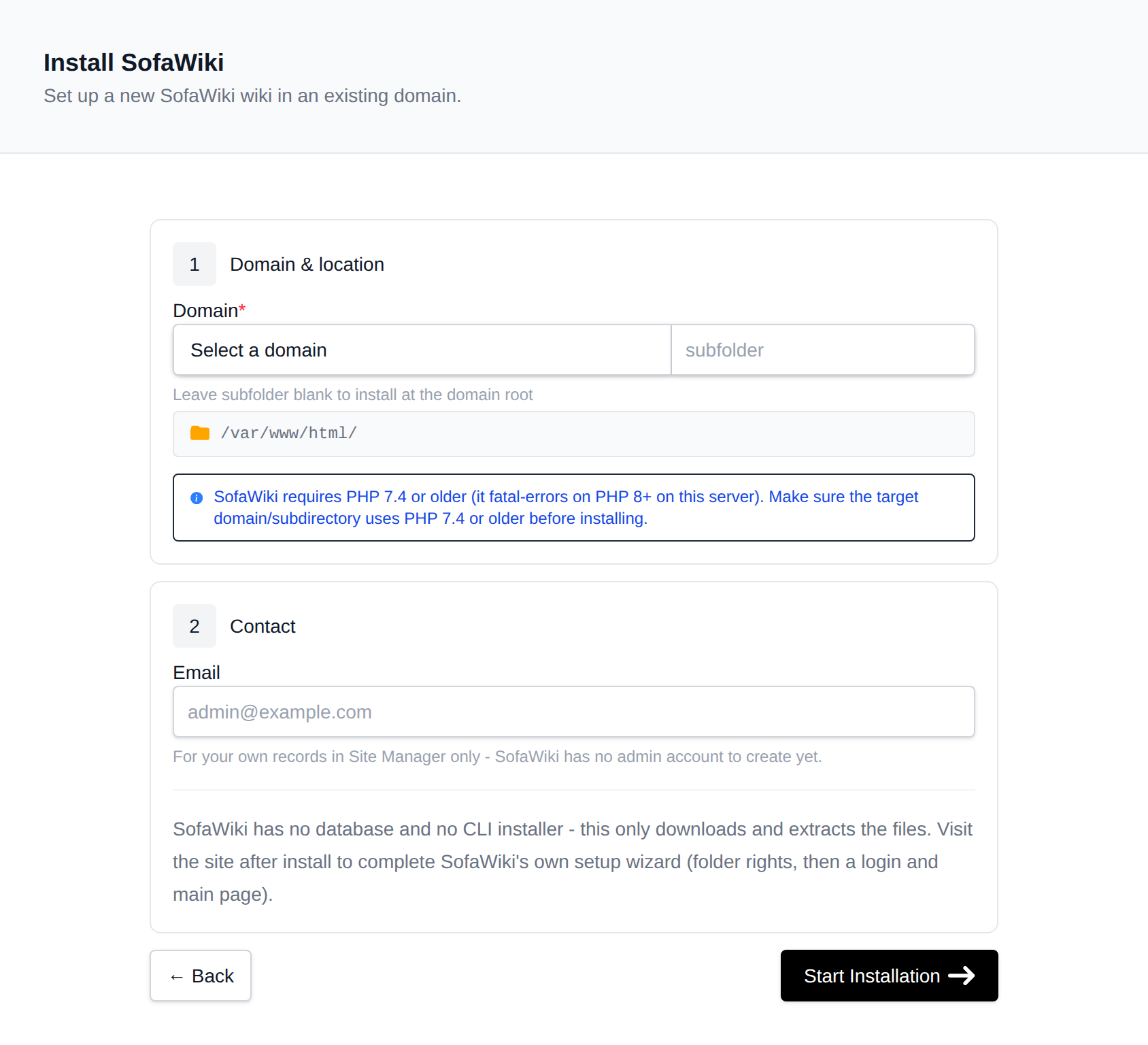
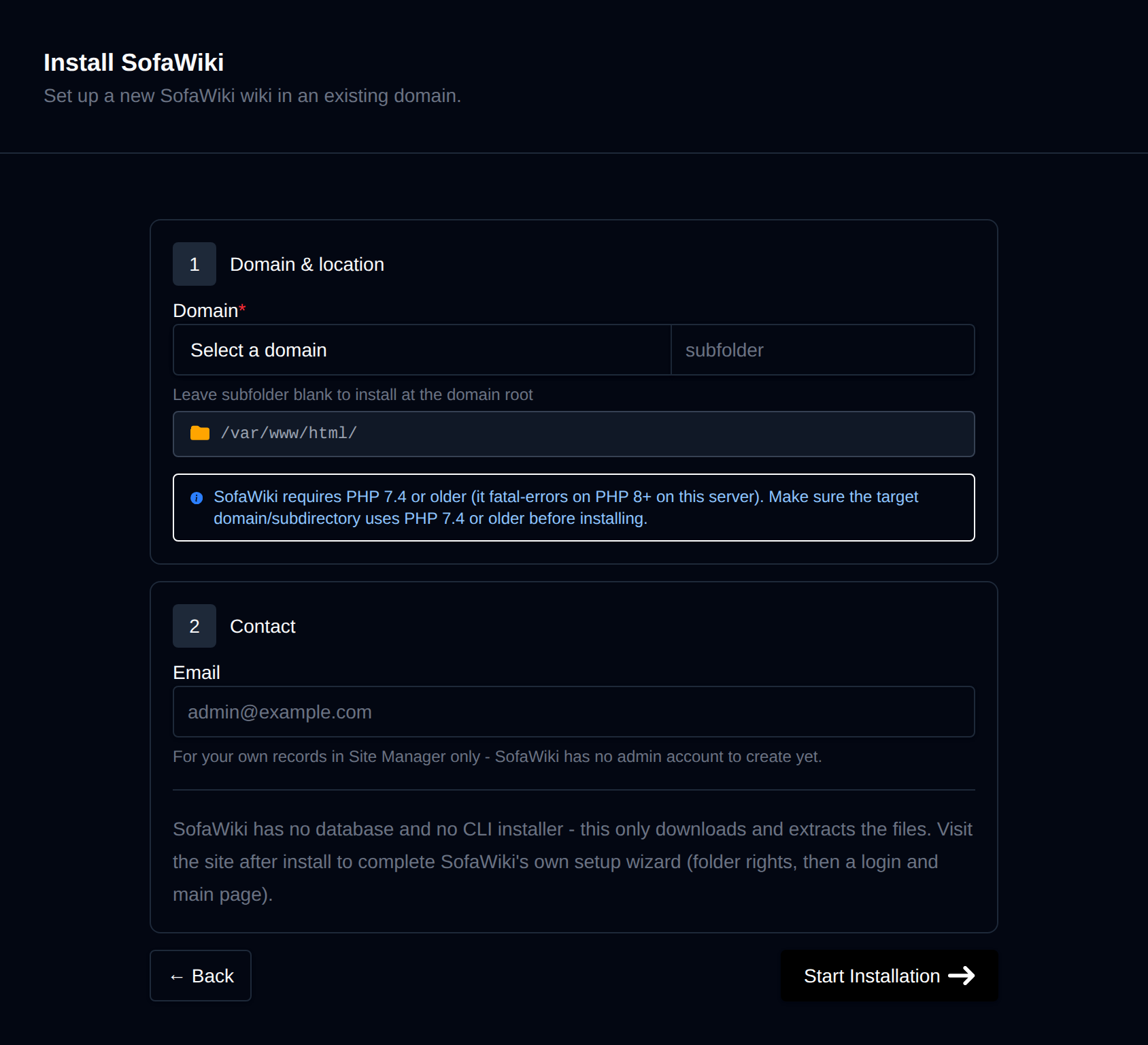
On the install page, configure:
- Domain – The domain (and optional subfolder) to install into. Leave the subfolder blank to install at the domain root.
- Admin email – Used only as the site record's contact email in Site Manager; SofaWiki itself has no admin account for OpenPanel to create.
Behind the scenes, this downloads SofaWiki's master-branch archive from GitHub (there are no tagged releases upstream, and no composer.json), extracts it into the docroot, and fixes file ownership. There is no database to provision and no CLI installer to run — SofaWiki's own first-visit setup wizard (fix folder permissions, create the configuration, set an admin login, write the main page) is left for the site owner to complete themselves in the browser, exactly as it would be after uploading the files by FTP. Progress is streamed live as each step completes.
Installs are blocked on domains configured for PHP 8.0 or newer: SofaWiki's own inc/async.php self-check throws a fatal error under PHP 8+ (a fwrite() call on a failed fsockopen(), which returns false instead of a resource on PHP 8). Use PHP 7.4 or older, or install into a subdirectory that uses an older PHP version.
Manage a SofaWiki site
Every SofaWiki install shows up on the general Site Manager page (/sites) alongside your other websites. Click Manage on a SofaWiki site to open its overview page:
- Screenshot and SofaWiki / PHP / Created status cards. SofaWiki always reports as "master" since there is no real versioning upstream.
- Files – Docroot path, a File Manager shortcut, and live folder size.
- Database – Shows "None needed"; SofaWiki has no database.
- PHP version – Editable for root-level installs; subdirectory installs inherit the domain's PHP version.
- Setup – A reminder box (shown until the site owner completes SofaWiki's own setup wizard) explaining what that first-visit flow does, with a link to open the site.
Clone
The Clone tab copies a SofaWiki install's files to a new domain or subdirectory. There's no database to dump/restore. If the source install has since been configured through SofaWiki's own setup wizard, whatever site title/URL it wrote into inc/configuration.php is copied as-is — it is not rewritten for the new domain, since there is no generic way to know what to replace it with.
Backups
The Backups tab generates and restores files-only backups (there is no database to include). Backups are stored under backups/<domain>/<timestamp>/files.tar.gz in the account's html-data volume, same layout every other CMS module uses for its own files backup.
Remove
The Remove tab offers both Detach (removes the site from Site Manager without touching any files — use Scan to re-add it later) and Delete Application (deletes every file in the docroot and removes it from Site Manager). Deletion cannot be undone.