Version: 2.0.17
Assign User to DB
Grant a MongoDB user a role scoped to an existing database, so they can execute queries, modify collections, and manage data.
This is a critical step after creating a database and user - without it, the user won't be able to interact with the database.
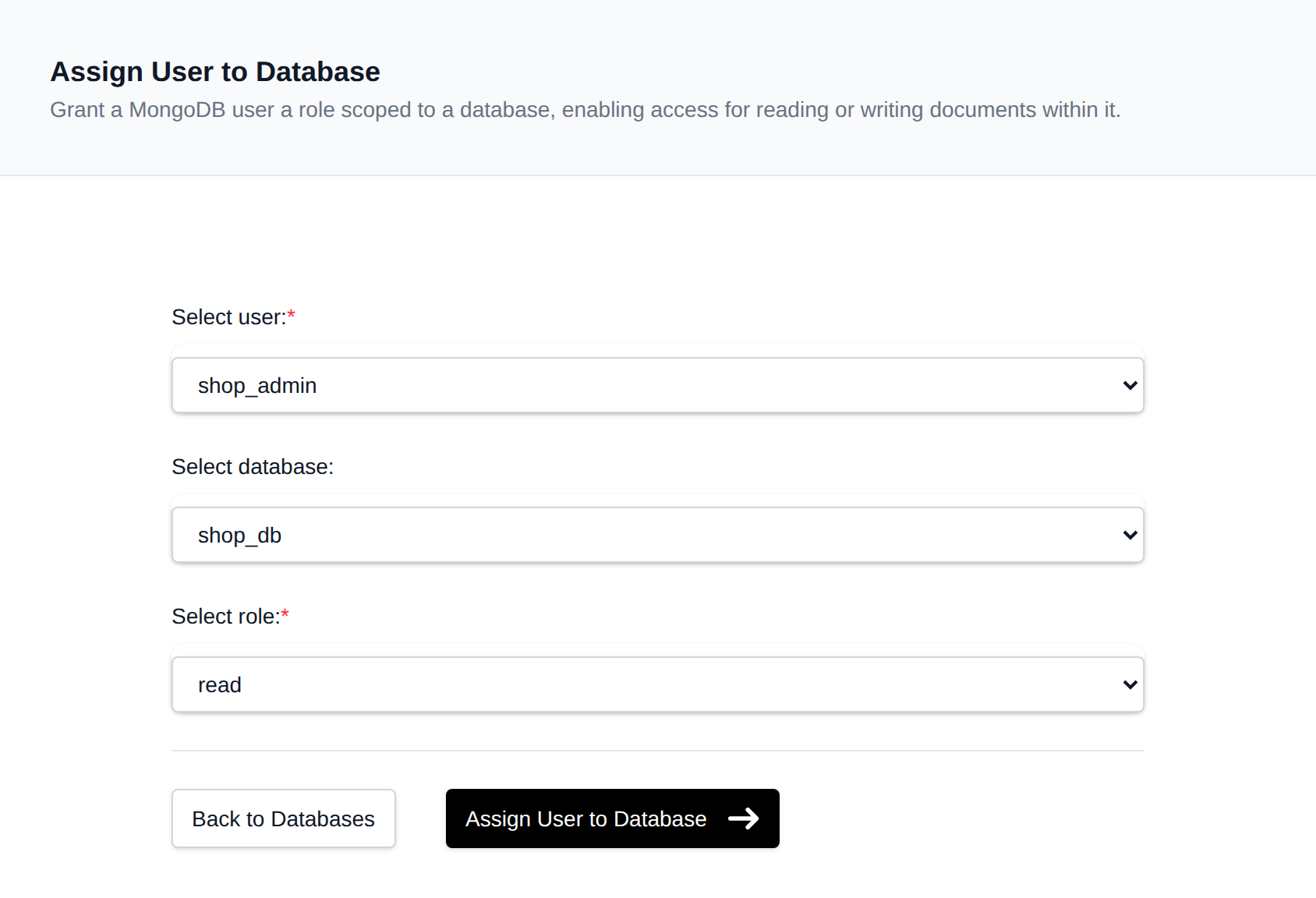
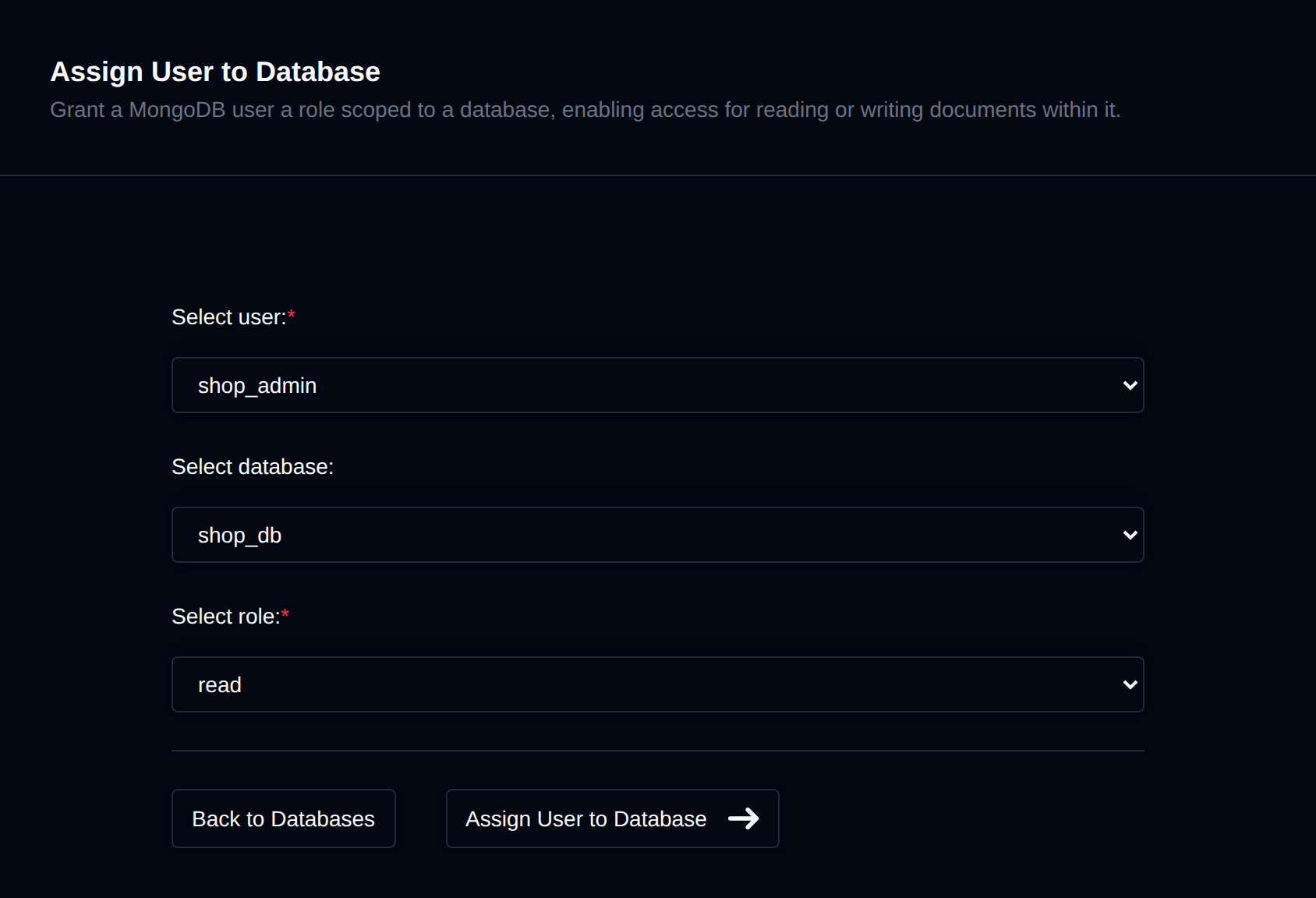
To assign an existing user to a database, navigate to MongoDB > Users > Assign User:
-
Select a User Choose the MongoDB user you want to grant access to.
-
Select a Database Choose the existing database the user should be assigned to.
-
Select a Role Choose the role to grant on the database:
read- read-only accessreadWrite- read and write access (default)dbAdmin- administrative tasks on the database (indexes, stats, schema)dbOwner- full control over the database, combiningreadWriteanddbAdmin
-
Click 'Assign User to Database' After selecting the user, database, and role, click the Assign User to Database button.
Was this helpful?