Drupal
Install and manage Drupal sites in an existing domain, via Composer and Drush — deliberately simpler than the WordPress Manager: no dedicated Drupal Manager sidebar page, no cloning, no filesystem scan for existing installs, no hardening rules, no drush passthrough console, and no dedicated backup system. Install, a read-only overview, and uninstall.
Install Drupal
Navigate to OpenPanel > Websites > Install App and click Install Drupal.
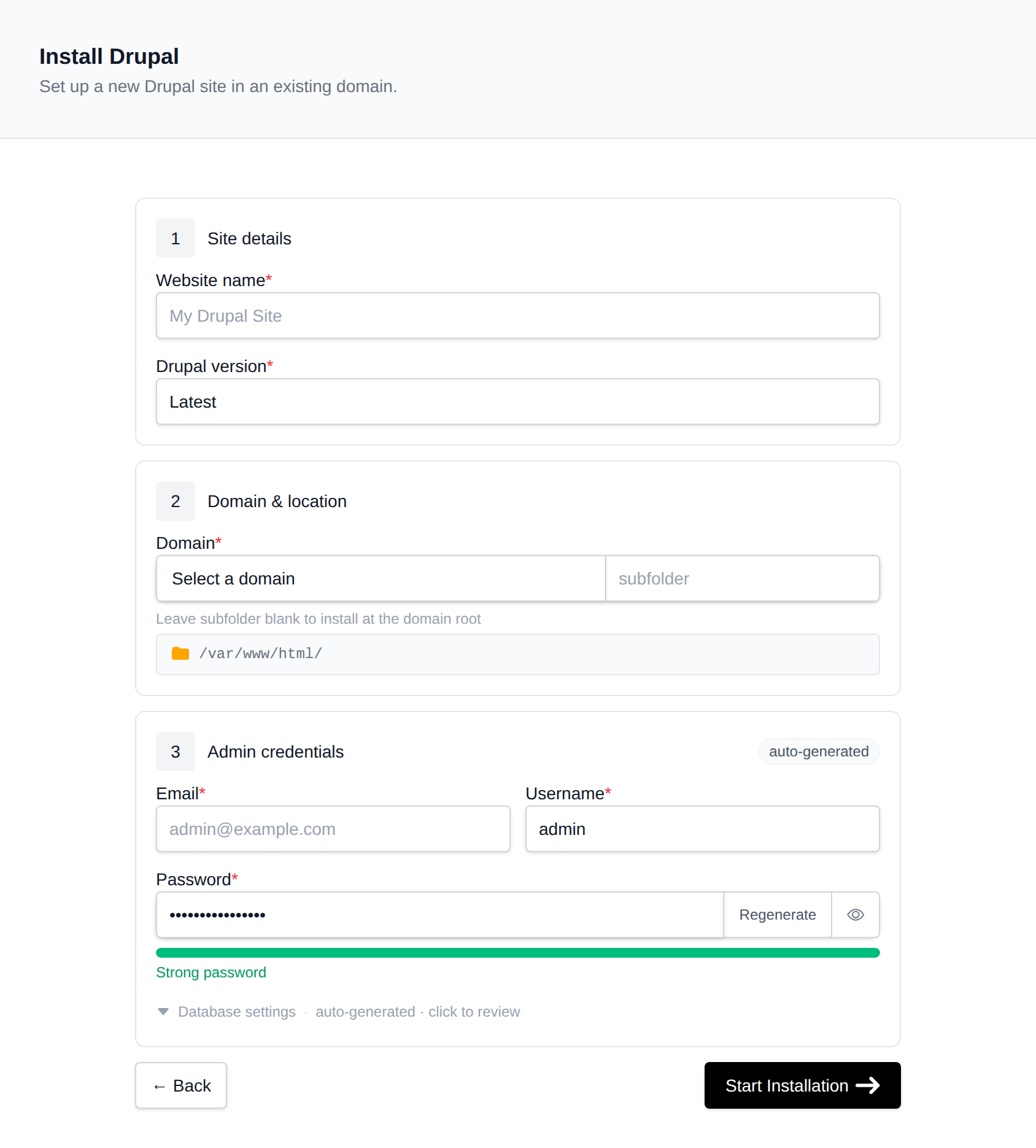
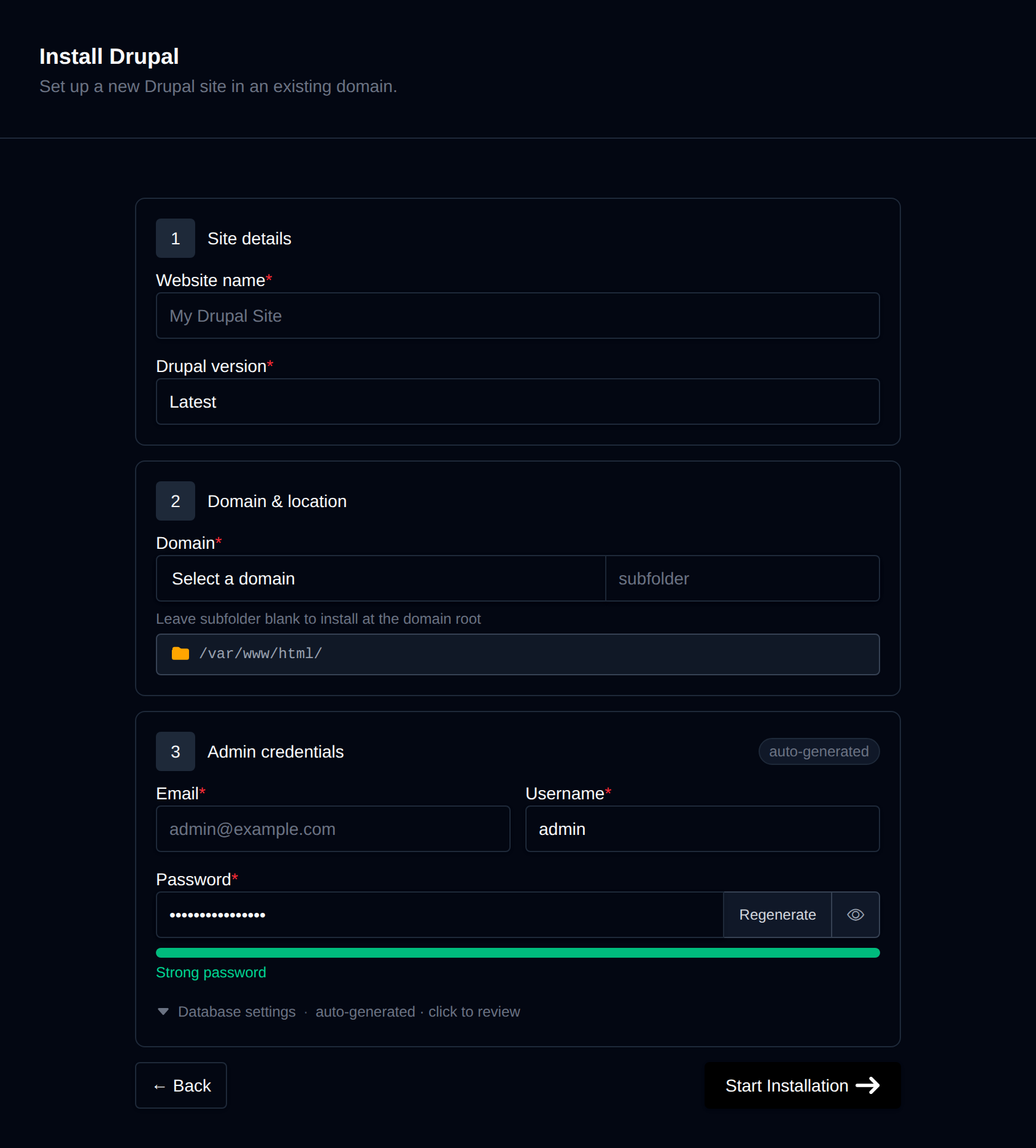
On the install page, configure:
- Domain – The domain (and optional subfolder) to install into. Leave the subfolder blank to install at the domain root.
- Site name – Displayed as the site's title.
- Drupal version – Latest, or pin to a specific major version (Drupal 11 or Drupal 10).
- Admin username / password / email – The initial administrator account Drupal creates during install. Leave the password blank to generate one.
Behind the scenes, this runs composer create-project drupal/recommended-project, requires drush/drush, creates a dedicated MySQL/MariaDB database, and runs drush site:install standard with the admin details you provided. Progress is streamed live as each step completes.
Manage a Drupal site
Every Drupal install shows up on the general Site Manager page (/sites) alongside your other websites. Click Manage on a Drupal site to open its overview page:
- Docroot – Where the Drupal codebase lives.
- Drupal version – The exact installed version, read live from
composer.lock. - Database name / user / host – Read live from
settings.php, not stored anywhere separately. - Created – When the site was installed.
Remove
The Remove tab's Delete Application button fully uninstalls the site: drops the database and database user, deletes every file in the docroot, and removes it from Site Manager. This cannot be undone.