Configuration
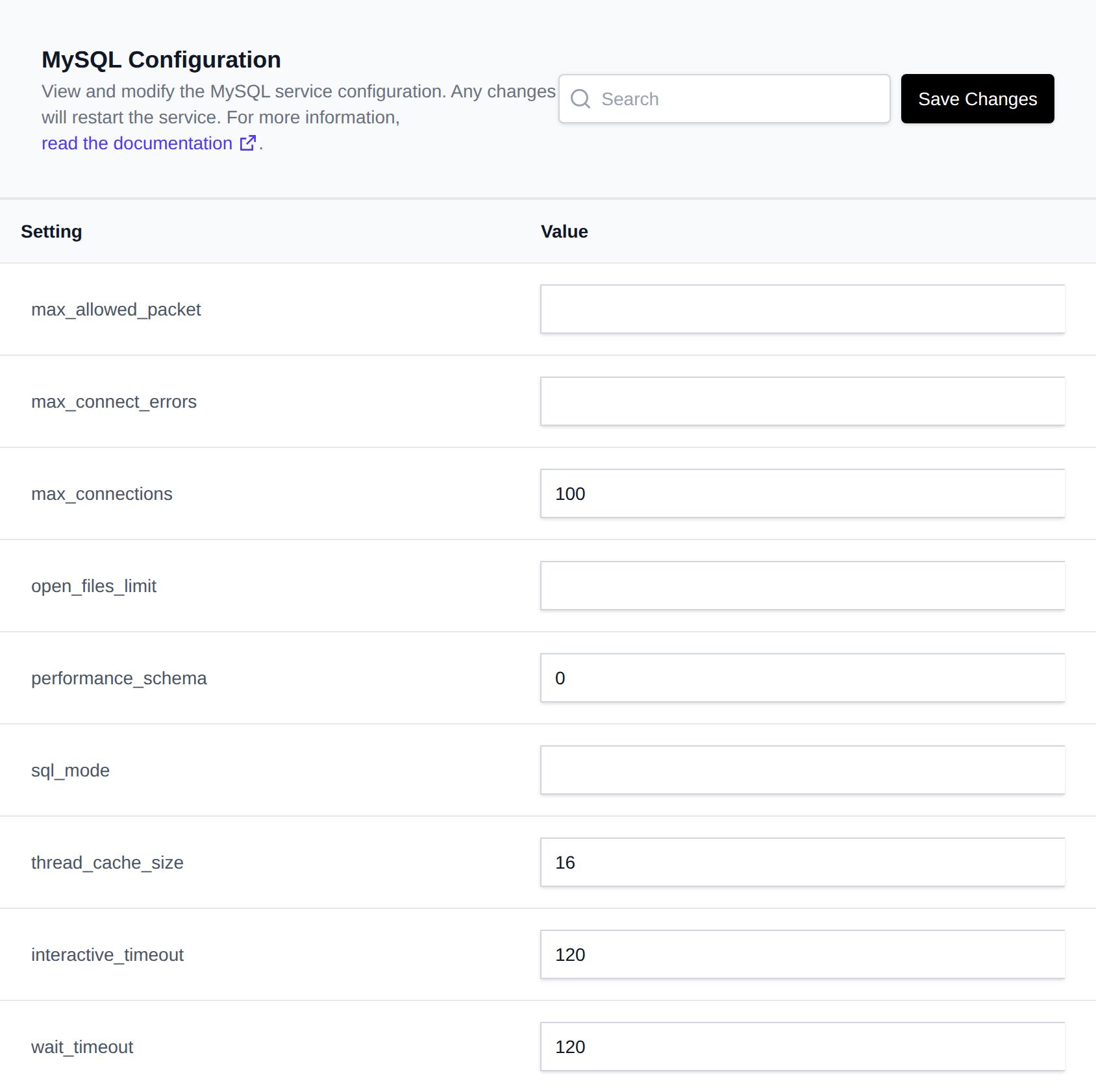
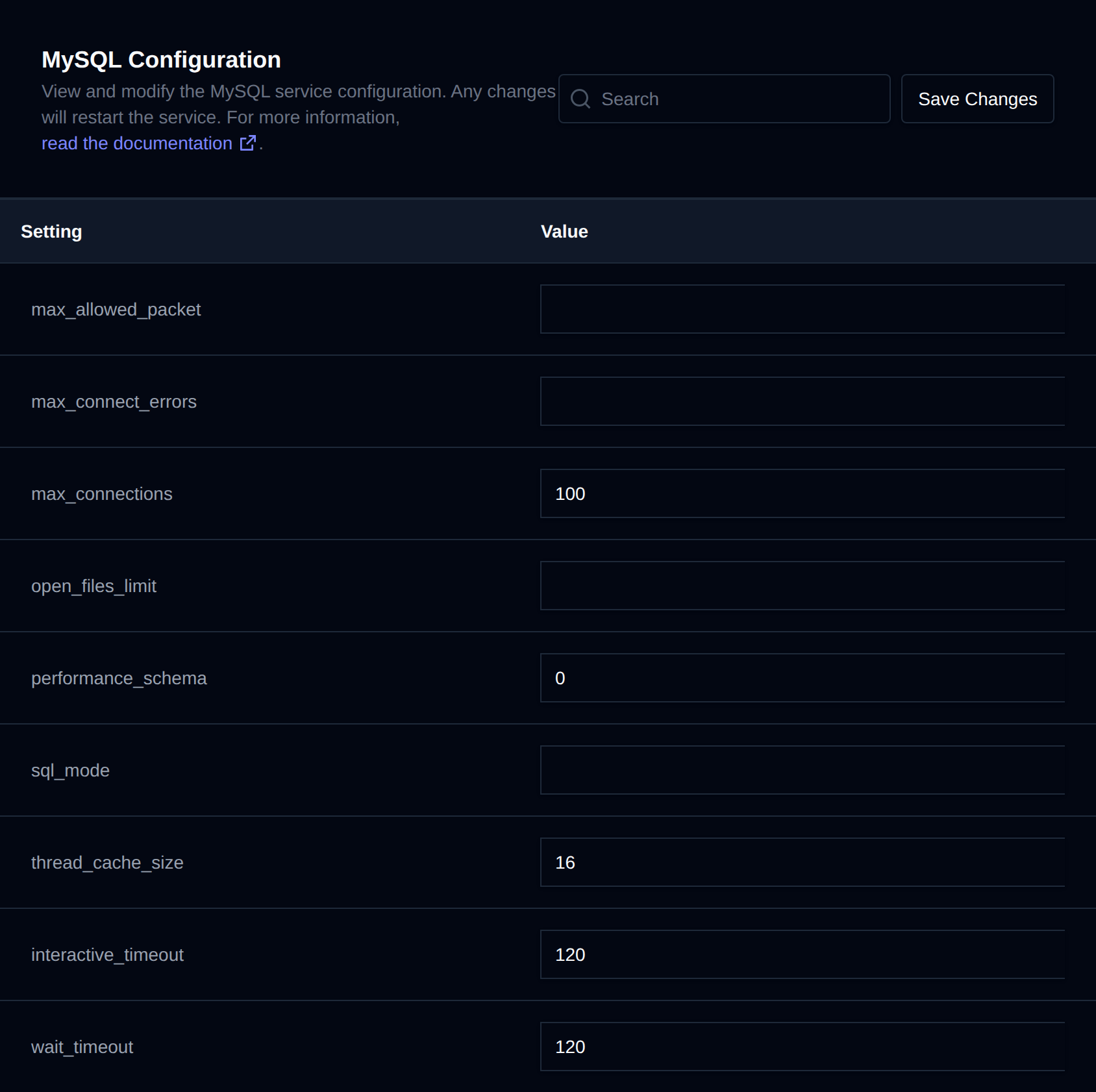
The MySQL Configuration page lets you edit low-level my.cnf settings for your database service, without needing terminal access.
How to Change Configuration
- Open OpenPanel and navigate to MySQL > Configuration.
- Modify the values you want to change.
- Click Save Changes to apply changes.
Settings are written to your account's custom.cnf file, and the MySQL/MariaDB container is restarted to apply them.
Optimize Database
When the Configuration page opens, OpenPanel checks your database service in the background and suggests settings that fit how it's actually used. While it checks you'll see Checking your database for possible optimizations....
If it finds something to improve, an Optimize Database banner shows at the top of the page and an optimize icon (⚡) shows next to each setting that has a suggestion.
- Click the optimize icon next to a setting, or Review all in the banner.
- The Confirm Changes dialog shows the previous value, the new value and why it's suggested for each setting.
- Click Save Changes to apply them and restart the service, or Cancel to close the dialog without changing anything.
The banner also shows what the suggestions are based on: the server version, the memory limit and current memory use of the database service, the number of databases, how much InnoDB and MyISAM data you have, and the uptime.
Suggestions are based on:
- Memory limit of your MySQL/MariaDB service, and whether it was ever stopped for running out of memory. Used for the InnoDB buffer pool, temporary tables, Performance Schema and how many connections fit in memory.
- Your data: how much data and indexes your InnoDB and MyISAM tables use. For example the key buffer is lowered when you have no MyISAM tables, and the buffer pool is raised when your InnoDB data doesn't fit in it.
- Usage counters since the service started: disk reads, temporary tables written to disk, refused connections, new threads, log buffer waits and sort merges. These are only used after the service has been running for at least an hour.
- Current connections: many idle connections suggest a lower
wait_timeout. - Error log: recent Too many connections, max_allowed_packet and redo log size errors.
Only settings that are listed on the page and supported by your server version are suggested, so the suggestions work for both MySQL and MariaDB. For example innodb_log_file_size is not suggested on newer MySQL versions that size the redo log with innodb_redo_log_capacity.
Optimizations are general suggestions and may not result in increased database performance for all use cases.
Available Options
The list of configurable keys is determined by the system administrator. By default, the following are available:
max_allowed_packetmax_connect_errorsmax_connectionsopen_files_limitperformance_schemasql_modethread_cache_sizeinteractive_timeoutwait_timeoutlog_outputlog_errorlog_error_verbositygeneral_loggeneral_log_filelong_query_timeslow_query_logslow_query_log_filejoin_buffer_sizekey_buffer_sizeread_buffer_sizeread_rnd_buffer_sizesort_buffer_sizeinnodb_log_buffer_sizeinnodb_log_file_sizeinnodb_sort_buffer_sizeinnodb_buffer_pool_chunk_sizeinnodb_buffer_pool_instancesinnodb_buffer_pool_sizemax_heap_table_sizetmp_table_size
Customizing Available Options
Administrators can change which keys are exposed here by editing /etc/openpanel/mysql/keys.txt (one key per line). If that file doesn't exist, the default list above is used.