WebServer Settings
The WebServer Settings interface enables OpenPanel users to edit the primary webserver configuration file directly using a text editor.
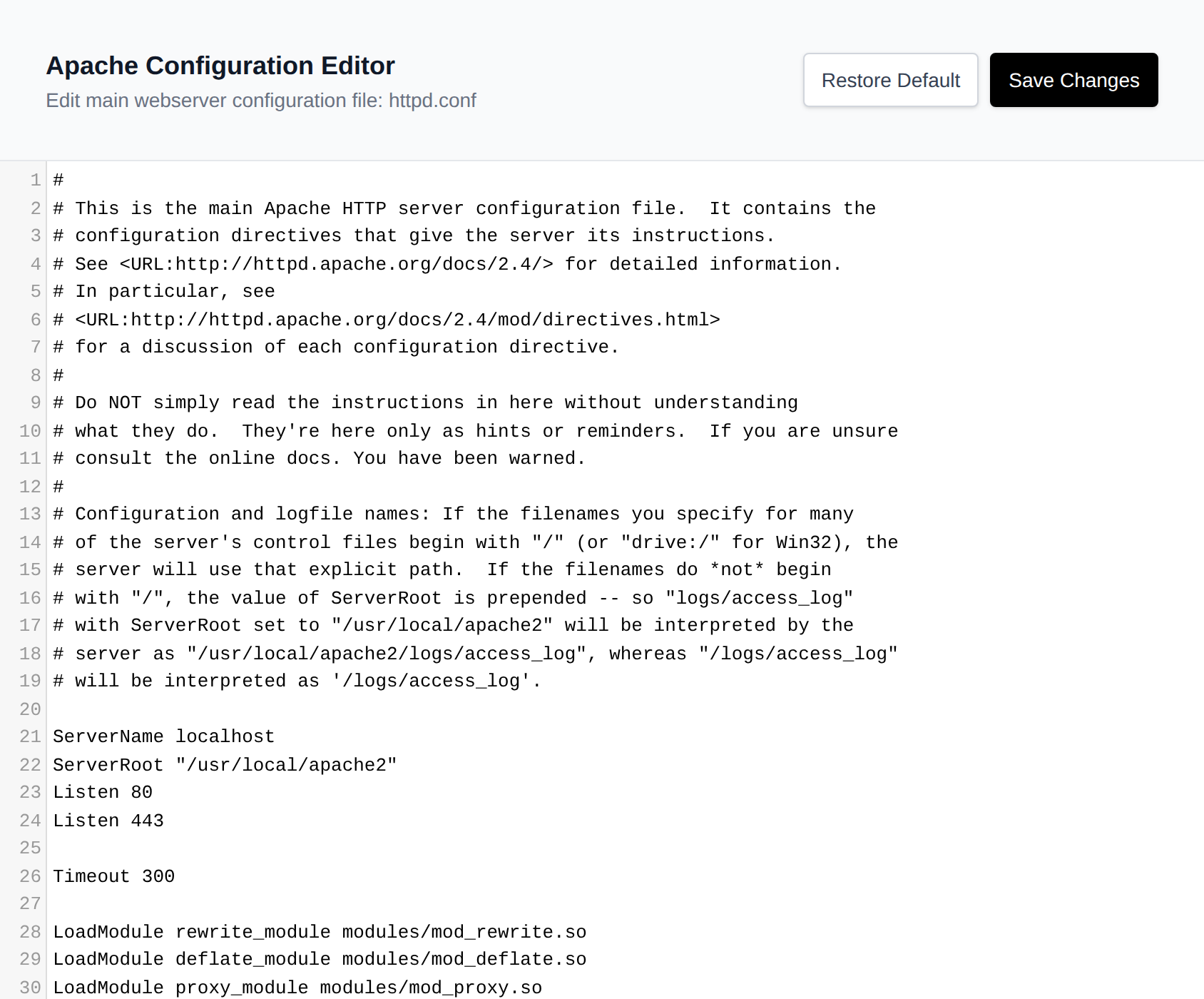
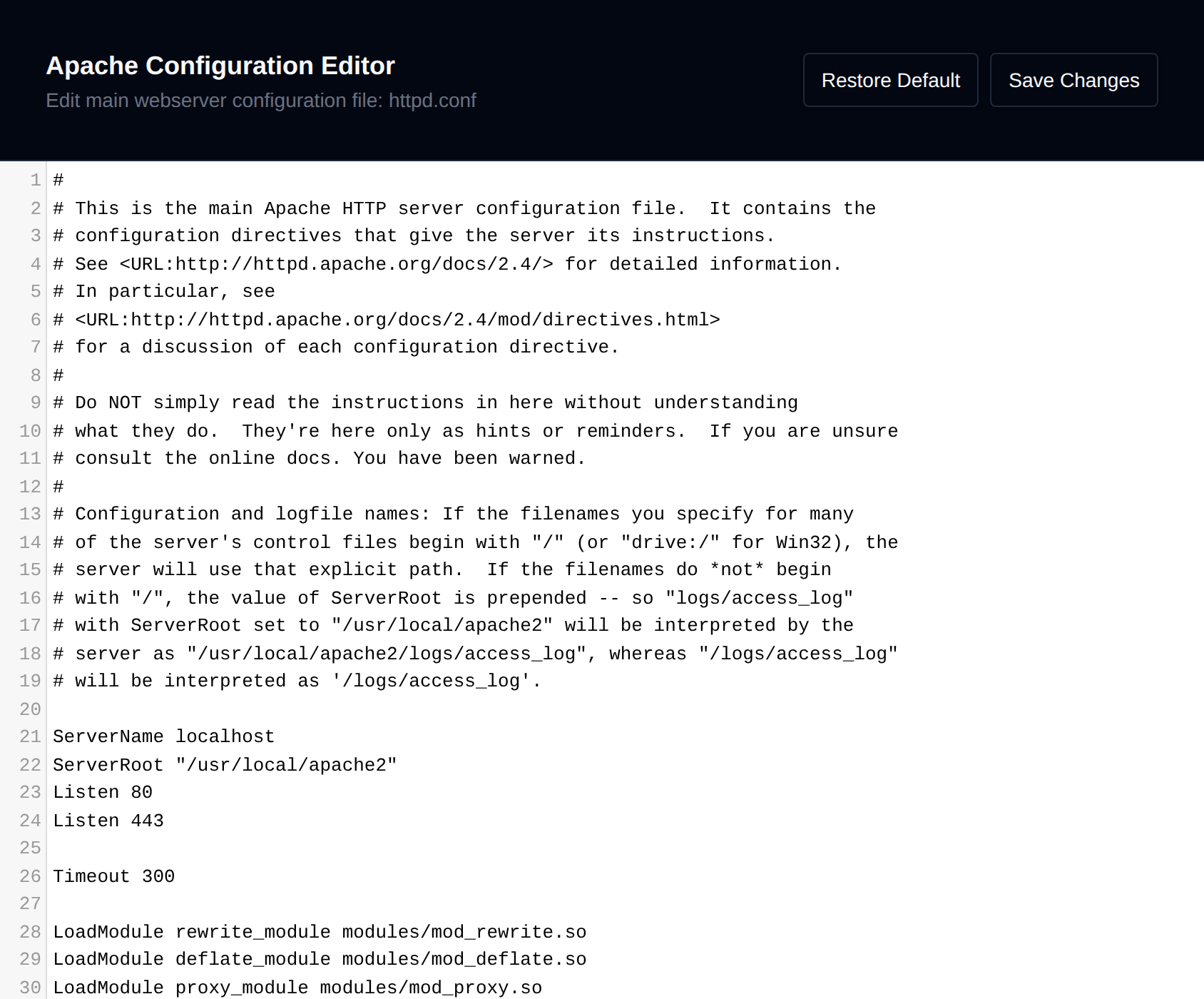
These settings are global and apply to all domains (i.e., affect the virtual hosts configuration).
⚠️ Important: Always create a backup of the configuration file before making any changes.
- For Apache, you can edit the
httpd.conffile. - For Nginx and OpenResty, you can edit the
nginx.conffile. - For OpenLiteSpeed, you can edit the
openlitespeed.conffile. - For LiteSpeed, you can edit the
litespeed.conffile, an Apache style config LiteSpeed reads.
After making your changes, click Save Changes to write the file. If the webserver container is running, the new configuration is tested before it is applied - if it fails the syntax check, the previous content is restored and the save is rejected. When the configuration is valid (or the container isn't running), the file is saved and the webserver container is restarted automatically.
If a default configuration template is available for your webserver, a Restore Default button is also shown, letting you overwrite the current file with the stock configuration and restart the service.
LiteSpeed license
When your web server is LiteSpeed, the page also shows its license above the editor: a trial license with the days it has left, or your serial number.
- To use your own license, enter the serial number and click Save serial. It's registered with LiteSpeed and the web server restarts with it. If LiteSpeed can't register it, the error is shown and the serial number stays saved, so LiteSpeed won't start with the trial again.
- To remove your serial number and go back to a trial license, click Use trial.