Version: 2.0.17
Remove User from DB
Revoke a role previously granted to a MongoDB user on a database, to prevent them from executing queries, modifying collections, or managing data.
This step is essential for managing access control and ensuring that only authorized users can interact with sensitive or production data.
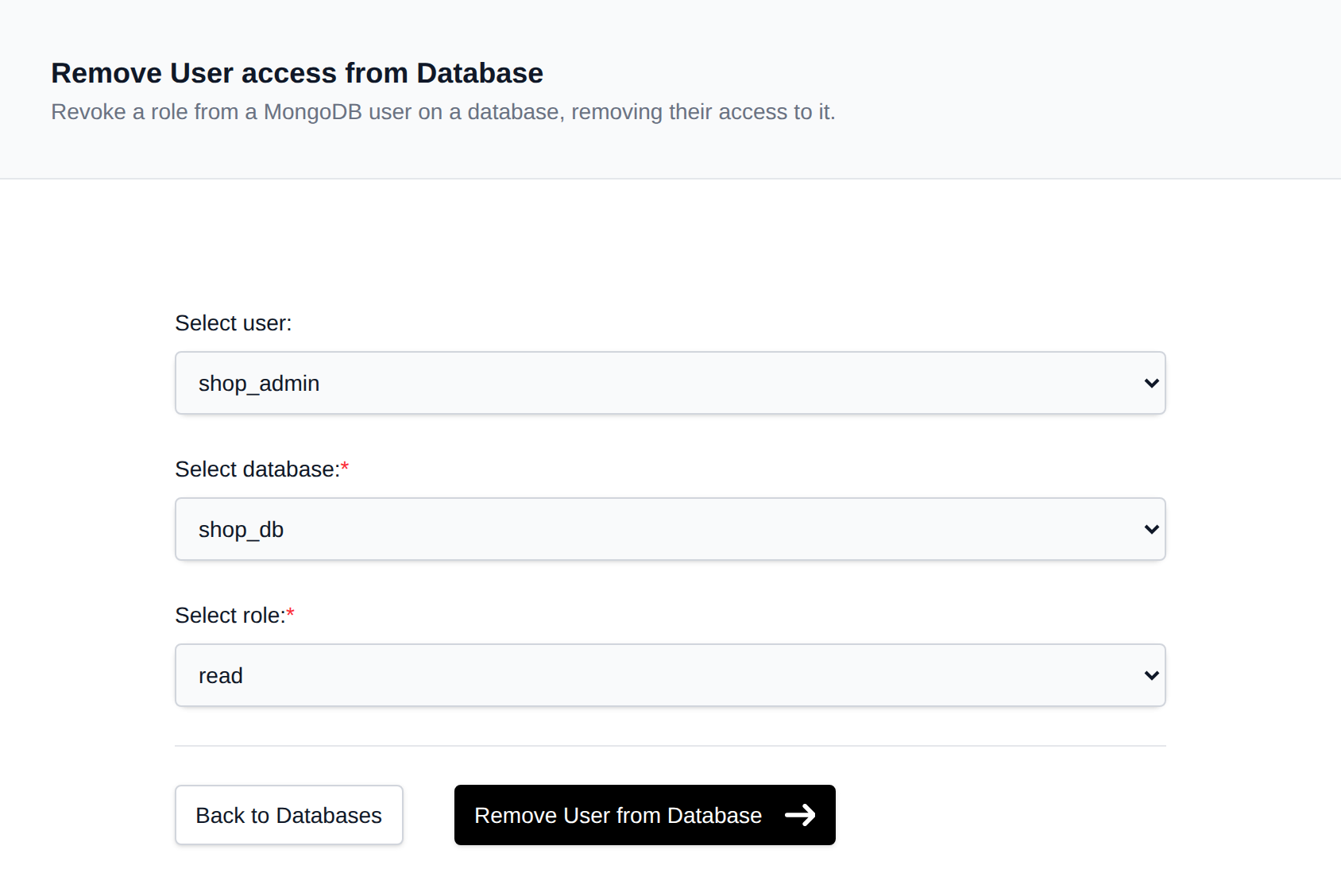
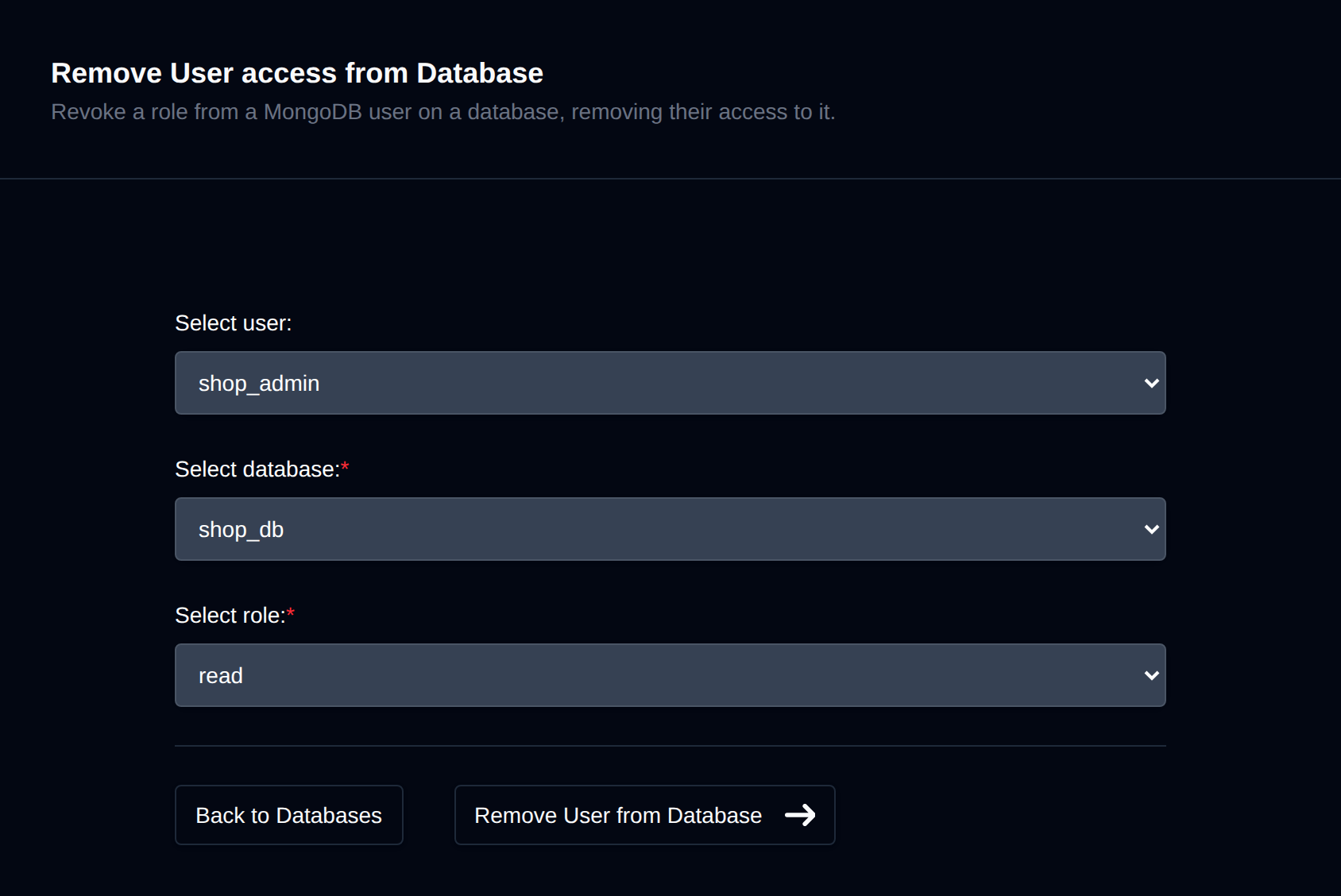
To remove user access from a database, navigate to MongoDB > Users > Remove User:
-
Select a User Choose the MongoDB user whose access you want to revoke.
-
Select a Database Choose the database from which the user's role should be revoked.
-
Select a Role Choose the role to revoke - it must match a role the user currently holds on that database.
-
Click 'Remove User from Database' After selecting the user, database, and role, click the Remove User from Database button.
Was this helpful?