Databases
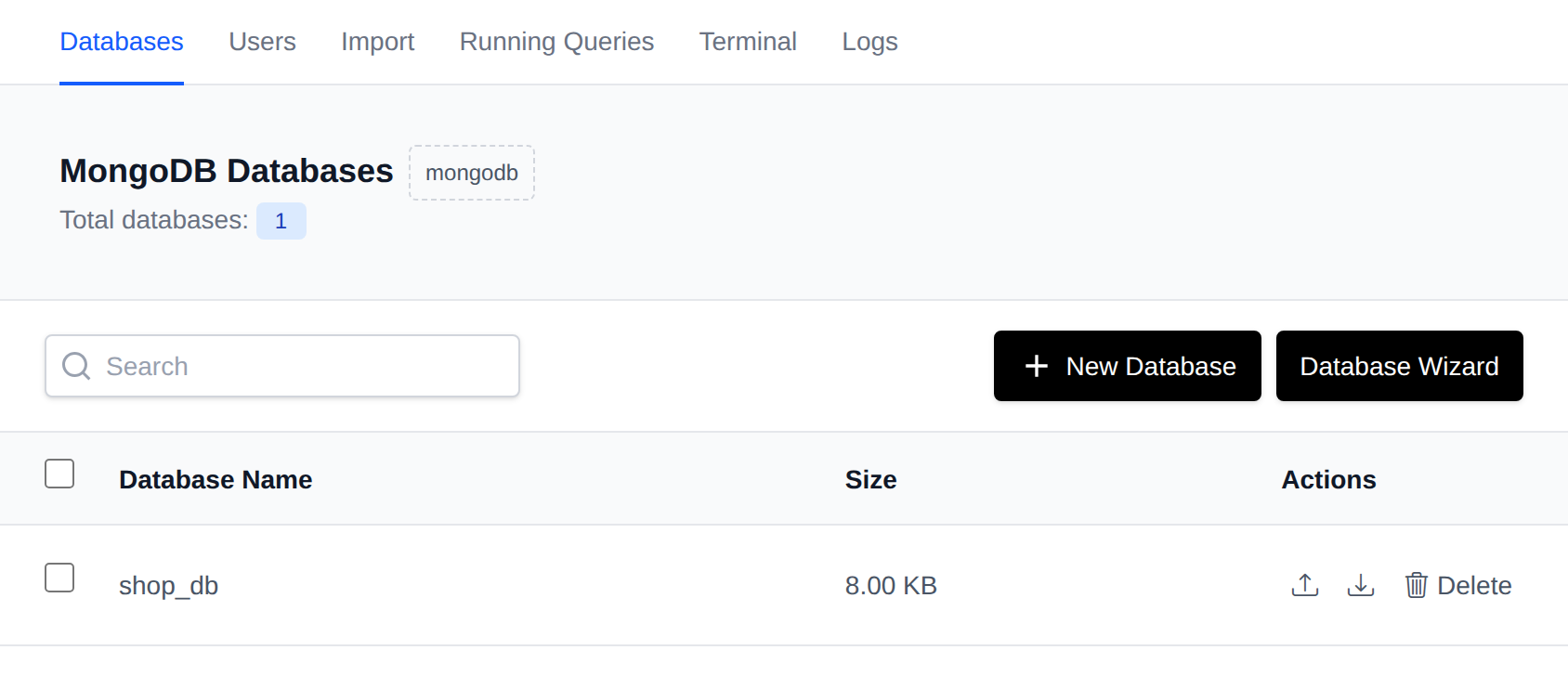
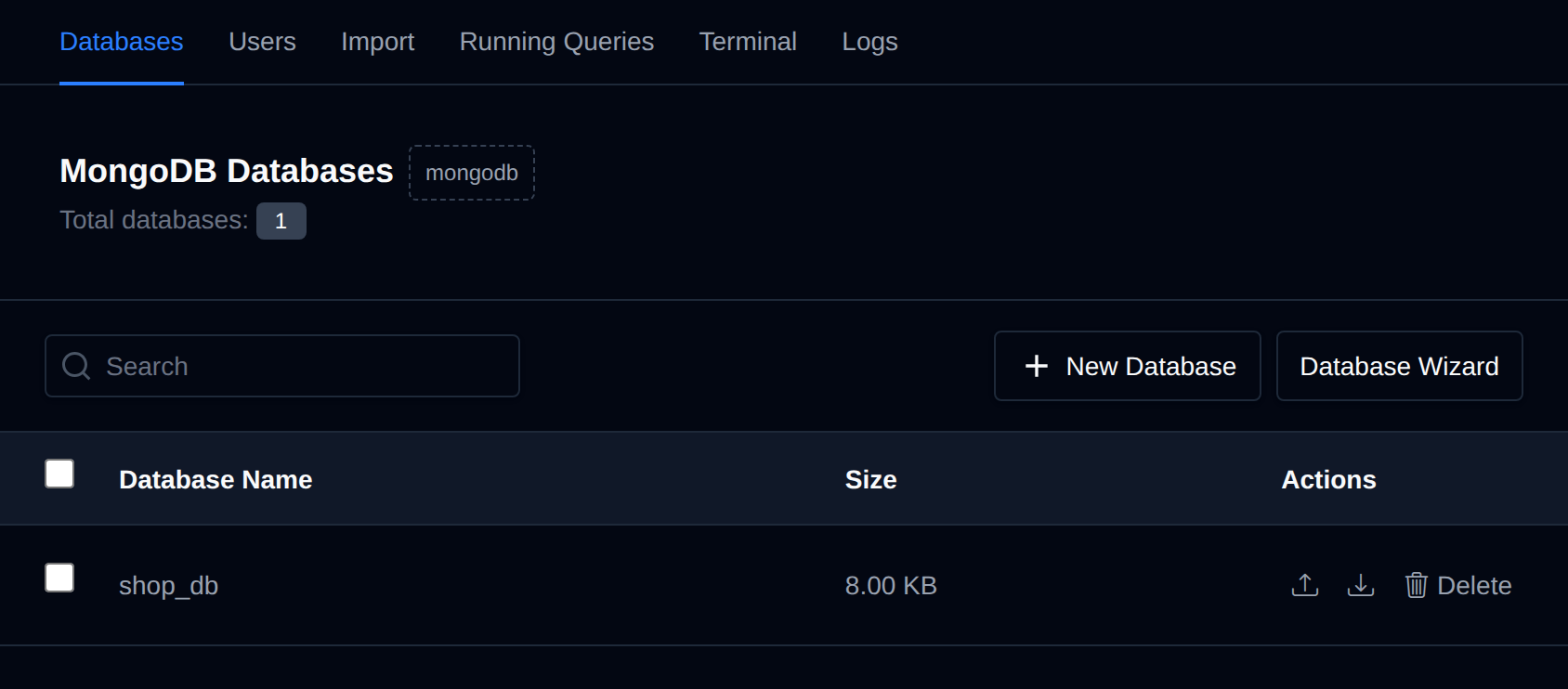
MongoDB databases are used to store and manage your application's document-based data, making it accessible and organized for your applications and services.
On the Databases page, you can view and manage your MongoDB databases.
The page provides a table containing the user's databases, along with options related to them:
- Databases: Here, you can view database sizes.
Available options on the Databases page are:
- View Databases
- Create a new database
- Import or export a database
- Delete a MongoDB Database
System databases (admin, local, config) are never shown in the table and cannot be created, imported into, or deleted through OpenPanel.
Create a MongoDB Database
To create a new MongoDB database, click on the "New Database" button and fill in the name of the new database.
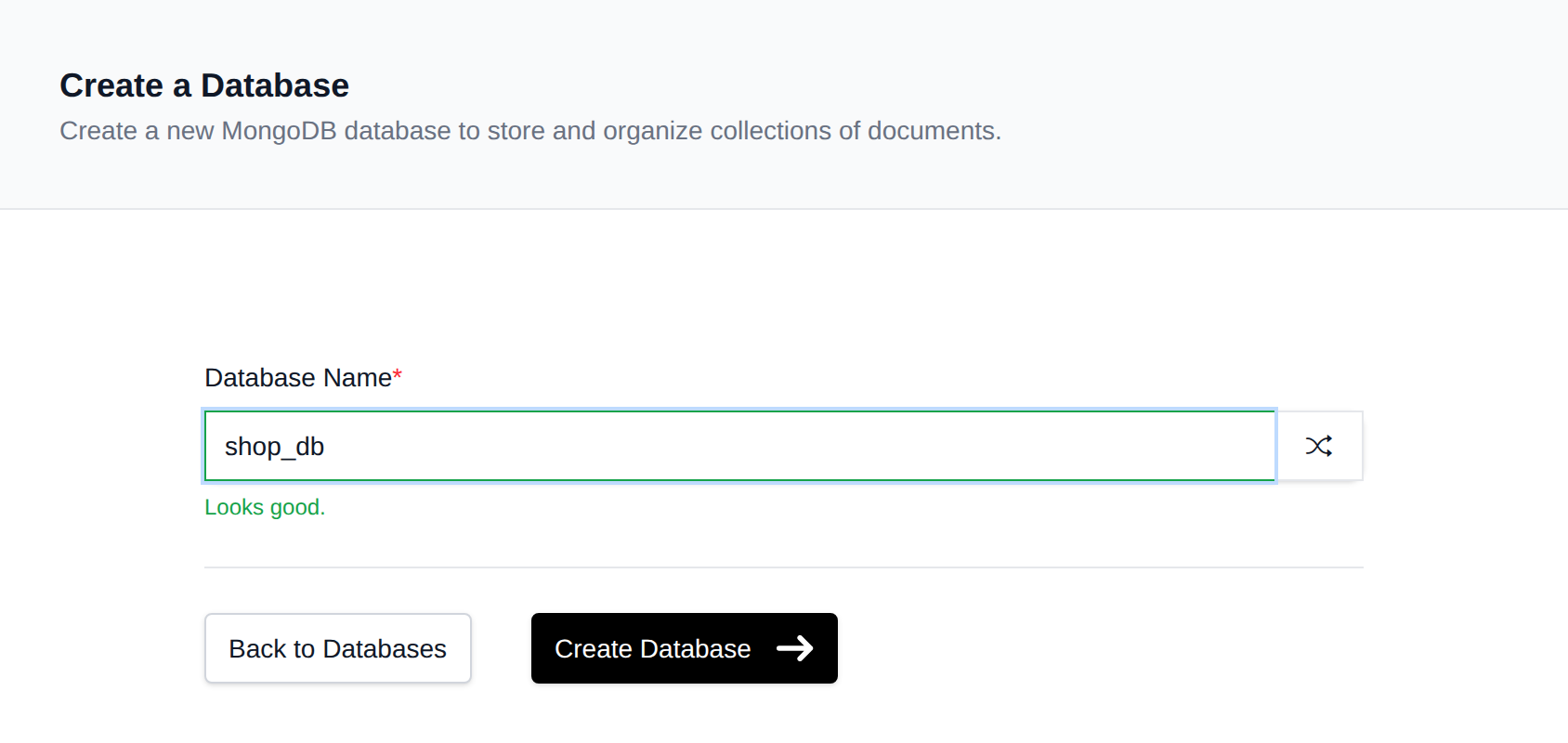
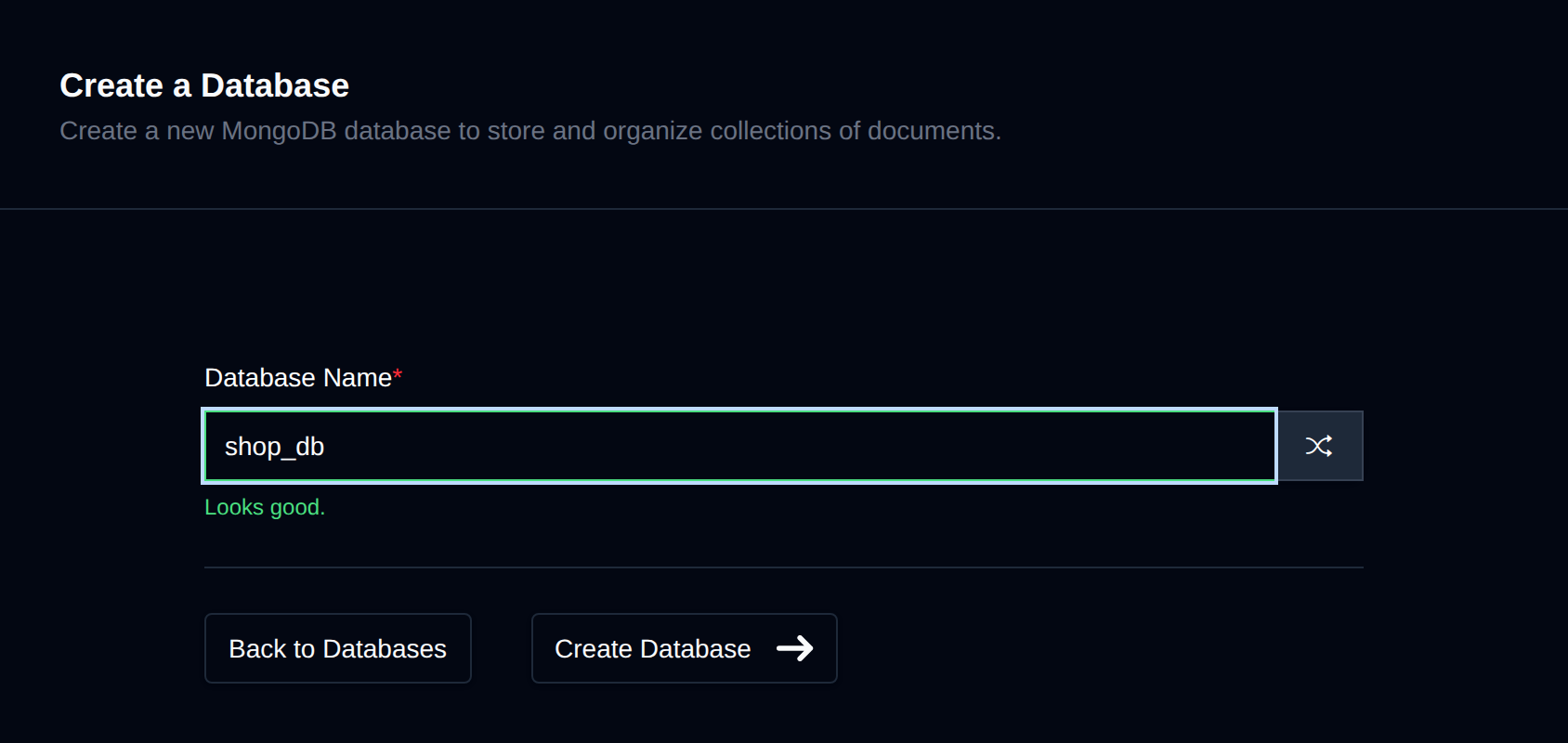
MongoDB has no explicit "create database" operation - the database is created as soon as it holds data, so a placeholder collection is created for you automatically.
Database Actions
Each database row has these actions:
- Import: only shown if the Import feature is enabled for your account. Opens the Import page with this database pre-selected.
- Export: opens a small panel where you choose the export Format,
Archive(.archive) orGZIP(.archive.gz), and Destination (download to your Browser, or save to a Files path under/var/www/html/), then click Export. The export is made withmongodumpand can be imported back on the Import page, also into a database with a different name. - Delete: permanently deletes the database.
Bulk Actions
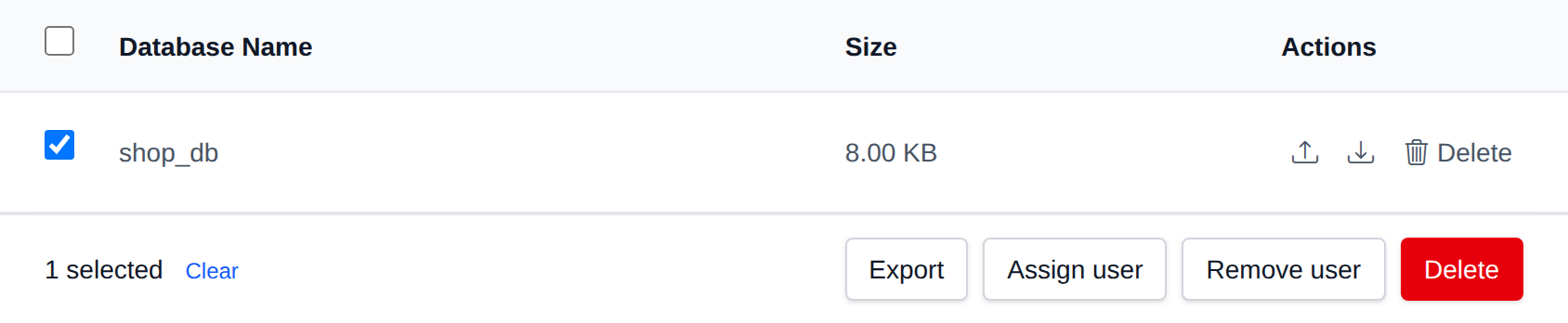
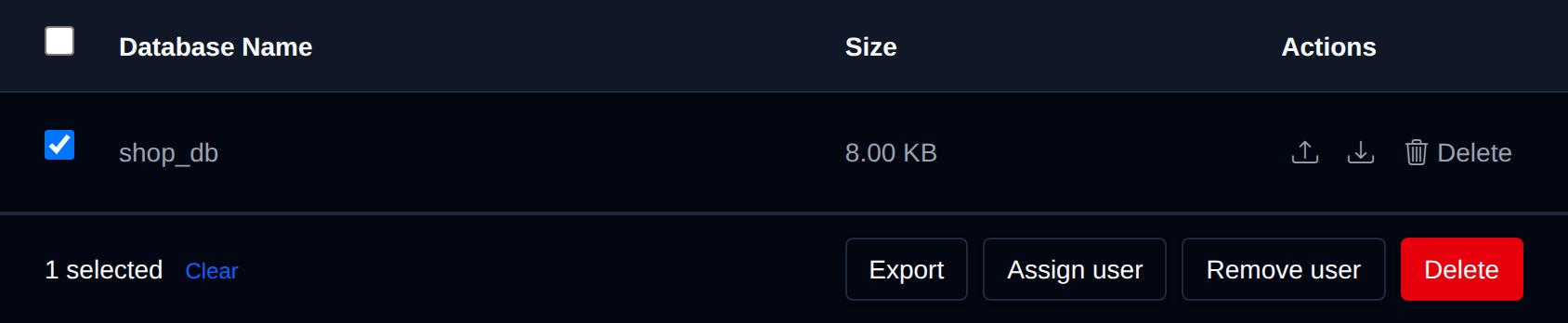
Tick the checkbox of one or more databases, or the checkbox in the table header to select every database shown by the current search. A bar appears at the bottom of the page with the number selected, a Clear link and these actions:
| Action | What it does |
|---|---|
| Export | Exports each selected database as an .archive.gz file to the folder you enter under /var/www/html. |
| Assign user | Gives the user you pick read and write access to the selected databases. |
| Remove user | Removes the user you pick from the selected databases. |
| Delete | Permanently deletes the selected databases. |
System databases can't be selected.
Click an action, confirm it, and it runs on the selected databases one after another. When it's done the page reloads with a notice listing the databases it worked for, or which ones failed and why.
Delete a MongoDB Database
To delete an existing MongoDB database, click on the "Delete" button next to the database name in the table.
The button turns into Confirm with a 5-second countdown. Click it again before the countdown ends to delete the database; otherwise it reverts to Delete.


⚠️ Deleting a MongoDB database will permanently delete all collections and data for that database.
The New Database and Database Wizard actions are only available while the MongoDB service is running.